Black Skin Fog Remover 1.0

A Mod for Silent Hill f
Black Skin Fog Remover Mod Preview Image
  • Screenshot 2025-10-23 105927.png
    Screenshot 2025-10-23 105927.png
    841.4 KB · Views: 1,035
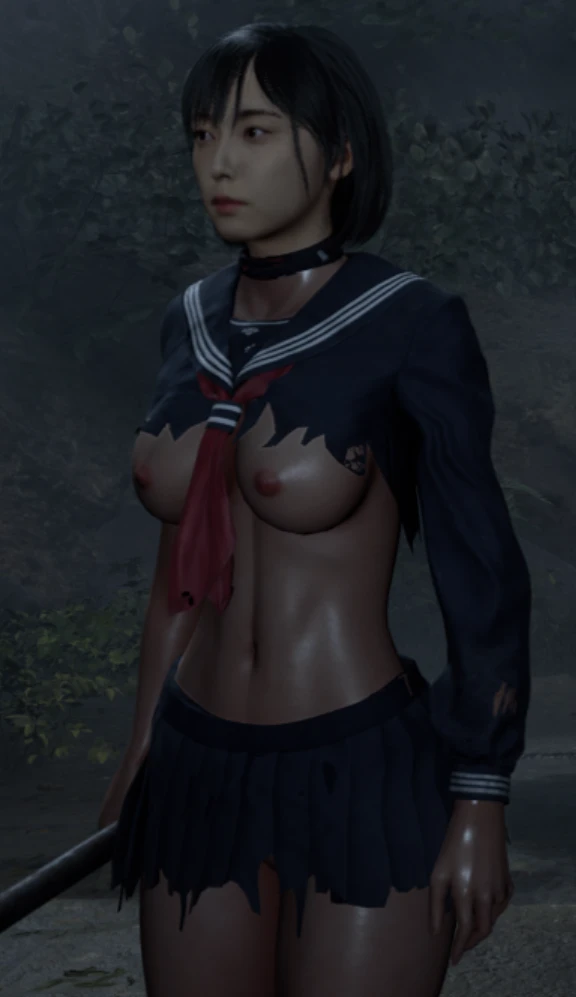
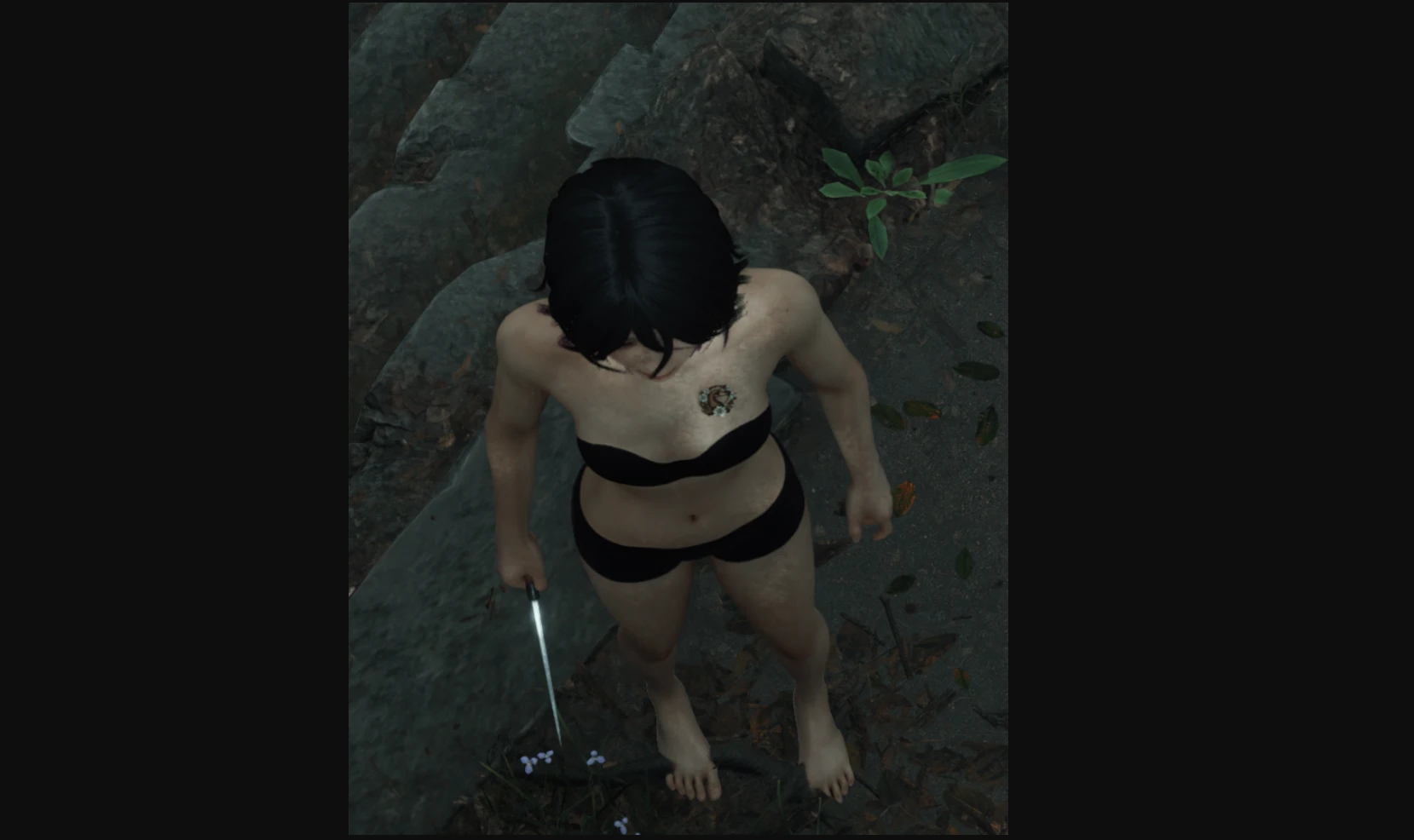
Removes the black "UnderWearFog" on character models in-game.
To install, drop zip contents in SHf/Mods folder (create if doesn't exist).

REQUIRES SIMPLE MOD LOADER: https://ayakamods.com/mods/simple-mod-loader.1202/

Should work with any other mods, allowing modders to use Hinako's skin material without censorship.
As a modder, you are allowed to include this in your mods in any way you so desire. But it's likely easiest to list this mod & Simple Mod Loader as a dependency.

Find me on ayaka discord for help: @suitoh
Log in or sign up to download
Uploaded by
Lawlooka
Downloads
1,098
Views
9,472
First release
Last update
Platform
PC 
Version
1.0
Total Size
79.7 KB
Rating
5.00 star(s) 1 ratings

Uploaded by

  • 1,098
  • 9,472

Ratings

5.00 star(s) 1 ratings

Tags

There are no tags available.

More mods from Lawlooka

  • PC Hinako – Torn Outfit (Full Reveal Edition)

luskamodsnow

Members
Members
Nov 2, 2025
0
4
Can you make this body mod from the photo available? The dark fog disappears perfectly, only the semi-naked body of the available photo is also missing.
 

sekiro1996

Members
Members
Nov 4, 2025
0
0
How do I get this mod to work I use the simple mod loader like im supposed to but the black fog remover is never shows up saying it's been enabled I put it next to the files for the simple mod loader to
 

snake75055

Members
Members
Nov 13, 2025
0
1
I can't get the mod to work every other mod I try loads just fine but this one. The void is still there.
 

Lawlooka

Modder
Modder
Members
Jul 21, 2025
0
6
Can you make this body mod from the photo available? The dark fog disappears perfectly, only the semi-naked body of the available photo is also missing.

I can not. Another modder gave it to me for testing since they were having trouble getting the fog remove to work.
It is only there as a reference photo to showcase the type of fog I am talking about that is normally hidden by the skirt.
 

Riyo

Members
Members
Jun 2, 2025
0
10
It says I need to use ‘Simple Mod Loader’.
I tried to download the Simple Mod Loader, and when I clicked it, these options showed up:


  • consolecheats
  • dev resources for SML
  • sml 0…

Do I have to download all of them?
I read the readme, but it just made me even more confused.
I’m not very good with computers, so I read the readme slowly twice, and the only thing I understood was to put it in the ~mod folder inside the Paks folder. I already did that.


I copied ‘Black Skin Fog Remover’ and also:


  • consolecheats
  • dev resources for SML
  • sml 0…

But there’s no file called ‘Simple Mod Loader’.
It still doesn’t work.
Is it possible to make a simple tutorial?
 

Draganito

Modder
Modder
Members
Aug 8, 2025
0
33
It says I need to use ‘Simple Mod Loader’.
I tried to download the Simple Mod Loader, and when I clicked it, these options showed up:


  • consolecheats
  • dev resources for SML
  • sml 0…

Do I have to download all of them?
I read the readme, but it just made me even more confused.
I’m not very good with computers, so I read the readme slowly twice, and the only thing I understood was to put it in the ~mod folder inside the Paks folder. I already did that.


I copied ‘Black Skin Fog Remover’ and also:


  • consolecheats
  • dev resources for SML
  • sml 0…

But there’s no file called ‘Simple Mod Loader’.
It still doesn’t work.
Is it possible to make a simple tutorial?
Download SML and install it as usual in the ~mods folder; it consists of 4 files. The black fog remover is installed in the SHf folder. You need to create a folder called mods if you don't already have one, and place the blackfogremover folder inside that folder. You don't need to type anything in the console; it should be done automatically.
On page 1 of this mod there are 2 links to photos posted by evelyn0218 showing how it should look
 

Riyo

Members
Members
Jun 2, 2025
0
10
Download SML and install it as usual in the ~mods folder; it consists of 4 files. The black fog remover is installed in the SHf folder. You need to create a folder called mods if you don't already have one, and place the blackfogremover folder inside that folder. You don't need to type anything in the console; it should be done automatically.
On page 1 of this mod there are 2 links to photos posted by evelyn0218 showing how it should look
It worked, thanks a lot! Now I'm curious why the modder didn't make a guide as simple as yours.
 

Draganito

Modder
Modder
Members
Aug 8, 2025
0
33
It worked, thanks a lot! Now I'm curious why the modder didn't make a guide as simple as yours.
Hahaha, I guess I'd assume it's easy to use. I'm thinking of making a post that explains how to install it properly because everyone keeps asking the same thing :P
 

Westeros

Members
Members
Nov 12, 2025
0
0
Do you know how to make it work on the Xbox Store/Game Pass version?