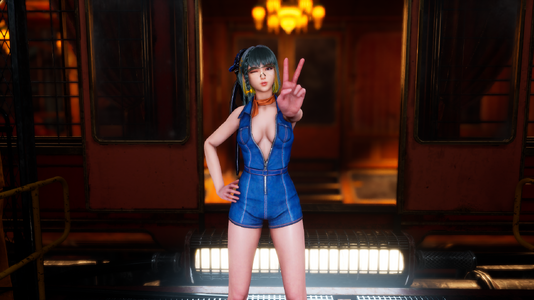
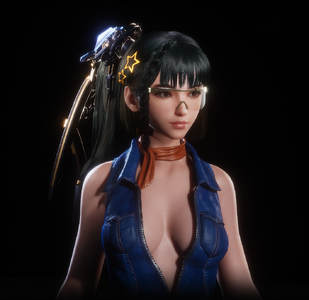
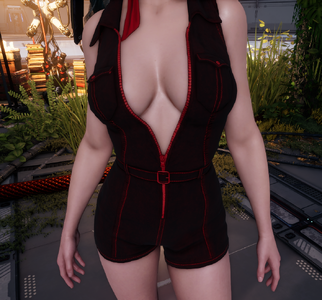
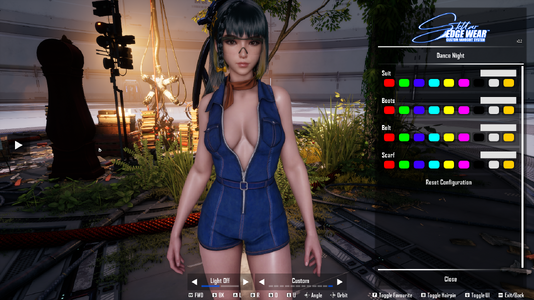
Dance Night Skin (The First Descendant)
Mod by Miroboku
Description
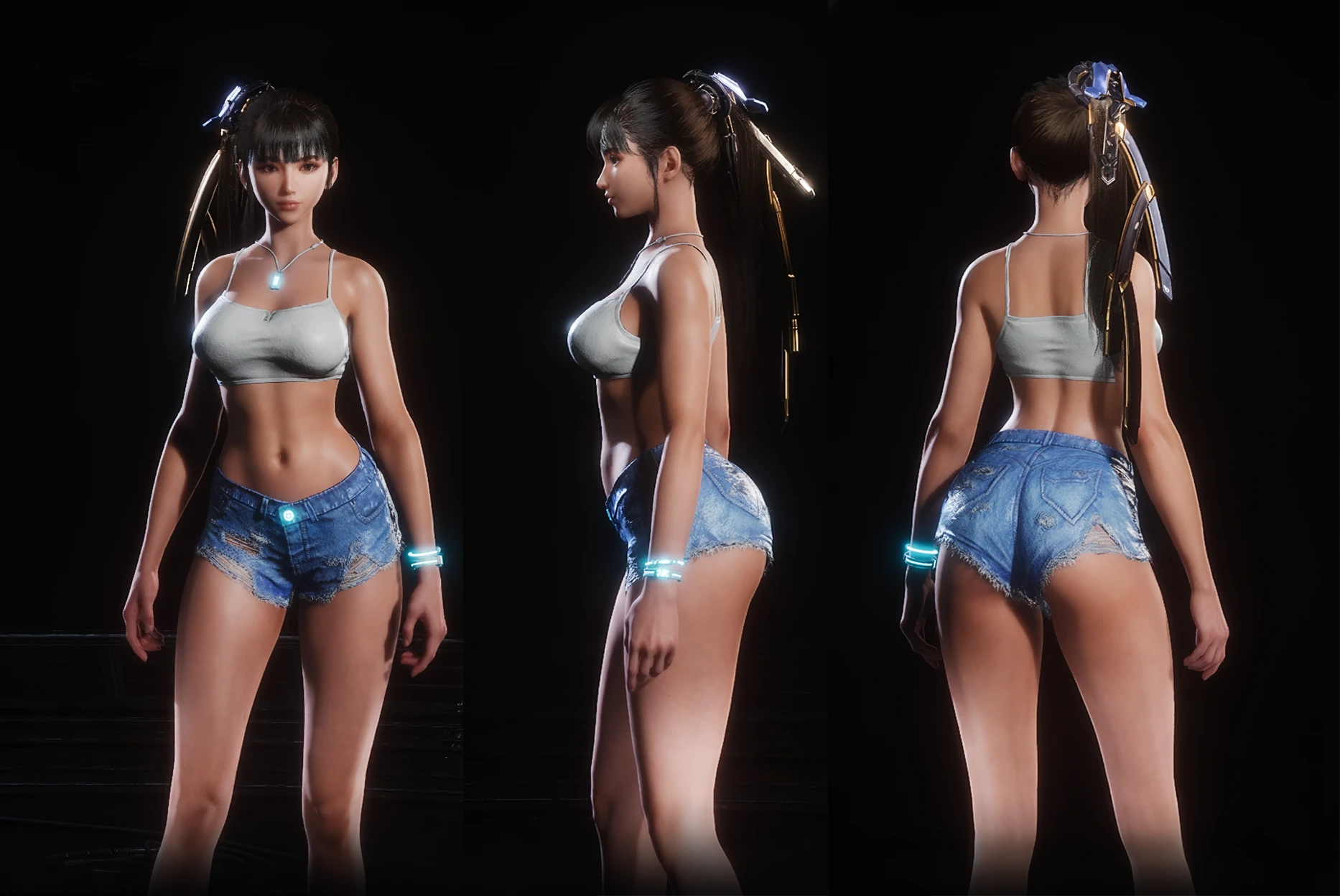
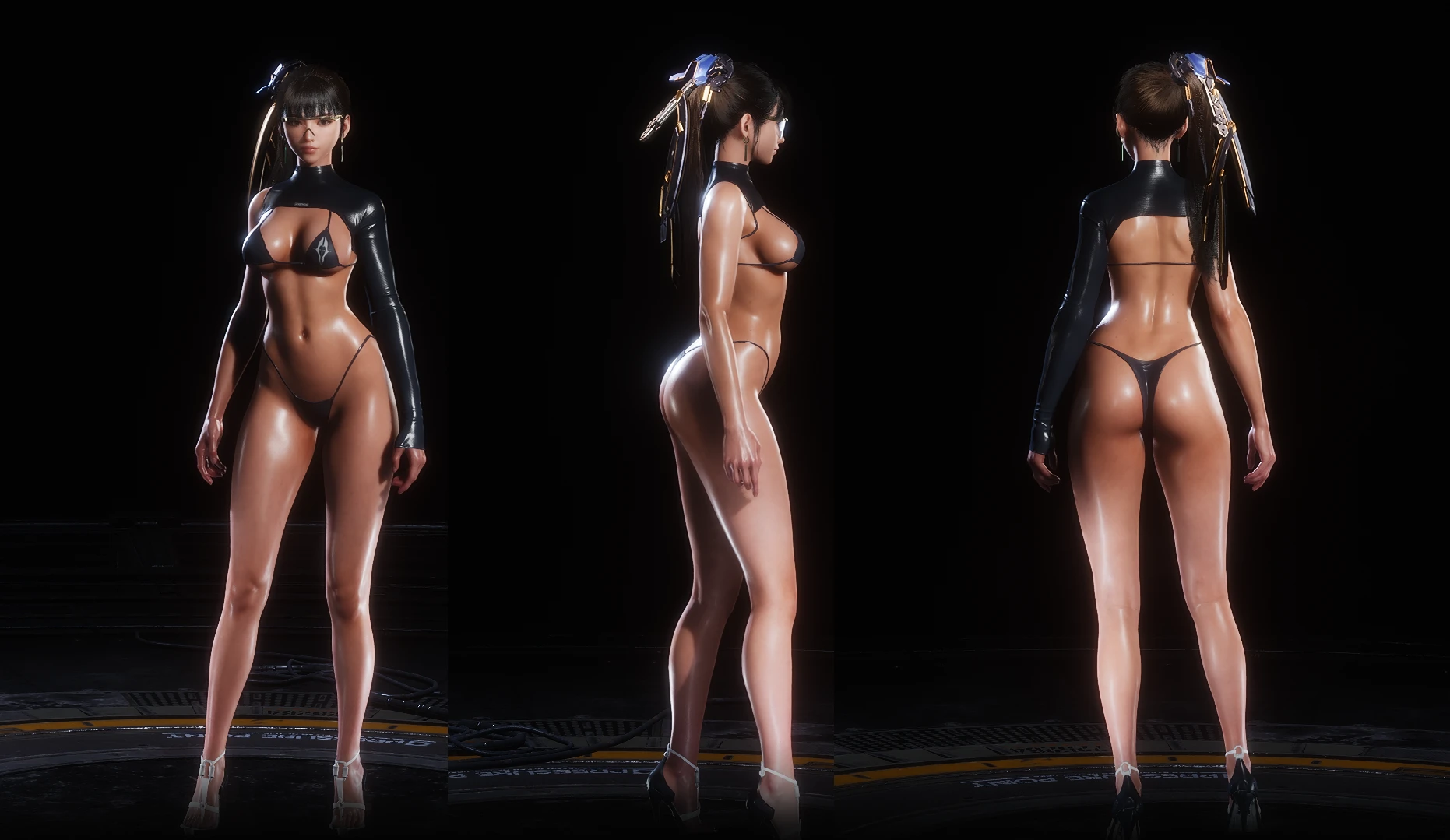
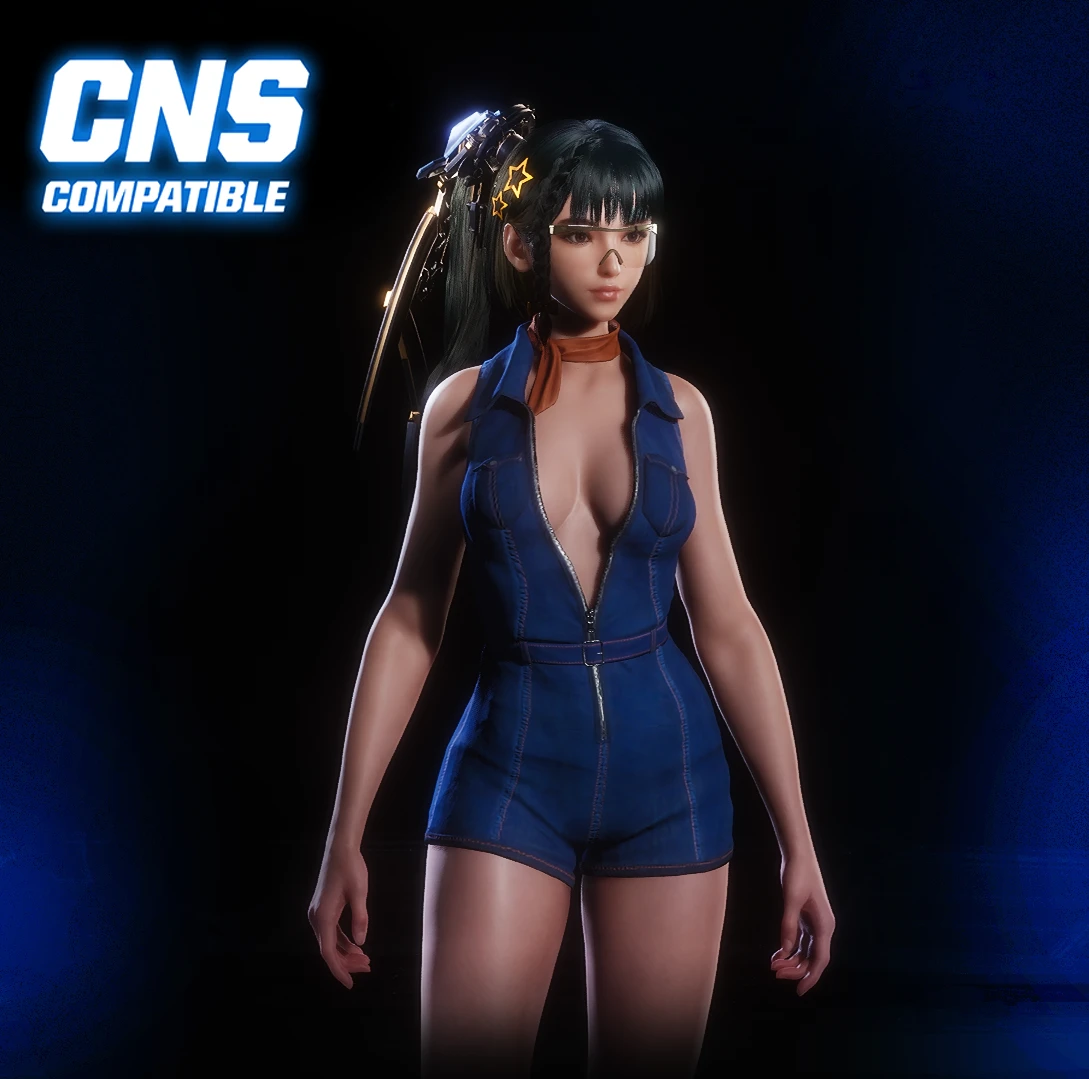
Port of the "Dance Night" outfit from The First Descendant.
Includes two standalone versions: Glossy and Standard.
Features
- Modified body proportions (non-original)
- Fully functional photo mode support
- Planet Diving Suit V3 replace
INSTALLATION
- Download the archive.
- Extract the files to your game directory:
Code:
SteamLibrary\steamapps\common\StellarBlade\SB\Content\Paks\~ModsImportant:
- If the ~Mods folder does not exist inside the "Paks" folder, please create it yourself.
- Launch the game and equip Planet Diving Suit V3 skin.
Installation Guide for the CNS Version
This mod requires two additional components to work correctly. If you already have them installed, you can skip to Step 2.
Step 1: Install Dependencies 1.1. Download UE4SS for Stellar Blade
[*]Download the latest release from GitHub.
[*]Extract the 'ue4ss' folder and the 'dwmapi.dll' file into your game's directory:
.../StellarBlade/SB/Binaries/Win64
[*]Download the latest version from Nexus Mods.
[*]Extract the contents of the archive ('Binaries' and 'Content' folders) into the game's root folder:
.../StellarBlade/SB
[*]Download the CNS version of my mod.
[*]Navigate to your Stellar Blade installation folder:
.../StellarBlade/SB/Content/Paks
(Tip: In your Steam Library, right-click the game → Manage → Browse local files)
[*]Place the entire '~Mods' folder from my archive inside the 'Paks' directory.
[*]Ensure the file path looks like this:
.../StellarBlade/SB/Content/Paks/~Mods
[*]Launch the game.- Press the N key to open the CNS menu and enjoy the mod!