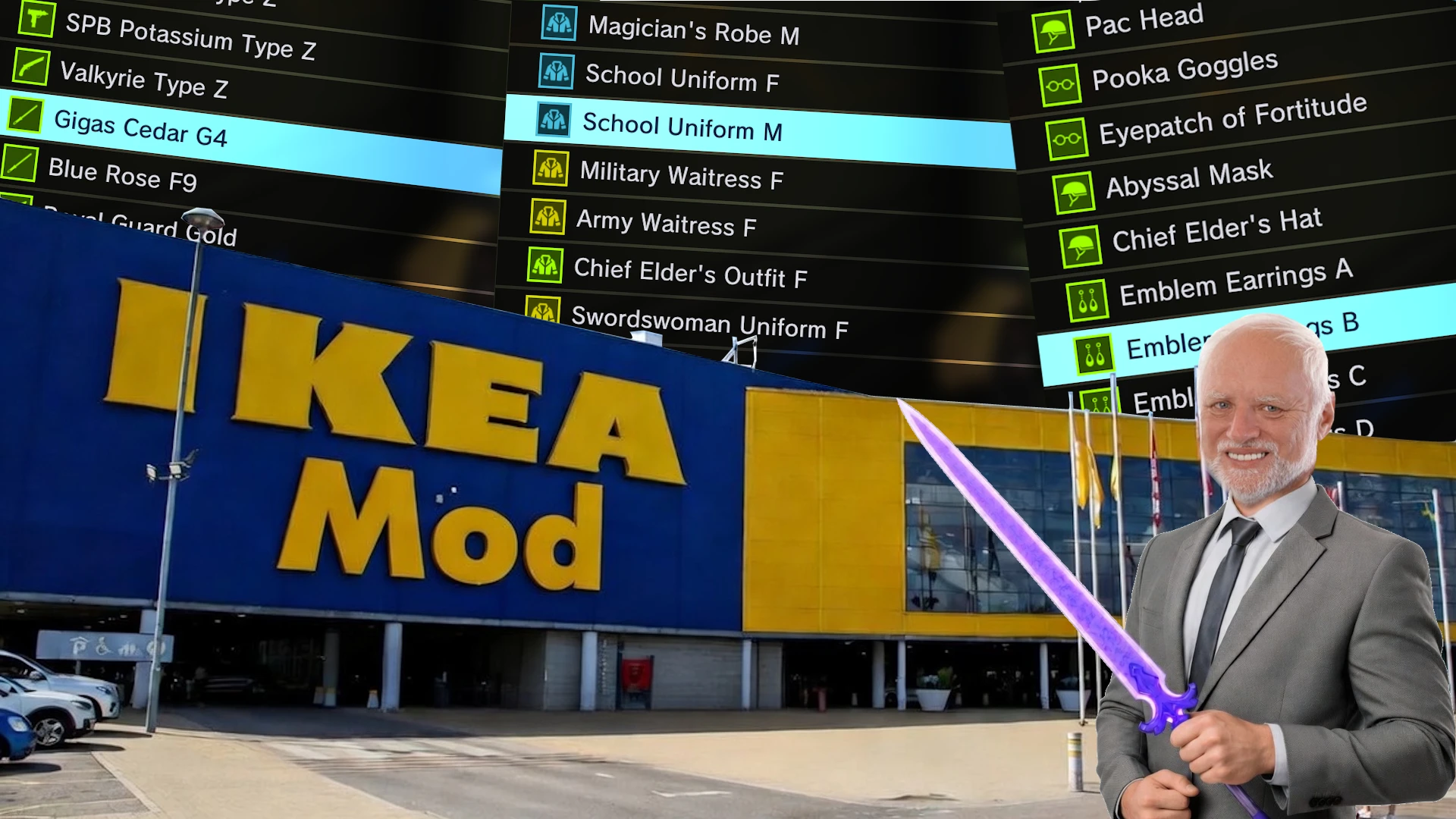
The Item Shop now includes:
Possible Mod Conflicts:
I recommend backing up your save file before installing any mods:
1 - Press Window+R, fill in "%appdata%" and hit enter
2 - If you are in the Roaming folder, click on the AppData folder in the adress bar on top
3 - Goto Local->SAOFB->Saved->SaveGames-> back up the "SaveData.sav" file
- Every weapon in the game
- Every outfit
- Every accessory
- All weapons and accessories available in the shop are Legendary
Possible Mod Conflicts:
- Mods that modify the item shop
- Mods that change, replace, or add new items to the game
- When you have the Special Daybreak Coat equipped in multiplayer, players who do not have this mod installed will see your character in a glitched state.
I recommend backing up your save file before installing any mods:
1 - Press Window+R, fill in "%appdata%" and hit enter
2 - If you are in the Roaming folder, click on the AppData folder in the adress bar on top
3 - Goto Local->SAOFB->Saved->SaveGames-> back up the "SaveData.sav" file