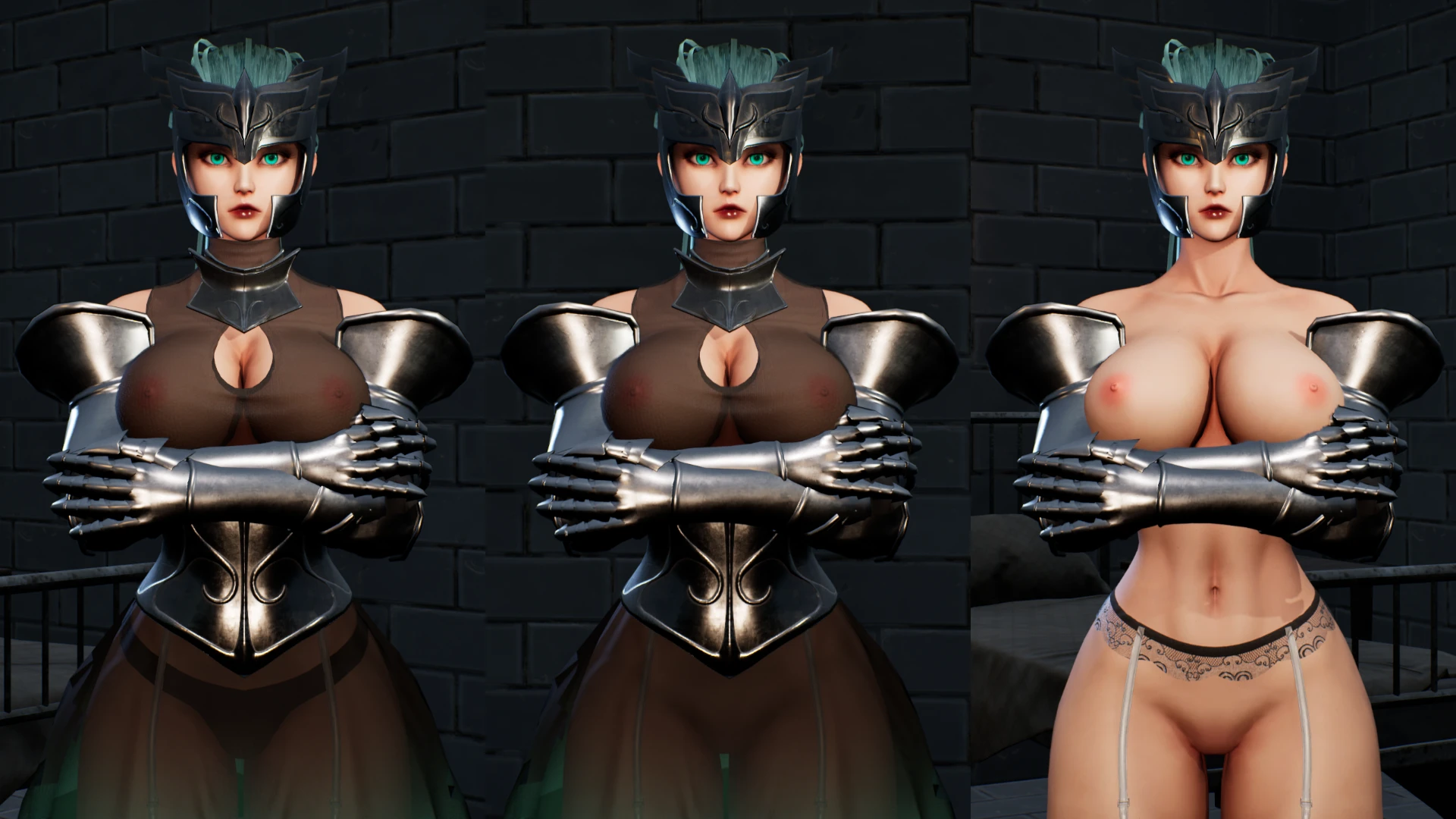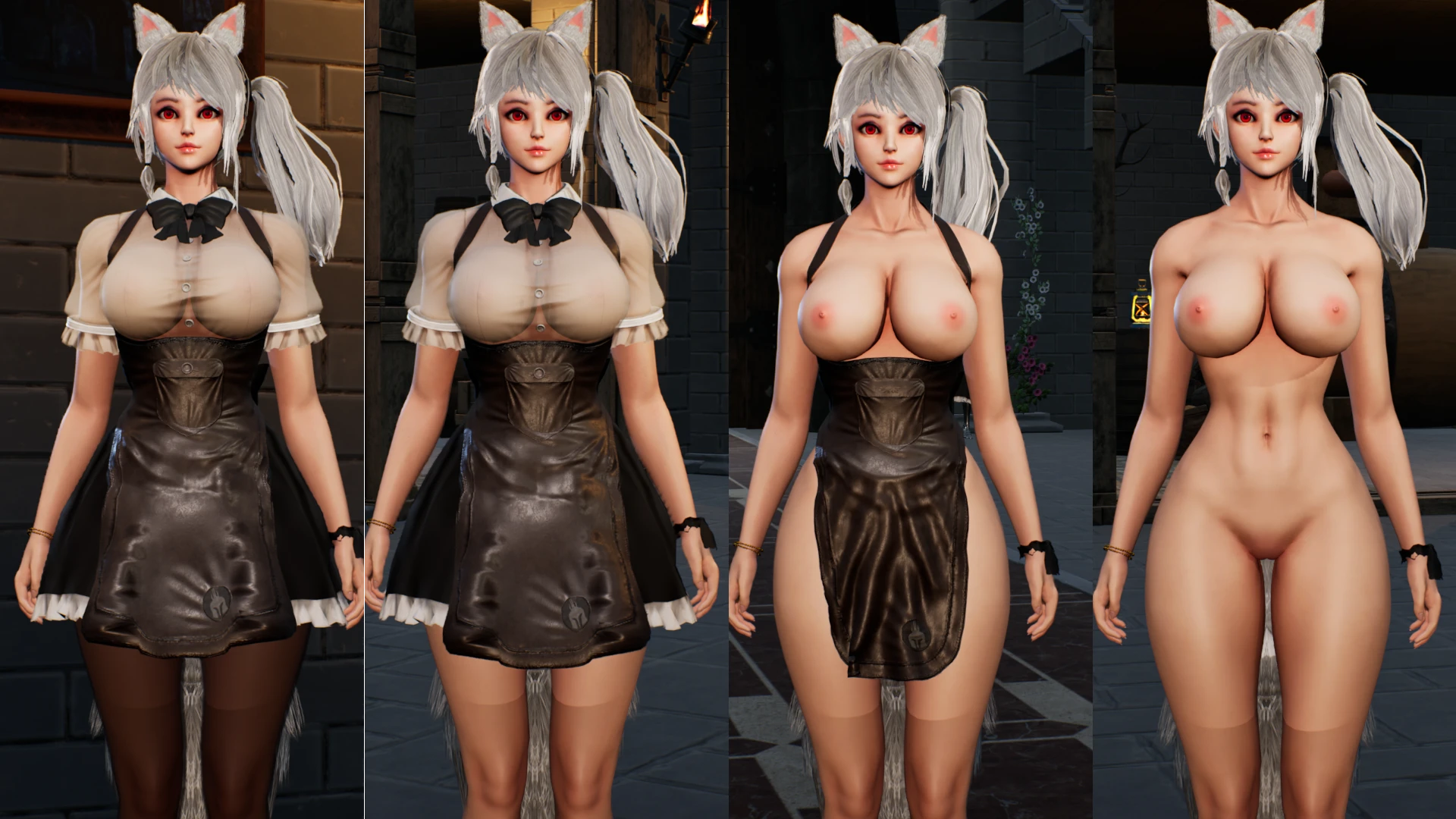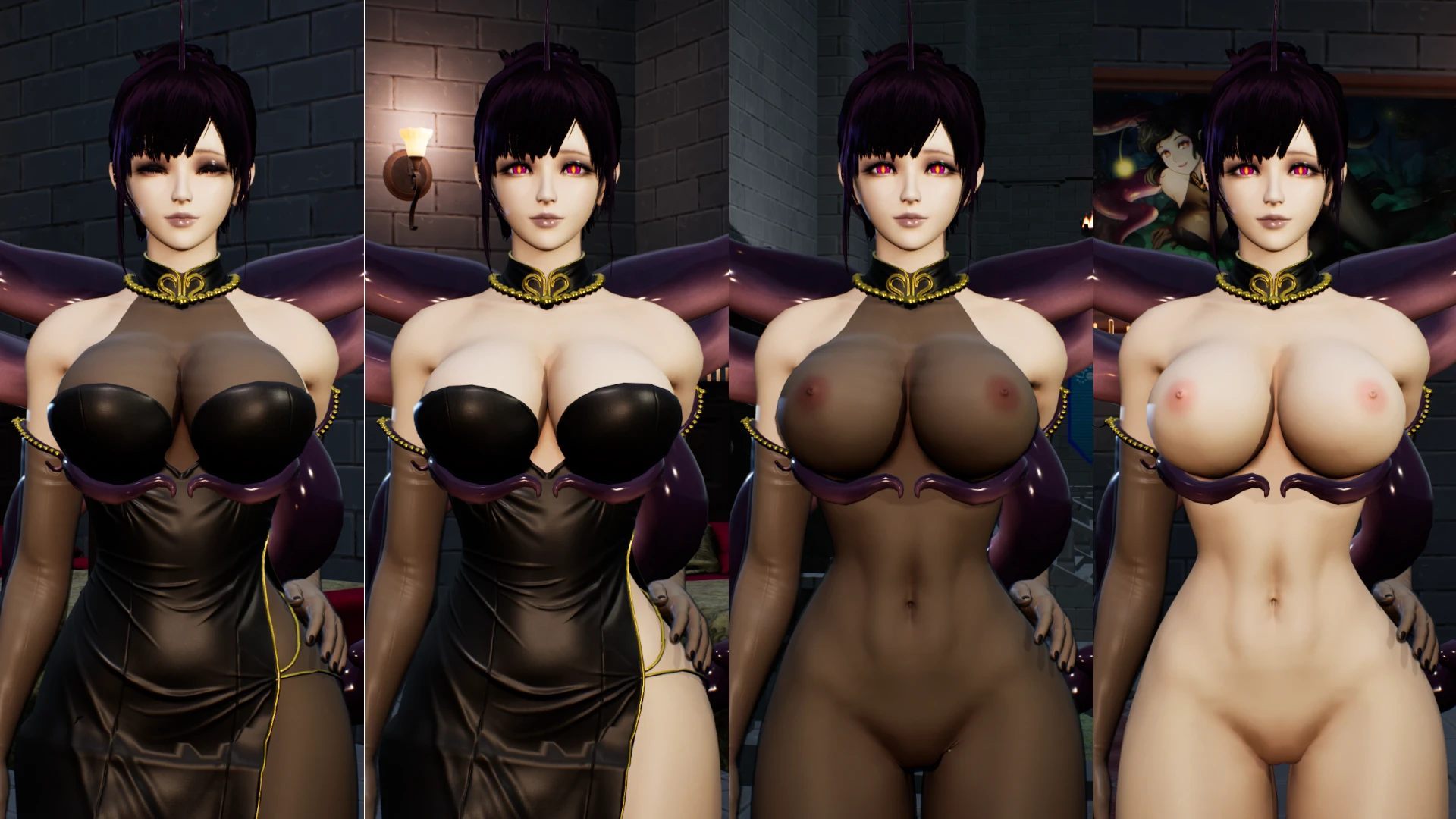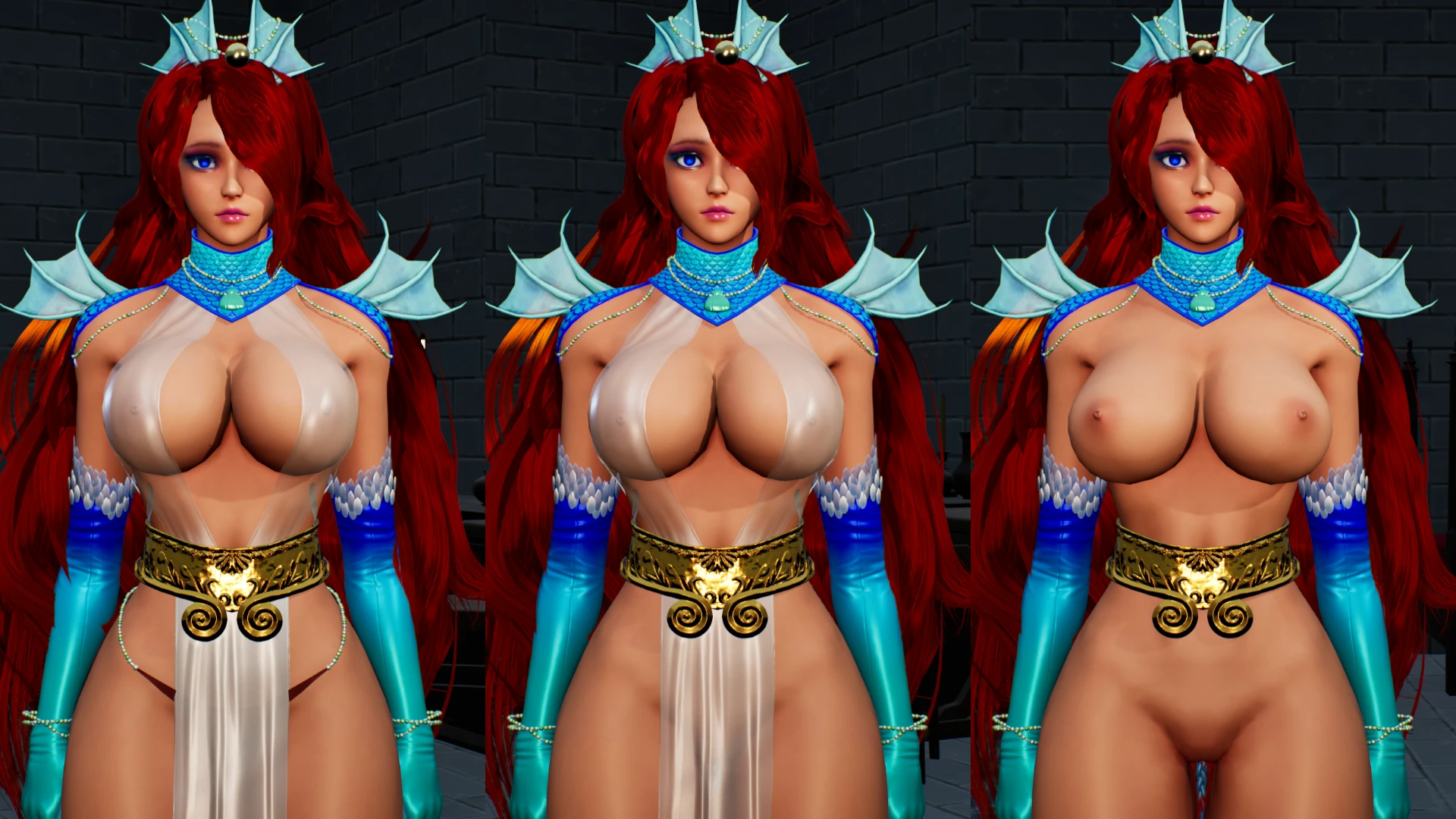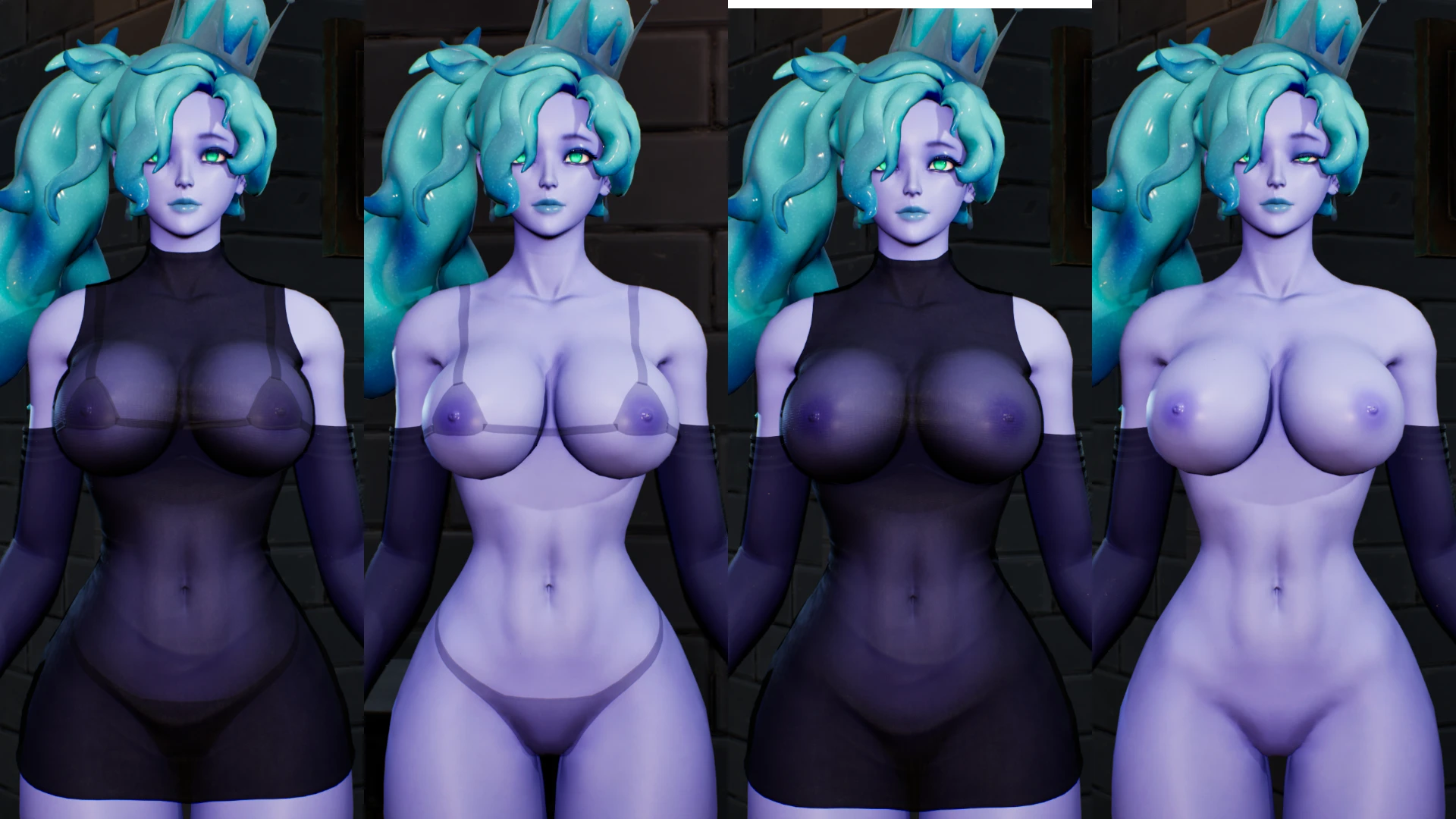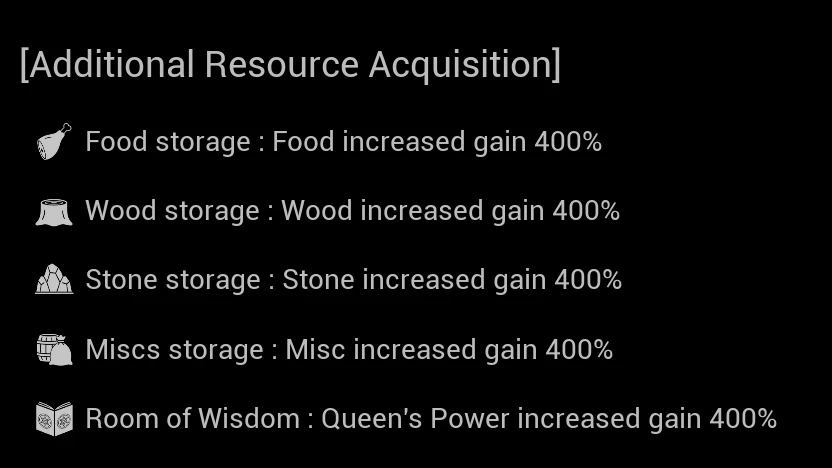
The download file contains the following two mods:
How to install
After extracting the downloaded 7z file, copy the three files with the same name (xxx_P.pak, xxx_P.ucas, xxx_P.utoc) from the resulting folder and place them in the following folder within your game directory.
QueensLoyalty\Content\Paks\~mods
* If you do not have a ~mods folder, please create one.
* If you don't know where your game folder is located, right-click "Queen's Loyalty" in your Steam library, then select Manage > Browse local file.
Precautions
The three-digit number at the beginning of the filename is the ChunkID. Please note that installing multiple mods with the same ChunkID simultaneously will cause errors.
Notes
Other mods I've created are compiled in this Google spreadsheets. Feel free to take a look.
Tools used for mod creation
Fmodel
Json as asset
j0.dev
UnrealEngine5.4
I would like to thank the developer of this game and the tool creator of the mod.
This text is translated at DeepL
- Increases Lv100 enemy EXP by 10x
- Increases the 5th tier item drop rate bonus from 50% to 400%
How to install
After extracting the downloaded 7z file, copy the three files with the same name (xxx_P.pak, xxx_P.ucas, xxx_P.utoc) from the resulting folder and place them in the following folder within your game directory.
QueensLoyalty\Content\Paks\~mods
* If you do not have a ~mods folder, please create one.
* If you don't know where your game folder is located, right-click "Queen's Loyalty" in your Steam library, then select Manage > Browse local file.
Precautions
The three-digit number at the beginning of the filename is the ChunkID. Please note that installing multiple mods with the same ChunkID simultaneously will cause errors.
Notes
Other mods I've created are compiled in this Google spreadsheets. Feel free to take a look.
Tools used for mod creation
Fmodel
Json as asset
j0.dev
UnrealEngine5.4
I would like to thank the developer of this game and the tool creator of the mod.
This text is translated at DeepL