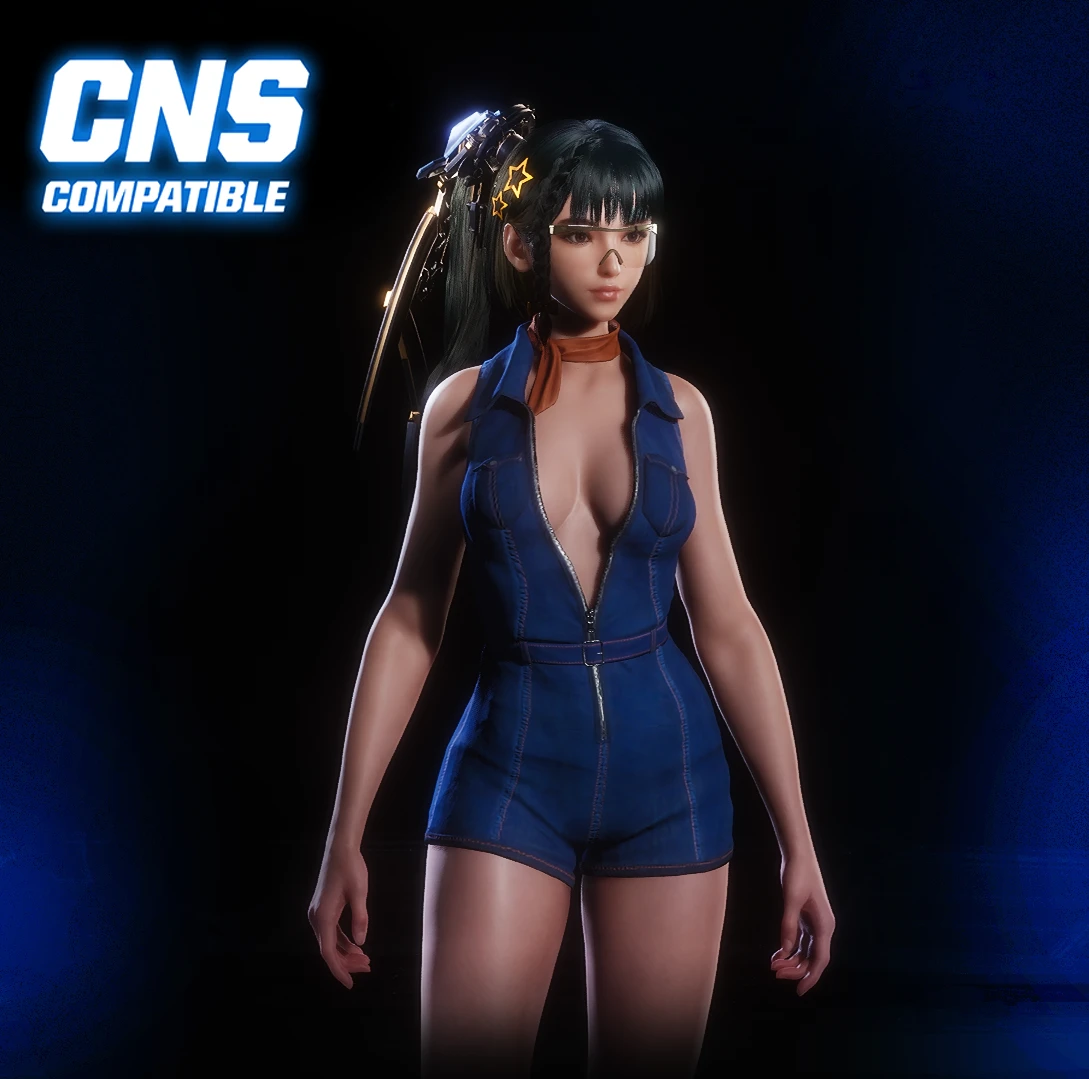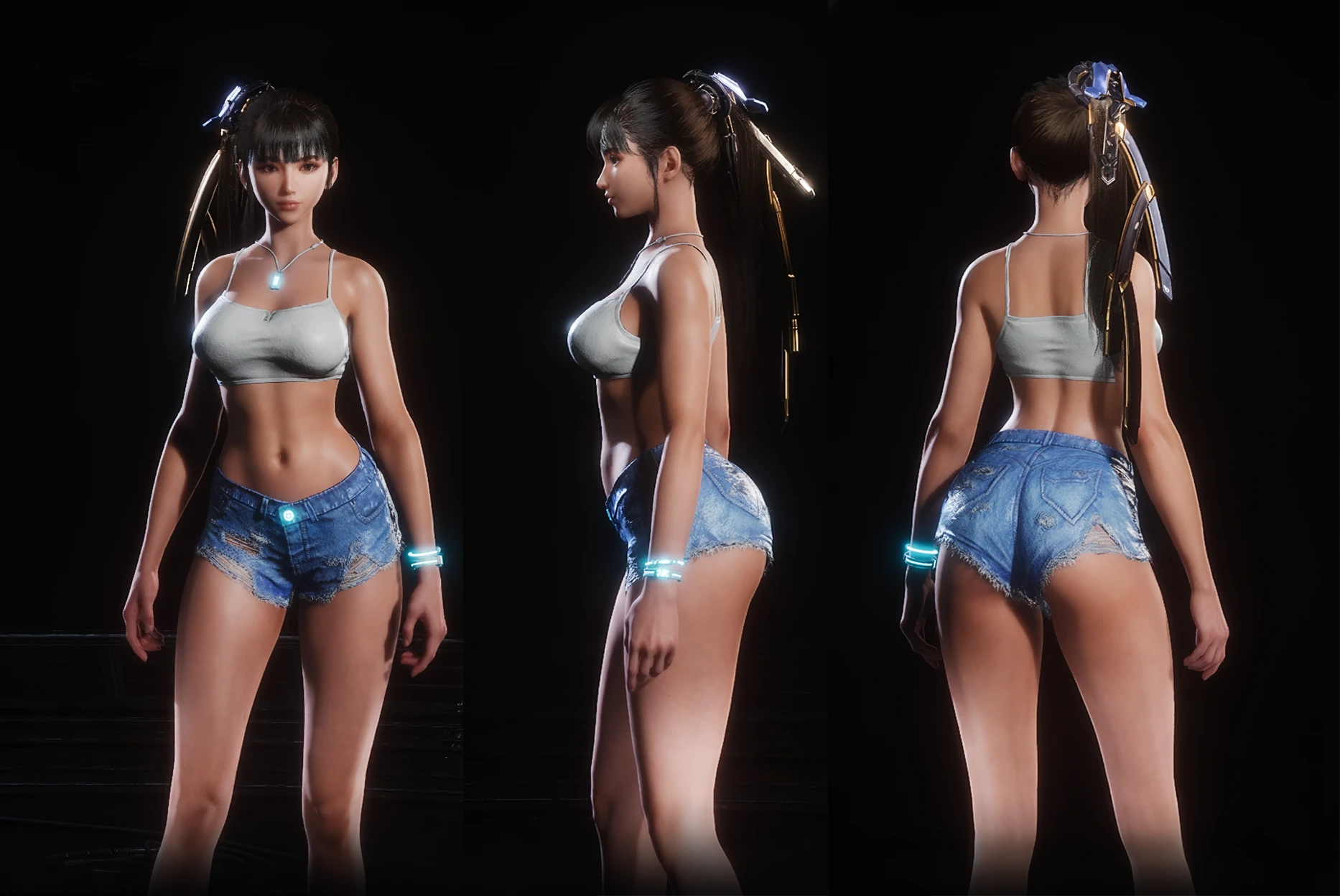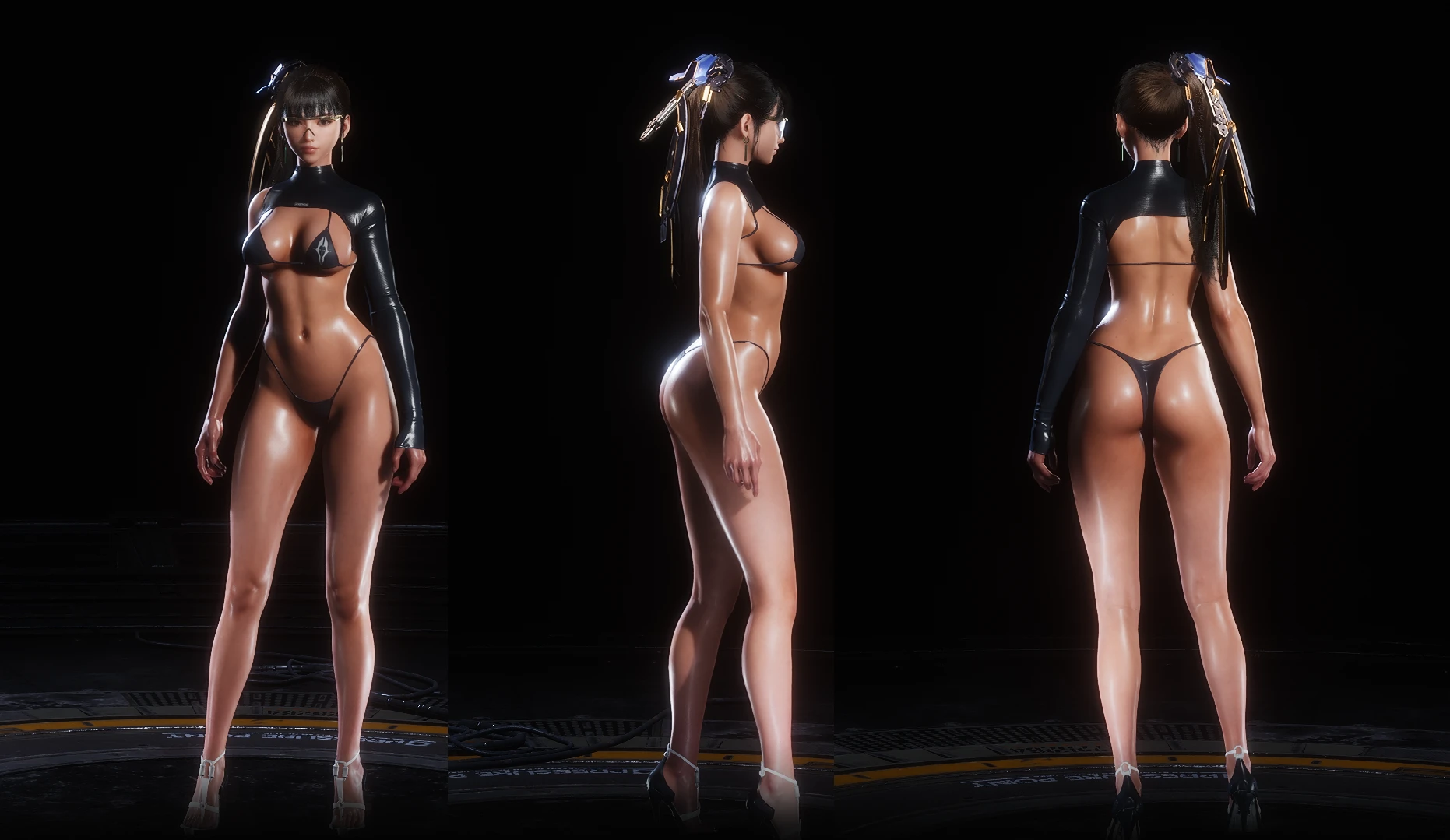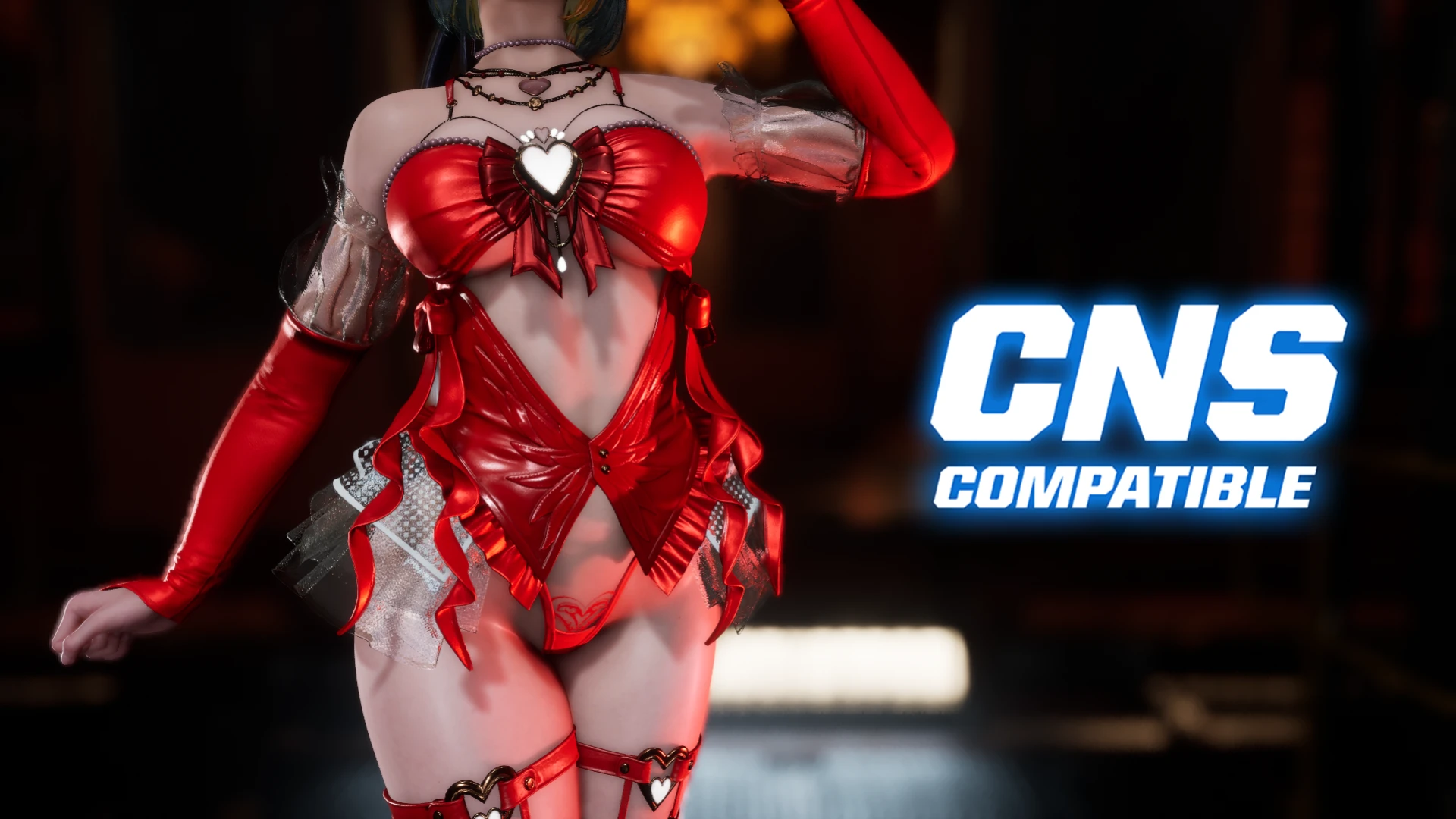
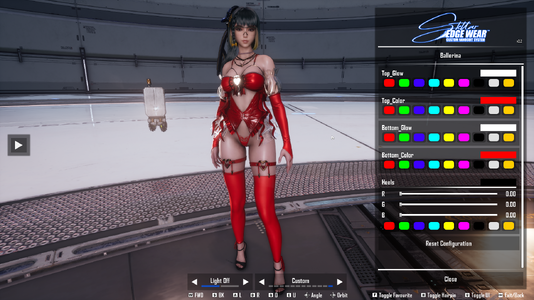
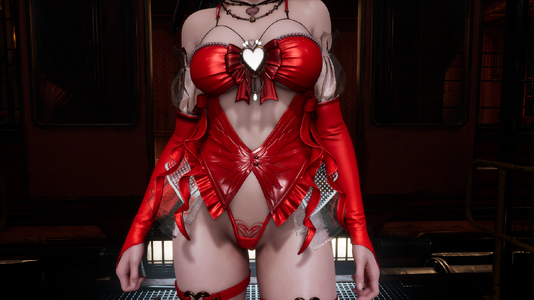
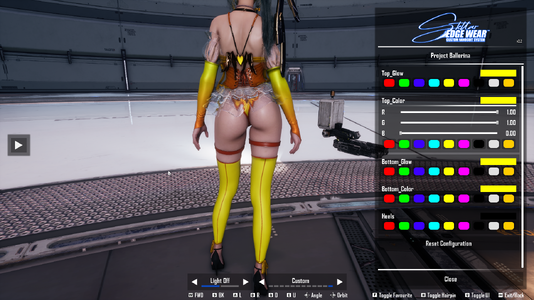

Project Ballerina Skin
Inspired by The First Descendant
Mod by Miroboku
INSTALLATION GUIDE (CNS VERSION)
This mod requires specific dependencies to function correctly.
Step 1: Install Dependencies
If you already have these installed, you can skip to Step 2.
- 1.1. UE4SS for Stellar Blade
Download the latest release from GitHub. Extract the 'ue4ss' folder and the 'dwmapi.dll' file into:Code:.../StellarBlade/SB/Binaries/Win64 - 1.2. Custom Nanosuit System
Download from Nexus Mods. Extract the contents ('Binaries' and 'Content' folders) into your game's root directory:Code:.../StellarBlade/SB
Step 2: Install the Mod
- Download the CNS version of this mod.
- Navigate to your game folder:
Code:
.../StellarBlade/SB/Content/Paks - (Tip: Steam Library -> Right-click game -> Manage -> Browse local files)
- Place the ~Mods folder from the archive inside the Paks directory.
Step 3: Launch and Use
- Launch the game.
- Press the N key to open the CNS menu and select the skin!
Credits:
Nude Eve Collection