Unpack the content of the rar file inside your DOA5LR game folder:
...\Steam\steamapps\common\Dead or Alive 5 Last Round
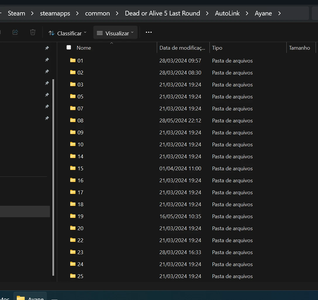
Create folders with the character name inside the "...\Steam\steamapps\common\Dead or Alive 5 Last Round\AutoLink" folder.
Notes:
1. Always do backup your game when modding it.
2. I'm uploading a list of the name folders for each character, to be placed inside the AutoLink folder.
3. I'm also uploading a list of camera controls for AutoLink.
4. *.rar files can be unpacked with 7-Zip, which is free.
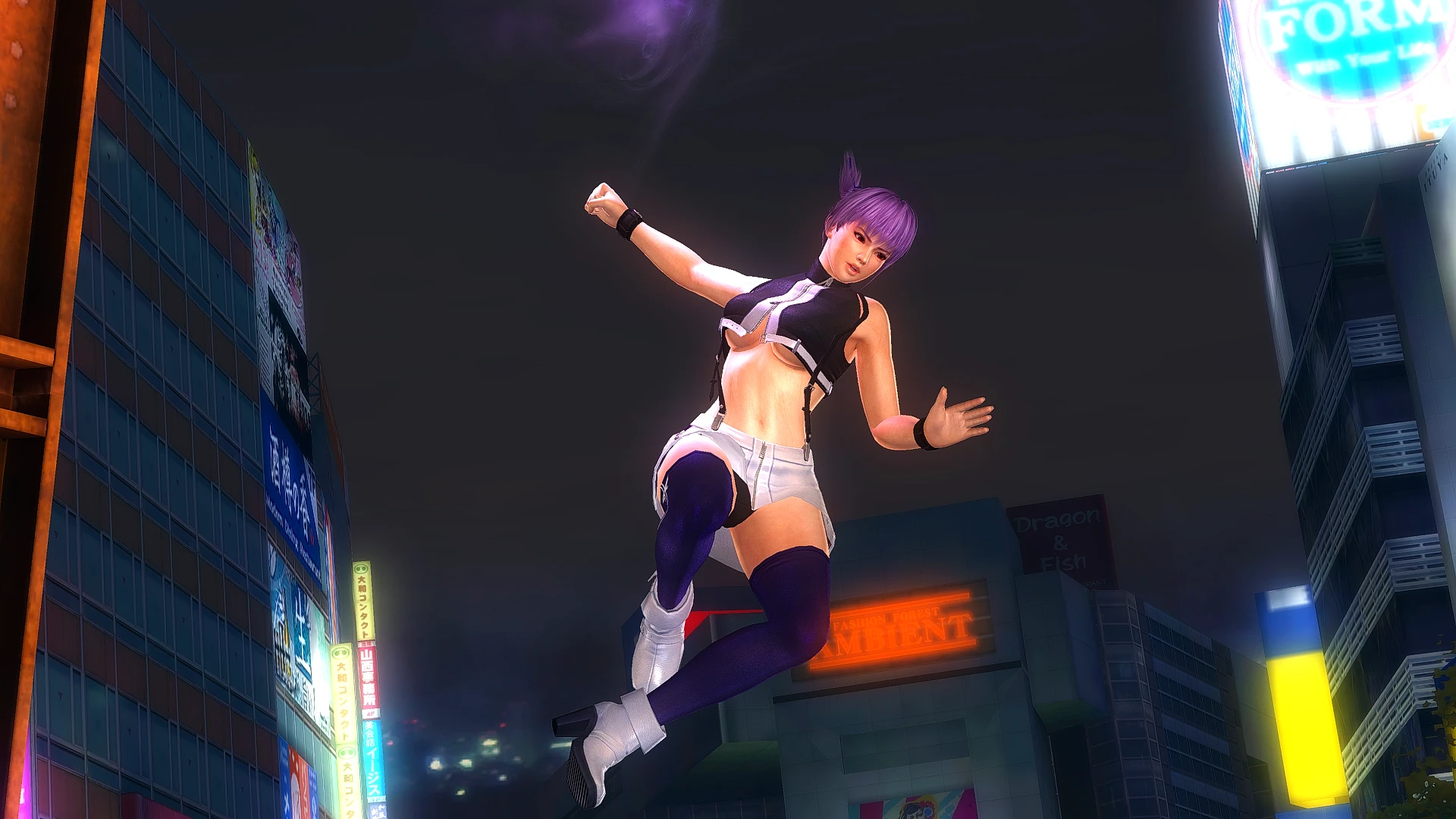
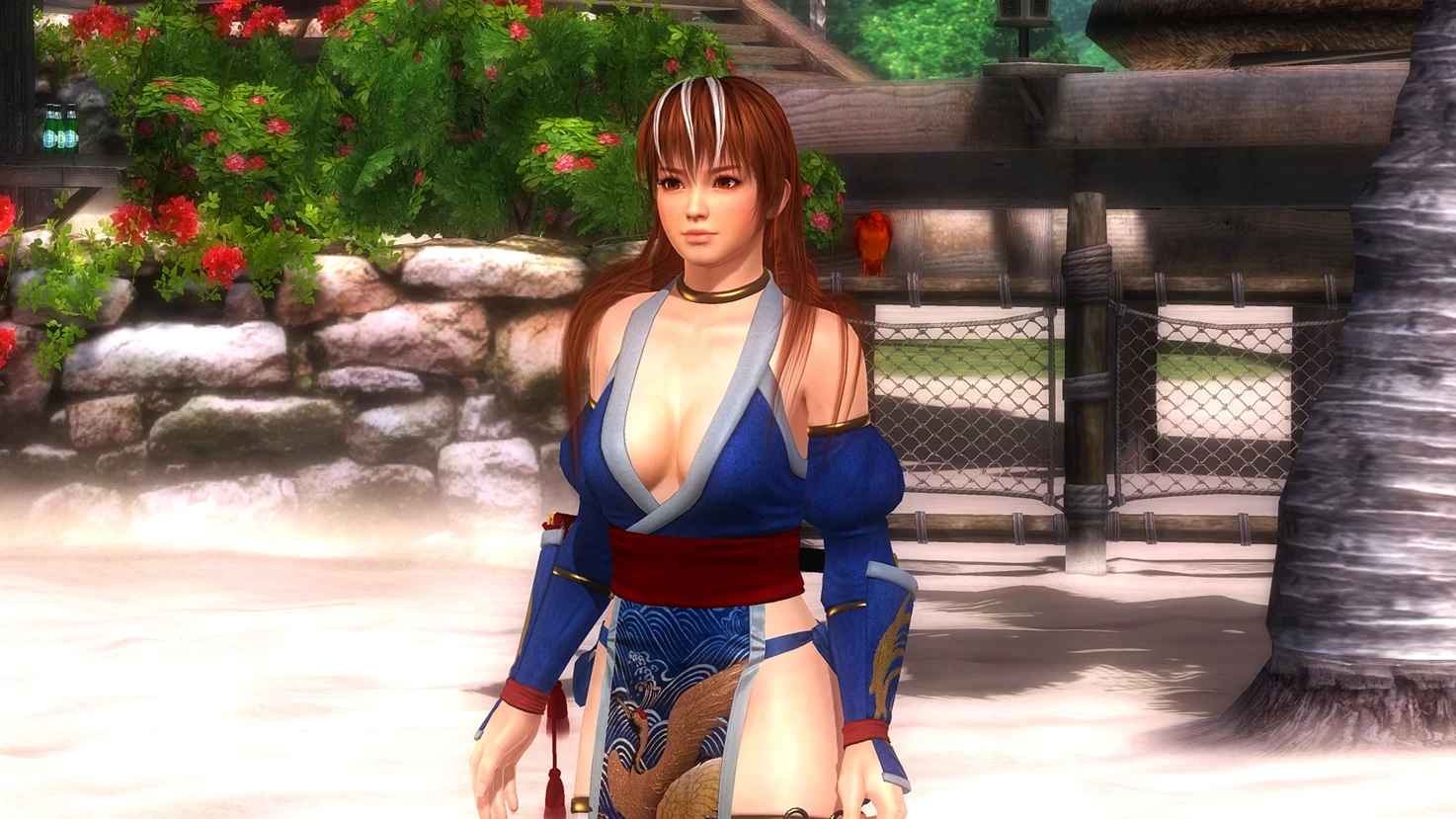
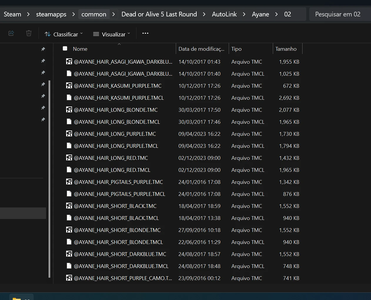
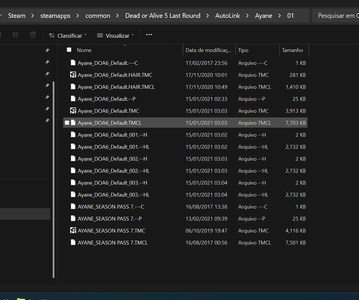
I've added in the media section three screen shots showing how the folder structure should be set up. Ayane is the given example.
In this example, you guys will see I got one specific folder for hair, which is #02.
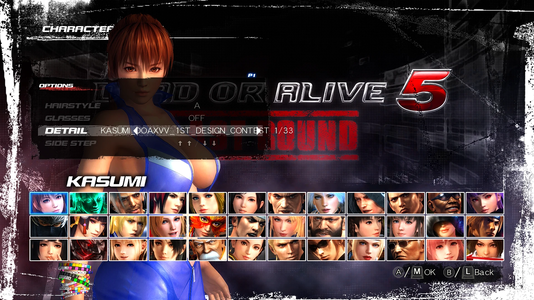
If you I've done everything right, the costumes should change by pressing directional control right/left in the costume detail selecion.
SPECIAL NOTE 1:
You can place several mods in the same costume slot, so you don't need to have many outfits available in the character to be able to use all the mods you want. Sorry for not mentioning this before.
SPECIAL NOTE 2:
If your game is crashing, and you are using SweetFX/Reshade with AutoLink, the problem comes from the d3d9.dll file.
I would recommend you to install the post processing mod first, make a backup of the d3d9.dll file installed in the game folder, install AutoLink, and then copy the d3d9.dll file from the post processing mod back into the game folder.
This should solve the issue.
For more detailed information, have a look at APX.RNN.ELTE Steam Guide for AutoLink:
https://steamcommunity.com/sharedfiles/filedetails/?id=1790076910
For mods download, you can get several mods shared here, but also there is a huge selection of mods at funnybunny666 LoversLab profile:
https://www.loverslab.com/topic/666...parkling-blue-and-velvet-time-lilac/#comments
(warning, this is a mature content forum)
...\Steam\steamapps\common\Dead or Alive 5 Last Round
Create folders with the character name inside the "...\Steam\steamapps\common\Dead or Alive 5 Last Round\AutoLink" folder.
Notes:
1. Always do backup your game when modding it.
2. I'm uploading a list of the name folders for each character, to be placed inside the AutoLink folder.
3. I'm also uploading a list of camera controls for AutoLink.
4. *.rar files can be unpacked with 7-Zip, which is free.
I've added in the media section three screen shots showing how the folder structure should be set up. Ayane is the given example.
In this example, you guys will see I got one specific folder for hair, which is #02.
If you I've done everything right, the costumes should change by pressing directional control right/left in the costume detail selecion.
SPECIAL NOTE 1:
You can place several mods in the same costume slot, so you don't need to have many outfits available in the character to be able to use all the mods you want. Sorry for not mentioning this before.
SPECIAL NOTE 2:
If your game is crashing, and you are using SweetFX/Reshade with AutoLink, the problem comes from the d3d9.dll file.
I would recommend you to install the post processing mod first, make a backup of the d3d9.dll file installed in the game folder, install AutoLink, and then copy the d3d9.dll file from the post processing mod back into the game folder.
This should solve the issue.
For more detailed information, have a look at APX.RNN.ELTE Steam Guide for AutoLink:
https://steamcommunity.com/sharedfiles/filedetails/?id=1790076910
For mods download, you can get several mods shared here, but also there is a huge selection of mods at funnybunny666 LoversLab profile:
https://www.loverslab.com/topic/666...parkling-blue-and-velvet-time-lilac/#comments
(warning, this is a mature content forum)