
• Credit Cards Now Supported!

    Help keep AyakaMods servers running. You can now purchase Premium securely using credit cards via Patreon.

    🔥 Lifetime Premium is available for a limited time! Offer Expires November 9th, 2026.


    Get Premium & Support Us

Clear Visibility 1.0.2

A Mod for Helldivers 2
Clear Visibility akl_mod_preview_image
CLEAR VISIBILITY
No fog • No distance haze • No rain and snow • Brighter nights

Support my work on Patreon​


Clear Visibility clears the air on every planet. The fog is gone, mountains and bases on the horizon stay sharp, and rain and snow stop falling around you, so you can read the battlefield and spot what is coming from much further away.

Each part is its own option in HD2 Arsenal, so you keep only what you want.

Heads up: the game draws lingering gas and spore clouds (gas mines, gas grenades, spore spewers) together with the fog, so they don't show while No fog is ticked. They can't be kept apart without editing the game's shaders. If you rely on gas, untick No fog; the other options don't affect gas.


FEATURES
  • No fog. Turns the fog off on every planet. Lingering gas and spore clouds go with it (see the heads up above).[/*]
  • No distance haze. Removes the haze that hides far away terrain, so ridges, outposts and enemy structures stay crisp all the way to the horizon.[/*]
  • No rain and snow. Stops rain and snow falling around you and hides the storms on the horizon.[/*]
  • Brighter nights. Removing fog makes the dark darker, so this option lets the camera brighten dark scenes further. Nights are no longer pitch black and daylight stays the same.[/*]
  • No graphics preset needed. Every option works at any Volumetric Fog quality, from Low to Ultra.[/*]
  • Your ship stays the same. Only planets change. The Super Destroyer keeps its own look.[/*]
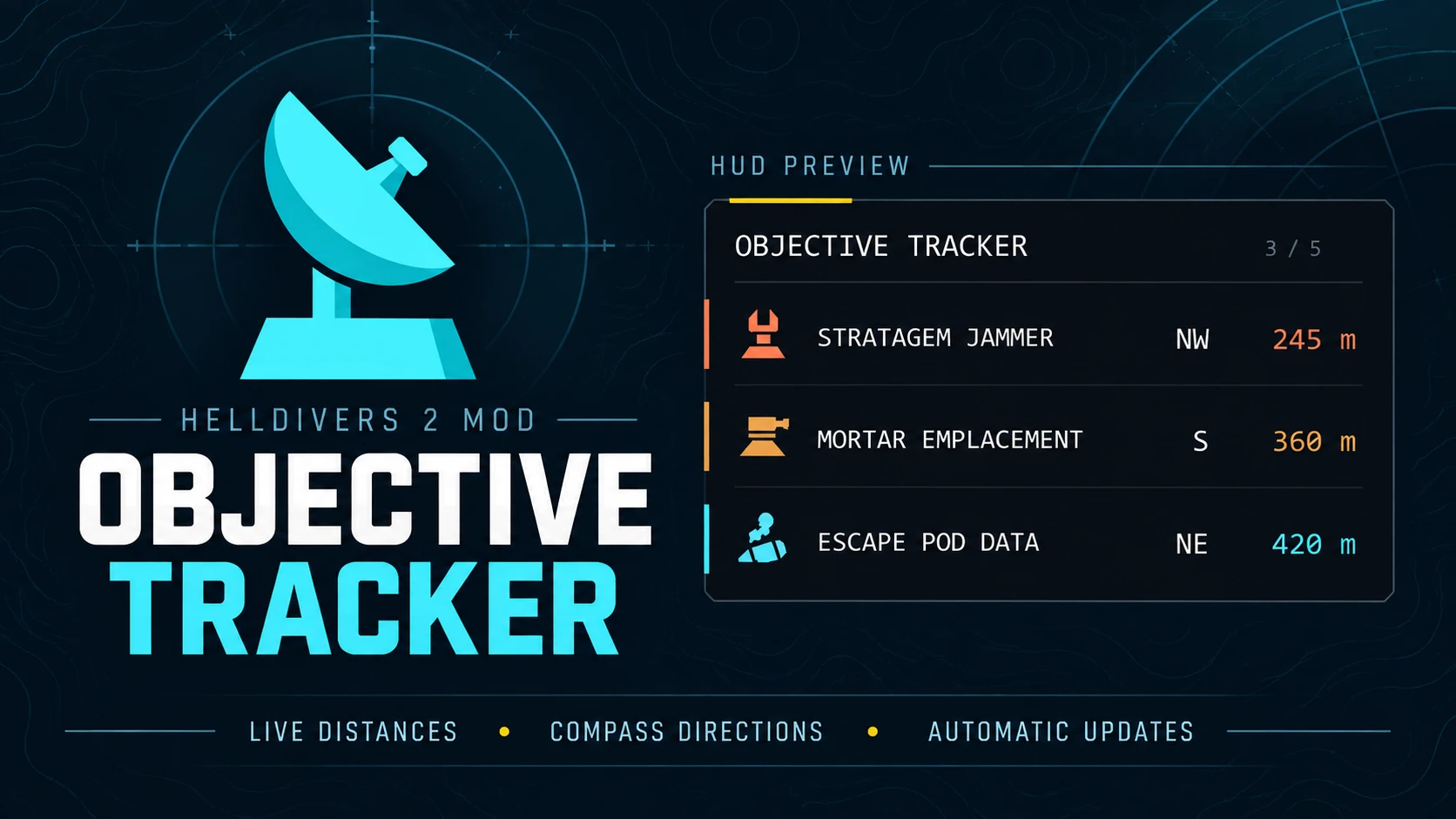
  • Works next to Objective Tracker and other mods that don't change fog or weather.[/*]


INSTALLATION
  1. Remove any other fog or weather mod.[/*]
  2. Download the main file and import the ZIP into HD2 Arsenal.[/*]
  3. Enable Clear Visibility and tick the options you want: No fog, No distance haze, No rain and snow and Brighter nights.[/*]
  4. Deploy and play.[/*]

After a game update. Clear Visibility changes the game's own environment settings. If a Helldivers 2 update changes them, the mod can stop working or look wrong until I update it. If the game won't start or looks wrong after a patch, untick No rain and snow first and deploy again, since that option holds the most game data.

Known limits. Tested on a snowy ice planet. Rainstorms, blizzards and sandstorms are switched off by the same settings, but not every weather has been seen in a mission yet. If one still shows up, let me know the planet and the weather. Brighter nights is new, so tell me if nights look too bright or still too dark.


REPORTING A PROBLEM
Tell me the mod version, the planet, the weather and which options you had ticked. A screenshot looking toward the horizon helps a lot.

As with any mod, use it at your own risk.
1.1 MB
Log in or sign up to download
Uploaded by
plataodomo
Downloads
310
Comments
20
Views
1,387
First release
Last update
Platform
PC 
Version
1.0.2
Total Size
1.1 MB
Rating
5.00 star(s) 2 ratings

Uploaded by

  • 310
  • 1,387

Ratings

5.00 star(s) 2 ratings

Tags

There are no tags available.

More mods from plataodomo

  • PC Objective Tracker

Latest updates

  1. Clear Visibility 1.0.2

    • New option: Brighter nights. Lets the camera brighten dark scenes further, so nights are no...
  2. Clear Visibility 1.0.1

    • Rain and snow falling right around you are now hidden for everyone. Before, the game's own...

vermount94

Members
Members
Sep 16, 2026
1
0
any graphical specific preset for mod to run? theres a similiar mod from nexus that does the same, but you need to change volumetric fog to medium, any other preset will bypass the mod
 

plataodomo

Modder
Modder
Members
Oct 6, 2026
29
10
any graphical specific preset for mod to run? theres a similiar mod from nexus that does the same, but you need to change volumetric fog to medium, any other preset will bypass the mod
No preset needed. Clear Visibility doesn’t swap fog textures like the older fog mods do. It turns the game’s fog off in the planet environment settings, and the game checks that switch before it even looks at your Volumetric Fog setting. So it works the same on every quality level, Low to Ultra. Just keep No fog ticked in HD2 Arsenal. If you ever see fog at a specific setting, tell me which one and I’ll look into it.
 

CertifiedGirth

Members
Members
Oct 25, 2026
5
2
G1ulz9q.jpeg

No preset needed. Clear Visibility doesn’t swap fog textures like the older fog mods do. It turns the game’s fog off in the planet environment settings, and the game checks that switch before it even looks at your Volumetric Fog setting. So it works the same on every quality level, Low to Ultra. Just keep No fog ticked in HD2 Arsenal. If you ever see fog at a specific setting, tell me which one and I’ll look into it.
This is everything on Ultra + Highest settings possible, 2K, Borderless Window, Render Scale Ultra Quality, Anti-Aliasing TAA, Dynamic Resolution Scaling Off, Variable Rate Shading Off, NVIDIA Reflex Low Latency On, Frame Limit Off. FPS goes from 120-250 Depending on what's going on.
With the same map but the mod off I don't notice any difference in FPS. Besides being unable to see anything due to the Spores.
 

plataodomo

Modder
Modder
Members
Oct 6, 2026
29
10
G1ulz9q.jpeg


This is everything on Ultra + Highest settings possible, 2K, Borderless Window, Render Scale Ultra Quality, Anti-Aliasing TAA, Dynamic Resolution Scaling Off, Variable Rate Shading Off, NVIDIA Reflex Low Latency On, Frame Limit Off. FPS goes from 120-250 Depending on what's going on.
With the same map but the mod off I don't notice any difference in FPS. Besides being unable to see anything due to the Spores.
W flex, but the mod does remove the fog so you can see further. Correct?
 

Aelix123

Members
Members
Oct 11, 2026
2
1
When using mods like this When its nighttime the game is to dark is it the same also ?
 

CertifiedGirth

Members
Members
Oct 25, 2026
5
2
When using mods like this When its nighttime the game is to dark is it the same also ?
Yes. Night time and/or dark areas is basically a black screen.
Edit: If it's possible for him to make it so it isn't pitch black, that would be great.