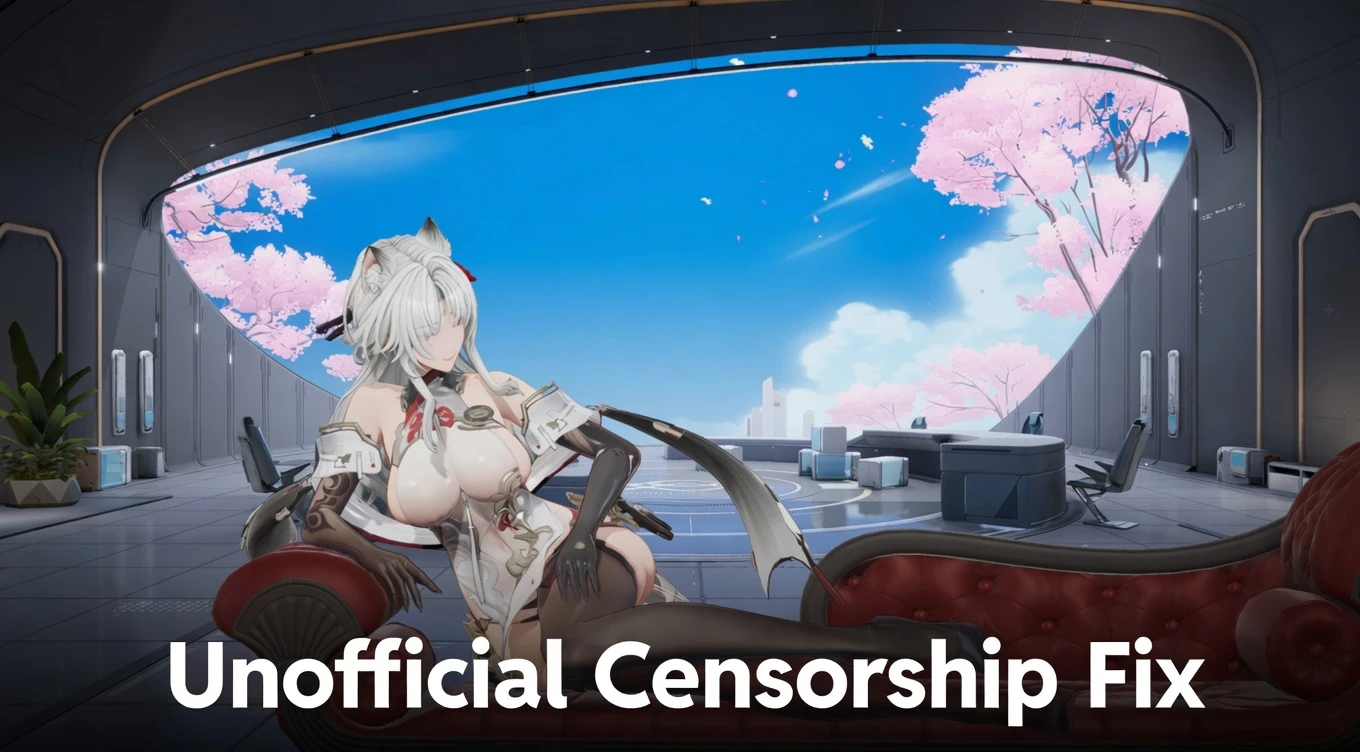
Unofficial Censorship Fix - Full Uncensor (Interactions, Physics, Poses & More) 2.0

A Mod for Snowbreak: Containment Zone
  • dankdc
  • Featured
Unofficial Censorship Fix - Full Uncensor (Interactions, Physics, Poses & More) Mod Preview Image
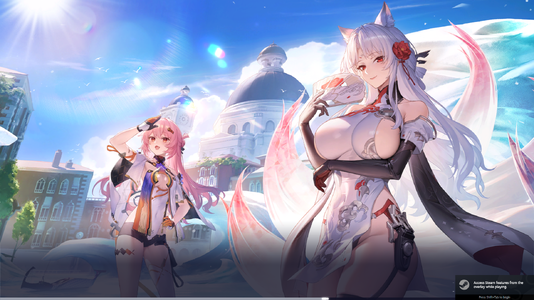
  • Game.exe Screenshot 2026.05.09 - 13.54.24.21.png
    Game.exe Screenshot 2026.05.09 - 13.54.24.21.png
    3.1 MB · Views: 3,165
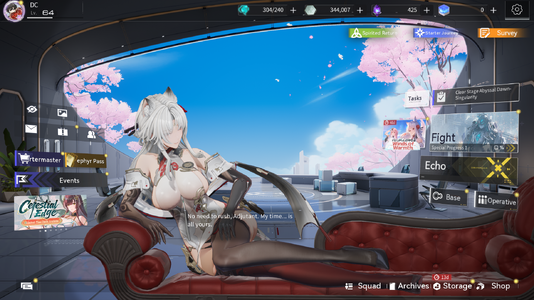
  • Game.exe Screenshot 2026.05.09 - 13.54.32.47.png
    Game.exe Screenshot 2026.05.09 - 13.54.32.47.png
    3.3 MB · Views: 3,195
> Join Snowbreak Modding Discord Server <
https://discord.gg/VuTUGfwrGs

Description
The ultimate unofficial fix for all the censorship in Snowbreak: Containment Zone.

Restores:
• Character Interactions
• Physics (jiggle & movement)
• Poses
• Illustrations
• And more


Doesn’t change any gameplay mechanics, only removes censorship.


Installation Instructions
1. Go to your game directory: SNOWBREAK\Game\Content\Paks
2. Create a new folder called `mods
3. Place the downloaded .pak file inside the `mods`folder

Requirements
• Set your localization value to 1 (in localization.txt)

Shout Outs
Thank you, Seasun, for not EOSing the game yet.
Big thanks to the CN bros for keeping the game alive.

Support me and my work here.

244.6 MB
Log in or sign up to download
Uploaded by
dankdc
Downloads
2,332
Views
29,060
First release
Last update
Platform
PC 
Version
2.0
Total Size
244.6 MB
Rating
4.73 star(s) 22 ratings

Uploaded by

  • 2,332
  • 29,060

Ratings

4.73 star(s) 22 ratings

Latest updates

  1. Unofficial Censorship Fix 2.0

    Fixes every outfit and 100% feature complete.

GrimbySlayer

Members
Members
May 15, 2026
0
1
Thank you for this! Worked flawlessly. With this mod, it's like turning back the clock and returning to February 2026 to how things should have been. This is the Snowbreak I remember!
 

NotGenericUsername

Members
Members
May 13, 2026
0
0
Hello! iOS here. My Snowbreak files only go as far as SNOWBREAK\Game\Content, but there's no Paks folder by default. I've added a "Paks" folder and tried "mods", "~mods", "`mods", and "`~mods" folders.

The download links is a .rar, which I've extracted into a .pak, and I've tried it with all of the above folder names and it does't work still. Localization.txt = 1. Any ideas?
 

GentleLight8758

AppealingBasedGames
Members
Jun 2, 2025
0
4
Hello! iOS here. My Snowbreak files only go as far as SNOWBREAK\Game\Content, but there's no Paks folder by default. I've added a "Paks" folder and tried "mods", "~mods", "`mods", and "`~mods" folders.

The download links is a .rar, which I've extracted into a .pak, and I've tried it with all of the above folder names and it does't work still. Localization.txt = 1. Any ideas?
IOS? So Iphone? did you watch part 1 and part 2 of MaLEFiCx video on youtube on how to get it working on IOS? Grab the files on the youtube channel. As far as I know, IOS isn't fully uncensored yet but its close.
 

Amireux

Members
Members
May 16, 2026
0
0
Am i doing something wrong?

Made ~mods in SNOWBREAK\Game\Content\Paks\~mods

Put the zzz_Fixgamecensor_100_P inside the ~mods

Localization file under common set to 1
localization = 1

Nothing happens. Game still censored.
you have to unzip the file and put the .pak in the mods file
 

ErenJaeg4R

Members
Members
May 17, 2026
0
0
Help please. I am trying play this game wtih this mod. But game is deleting mod file from mod folder when i starting game. How can i fix this ?
 

GentleLight8758

AppealingBasedGames
Members
Jun 2, 2025
0
4
Help please. I am trying play this game wtih this mod. But game is deleting mod file from mod folder when i starting game. How can i fix this ?
Update your game client. Please report back if it fixes it.
edit - I mean download the latest client from the seasun games snowbreak site.
 

NocturnusAnime

Members
Members
May 11, 2026
0
0
I found that making sure Snowbreak's game files is in the same drive as the localization folder helps with making sure the mod works