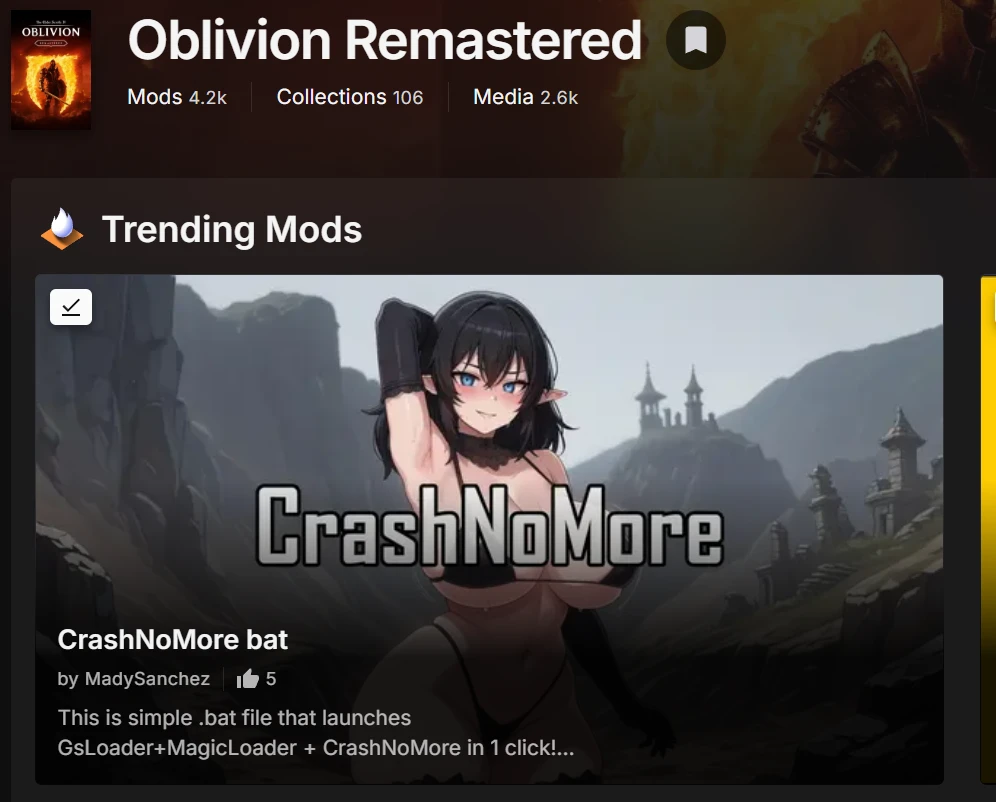
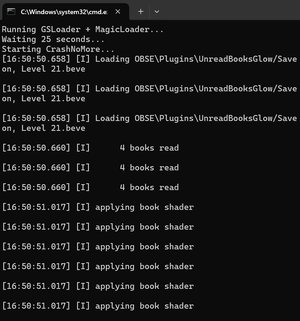
This amazing mod was avaiable on Nexus.
This mod prevents most of the crashes. And no it does not corrupt saves. However it will not prevent very agressive crashes . So it works best to actually find out which mod causes crashs (entering specific location or checking the minimap some bad mods can erase the shops names so when you dont crash you can figure out which mod is causing the crash).
Prevents 80% of the crashes. It is such a good tool! Its on Github, so no issues. I've used for 100hours on my save. It's safe.
MAKE SURE YOU HAVE GSLOADER AND MAGIC LOADER!!!!!!
1) https://www.nexusmods.com/oblivionremastered/mods/5294?tab=description
2) https://www.nexusmods.com/oblivionremastered/mods/1966
MAKE SURE YOU HAVE ALL DEPENDENCIES LIKE OBSE and all of that!!!!! This requires a fully functionnal modded Oblivion Remastered.
EXTRACT CRASHNOMORE dll in Oblivion Remastered\OblivionRemastered\Binaries\Win64
EXTRACT .BAT launcher to Oblivion Remastered\OblivionRemastered\Binaries\Win64 and create desktop shortcut . You can change short icon to your favorite image or some NSFW hentai one.
RENAME .bat to .txt and see IF YOUR FOLDER STRUCTURE inside IS SAME OR NOT , which is this :
-----------------------------------------------------
@Echo off
cd /d "C:\Program Files (x86)\Steam\steamapps\common\Oblivion Remastered\OblivionRemastered\Binaries\Win64"
echo Running GSLoader + MagicLoader...
start /wait "" "GSLoader.exe" MagicLoader
echo Waiting 25 seconds...
timeout /t 25 >nul
echo Starting CrashNoMore...
powershell -Command "& 'C:\Program Files (x86)\Steam\steamapps\common\Oblivion Remastered\OblivionRemastered\Binaries\Win64\crashnomore.exe' -a OblivionRemastered-Win64-Shipping.exe"
exit
----------------------------------
PLEASE MODIFY THE FOLDER PATH ACCORDINGLY TO YOUR GAME PATH!!!!!!!!!! ONLY CHANGE : C:\Program Files (x86)\Steam\steamapps\common to your own game path!!!!! do not change anything else
RENAME FROM .txt to .bat
LAUNCH GAME FROM BAT.
This mod prevents most of the crashes. And no it does not corrupt saves. However it will not prevent very agressive crashes . So it works best to actually find out which mod causes crashs (entering specific location or checking the minimap some bad mods can erase the shops names so when you dont crash you can figure out which mod is causing the crash).
Prevents 80% of the crashes. It is such a good tool! Its on Github, so no issues. I've used for 100hours on my save. It's safe.
MAKE SURE YOU HAVE GSLOADER AND MAGIC LOADER!!!!!!
1) https://www.nexusmods.com/oblivionremastered/mods/5294?tab=description
2) https://www.nexusmods.com/oblivionremastered/mods/1966
MAKE SURE YOU HAVE ALL DEPENDENCIES LIKE OBSE and all of that!!!!! This requires a fully functionnal modded Oblivion Remastered.
EXTRACT CRASHNOMORE dll in Oblivion Remastered\OblivionRemastered\Binaries\Win64
EXTRACT .BAT launcher to Oblivion Remastered\OblivionRemastered\Binaries\Win64 and create desktop shortcut . You can change short icon to your favorite image or some NSFW hentai one.
RENAME .bat to .txt and see IF YOUR FOLDER STRUCTURE inside IS SAME OR NOT , which is this :
-----------------------------------------------------
@Echo off
cd /d "C:\Program Files (x86)\Steam\steamapps\common\Oblivion Remastered\OblivionRemastered\Binaries\Win64"
echo Running GSLoader + MagicLoader...
start /wait "" "GSLoader.exe" MagicLoader
echo Waiting 25 seconds...
timeout /t 25 >nul
echo Starting CrashNoMore...
powershell -Command "& 'C:\Program Files (x86)\Steam\steamapps\common\Oblivion Remastered\OblivionRemastered\Binaries\Win64\crashnomore.exe' -a OblivionRemastered-Win64-Shipping.exe"
exit
----------------------------------
PLEASE MODIFY THE FOLDER PATH ACCORDINGLY TO YOUR GAME PATH!!!!!!!!!! ONLY CHANGE : C:\Program Files (x86)\Steam\steamapps\common to your own game path!!!!! do not change anything else
RENAME FROM .txt to .bat
LAUNCH GAME FROM BAT.