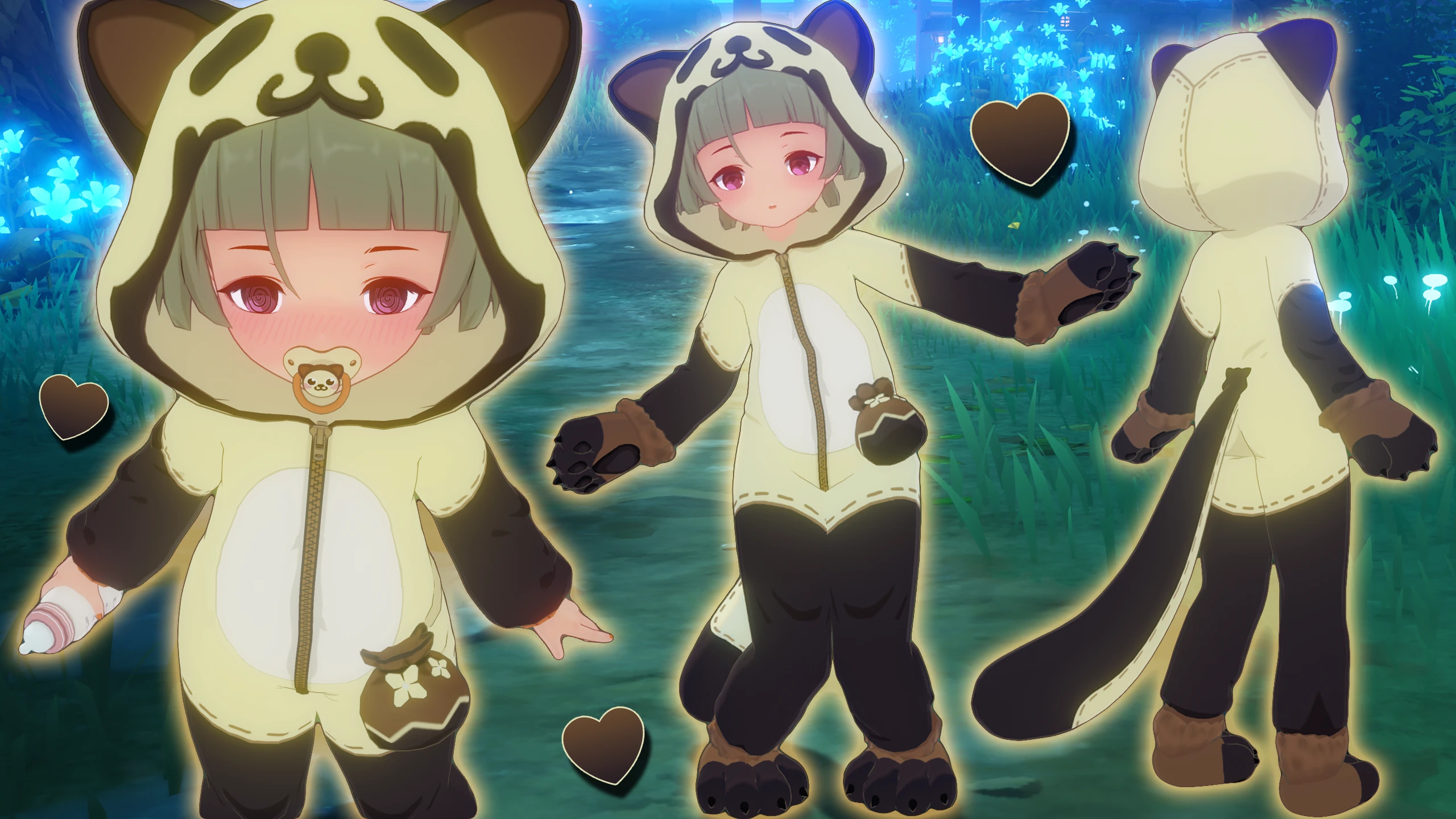
Press Y or click on the wadrobe icon in the character menu to open the menu!
There are two files, one is for his default form, the other for his skin. Please only use one at the same time!
Hello Everyone~ I'm finally back, this time with my very first scale/offset mod - And with it the first true shota in Genshin! ^v^
Doing these kinds of mods are quite difficult to properly pull off- there are so many issues that often force compromises, so I apologize in advance if you encounter weird bugs. That being said, I've spent a long time polishing everything so that these mods still feel as normal as I could make them at this point in time. And I will continue to be on the lookout for further optimizations to fix the remaining bugs and issues.
First some basics that will be relevant to understand:
These mods rely on a Library by Leotorrez called "Offset.ini". Just shrinking a character down will cause them to float in the air, and to fix this, the mods call offset.ini to then (you guessed it) offset the character down onto the ground again.
This offset is desirable for when the character is standing/running on the ground, but there are a few cases where it actually is undesirable.

However, when it comes to dialog scenes, there unfortunately is no way for me to detect when the camera is too far up. Likewise I cannot detect sitting or lying on a bed during dialog scenes (and some other cases). So for these cases in which we do not want the character to be offset, the character will not be auto-offset.
As a compromise, I added a new toggle that allows you to control the offset manually.
By default, Auto-Offset will be enabled. If you want to disable offset during e.g. a dialog scene, then you can click on this button. If you run into cases in which Auto-Offset kicks in when you don't want to, you can also disabled the Auto-Offsetting behavior by clicking on it again.
This Button is also special in that it is a "global" toggle, meaning toggling it will not only toggle it for the specific preset you are currently on, but it will also toggle it for all other presets simultaneously. This definitely should be more desirable than having it be preset-specific.
There is another another undesirable behavior these mods exhibit:
When the camera is going down far enough, like when using the camera feature and panning down/zooming in, Durins (original) face will be offscreen, while our modded (offset) face is still very much on screen. That causes the face to disappear, which looks hella crap.
As a way to combat this, I managed to find a way to detect whenever a certain face part disappears, and use that detection to automatically replace the face parts with ones that are on the body component instead of the face. This means that if the camera is far down/zoomed in enough, Durin will:
If something goes wrong for you and this fix ends up drawing the replacement face when it shouldn't (e.g. two eyebrows, but only one is animated / clipping), you can either disable or delete the "FaceDisappearanceFix.ini" in the "misc" folder. But doing so will obviously cause the face to disappear if offscreen.
I'd appreciate if you could let me know if you run into any such issues~
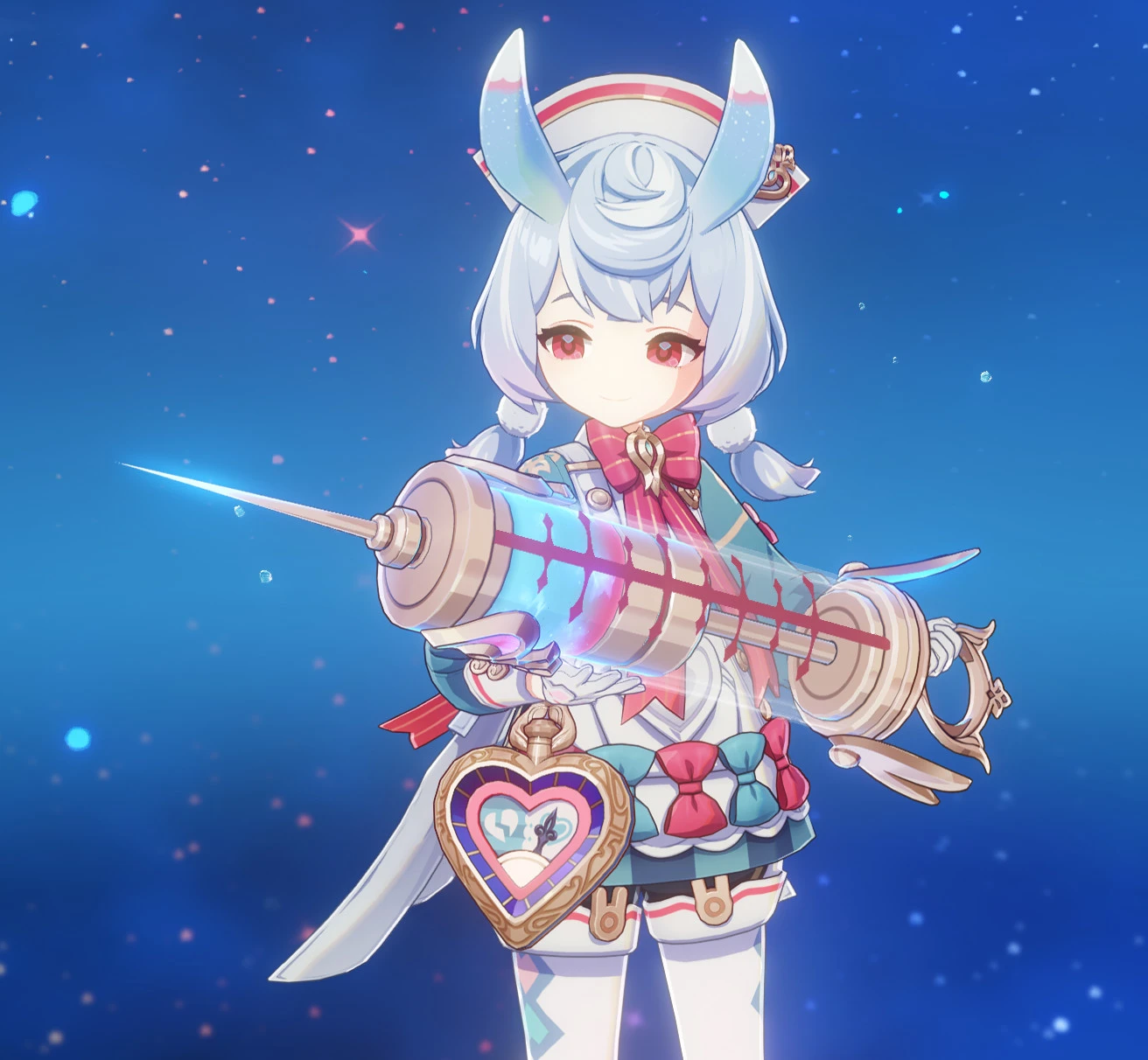
Offsetting the character also causes the weapon to float in the original position. Since the weapon doesn't share the same origin as the character, its pretty hard to align properly, and as of now, I haven't figured out a way to do it. At least not properly- I can still offset the weapon by the same amount, but it won't be perfectly in his hand all the time. Still, it should look way better than having it fly half a meter above the hand.
Until we found a more optimized way to do that, we have to live with that- but if something goes wrong or you are not interested in using this weapon mod, you can either disable or delete "AthameArtis.ini" in the "misc" folder.
I only modded his signature weapon, Athame Artis, like this. All other weapons will float in the air unfortunately. But if there is demand, I can maybe mod his best 4 star weapon like this as well
Lastly, I wanted to quickly go over the remaining known issues, before jumping into the preview:

Also, Offset mods are NOT COMPATIBLE WITH MOTION BLUR - If you have motion blur enabled, there will be blurry visual glitches on durin!

I hope this was interesting and informative for you all, and with all that said and done, lets enter the -
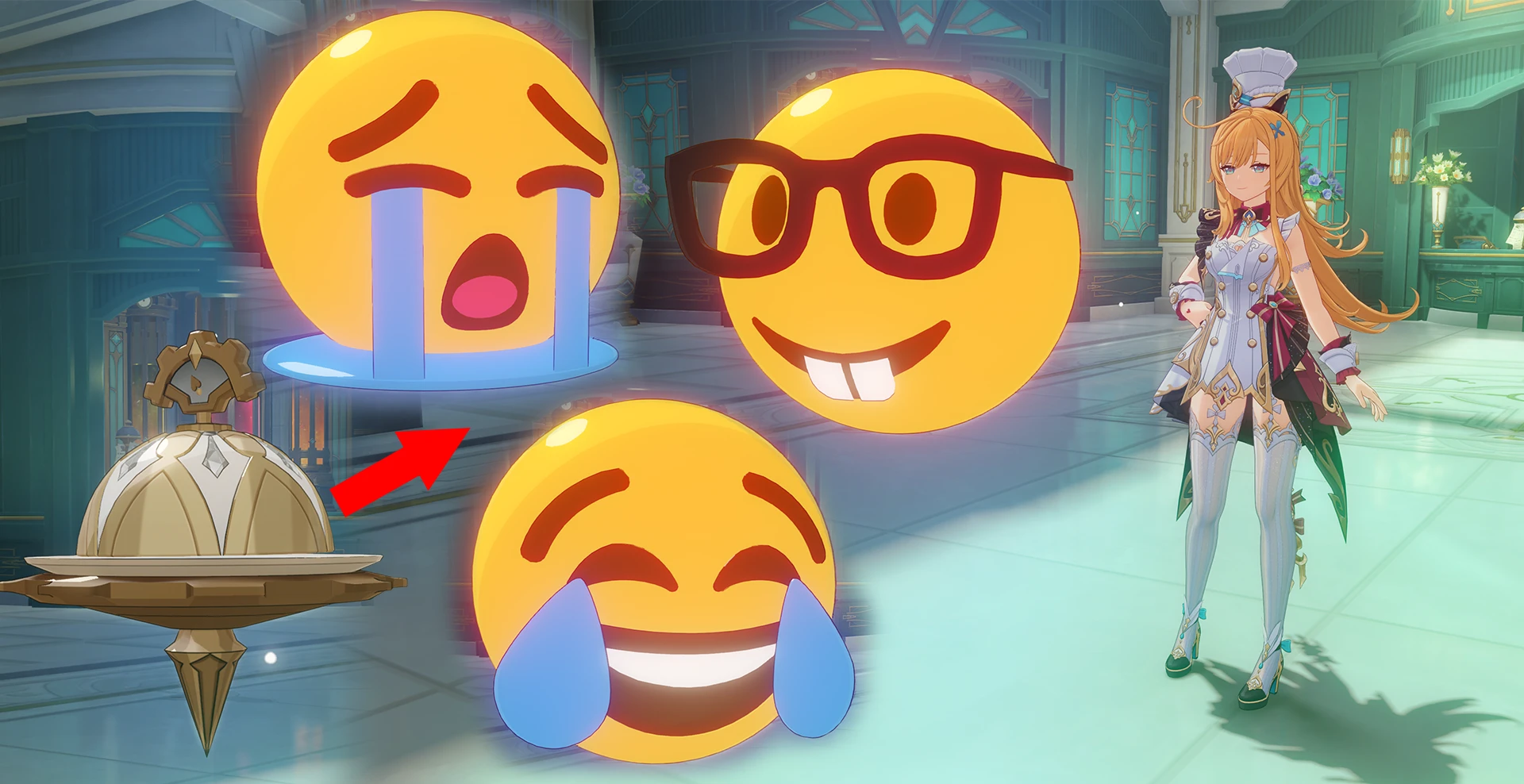
Aside from durins default parts and the offset disable button I've talked about in the dev notes above, you can also find a few other toggles on the durin page:
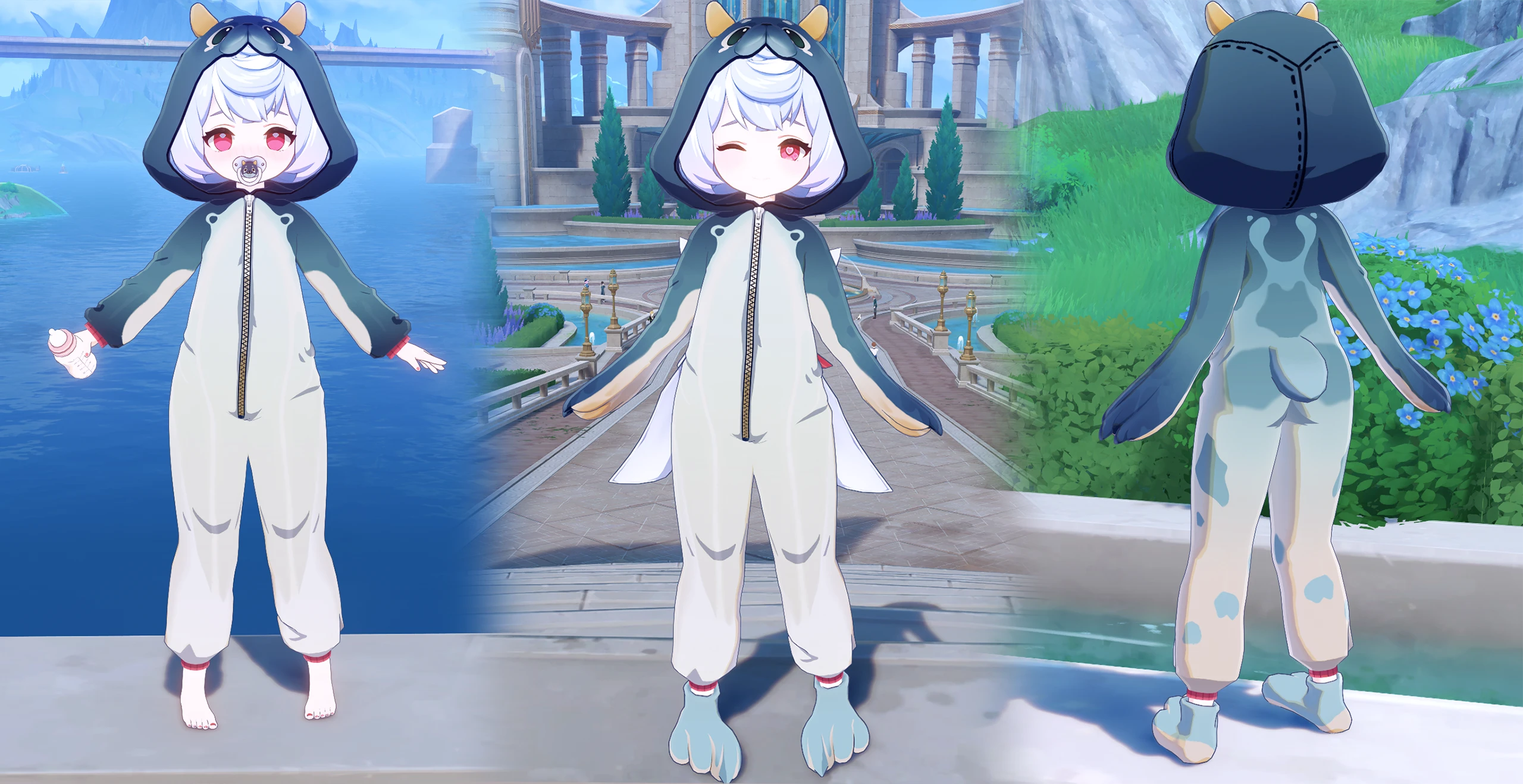
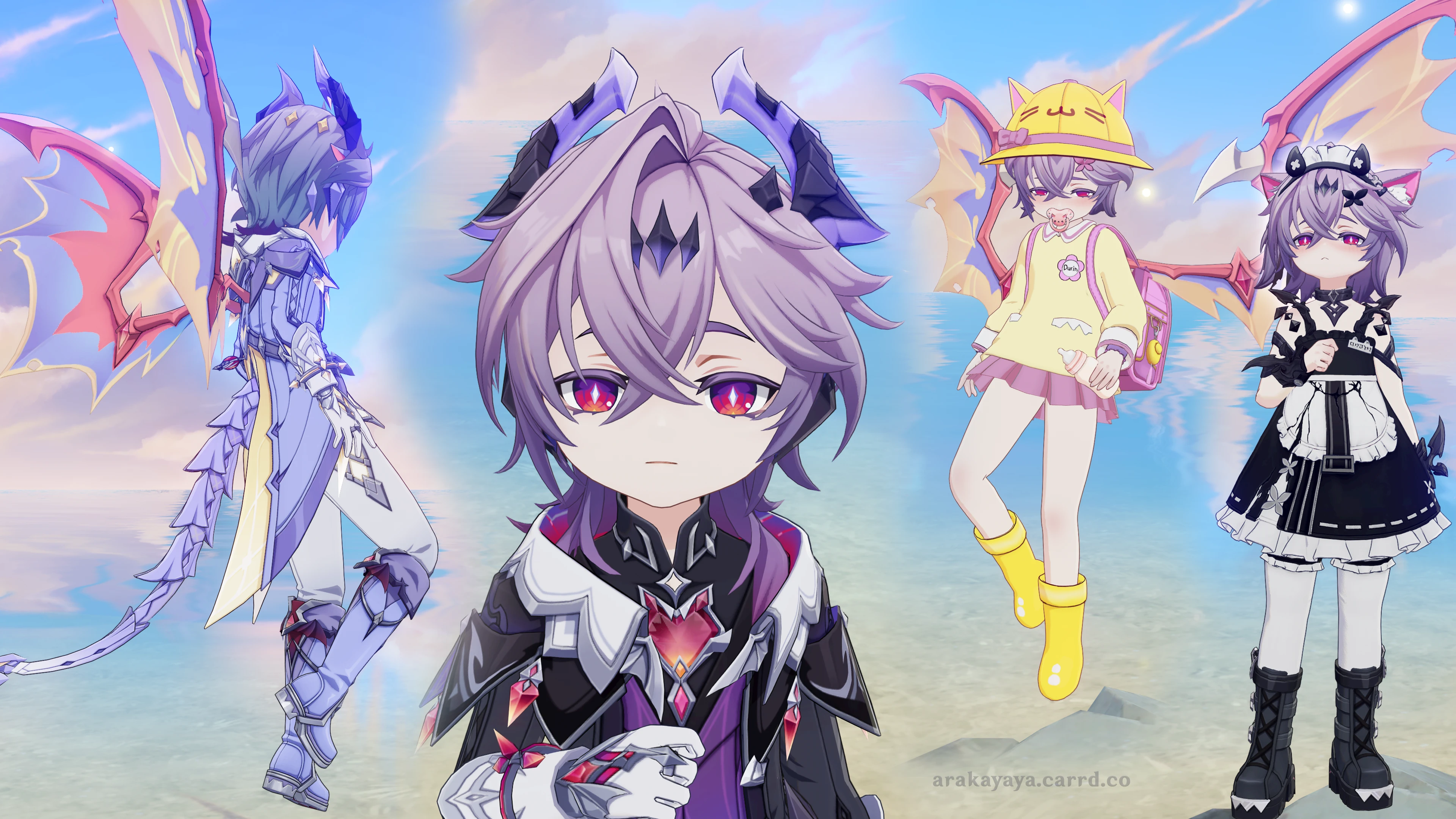
I REALLY LOVE prunes goth-esthetic and while working on this mini durin mod, I had an epiphany: Durin would absolutely ROCK prunes outfit! I also prefer my shotas more on the feminine side, so having a cute alternative outfit to durins pretty boy-ish default outfit (especially his pants) seemed very enticing >#< Also, there is a hair toggle on this page which you can use to either add prunes pigtail to durins default hair, or change the entire hairstyle (except bangs) to prune's ~
comes with icon mod too!
Again a massive thank you and shoutout to snaccubus, who made it possible for me to create loli/shotafication mods to such a polished degree in the first place (ㅅ´ ˘ `)✧
Aside from continuously helping and advising me with various stuff, he literally developed the method I use here to properly offset the face in order to not lose any facial expressions, so I'm very VERY grateful to him and you should be too
Enjoy! ⸜(。˃ ᵕ ˂ )⸝♡
Socials: https://arakayaya.carrd.co/
Snaccubus: https://www.patreon.com/Snaccubus (nsfw)
IMPORTANT !
If you are unfamiliar with these kinds of menu mods and/or if you have issues with the mod, please head over to this blog post that will go over the Menu's Requirements, Features, Controls, Troubleshooting and Known IssuesThere are two files, one is for his default form, the other for his skin. Please only use one at the same time!
Hello Everyone~ I'm finally back, this time with my very first scale/offset mod - And with it the first true shota in Genshin! ^v^
Doing these kinds of mods are quite difficult to properly pull off- there are so many issues that often force compromises, so I apologize in advance if you encounter weird bugs. That being said, I've spent a long time polishing everything so that these mods still feel as normal as I could make them at this point in time. And I will continue to be on the lookout for further optimizations to fix the remaining bugs and issues.
Allow me to yap a bit - Dev Notes
I'll go over a couple of things that some might find interesting, you don't need to read it if you don't want to. But they will give you more insight into some oddities of these mods and how to properly "use" them.First some basics that will be relevant to understand:
These mods rely on a Library by Leotorrez called "Offset.ini". Just shrinking a character down will cause them to float in the air, and to fix this, the mods call offset.ini to then (you guessed it) offset the character down onto the ground again.
This offset is desirable for when the character is standing/running on the ground, but there are a few cases where it actually is undesirable.
- swimming with the offset will cause the characters head to be completely underwater
- sitting will cause the body to sink into the chair
- in dialog scenes, when there is a closeup shot of durins head or upper body, only the top of the head might be visible with most of the body/face cut off.

However, when it comes to dialog scenes, there unfortunately is no way for me to detect when the camera is too far up. Likewise I cannot detect sitting or lying on a bed during dialog scenes (and some other cases). So for these cases in which we do not want the character to be offset, the character will not be auto-offset.
As a compromise, I added a new toggle that allows you to control the offset manually.

By default, Auto-Offset will be enabled. If you want to disable offset during e.g. a dialog scene, then you can click on this button. If you run into cases in which Auto-Offset kicks in when you don't want to, you can also disabled the Auto-Offsetting behavior by clicking on it again.
- Toggle 0/Off: Auto-Offset enabled
- Toggle 1: Offset disabled
- Toggle 2: Auto-Offset disabled
This Button is also special in that it is a "global" toggle, meaning toggling it will not only toggle it for the specific preset you are currently on, but it will also toggle it for all other presets simultaneously. This definitely should be more desirable than having it be preset-specific.
There is another another undesirable behavior these mods exhibit:
When the camera is going down far enough, like when using the camera feature and panning down/zooming in, Durins (original) face will be offscreen, while our modded (offset) face is still very much on screen. That causes the face to disappear, which looks hella crap.
As a way to combat this, I managed to find a way to detect whenever a certain face part disappears, and use that detection to automatically replace the face parts with ones that are on the body component instead of the face. This means that if the camera is far down/zoomed in enough, Durin will:
- lose facial animations
- face shading will not match the usual face shader
- facial expressions you set with the menu will reset (only while real face offscreen)
- there will be one frame of face flickering right at the transition between the real face and the replacement face

If something goes wrong for you and this fix ends up drawing the replacement face when it shouldn't (e.g. two eyebrows, but only one is animated / clipping), you can either disable or delete the "FaceDisappearanceFix.ini" in the "misc" folder. But doing so will obviously cause the face to disappear if offscreen.
I'd appreciate if you could let me know if you run into any such issues~
Offsetting the character also causes the weapon to float in the original position. Since the weapon doesn't share the same origin as the character, its pretty hard to align properly, and as of now, I haven't figured out a way to do it. At least not properly- I can still offset the weapon by the same amount, but it won't be perfectly in his hand all the time. Still, it should look way better than having it fly half a meter above the hand.

Until we found a more optimized way to do that, we have to live with that- but if something goes wrong or you are not interested in using this weapon mod, you can either disable or delete "AthameArtis.ini" in the "misc" folder.
I only modded his signature weapon, Athame Artis, like this. All other weapons will float in the air unfortunately. But if there is demand, I can maybe mod his best 4 star weapon like this as well
Lastly, I wanted to quickly go over the remaining known issues, before jumping into the preview:
- Outlines are a bit glitchy during offset, especially when the camera is further away. The outline color can also seem oddly transparent depending on the background.
- I sometimes experience bleeding issues (where other objects are being offset when shota durin is onscreen). But two other testers report that they don't see any such issues. I'm not sure why there is bleeding on my end, but hopefully I can find the cause soon. If you find yourself having issues like that, please let me know
- It's pretty subtle, but there is a weird distortion in the original face position above shota durins head.
Also, Offset mods are NOT COMPATIBLE WITH MOTION BLUR - If you have motion blur enabled, there will be blurry visual glitches on durin!
I hope this was interesting and informative for you all, and with all that said and done, lets enter the -
Mod Preview:
Menu's Pages & more

Aside from durins default parts and the offset disable button I've talked about in the dev notes above, you can also find a few other toggles on the durin page:
- additional "ear" options (human ears, elf ears)
- 3 Eye toggles (Star, 2 Texture edits, Eye Highlight)
- A toggle that will have additional color themes for durins outfit, one of which will be a Mini Durin theme!


I REALLY LOVE prunes goth-esthetic and while working on this mini durin mod, I had an epiphany: Durin would absolutely ROCK prunes outfit! I also prefer my shotas more on the feminine side, so having a cute alternative outfit to durins pretty boy-ish default outfit (especially his pants) seemed very enticing >#< Also, there is a hair toggle on this page which you can use to either add prunes pigtail to durins default hair, or change the entire hairstyle (except bangs) to prune's ~


comes with icon mod too!

Presets


Extras


Again a massive thank you and shoutout to snaccubus, who made it possible for me to create loli/shotafication mods to such a polished degree in the first place (ㅅ´ ˘ `)✧
Aside from continuously helping and advising me with various stuff, he literally developed the method I use here to properly offset the face in order to not lose any facial expressions, so I'm very VERY grateful to him and you should be too
Enjoy! ⸜(。˃ ᵕ ˂ )⸝♡
Socials: https://arakayaya.carrd.co/
Snaccubus: https://www.patreon.com/Snaccubus (nsfw)