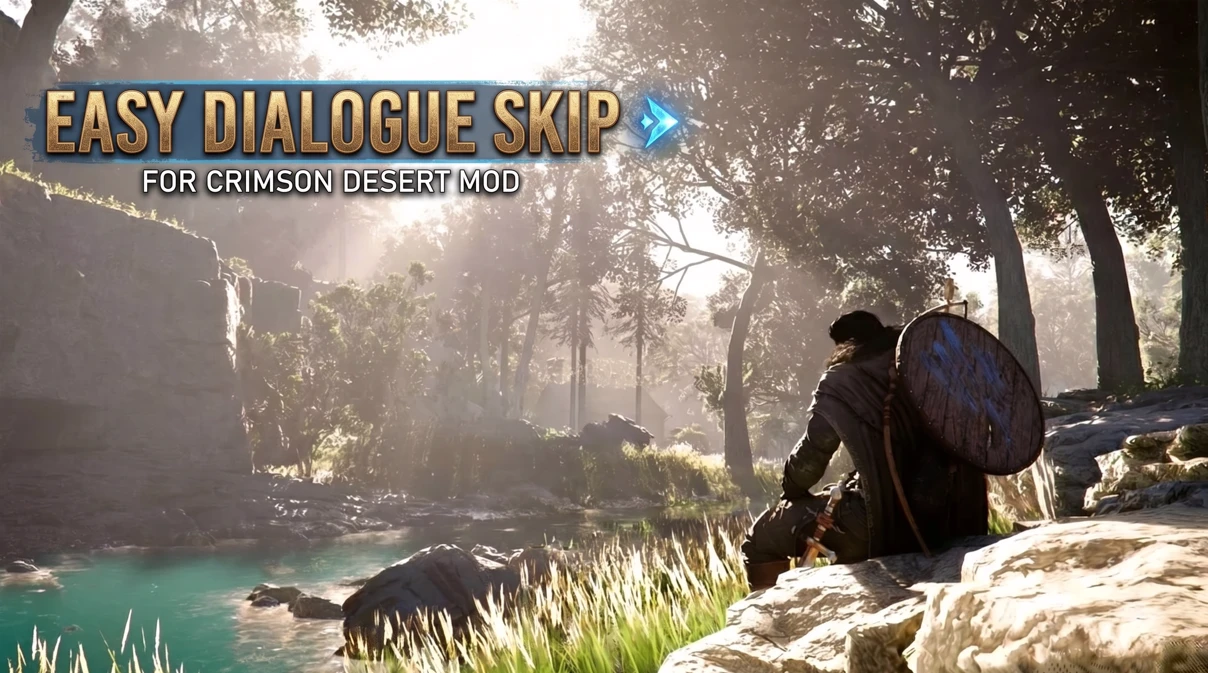
Crimson Desert Dialogue Skip
Skip and toggle dialogue with simple hotkeys — no waiting, no click spam.
Description
Tired of sitting through lengthy dialogue sequences you've already seen? This mod lets you skip dialogue on demand and toggle the skip mode on or off at any time — giving you full control over your pacing without affecting gameplay or cutscene integrity.
Lightweight .asi plugin with no configuration required. Just install and play.
Keybinds
F6 — Toggle dialogue skip on / off
Space — Skip the current dialogue line
Requirements
Ultimate ASI Loader (or any compatible ASI loader)
Crimson Desert (PC)
Installation
Download and install Ultimate ASI Loader — place dinput8.dll (or dsound.dll) into your Crimson Desert root folder.
Create an ASI folder inside the game root directory if one doesn't already exist.
Place CrimsonDesertDialogueSkip.asi into the ASI folder.
Launch the game. The mod loads automatically — no extra steps needed.
Uninstallation
Simply delete CrimsonDesertDialogueSkip.asi from the ASI folder. No registry edits, no leftover files.
Skip and toggle dialogue with simple hotkeys — no waiting, no click spam.
Description
Tired of sitting through lengthy dialogue sequences you've already seen? This mod lets you skip dialogue on demand and toggle the skip mode on or off at any time — giving you full control over your pacing without affecting gameplay or cutscene integrity.
Lightweight .asi plugin with no configuration required. Just install and play.
Keybinds
F6 — Toggle dialogue skip on / off
Space — Skip the current dialogue line
Requirements
Ultimate ASI Loader (or any compatible ASI loader)
Crimson Desert (PC)
Installation
Download and install Ultimate ASI Loader — place dinput8.dll (or dsound.dll) into your Crimson Desert root folder.
Create an ASI folder inside the game root directory if one doesn't already exist.
Place CrimsonDesertDialogueSkip.asi into the ASI folder.
Launch the game. The mod loads automatically — no extra steps needed.
Uninstallation
Simply delete CrimsonDesertDialogueSkip.asi from the ASI folder. No registry edits, no leftover files.