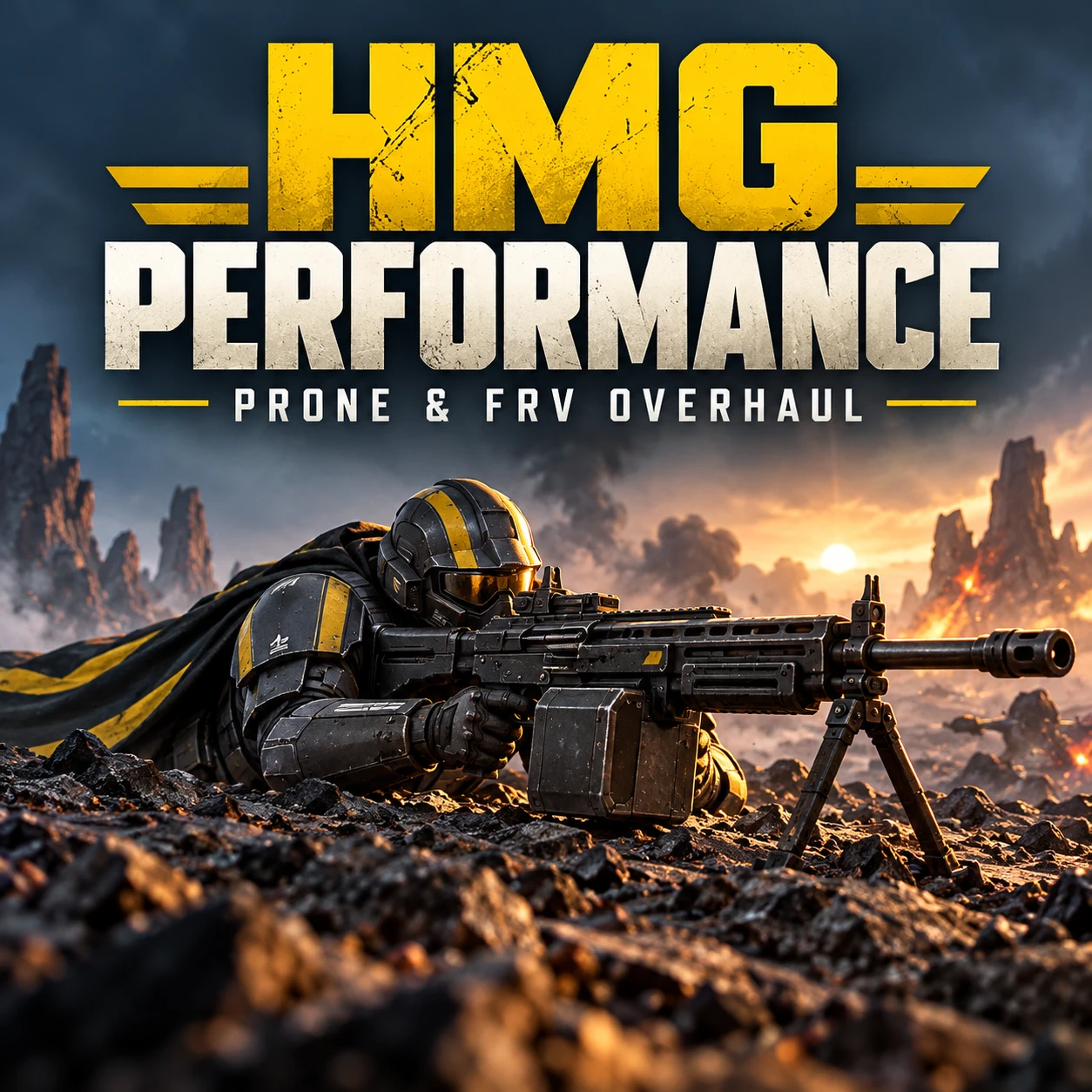
Give the HMG a proper prone fire-support role.
HMG Performance improves the handheld MG-206 and the regular M-102 FRV's mounted HMG, with faster firing modes, larger drums and handling tailored to each weapon.
The handheld HMG gains extra stability while prone for a bipod-like firing feel. The mounted HMG keeps a small residual kick with much less aim movement. Separate opening-shot controls let you tune each independently.
Weapon changes
- Both HMGs: 600 / 900 / 1,200 RPM firing modes.
- Both HMGs: 125-round drums and 3 × 3 mrad spread.
- Handheld HMG: three spare drums and 25% less base recoil drift and camera climb.
- Prone handheld HMG: additional 50% reduction to camera climb and sway, on top of the mod's base handling and the game's stance effects.
- Regular FRV HMG: five spare drums, plus the loaded drum.
- FRV handling: weapon drift at 20%, camera climb at 10% and sway at 15% of vanilla values.
The extra prone effect applies only while the handheld HMG is equipped and prone. Standing, crouching or switching weapons removes that extra effect. This changes handling; it does not add a new deployable bipod model or animation.
Choose your ammunition
Select one ammunition option inside HD2Arsenal or HD2ModManager. Every option includes the complete performance and recoil changes for both HMGs:
1. Stock ammunition — unchanged damage and penetration.
2. 60 durable damage — targets 60 durable damage with normal penetration.
3. 60 durable damage + Anti-Tank I — targets 60 durable damage and AP5 penetration.
The two enhanced ammunition profiles are experimental; their final damage and penetration effects still need gameplay verification. Normal damage is intended to remain unchanged.
Separate opening-shot recoil controls
Default opening-shot adjustments, relative to the mod's existing handling:
- Prone handheld HMG: 50% horizontal and 75% vertical recoil drift and camera climb.
- FRV HMG: 50% horizontal and vertical camera climb, retaining the existing mounted weapon drift and firing animation.
Each adjustment can be enabled or disabled independently. After the first launch, close the game and edit:
%LOCALAPPDATA%\CowboyBingus\Helldivers2\HMGPerformance.ini`
Multipliers accept 0–2: 1 means no additional change and 0.5 means half the existing recoil. Restart the game after editing.
Opening-shot control runs on Lua updates. At low frame rates, multiple rounds fired between updates can share the opening reduction.
Requirements and installation
Requires [Bingus Shared Loader](https://github.com/CowboyBingus/BingusSharedLoader).
1. Close Helldivers 2 and install/enable Bingus Shared Loader.
2. Import this ZIP into HD2Arsenal or HD2ModManager.
3. Enable HMG performance and ammunition, then select exactly one ammunition sub-option.
4. Remove previous versions of this mod and disable other mods that edit the same HMG or FRV stats.
5. Keep Bingus Shared Loader at winning startup priority—last in the default Arsenal order—then Purge/Deploy.
6. Launch the game, allow the settings to apply aboard the ship, then call in fresh weapons.
Known conflict: MG-206 Heavy Machine Gun (Realistic). The M-103 supply FRV is outside this mod's scope.
Credits
Bingus Shared Loader by CowboyBingus.
Cover: AI-generated promotional artwork.
HMG Performance improves the handheld MG-206 and the regular M-102 FRV's mounted HMG, with faster firing modes, larger drums and handling tailored to each weapon.
The handheld HMG gains extra stability while prone for a bipod-like firing feel. The mounted HMG keeps a small residual kick with much less aim movement. Separate opening-shot controls let you tune each independently.
Weapon changes
- Both HMGs: 600 / 900 / 1,200 RPM firing modes.
- Both HMGs: 125-round drums and 3 × 3 mrad spread.
- Handheld HMG: three spare drums and 25% less base recoil drift and camera climb.
- Prone handheld HMG: additional 50% reduction to camera climb and sway, on top of the mod's base handling and the game's stance effects.
- Regular FRV HMG: five spare drums, plus the loaded drum.
- FRV handling: weapon drift at 20%, camera climb at 10% and sway at 15% of vanilla values.
The extra prone effect applies only while the handheld HMG is equipped and prone. Standing, crouching or switching weapons removes that extra effect. This changes handling; it does not add a new deployable bipod model or animation.
Choose your ammunition
Select one ammunition option inside HD2Arsenal or HD2ModManager. Every option includes the complete performance and recoil changes for both HMGs:
1. Stock ammunition — unchanged damage and penetration.
2. 60 durable damage — targets 60 durable damage with normal penetration.
3. 60 durable damage + Anti-Tank I — targets 60 durable damage and AP5 penetration.
The two enhanced ammunition profiles are experimental; their final damage and penetration effects still need gameplay verification. Normal damage is intended to remain unchanged.
Separate opening-shot recoil controls
Default opening-shot adjustments, relative to the mod's existing handling:
- Prone handheld HMG: 50% horizontal and 75% vertical recoil drift and camera climb.
- FRV HMG: 50% horizontal and vertical camera climb, retaining the existing mounted weapon drift and firing animation.
Each adjustment can be enabled or disabled independently. After the first launch, close the game and edit:
%LOCALAPPDATA%\CowboyBingus\Helldivers2\HMGPerformance.ini`
iniprone_enabled=trueprone_horizontal=0.5prone_vertical=0.75frv_enabled=truefrv_camera_horizontal=0.5frv_camera_vertical=0.5Multipliers accept 0–2: 1 means no additional change and 0.5 means half the existing recoil. Restart the game after editing.
Opening-shot control runs on Lua updates. At low frame rates, multiple rounds fired between updates can share the opening reduction.
Requirements and installation
Requires [Bingus Shared Loader](https://github.com/CowboyBingus/BingusSharedLoader).
1. Close Helldivers 2 and install/enable Bingus Shared Loader.
2. Import this ZIP into HD2Arsenal or HD2ModManager.
3. Enable HMG performance and ammunition, then select exactly one ammunition sub-option.
4. Remove previous versions of this mod and disable other mods that edit the same HMG or FRV stats.
5. Keep Bingus Shared Loader at winning startup priority—last in the default Arsenal order—then Purge/Deploy.
6. Launch the game, allow the settings to apply aboard the ship, then call in fresh weapons.
Known conflict: MG-206 Heavy Machine Gun (Realistic). The M-103 supply FRV is outside this mod's scope.
Credits
Bingus Shared Loader by CowboyBingus.
Cover: AI-generated promotional artwork.
