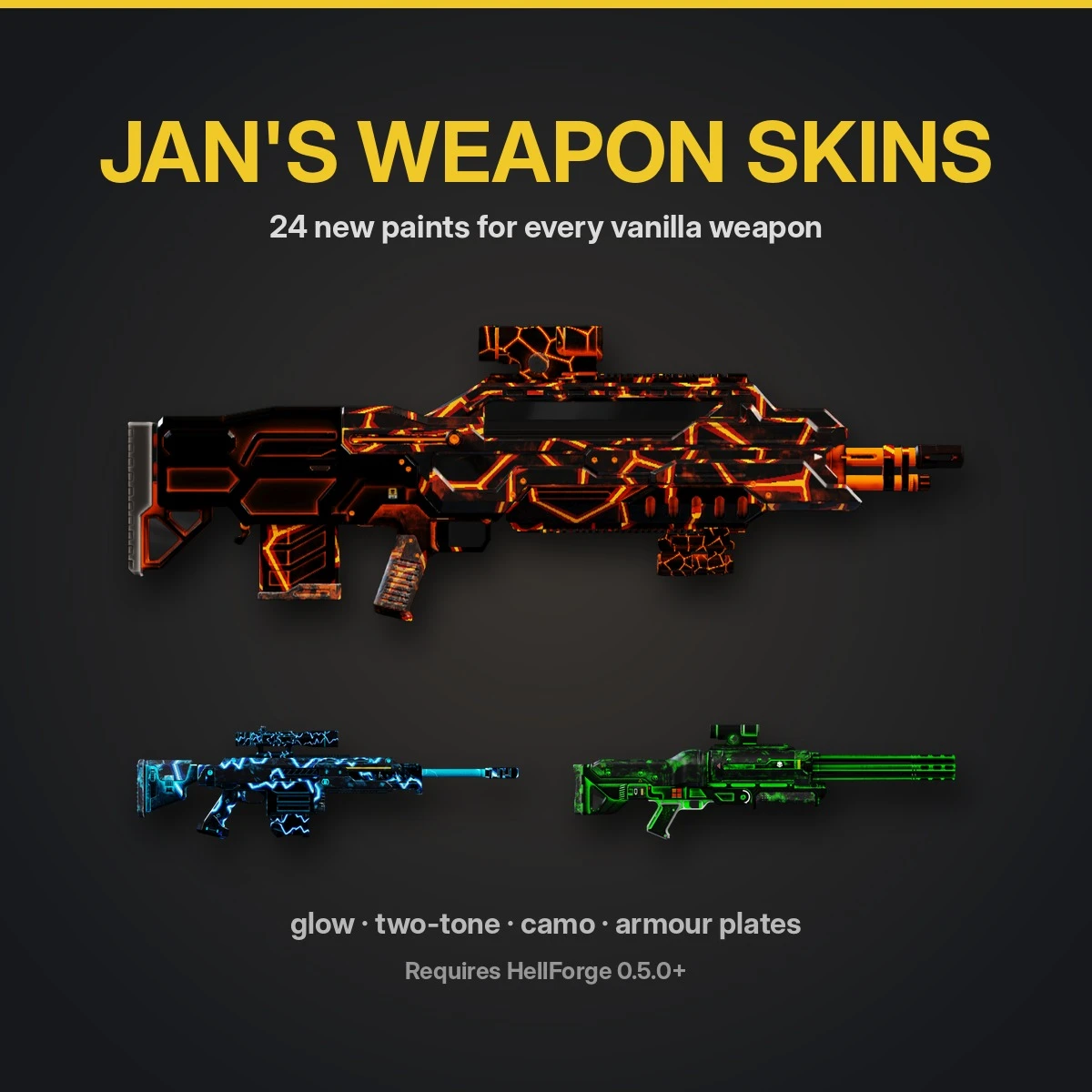
Jan's (Static) Weapon Skins
In HellForge's Mods list this mod is called Jan's Weapon Skins.
24 new weapon paints for Helldivers 2. They work on every vanilla weapon that takes paints and show up in each weapon's paint list in the Armory, right after the weapon's first-level paints.
What's included
Requirements
Installation
Uninstalling: switch the mod off or remove it on the Mods page. Weapons painted with it go back to their default look.
Compatibility
Known issue
Credits
Changelog
1.0.0: first public release.
Permissions
In HellForge's Mods list this mod is called Jan's Weapon Skins.
24 new weapon paints for Helldivers 2. They work on every vanilla weapon that takes paints and show up in each weapon's paint list in the Armory, right after the weapon's first-level paints.
What's included
- Glow (black or gunmetal body with glowing edges): Black/Red Glow, Black/Green Glow, Black/Blue Glow, Black/Gold Glow, Arc Cyan Glow
- Two-tone: Black/Gold Two-Tone, Gunmetal/Copper Two-Tone
- Colour camo: Black/Red Camo, Black/Green Camo, Black/Blue Camo, Black/Gold Camo
- Camo patterns (new camo shapes): Tiger Camo, Splinter Camo, Olive Stripe Camo, Navy Digital Camo, Lightning Storm
- Armour plates: Hex Plate Camo, Gold Hex Plate, Cyan Hex Plate, Tri Plate Camo, Dragon Scale Camo, Hull Plate Camo, Carbon Weave, Magma Plate
Requirements
- HellForge 0.5.0 or newer.
Installation
- Install HellForge 0.5.0 or newer.
- In HellForge, open the Mods page, press Add mods... and pick the downloaded zip. You can also drop the zip into the mods folder (Mods page > Open mods folder).
- Make sure the mod is switched on and start the game through HellForge.
- In the Armory, pick a weapon, open its paints and choose one.
Uninstalling: switch the mod off or remove it on the Mods page. Weapons painted with it go back to their default look.
Compatibility
- Co-op: everyone in the squad needs the same version. If you join a host who has it and you don't, HellForge's MOD SYNC prompt offers you the host's copy.
- Works alongside other weapon paint mods, up to HellForge's limit of mod paints per weapon.
- New camo shapes: if another mod also adds camo shapes, only the one higher in HellForge's load order keeps its shapes, and the other mod's pattern paints show the wrong shape. Plain colour paints are not affected.
- These paints only show on weapons added by other mods if those mods support vanilla paints.
- Weapons only. Backpacks, armour and vehicles are not changed.
Known issue
- On HellForge 0.5.0, opening the Customize screen again very quickly can crash the game. This is a HellForge bug, not this mod's, and it is fixed in HellForge after 0.5.0. Until you update, wait a moment before reopening Customize.
Credits
- Jan: the paints and the mod.
- Arrowhead Game Studios: Helldivers 2 and the original paints these are recoloured from.
- SkyeShade and the HellForge contributors: HellForge.
Changelog
1.0.0: first public release.
Permissions
- Re-upload: not allowed. Link to this page instead.
- Modification, forks/parallel versions, asset use, conversion to other games, AI modification and training: allowed, with credit to Jan.
- Earning donation points with these assets, or any third-party monetisation: not allowed.
