NEMIx3DMIGOTO NTE (Neverness to Everness) MOD loader 1.0.0

A Mod for Neverness to Everness
  • po05
  • Featured
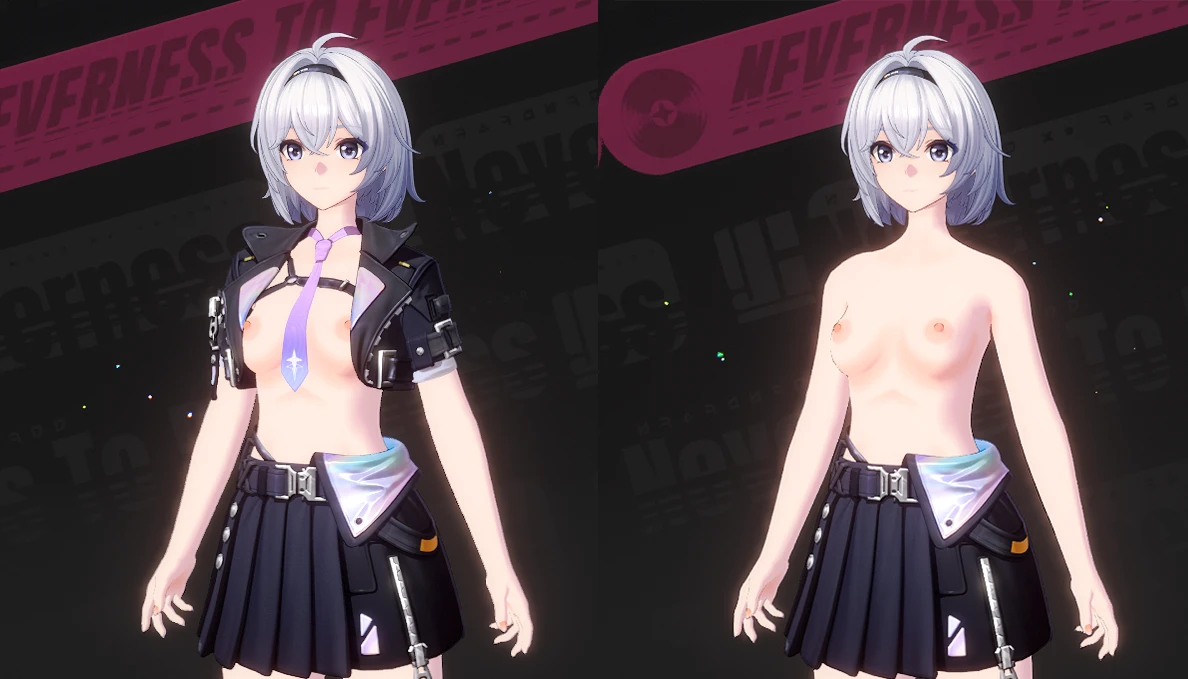
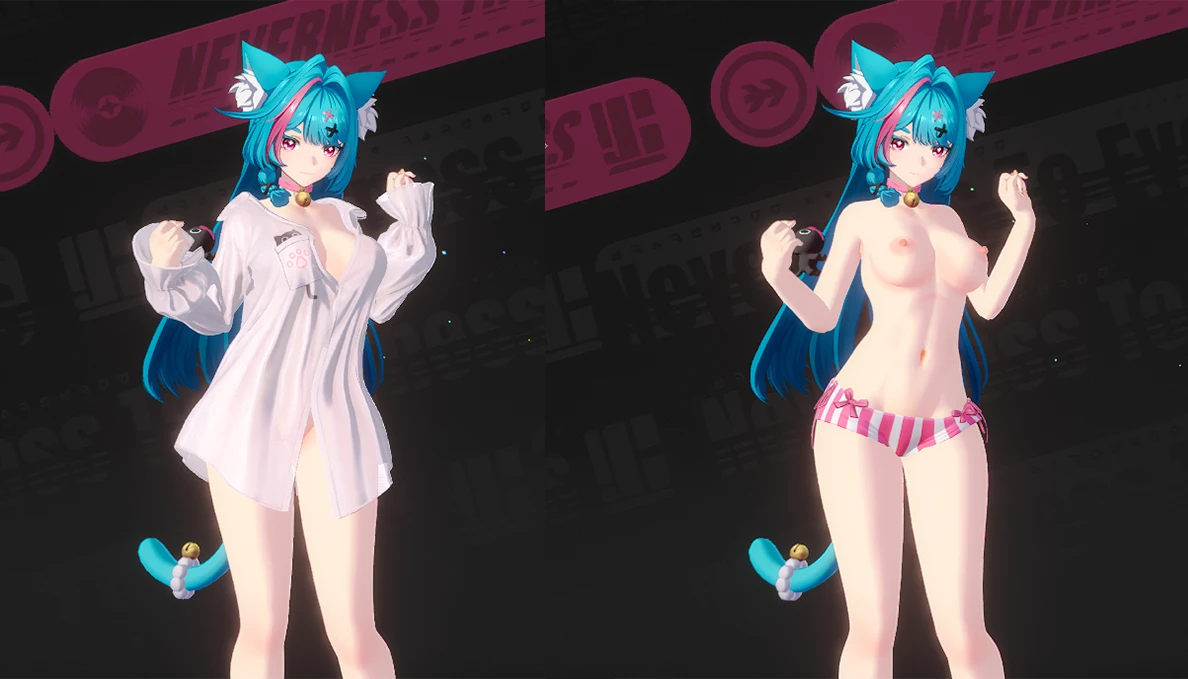
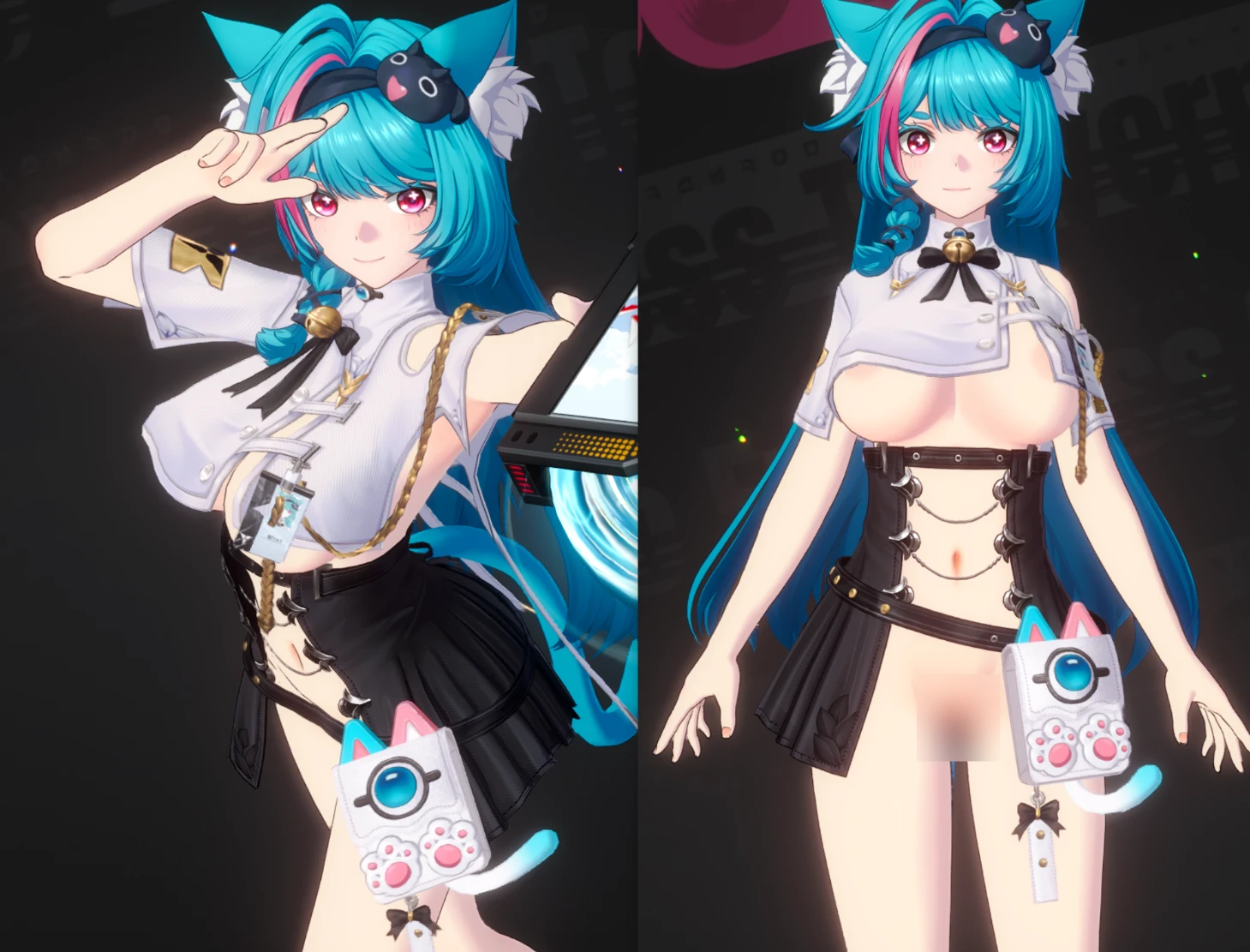
NEMIx3DMIGOTO NTE (Neverness to Everness) MOD loader Mod Preview Image
  • 01.png
    01.png
    1.1 MB · Views: 2,303
  • 02.png
    02.png
    27.4 KB · Views: 2,039
  • 03.png
    03.png
    1 MB · Views: 2,161
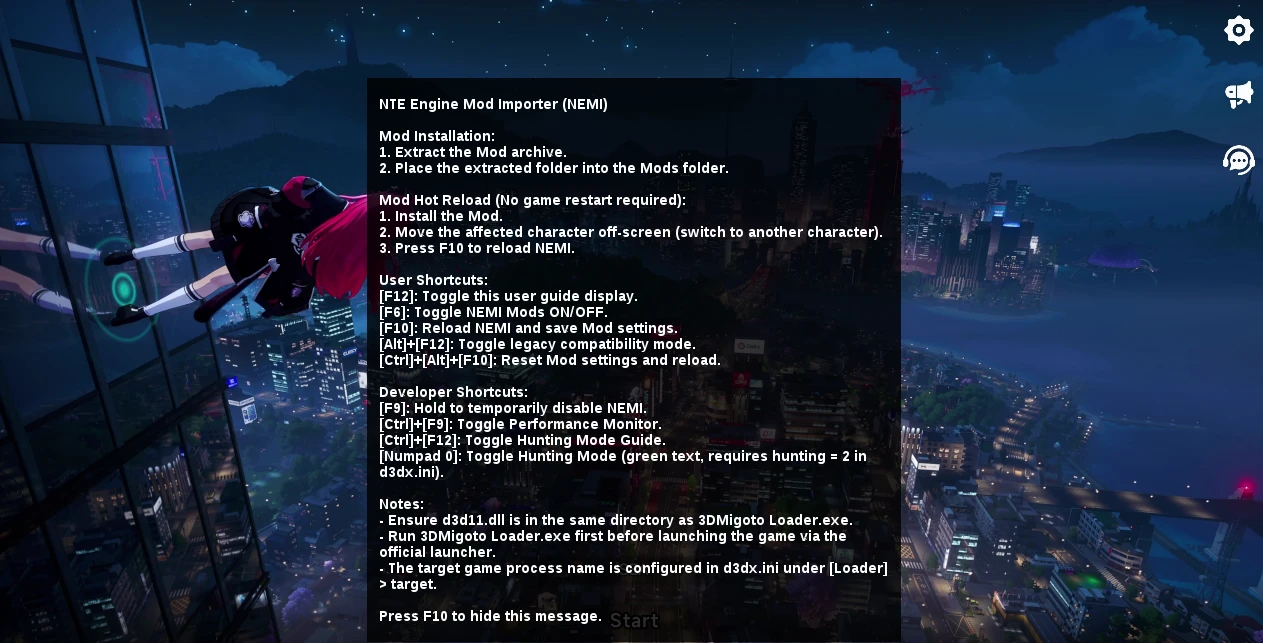
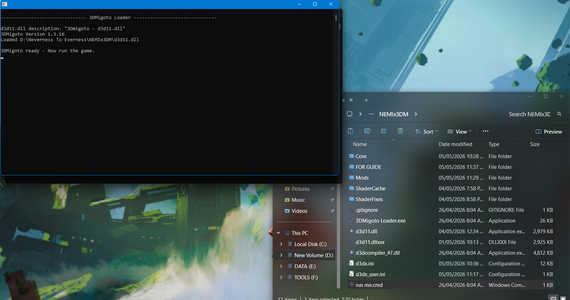
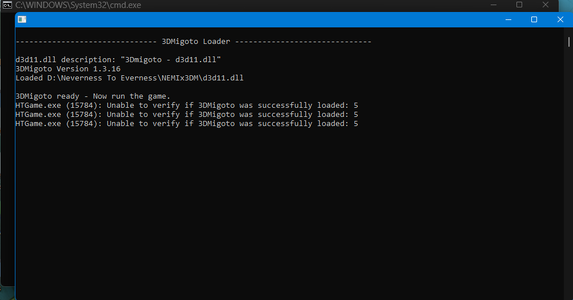
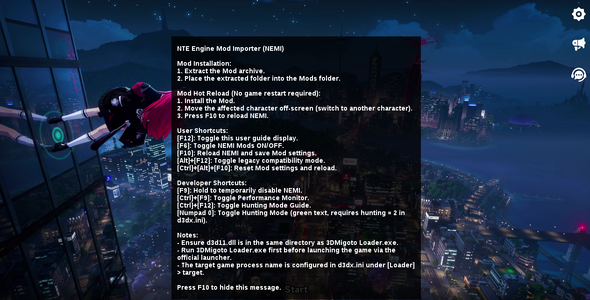
To load the mods properly, you need this custom version of 3DMigoto.
I’ve also included a screenshot as a guide—make sure to follow it carefully.

Important:
Do not add or remove anything inside the NEMIx3DM folder. Changing files there can break the mod.

This custom version, 3dmigotoXnemi, was originally made by CHN-HelloWorld/NEMI.
You can find it here:
https://github.com/CHN-HelloWorld/NEMI
11.7 MB
Log in or sign up to download
Uploaded by
po05
Downloads
1,186
Views
5,953
First release
Last update
Platform
PC 
Version
1.0.0
Rating
0.00 star(s) 0 ratings

Uploaded by

  • 1,186
  • 5,953

Ratings

0.00 star(s) 0 ratings

Tags

There are no tags available.

More mods from po05

  • PC Female protagonist (Zero)

  • PC Mint - Half-in pajamas

  • PC Mint - Semi nsfw MOD

ScaryDXP

Fan número uno de Toph Beifong.
Members
May 8, 2026
0
0
I don't know what I'm doing wrong, but my entire screen goes blank when I follow the instructions. I think these files are missing something.
 

demicorn

Members
Members
May 4, 2026
0
0
How did you get it to work on Linux? like what steps did you take.
I use Heroic launcher with dwproton and a shared prefix.
I use Lutris. I simply copied the configuration for running NTE, specified the path to 3dmigoto, and set its working directory.
The .env parameter UMU_CONTAINER_NSENTER=1 allows me to run multiple programs simultaneously in Proton, which is launched via UMU.
After that, I launch 3dm, and a window appears with a prompt to start the game.
Then I launch the game via the standard launcher in DX11 mode.
But the mods don’t work, even though the 3dm menu is displayed.

TvfyRtv.jpeg


7o93jJb.jpeg


EmiVwsv.jpeg


5Zdl8DM.jpeg