NTEMM - Neverness to Everness Mod Manager
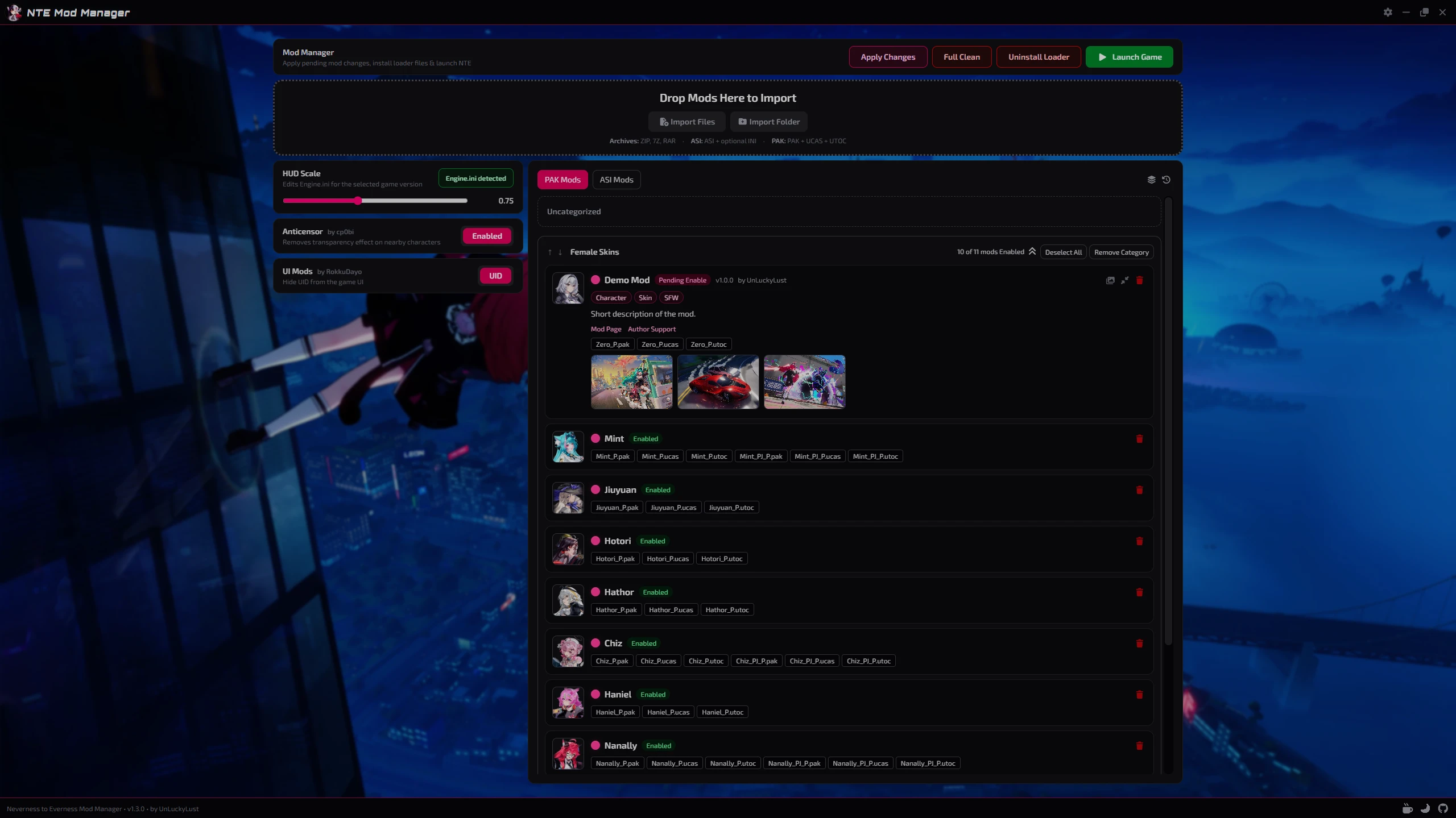
Tired of manually moving `.pak` files around?NTEMM is a lightweight mod manager made for Neverness to Everness that will helps you organize, install and manage your mods through a clean desktop interface.
Supports both .pak and .asi mods with built-in loader management, drag & drop organization, integrated tools and a sleek modern UI for fast and simple mod management.
Features
- Easy .pak and .asi mod management
- Drag & drop categories
- Pending changes system
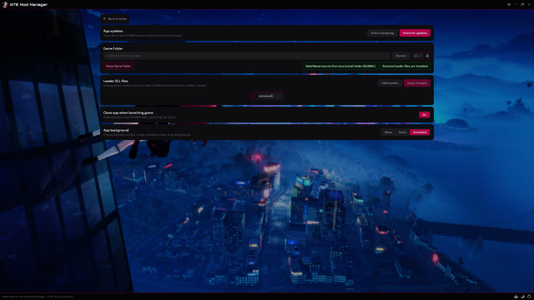
- Automatic game detection
- Global + CN + TW versions support
- Built-in loader installer
- Custom mod folder icons
- Lightweight modern UI
Integrated Tools
Loader Management- Install or remove loader files directly from NTEMM.
- Optional bundled Anticensor support included directly in the manager.
huge thanks to cp0bi Censorship Remover
- Adjust the in-game HUD scale directly from the app with automatic `Engine.ini` detection.
huge thanks to Tayuya UI Scale Fix
- Optional bundled UID Hider included directly in the manager.
huge thanks to RokkuDayo Debloated HUD
Installation
- Download the installer
- Run setup
- Launch NTEMM.exe
- Select your game folder
- Start importing mods
Supported Mod Types
- .pak
- .asi
For Mod Creators
NTEMM supports optional mod.json metadata file.Adding a mod.json file to your mod folder allows the manager to automatically display additional information such as the mod name, author, version, description, tags and links directly inside the app.
Example mod.json:
Code:
{
  "name": "ModName",
  "version": "1.0.0",
  "author": "AuthorName",
  "description": "Short description of the mod.",
  "modLink": "https://ayakamods.com/mods/ntemm-mod-manager.2624/",
  "supportLink": "https://ko-fi.com/unluckylust",
  "tags": ["Character", "Skin", "SFW"]
}
Preview Images
NTEMM supports an option to include preview images with mods so they can be displayed directly inside the app.To add previews, simply place the images next to the mod files and make sure their file names contain preview.
Supported image formats include: .png | .jpg | .jpeg | .webp | .gif | .bmp | .avif
Important Notes
Windows Defender or SmartScreen may show a warning on first launch because the application is currently unsigned. This is common for many indie/open-source applications.NTEMM does not create mods or modify game code.
It is only used to organize and manage existing community-made mods.
Latest builds are publicly scanned on VirusTotal
