RE:Formation
An RE Engine mod manager.
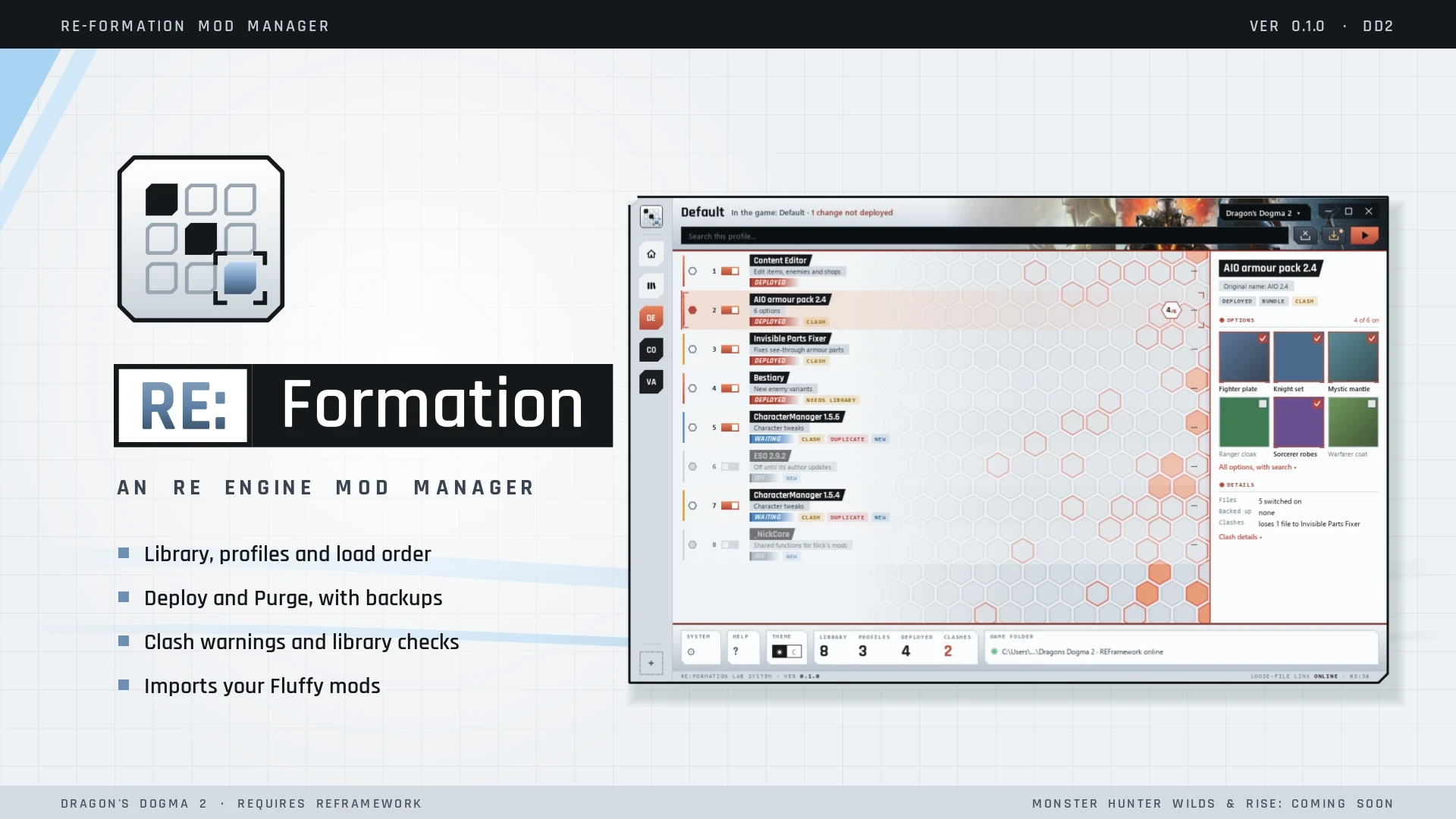
RE:Formation keeps your mods in one place: a library, profiles, options and load order. It Deploys them into the game and cleans up after itself.
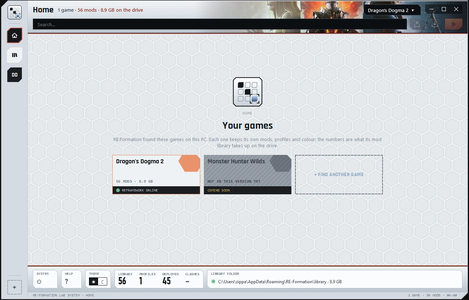
Supported: Dragon's Dogma 2. Monster Hunter Wilds and Monster Hunter Rise are coming soon.
Language: English for now.
What it does
Requirements
Install
Run RE-Formation-Setup-0.2.1.exe. It installs for your Windows user only, so there's no admin prompt. Your mods, profiles and settings live in %APPDATA%\RE-Formation and stay as they are through updates and uninstalls.
The installer is code-signed. Windows may still show "Windows protected your PC" for a while, because the signature is new. Click More info, then Run anyway.
Moving over from Fluffy Mod Manager
Known limits
Bugs, help and feedback
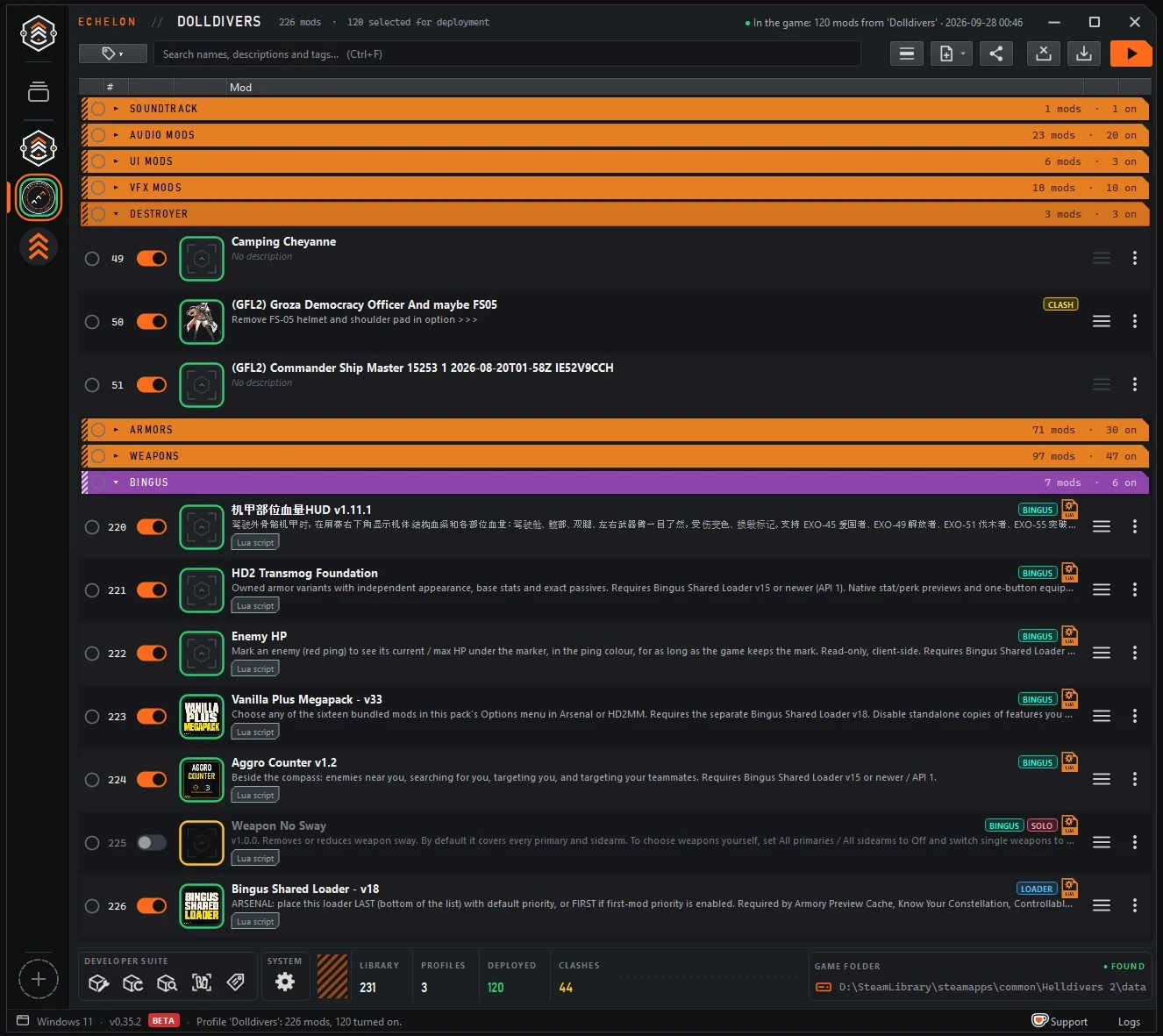
Post in the comments, or join the Discord: Echelon - Dolldivers hub. RE:Formation shares it with Echelon, its sister mod manager for Helldivers 2, which you can also find here on AyakaMods. A screenshot and RE:Formation's log help the most.
Credits and thanks
An RE Engine mod manager.
RE:Formation keeps your mods in one place: a library, profiles, options and load order. It Deploys them into the game and cleans up after itself.
Supported: Dragon's Dogma 2. Monster Hunter Wilds and Monster Hunter Rise are coming soon.
Language: English for now.
What it does
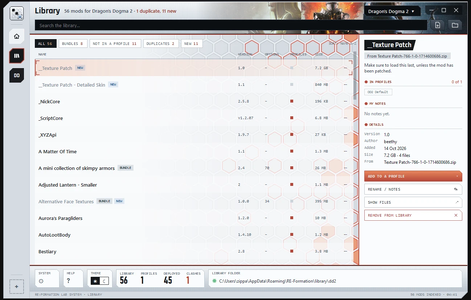
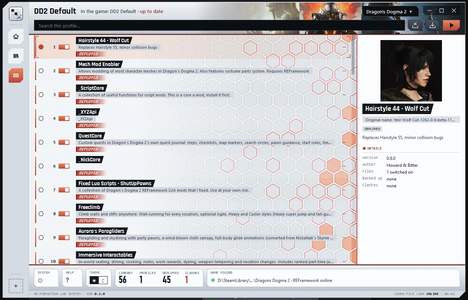
- Library and profiles. Add mods from .zip, .7z or .rar, or a plain folder. Duplicate a profile to try a new setup.
- Options. For mods that come in several versions, pick the options you want.
- Load order. The mod lower in the list wins. Use separators to group mods, and select several at once to move or switch them together.
- Deploy and Purge. Deploy records every file it places. Purge removes only those files, and leaves alone any file you changed after the Deploy.
- Clash warnings. File contents are compared, so only real conflicts are flagged. Mute the ones you're fine with.
- Replace with a new version. Keeps the mod's place, options, notes and tags.
- Crash Finder. Narrows down which mod crashes the game, keeping needed libraries switched on.
- Tags and search. Tag your mods and search with #tag.
- Library check. When a script mod needs a library such as _NickCore or _XYZApi, you'll see it, with a link to switch the library on.
- Fluffy import. Your mods, options and load order from Fluffy Mod Manager arrive as a new profile.
- Quick start tour on first launch. Replay it any time from Settings or the ? on the bottom bar.
- Light and dark theme.
Requirements
- Windows 10 or 11, 64-bit
- REFramework, with its loose file loader switched on
- 7-Zip, only for .7z and .rar mods
Install
Run RE-Formation-Setup-0.2.1.exe. It installs for your Windows user only, so there's no admin prompt. Your mods, profiles and settings live in %APPDATA%\RE-Formation and stay as they are through updates and uninstalls.
The installer is code-signed. Windows may still show "Windows protected your PC" for a while, because the signature is new. Click More info, then Run anyway.
Moving over from Fluffy Mod Manager
- Open Dragon's Dogma 2 in RE:Formation. The first time, it offers to import your Fluffy mods, options and load order.
- In Fluffy, use Uninstall all, so its files leave the game.
- Deploy in RE:Formation.
Known limits
- Dragon's Dogma 2 only. Monster Hunter Wilds and Rise come later.
- English only for now.
- Deploy copies files. There's no link mode yet.
- Bundles with "pick one" choices show as "pick any", so tick just one yourself.
Bugs, help and feedback
Post in the comments, or join the Discord: Echelon - Dolldivers hub. RE:Formation shares it with Echelon, its sister mod manager for Helldivers 2, which you can also find here on AyakaMods. A screenshot and RE:Formation's log help the most.
Credits and thanks
- praydog for REFramework, which loads the files RE:Formation deploys.
- FluffyQuack for Fluffy Mod Manager and the modinfo.ini format RE:Formation reads.
- Indian Type Foundry for the Rajdhani font (SIL Open Font License).
- The Qt Company for Qt for Python (PySide6), used under the LGPL.
- Igor Pavlov for 7-Zip, used to open .7z and .rar mods.
- Jordan Russell for Inno Setup.
- And thanks to everyone who tested early builds.