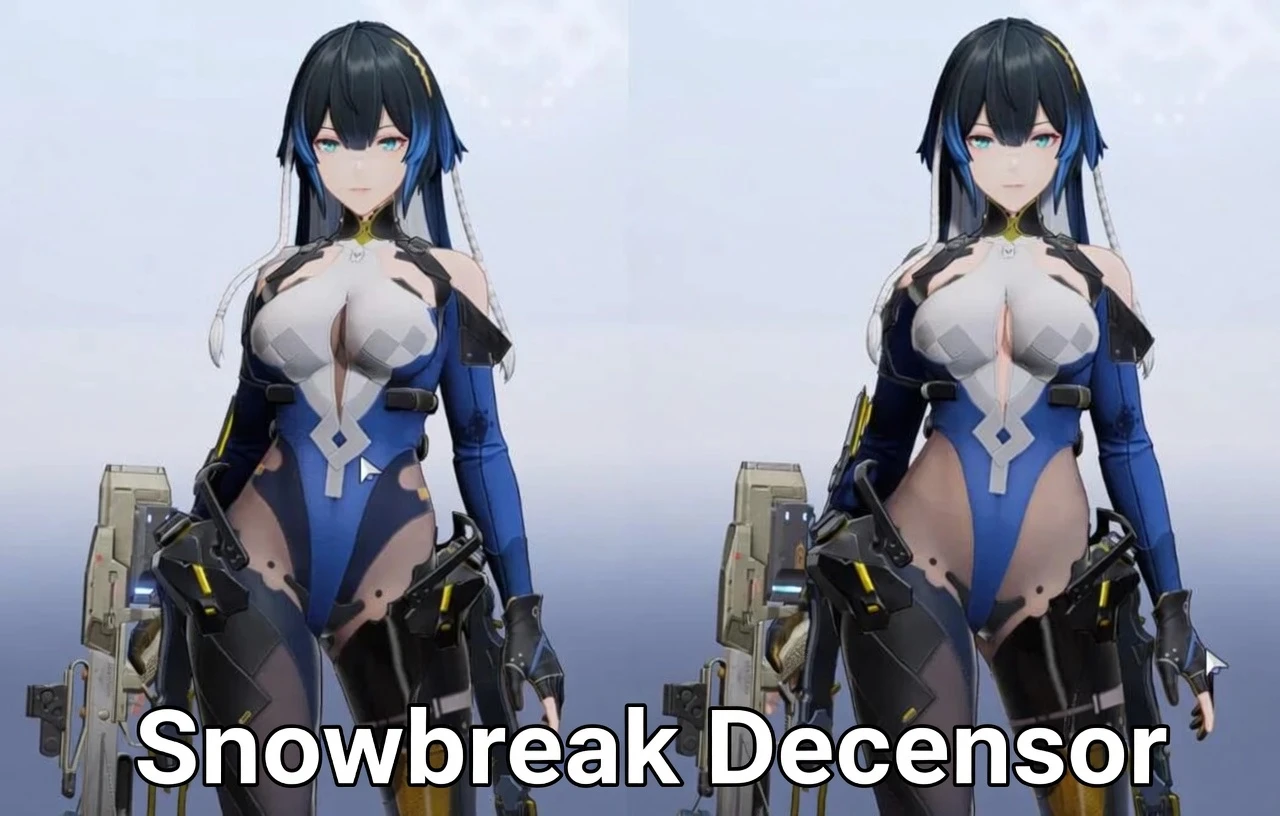
Snowbreak Decensor Guide
「本当の姿で遊ぼうね♪」
Completely safe client-side edit. Nudge nudge, wink wink~
「本当の姿で遊ぼうね♪」
Completely safe client-side edit. Nudge nudge, wink wink~
Everybody, please be chill and read the full guide below. We all know what happened with the censorship. This is the proper way to bring back the original, beautiful character models, the way they were meant to be seen.
PC - Standalone Client


- Open the game launcher -> click the settings icon (top right)
- Under "Game Contents," click "View" to open the install folder
- Find localization.txt -> open with Notepad
- Change the number from 0 to 1
- Save and launch the game
Permission tip: Can’t edit? Right-click file -> Properties -> Security -> Edit -> give “Users” Write permission.
PC - Steam Version


- Right-click Snowbreak in the Steam library
- Manage -> Browse local files
- Extract ZIP for localization.txt to the directory folder
Android

- Connect phone to PC (File Transfer mode)
- Go to Android > data > com.seasun.snowbreak.google > files
- Copy localization.txt to PC
iOS
[iOS needs a computer. Use free iMazing app.]

- Download iMazing
- Connect your iPhone/iPad
- Browse to the Snowbreak folder
- Extract ZIP for localization.txt to the directory folder
Important Notes
- Changes apply to the next game launch
- Always back up localization.txt first!
- 100% client-side, no ban risk, online features unaffected
Credits
Guide originally from snowbreakggSpecial thanks to Vicyush & their trusted friend
Enjoy the game the way it was always meant to be played.