View: https://www.youtube.com/watch?v=qcYTIjaBoLU
# Sybreed - Doomsday Party (Experimental Infusion Audio Replacer)
### Description
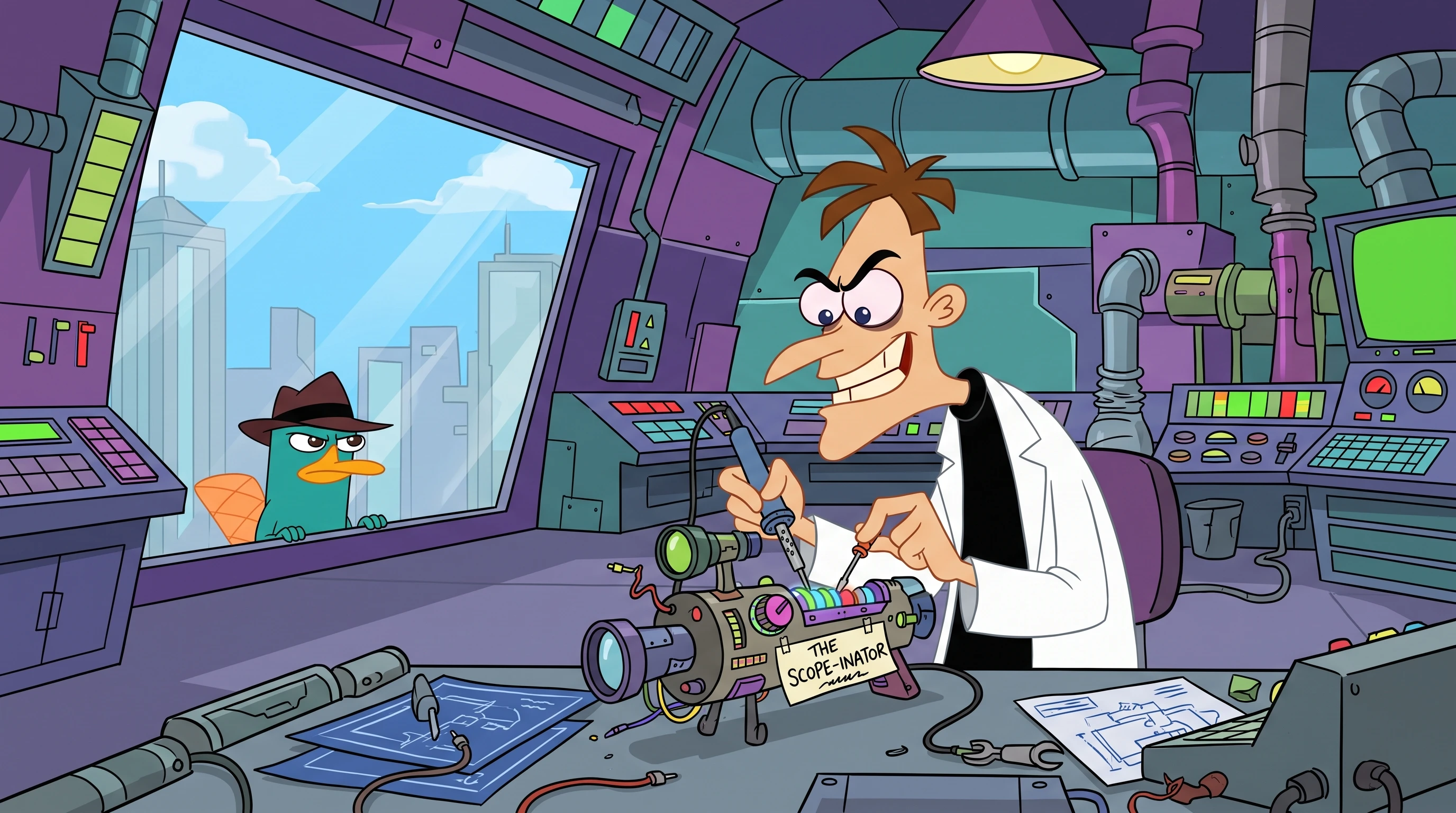
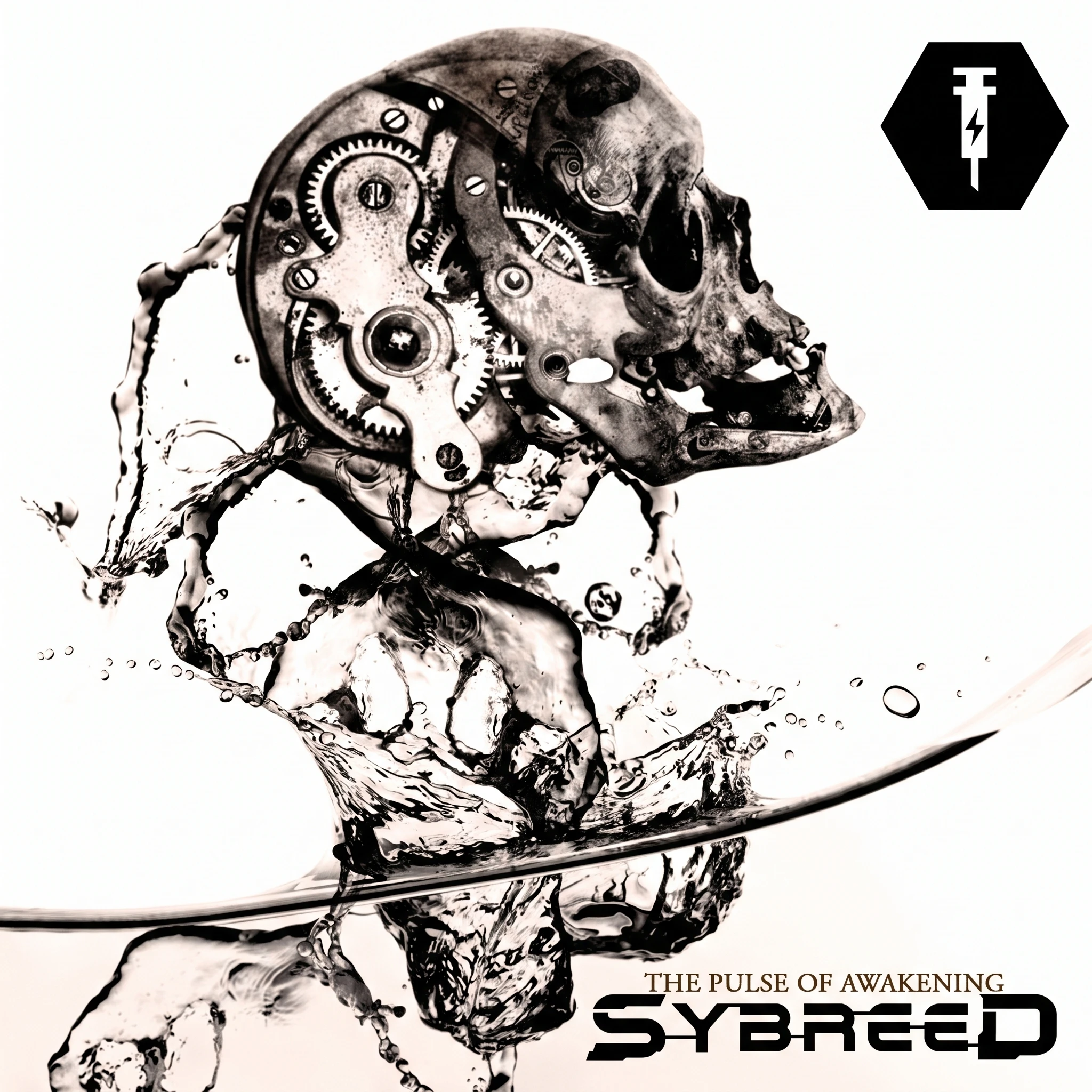
Super Earth’s Ministry of Science has upgraded the **Experimental Infusion** combat stim with high-grade cybernetic industrial metal. Whenever you inject a stim while running the Experimental Infusion booster, the vanilla ringing and synth sound effects are replaced with **"Doomsday Party"** by **Sybreed**—fueling your adrenaline-boosted sprint through Automaton crossfire and Terminid swarms.
Created by **Desiderium**.
---
### Main Features
* **High-Octane Experimental Infusion Audio:** Replaces the Experimental Infusion booster sound effect with *Sybreed - Doomsday Party* (48kHz stereo Wwise Vorbis).
* **Remastered Audio Mix:** Uses unattenuated (0 dB) playback curves so the music cuts clearly through heavy combat and explosions without overpowering core game cues.
* **Vanilla Injection SFX Preserved:** Keeps the satisfying mechanical needle stab, hiss, and exhale sound effects intact upon injection.
* **Two Distinct Versions Available:**
* **Version 1 (Autotune Intro):** Includes the full ~22-second sequence starting with the iconic vocal autotune intro before dropping into the main riff.
* **Version 2 (No Intro):** A ~19-second cut that skips the intro and drops immediately into the heavy riff the moment the needle hits.
---
### Requirements
* **Base Game:** *Helldivers 2*
* **In-Game Booster:** The **Experimental Infusion** booster (from the *Viper Commandos* Warbond) must be equipped by you or a squadmate in the mission loadout for the audio to trigger on stim use.
* **Mod Manager (Recommended):** [HD2 Arsenal](https://www.nexusmods.com/helldivers2) or Helldivers 2 Mod Manager.
---
### Installation Instructions
*(Choose **only one** of the two zip versions to install at a time).*
#### Method 1: HD2 Arsenal (Recommended)
1. Download either **`Sybreed - Doomsday Party (Autotune Intro).zip`** or **`Sybreed - Doomsday Party (No Intro).zip`**.
2. Open **HD2 Arsenal**.
3. Drag and drop the downloaded `.zip` file directly into the Arsenal window (or click **Add Mod** and select the `.zip` archive).
4. Enable the mod in your mod list and click **Deploy / Launch**.
#### Method 2: Manual Installation
1. Download your preferred version of the `.zip` file and extract its contents.
2. Navigate to your *Helldivers 2* `data` directory:
* **Default Steam Path:** `C:\Program Files (x86)\Steam\steamapps\common\Helldivers 2\data`
3. Copy `9ba626afa44a3aa3.patch_0` into the `data` folder.
* *Note:* If you already have existing `9ba626afa44a3aa3.patch_#` files in your `data` folder from other manual mods, rename the `.patch_0` extension to the next consecutive number in sequence (e.g., `.patch_1`, `.patch_2`, etc.).
4. **To Uninstall:** Delete the corresponding `9ba626afa44a3aa3.patch_#` file from your `data` folder.
---
### Compatibility
* **Client-Side Only:** Like all audio replacements, this mod is purely client-side and will not affect other players in your lobby.
* **Compatible With:** All armor, weapon, visual, HUD, and unrelated voice/sound effect mods.
* **Conflicts With:** Any other mod that directly modifies the **Experimental Infusion** booster soundbank (`3722905929` / archive `9ba626afa44a3aa3` soundbank resource `535a7bd3e650d799`), such as other Experimental Infusion music replacers.