How to Install
1. Download BepInEx-Unity.IL2CPP from this link. Please download the latest version compatible with your PC's operating system.
2. Unzip the downloaded BepInEx file, then copy and paste the "BepInEx" folder, "doorstop_config.ini", and all other files into the game folder (the directory containing “TurretGirls.exe” and the “TurretGirls_Data” folder).
( If you don't know where your game folder is located, right-click TurretGirls in your Steam library, then select Manage > Browse local file. )

3. Unzip the mod file you downloaded from this site, and copy and paste the “Toggle costume visibility.dll” file inside it into the Plugins folder within the BepInEX folder you copied and pasted earlier.

4. That completes the setup. Please note that the first time you start it up, it may take a little while.
How to Use
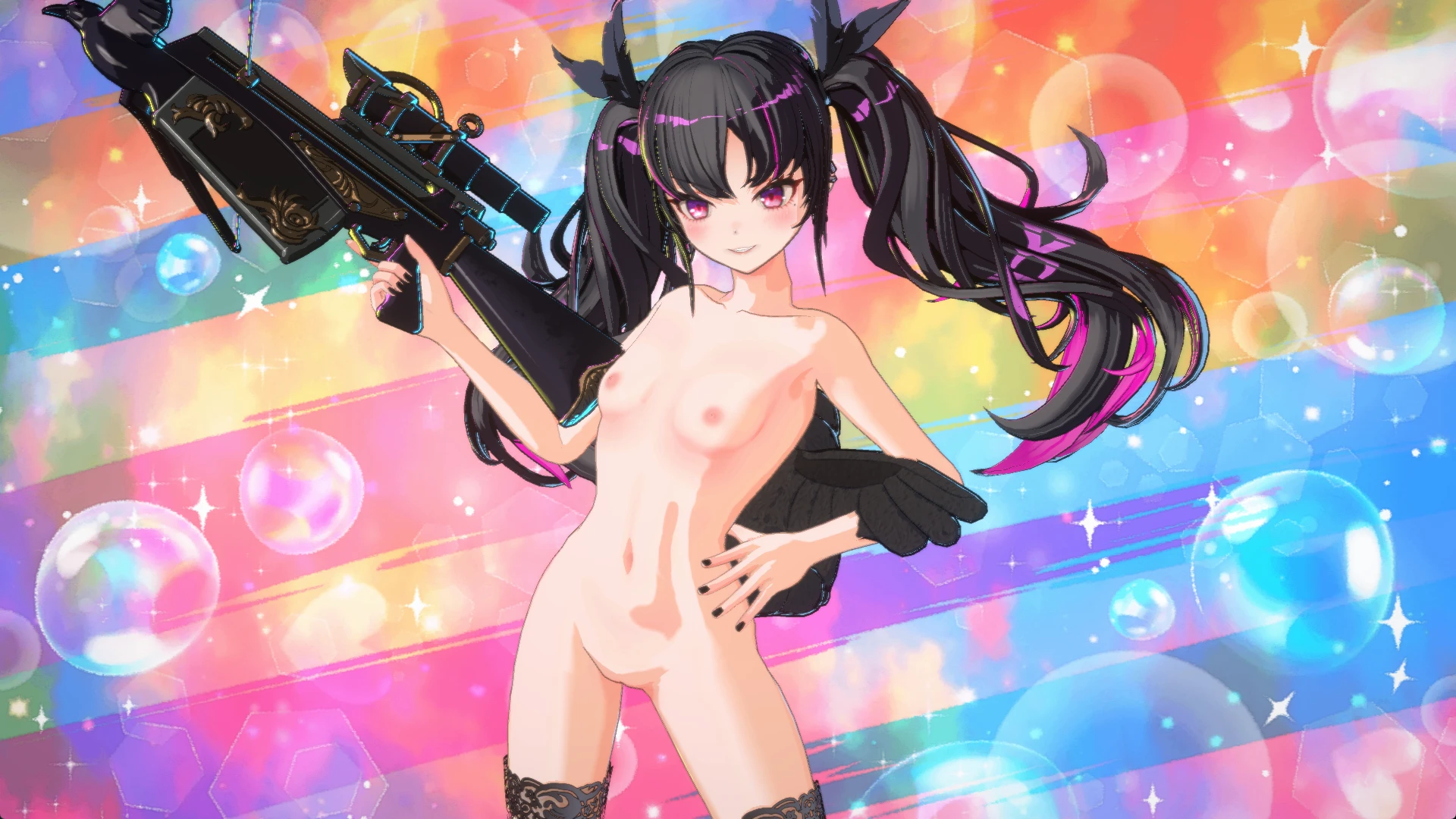
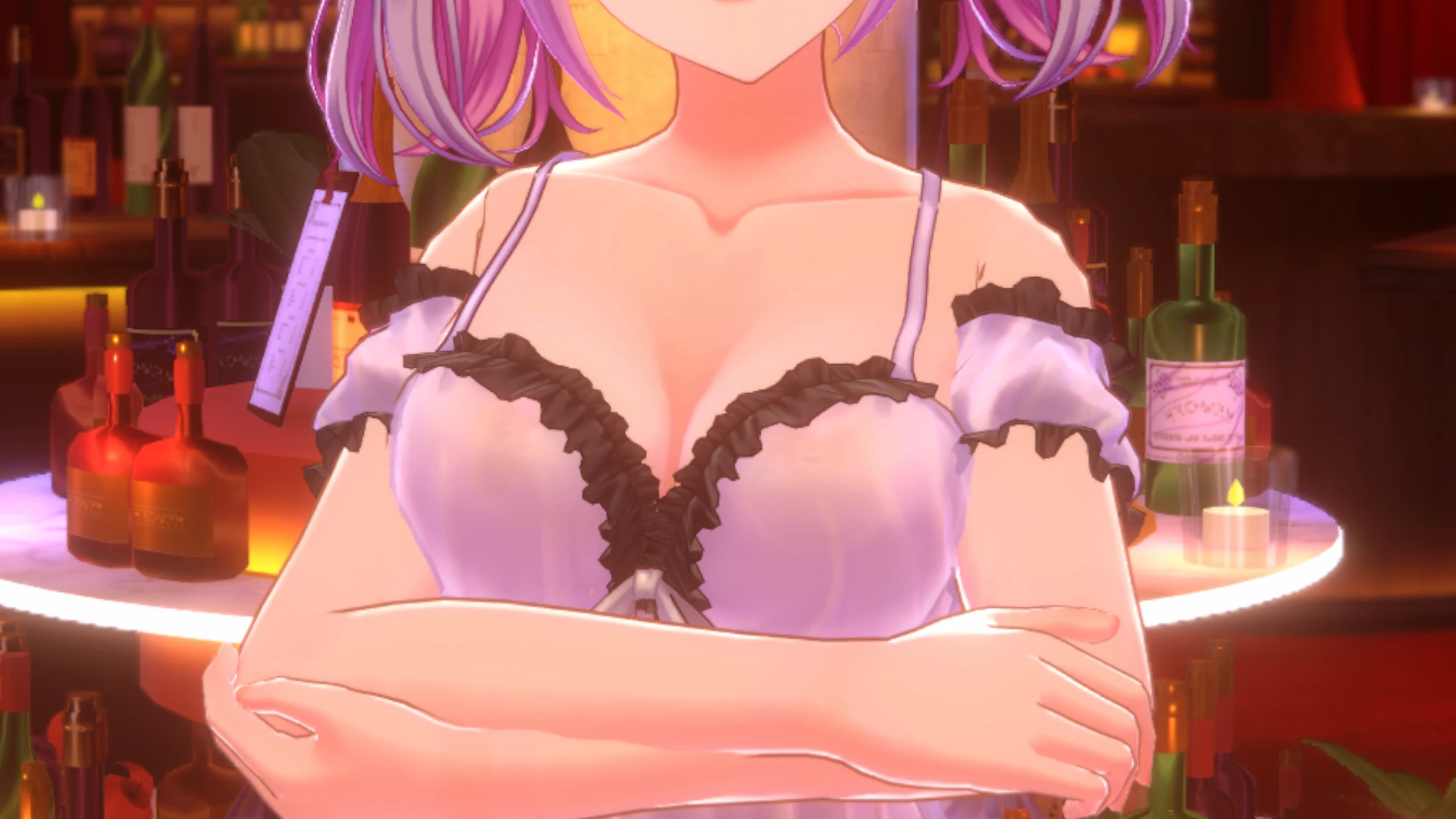
After installation, pressing a function key in the game will toggle the display of the corresponding outfit.
F1: Bra
F2: Panties
F3: Socks
F4: Cloth
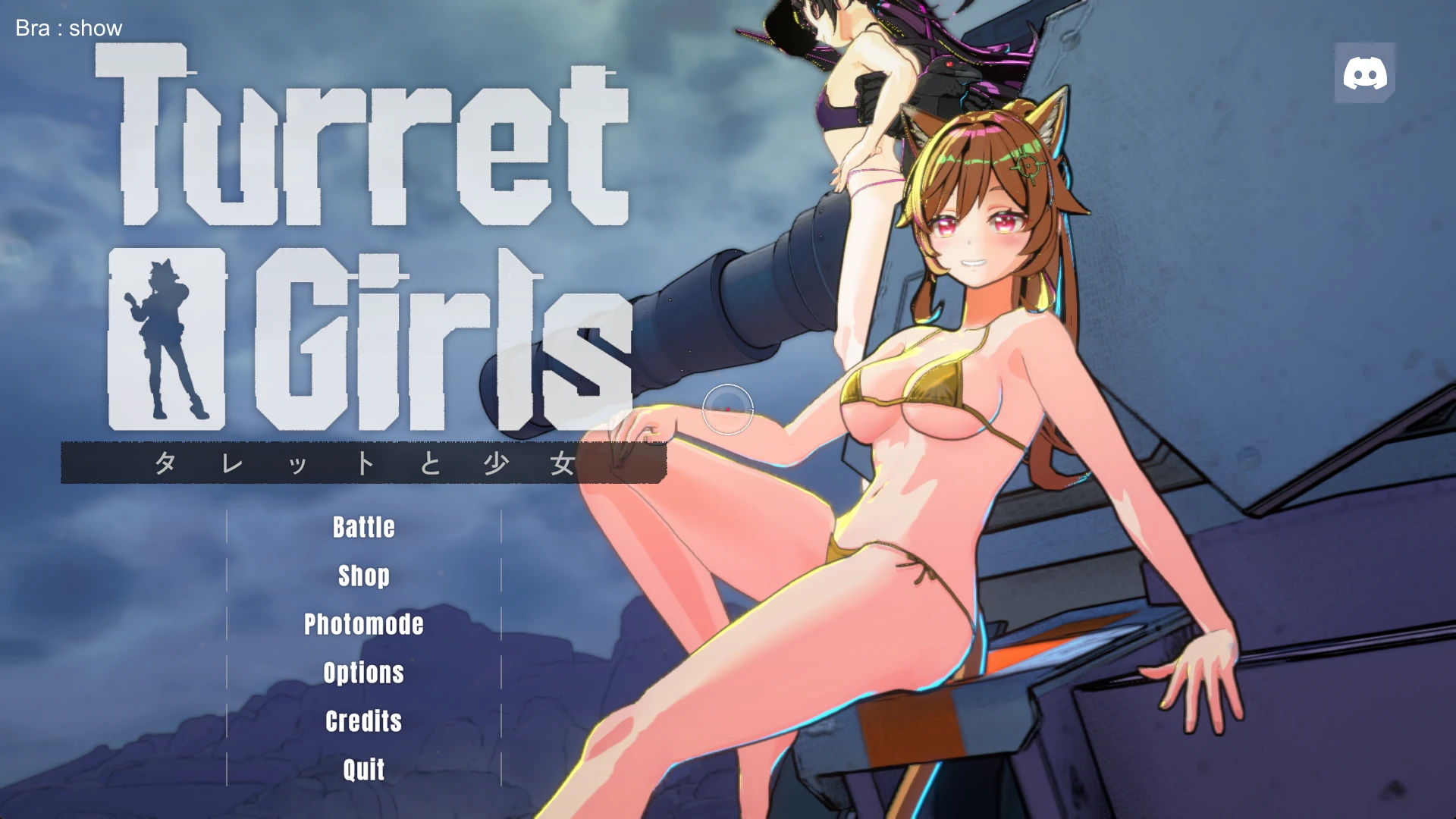
A small indicator in the upper-left corner of the screen will show which costume you have toggled on or off after pressing the key.
Update log
How to Uninstall
Please delete the folders and files related to BepInEx, which were installed during setup, from the game folder.
Note
Other mods I've created are compiled in this Google spreadsheets. Feel free to take a look.
Tools used for mod creation
・VisualStudio2022
・BepInEx-Unity.IL2CPP
・Gemini (Script Development)
I would like to thank the developer of this game and the tool creator of the mod.
1. Download BepInEx-Unity.IL2CPP from this link. Please download the latest version compatible with your PC's operating system.
2. Unzip the downloaded BepInEx file, then copy and paste the "BepInEx" folder, "doorstop_config.ini", and all other files into the game folder (the directory containing “TurretGirls.exe” and the “TurretGirls_Data” folder).
( If you don't know where your game folder is located, right-click TurretGirls in your Steam library, then select Manage > Browse local file. )
3. Unzip the mod file you downloaded from this site, and copy and paste the “Toggle costume visibility.dll” file inside it into the Plugins folder within the BepInEX folder you copied and pasted earlier.
4. That completes the setup. Please note that the first time you start it up, it may take a little while.
How to Use
After installation, pressing a function key in the game will toggle the display of the corresponding outfit.
F1: Bra
F2: Panties
F3: Socks
F4: Cloth
A small indicator in the upper-left corner of the screen will show which costume you have toggled on or off after pressing the key.
Update log
How to Uninstall
Please delete the folders and files related to BepInEx, which were installed during setup, from the game folder.
Note
Other mods I've created are compiled in this Google spreadsheets. Feel free to take a look.
Tools used for mod creation
・VisualStudio2022
・BepInEx-Unity.IL2CPP
・Gemini (Script Development)
I would like to thank the developer of this game and the tool creator of the mod.