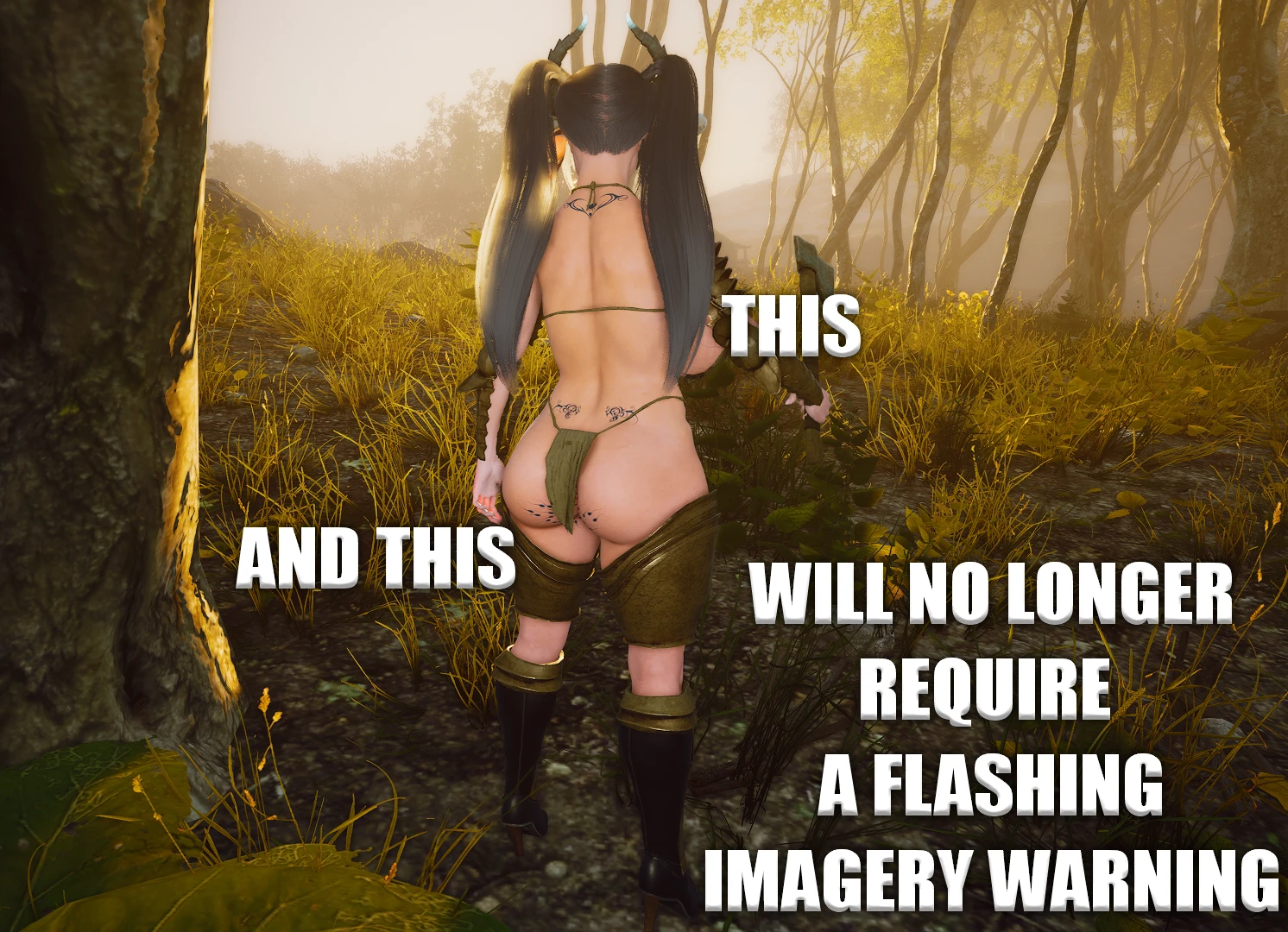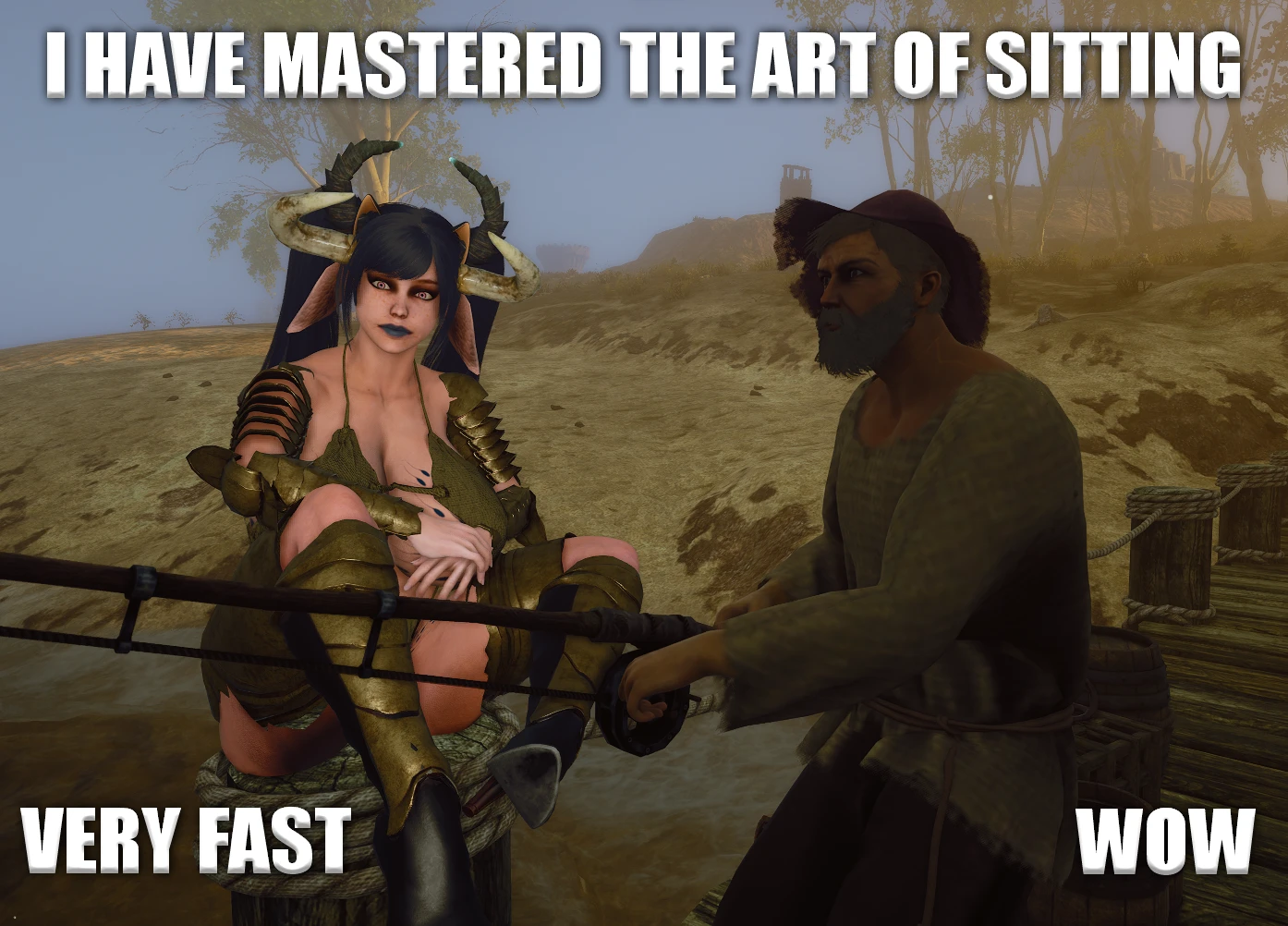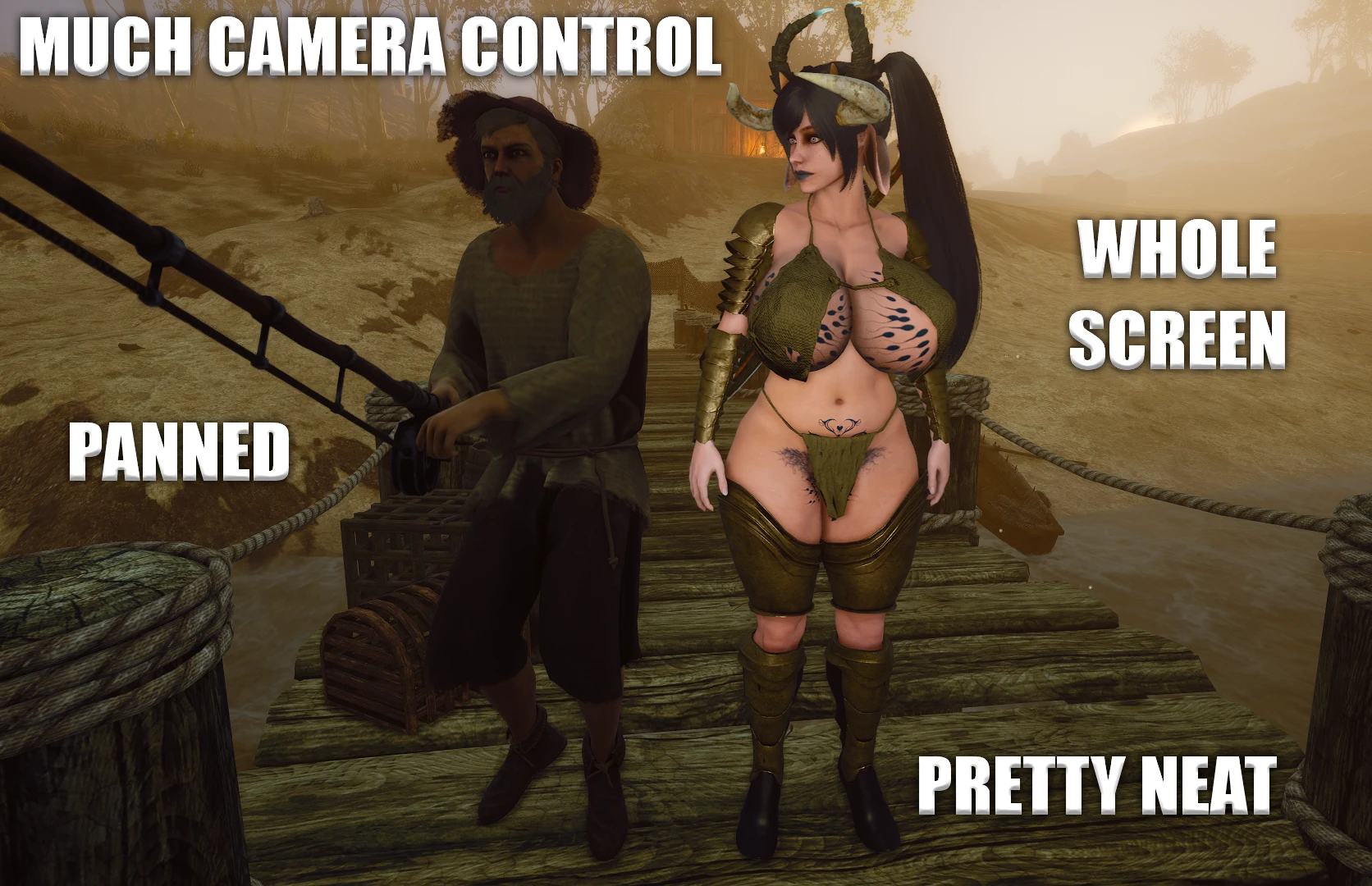
Customize your third person camera POV
- Something which is automatically saved: the mod saves your last used camera pan settings between sessions.
The hotkeys used are editable by simply editing the included hotkeys.txt
The default hotkeys are mostly self explanatory:
- Arrow Left / Right
Move the camera horizontally
- Arrow Up / Down
Move the camera vertically
- Ctrl+Home
Restores the vanilla camera view
Installation:
Simply unpack and then drop the:
WickedIsland_CameraPan_withHotkeys_andSaving folder into:
\WickedIsland\Binaries\Win64\ue4ss\Mods\
There is the usual possible issue that the folder might be double wrapped upon unpacking.
So basically make sure that for example the enabled.txt is in this folder like this:
\Mods\WickedIsland_CameraPan_withHotkeys_andSaving\enabled.txt
And not like this:
\Mods\WickedIsland_CameraPan_withHotkeys_andSaving\WickedIsland_CameraPan_withHotkeys_andSaving\enabled.txt
The same applies to all the mod files, of course, as a whole, this file was just an example, it's all about making sure that the right core folder is dropped into \Mods\ without it becoming a sub-subfolder there due to the unpacking.
Enjoy