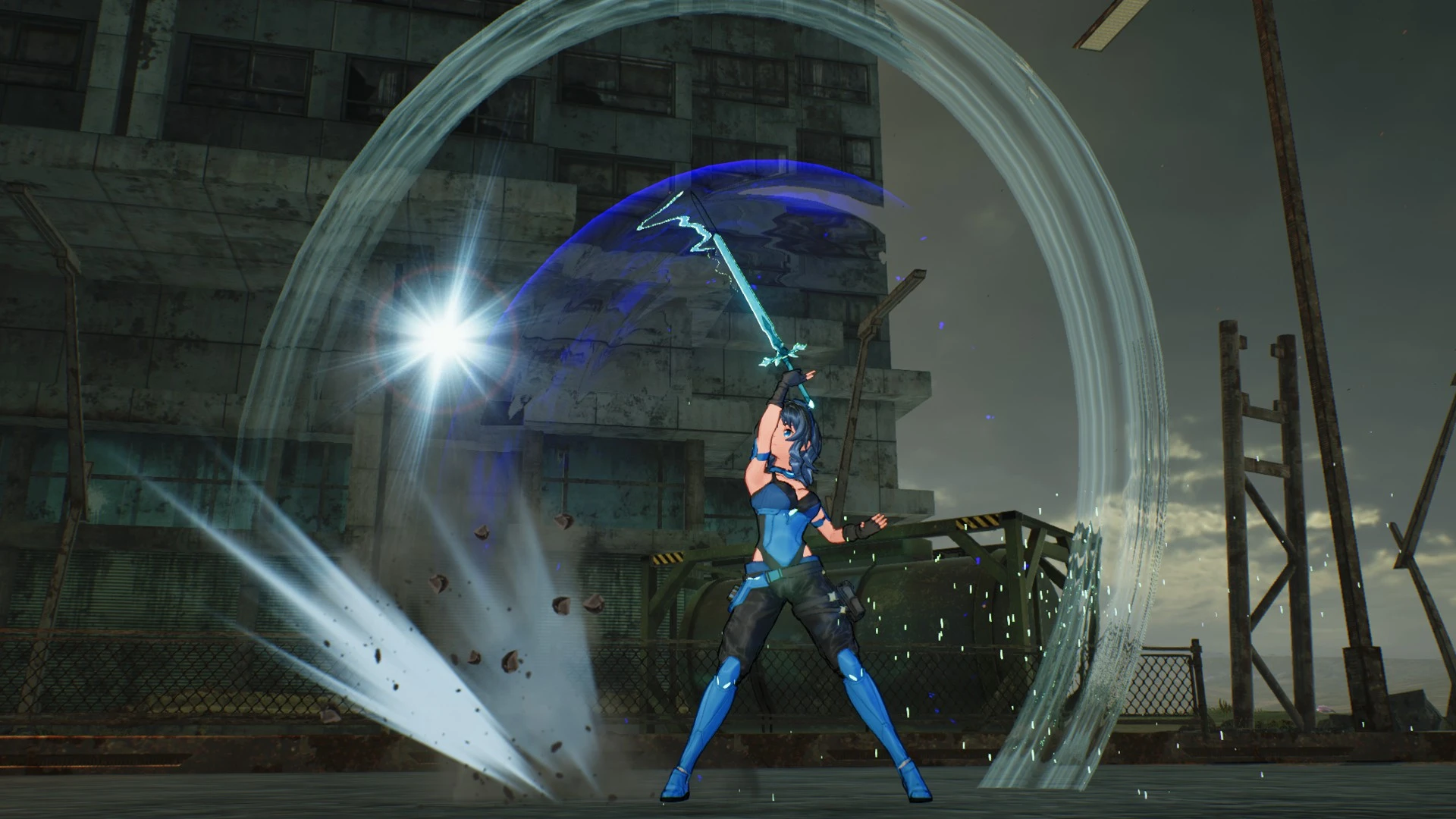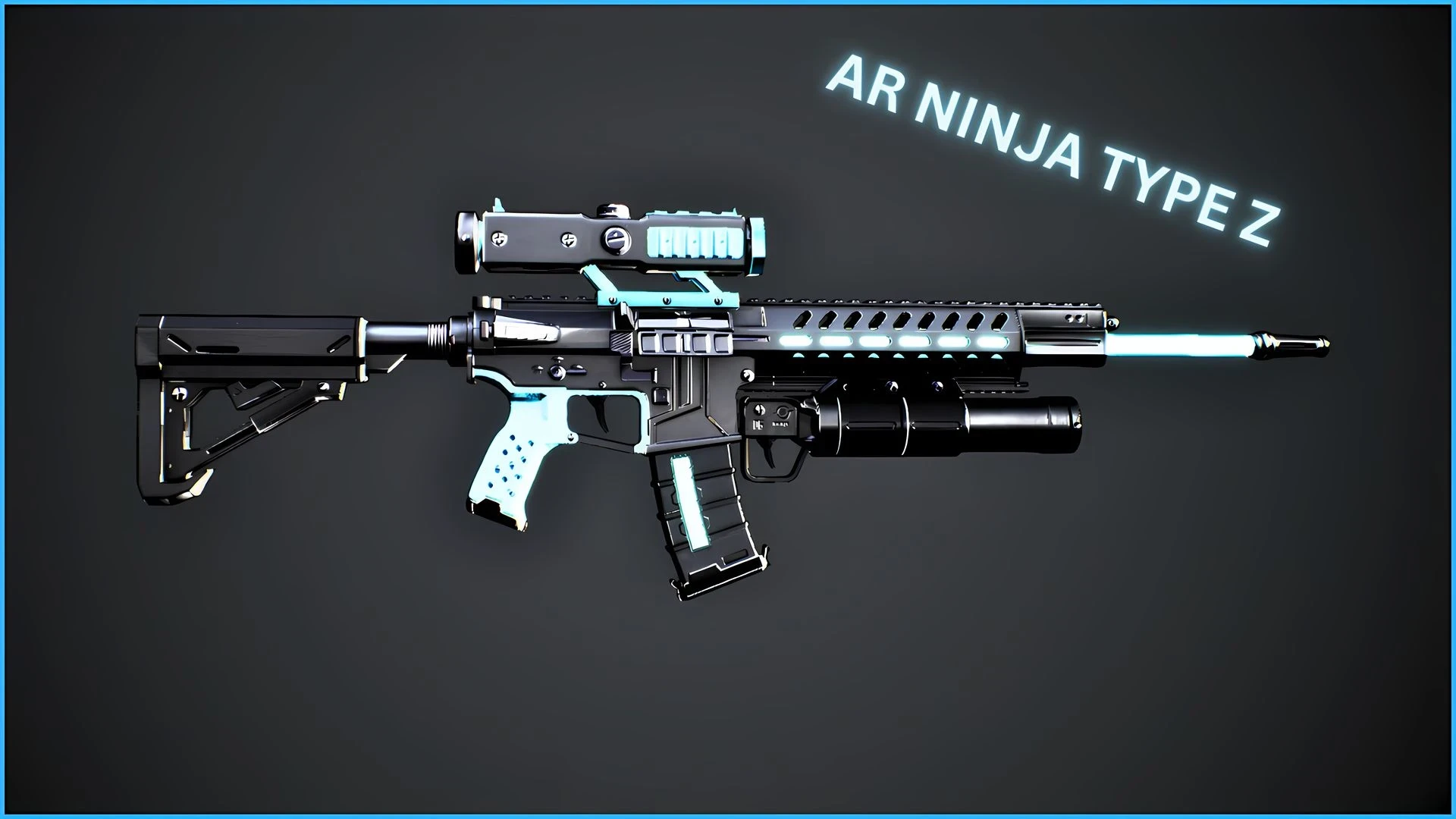


Just a skin.
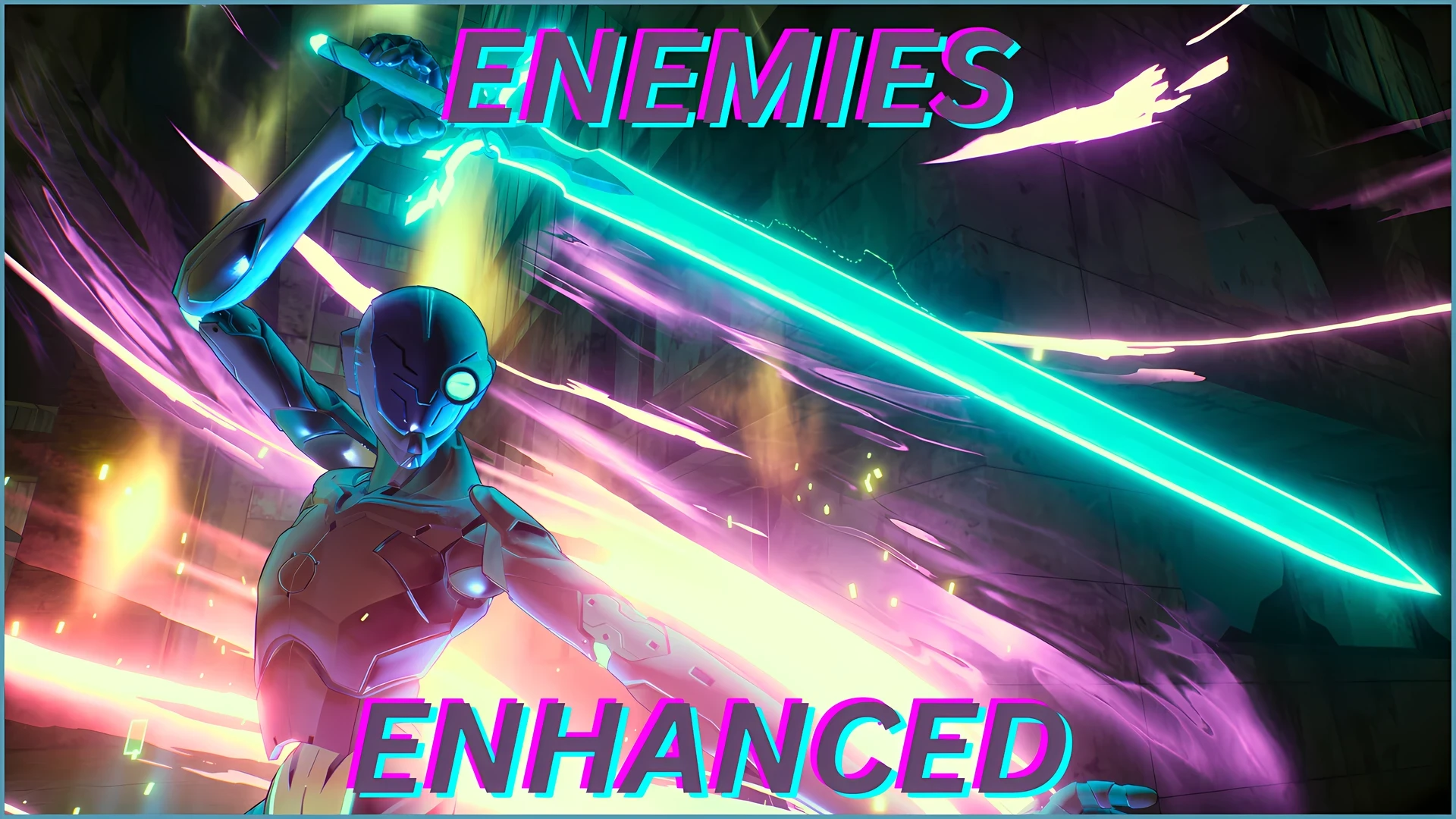
No, you can't change the color of the shiny part, changing that color through the Arfa-Sys menu will make it lose the emission.
How to install
Go to the game files
Then go to SAOFB\Content\Paks, add a folder with the name "~mods" and drop the mod files in there (simply drop every other mod in there too).
If the game's anti cheat is still active, do the following:
copy the name of "SAOFB_Launcher.exe" then delete it
Rename "SAOFB.exe" to "SAOFB_Launcher.exe"
Then go to Steam -> SAOFB Properties -> General -> Launch Options, and add -eac-nop-loaded.
No, you can't change the color of the shiny part, changing that color through the Arfa-Sys menu will make it lose the emission.
How to install
Go to the game files
Then go to SAOFB\Content\Paks, add a folder with the name "~mods" and drop the mod files in there (simply drop every other mod in there too).
If the game's anti cheat is still active, do the following:
copy the name of "SAOFB_Launcher.exe" then delete it
Rename "SAOFB.exe" to "SAOFB_Launcher.exe"
Then go to Steam -> SAOFB Properties -> General -> Launch Options, and add -eac-nop-loaded.