Description
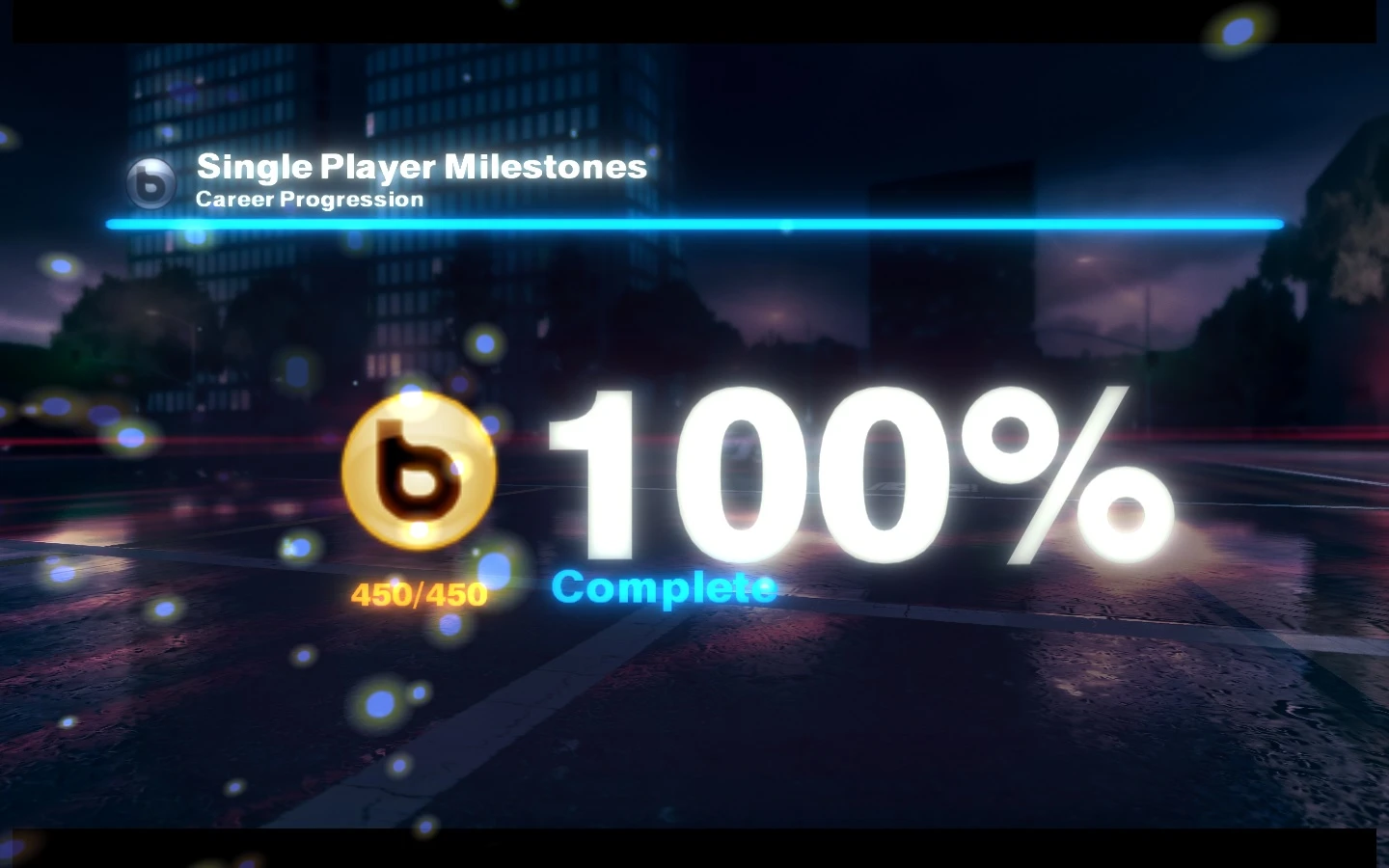
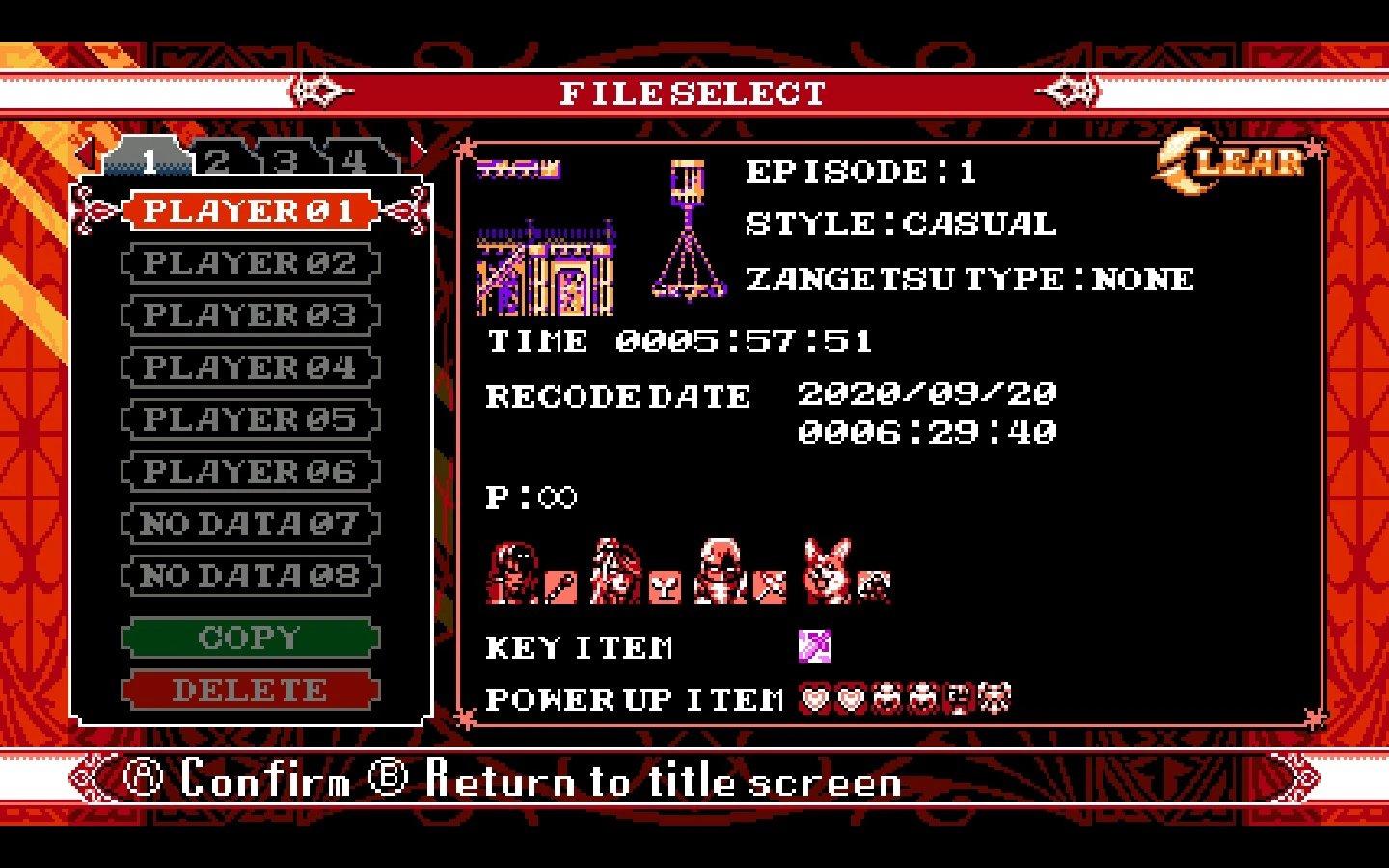
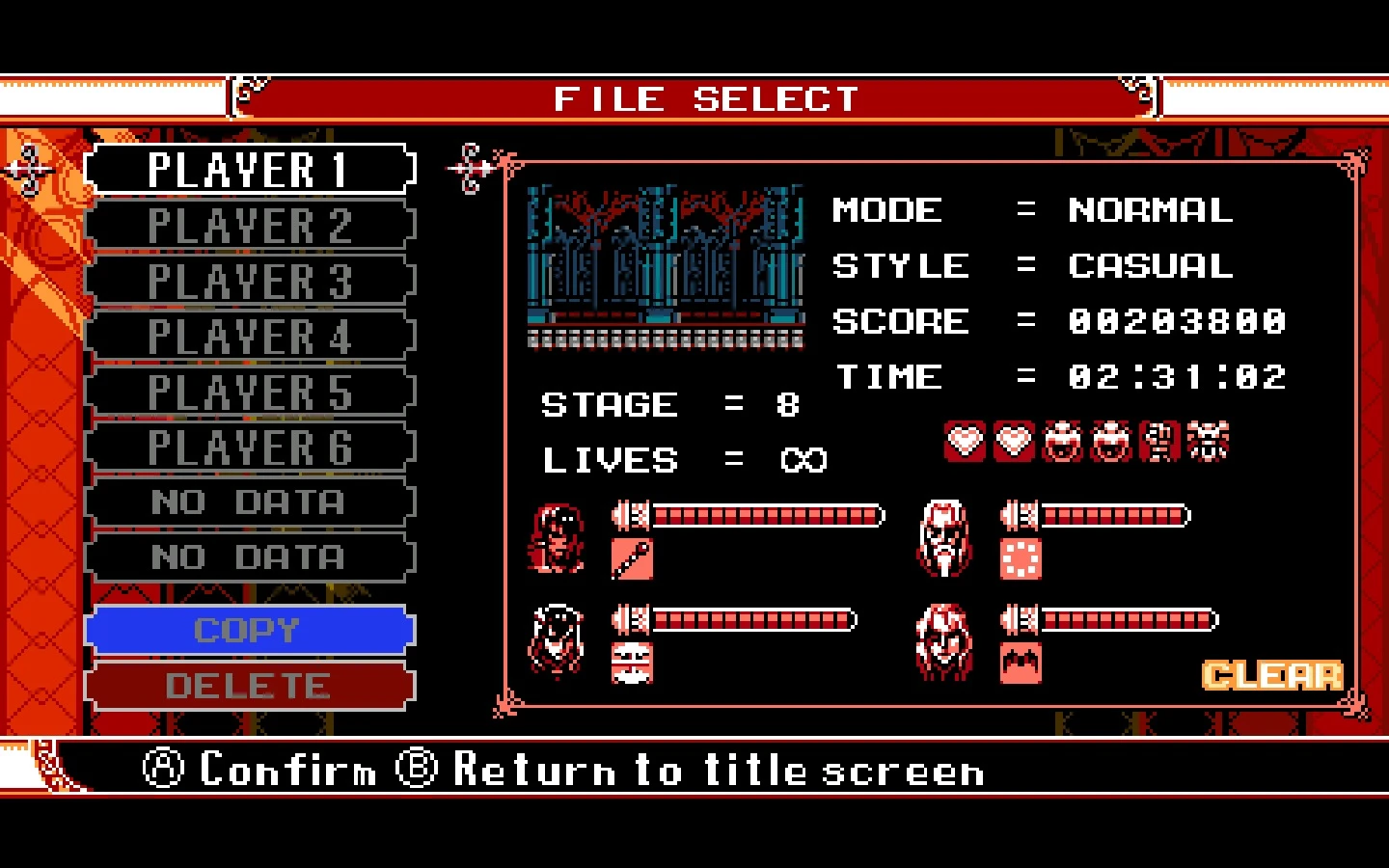
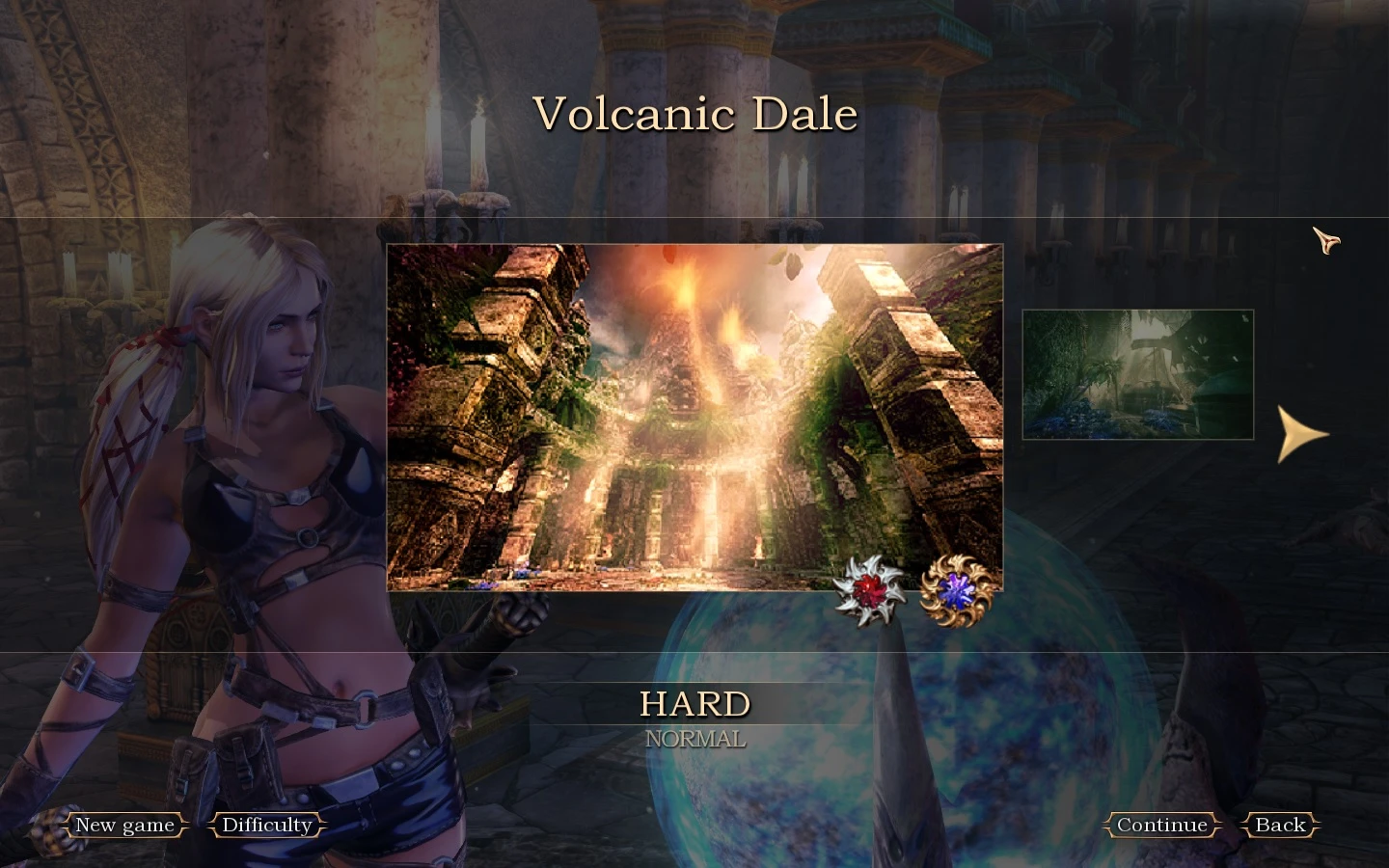
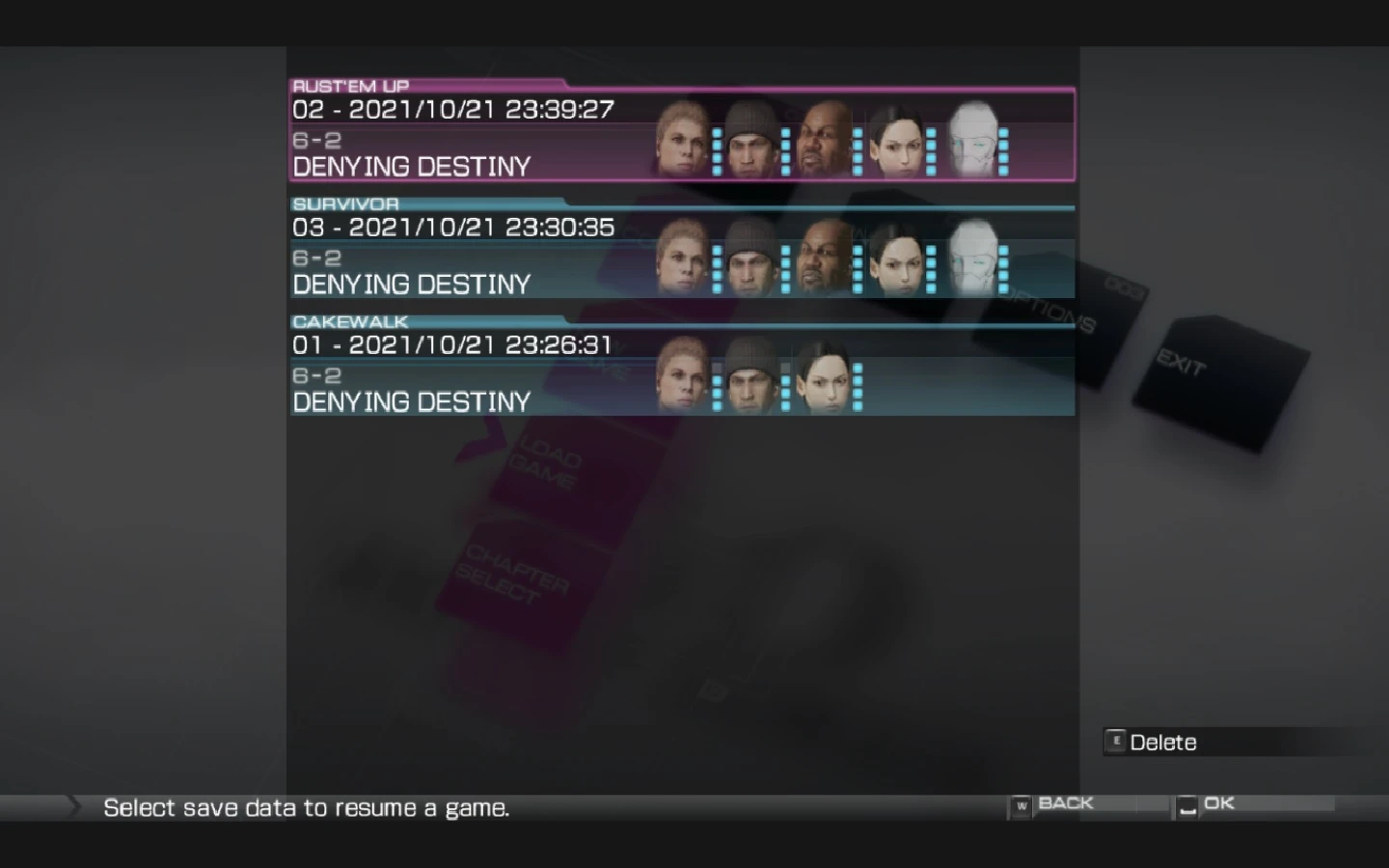
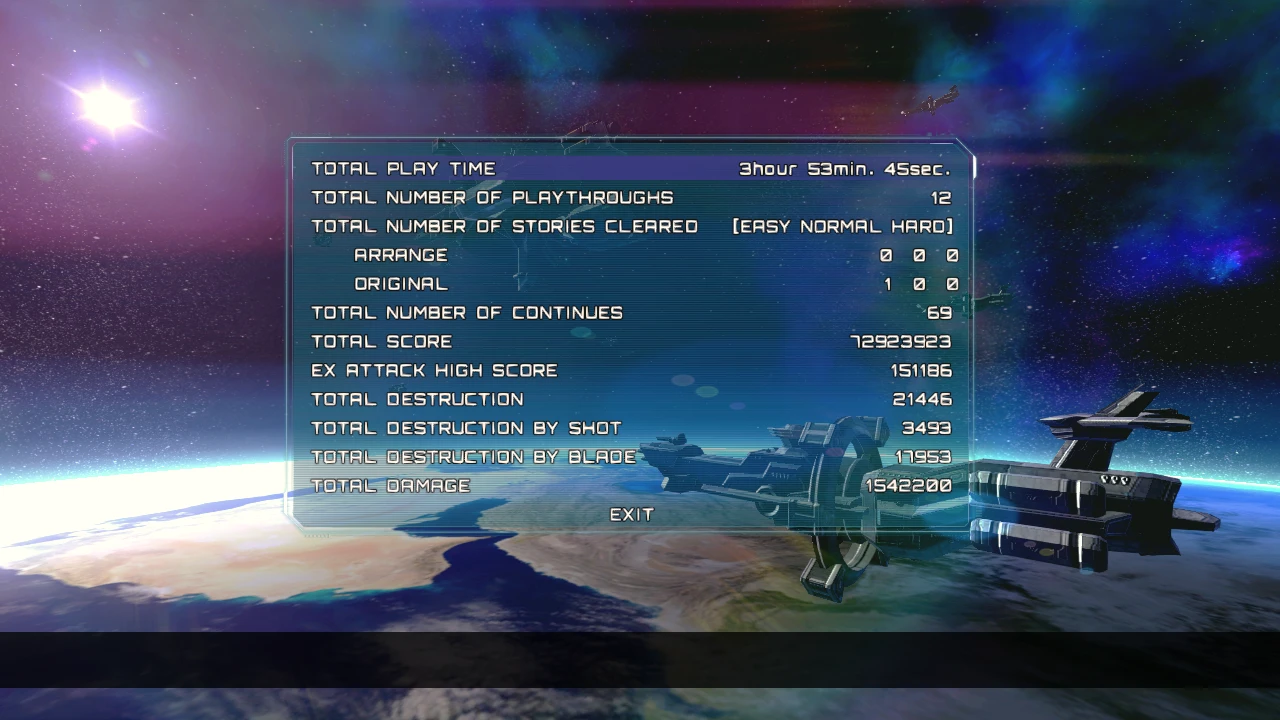
Game Clear Save
Installation instructions
Just put the files here:
Main features
- Original Mode Cleared
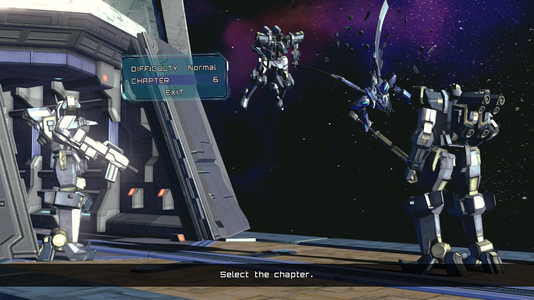
- Level Select Enabled(Original Mode)
- Arrange Mode Untouched
Playthrough on 10/24/15
Files Tested Today.
AsteTweak Intstructions
Utility that overrides the original etting for easier configuration.
How to Use
1. Extract the Tool to where the game's .exe is
2. Be sure the game is not running
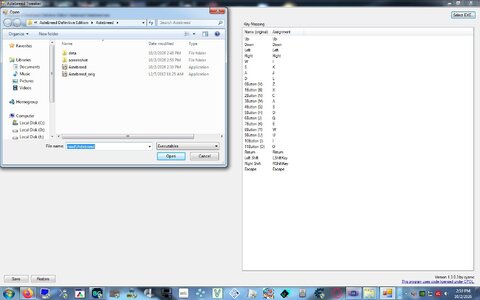
3. AsteTweak.exe
4. Load the .exe into the tool and Modify your settings
5. Click Save
6. Run the patched .exe and Enjoy!
Notes:
- Upon Saving, the tool makes a backup of the .exe named Astebreed_orig
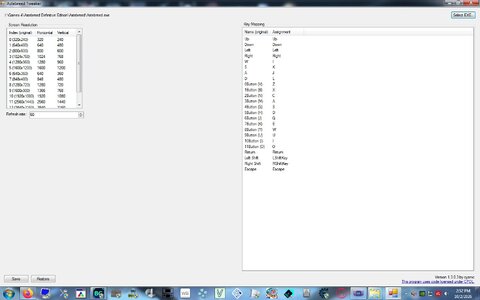
- You can Undo your Modifications by clicking restore as seen in the image
- When you modify the resolution. Select the Preset you want to change and them modify and save. Then in the game choose the one you modified and it will be the values you tweaked e.g. Preset 9(1600x900) changed to 1366x768 then in-game choose 1600x900.
ALL CREDITS go to GMMan @: https://github.com/GMMan/AsteTweak
Game Clear Save
Installation instructions
Just put the files here:
| Windows | <path-to-game>\data\system.dat[Note 1] |
|---|---|
| Steam Play (Linux) | <SteamLibrary-folder>/steamapps/compatdata/283680/pfx/ |
Main features
- Original Mode Cleared
- Level Select Enabled(Original Mode)
- Arrange Mode Untouched
Playthrough on 10/24/15
Files Tested Today.
AsteTweak Intstructions
Utility that overrides the original etting for easier configuration.
How to Use
1. Extract the Tool to where the game's .exe is
2. Be sure the game is not running
3. AsteTweak.exe
4. Load the .exe into the tool and Modify your settings
5. Click Save
6. Run the patched .exe and Enjoy!
Notes:
- Upon Saving, the tool makes a backup of the .exe named Astebreed_orig
- You can Undo your Modifications by clicking restore as seen in the image
- When you modify the resolution. Select the Preset you want to change and them modify and save. Then in the game choose the one you modified and it will be the values you tweaked e.g. Preset 9(1600x900) changed to 1366x768 then in-game choose 1600x900.
ALL CREDITS go to GMMan @: https://github.com/GMMan/AsteTweak