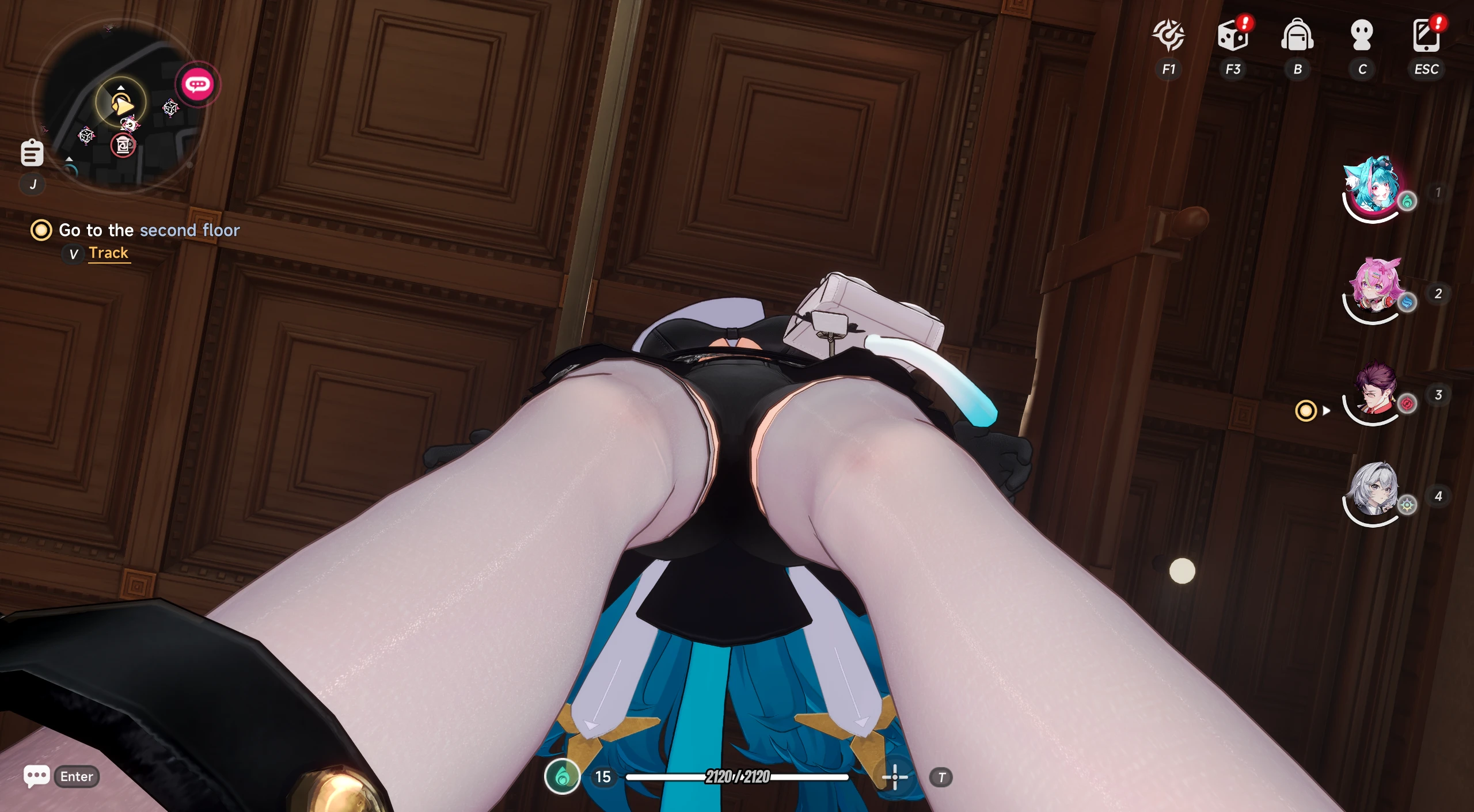
AyakaNTEBypasser - NTE Signature Bypass 1.1.1a

A Mod for Neverness to Everness
AyakaNTEBypasser - NTE Signature Bypass Mod Preview Image

AyakaNTEBypasser
NTE Signature Bypass · Made by AyakaMods & Senku Aoki


> Join NTE Modding Discord Server <

https://discord.gg/ZE3DAAWu85


What is this?

AyakaNTEBypasser is a lightweight runtime patcher for Neverness to Everness that neutralises the game's built-in signature verification check. Without this bypass, the game detects modified or injected assets and refuses to load them. This tool patches a single function in HTGame.exe At startup, no game files are modified on disk.


How it works:

The bypass is injected as a .asi DLL via any standard ASI loader. On attach it:

  1. Checks the host process name, exits silently if it is notHTGame.exe, leaving crash reporters and launchers completely untouched
  2. Scans the loaded module for one of six known byte patterns that identify the signature verification function across game versions
  3. Follows the relative jump from the matched pattern to the actual check routine
  4. Writes a three-byte patch (MOV AL, 1 / RET) that forces the check to always return success

The entire operation completes in under one second and leaves no permanent changes to the game installation.


Stealth features:
  • PEB unlink: the module is removed from all three Windows loader lists (InLoadOrder, InMemoryOrder, InInitializationOrder) so module enumeration tools cannot see it
  • The header erases: the PE/MZ header page, which is zeroed in memory after injection, removing the on-disk signature from any memory scan
  • Compile-time string encryption: all sensitive strings (process name, log filename) are XOR-encrypted at compile time via a constexpr template and only decrypted at runtime
  • No debug symbols: Release builds ship with no PDB and no debug information


Multi-version pattern support:

The patcher carries six independent byte patterns covering different builds and updates of NTE. If the game updates and shifts the function, it will automatically fall through to the next pattern. When a match is found, the pattern number and resolved address are written to the log so you can verify it is working.


Installation:
  1. The Bypasser must be installed in the following folder C:\Program Files\Neverness To Everness\Client\WindowsNoEditor\HT\Binaries\Win64\
  2. The mod installed here: C:\Program Files\Neverness To Everness\Client\WindowsNoEditor\HT\Content\Paks\
  3. Create a ~mods folder and put it in the mod files.


Trouble with ASI deleted by antivirus?
1779965081534.png


Upload Permission:
  • You are strictly forbidden from uploading this file to any other website.


Changelog:
  • Updated installation for beginners to understand. Thanks to @Gnaman77 for making installation better!

Credits by me (Senku Aoki)


AyakaNTEBypasser is provided for modding and preservation purposes.
This tool does not interact with any online services or other players.
31.1 MB
Log in or sign up to download
Uploaded by
Senku Aoki
Downloads
6,086
Views
60,656
First release
Last update
Platform
PC 
Version
1.1.1a
Total Size
31.1 MB
Rating
5.00 star(s) 10 ratings

Uploaded by

  • 6,086
  • 60,656

Ratings

5.00 star(s) 10 ratings

Tags

There are no tags available.

More mods from Senku Aoki

  • PC Ayaka NTE Decensored

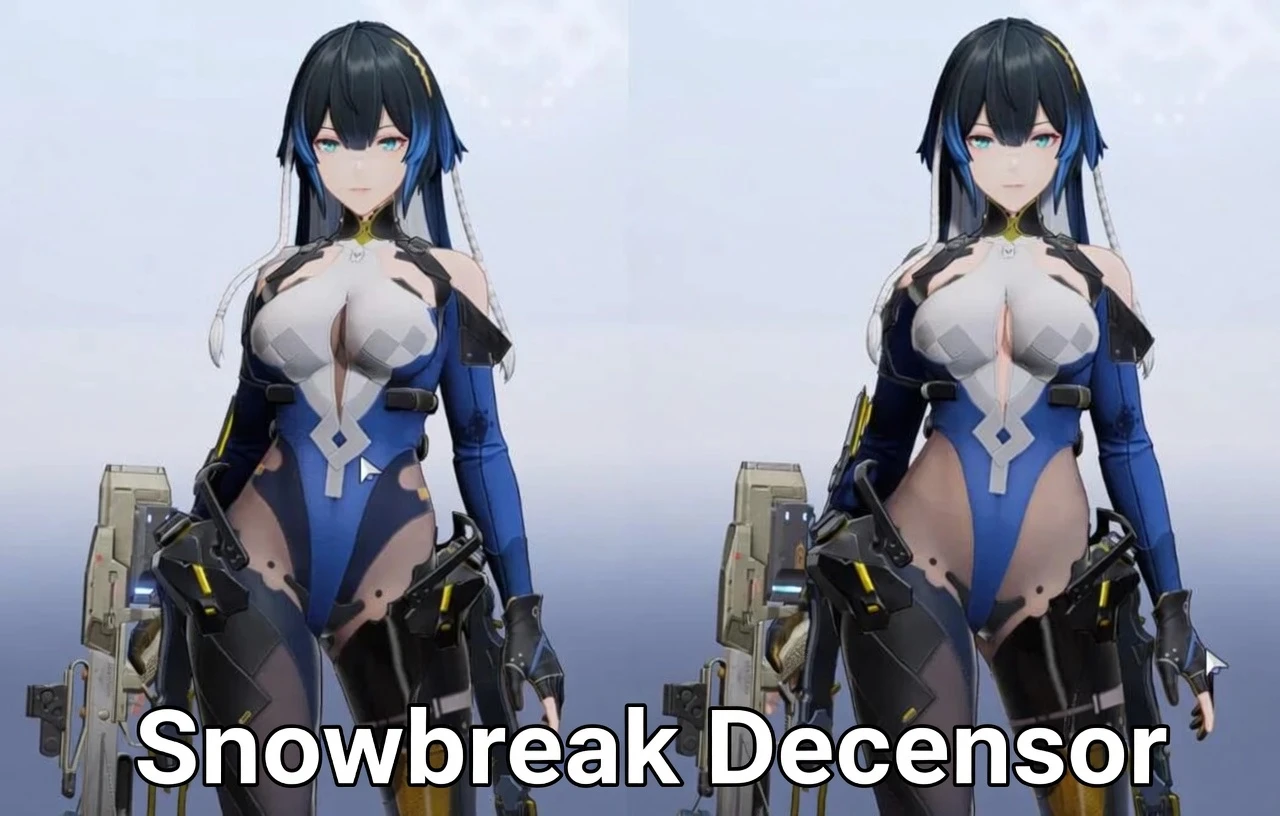
  • PC Snowbreak Decensor

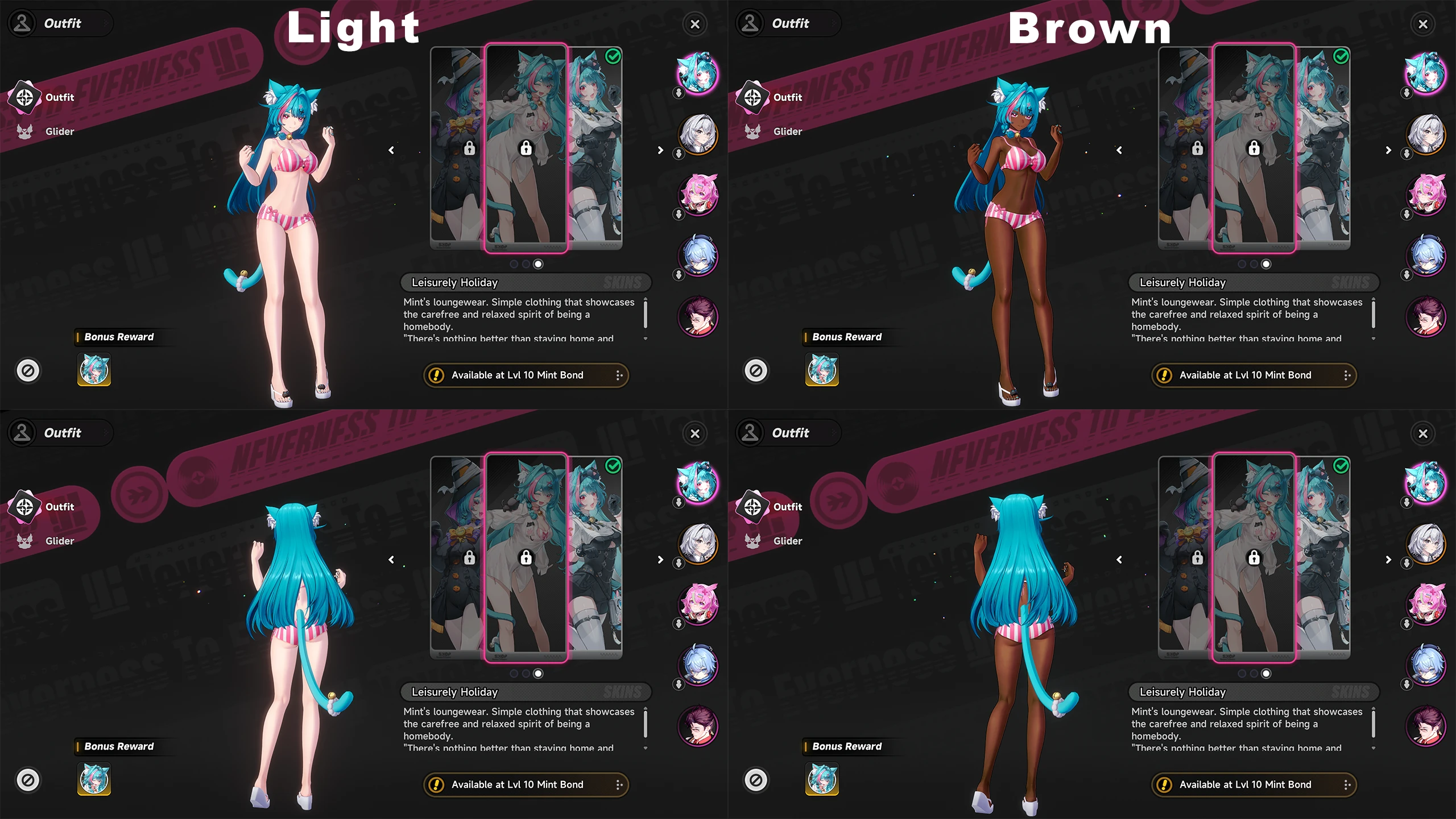
  • PC Mint Swimsuit Jacket Removal (+ Brown Skin Variant)

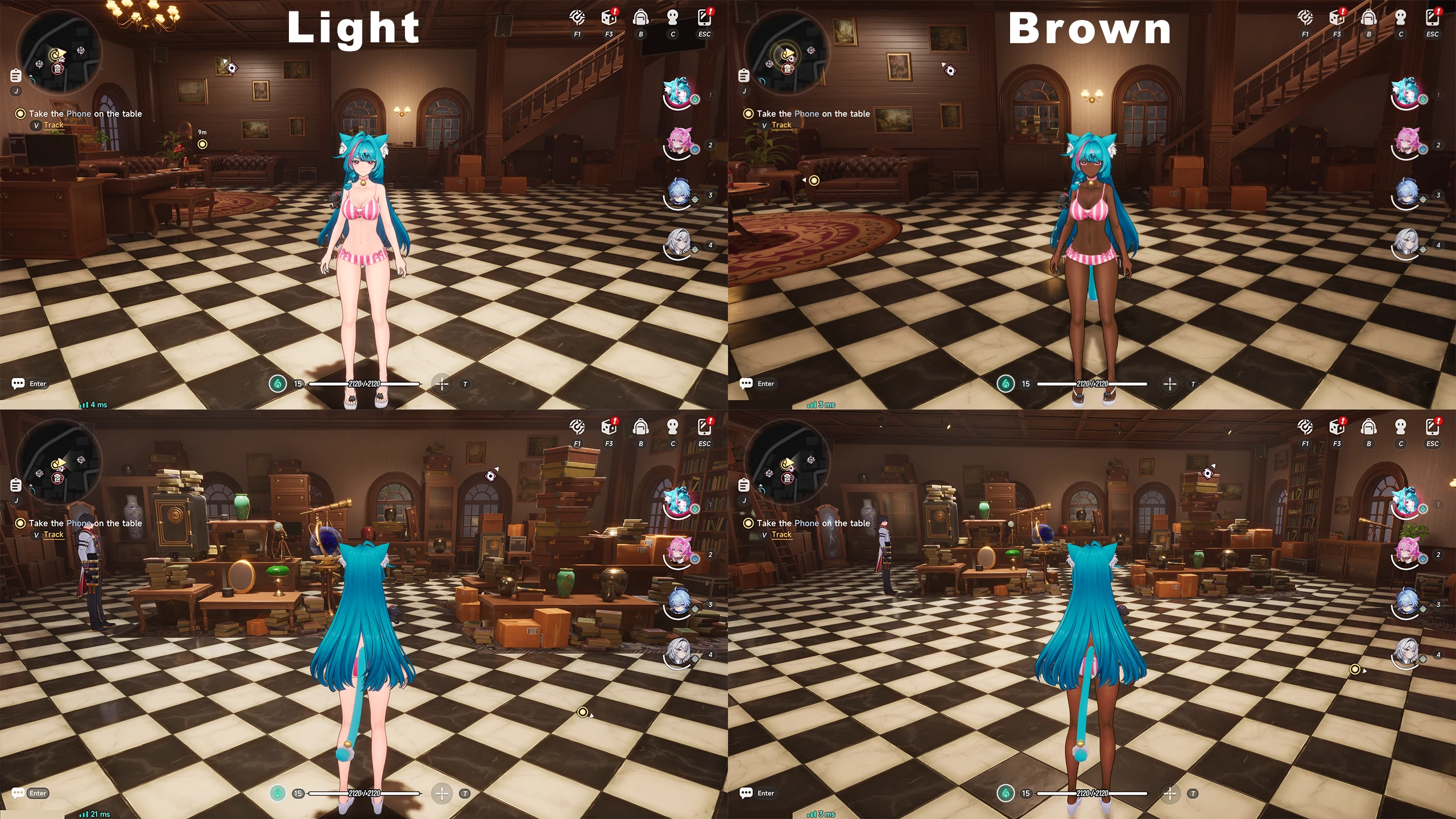
  • PC Mint Regular Outfit Replaced with Swimsuit (+ Brown Skin Variant)

  • PC Neverness to Everness - HT INI Config File Decryptor

Latest updates

  1. v1.1.1a - README.md the installation updated

    The installation of README.md has been updated and corrected.
  2. v1.1.1 - False Positive Fix + Improved Detection Dialog

    Fixed: Fixed game closing silently with no pop-up for users running applications such as the...
  3. v1.1.0

    Fixed: Fixed startup crash when certain background processes were present. Fixed Security...

kikelynoviceturf

Members
Members
Apr 28, 2026
0
0
Nobara Linux
Been using this flawlessly but today the game stopped launching for me on v1.0.22 with version.dll the launcher closes and reopens. Boots normally without it
 

ruvzd

Members
Members
May 28, 2026
0
0
no work more, i test it to use some visual mods and nothing in windows 10, i see the AyakaNTEModLoader.asi when i start the official launcher the file disappears as if it had been deleted
 

Senku Aoki

Admin
Staff member
Admin
Uploaders
Modder
Members
Mar 10, 2018
6,602
30,100
no work more, i test it to use some visual mods and nothing in windows 10, i see the AyakaNTEModLoader.asi when i start the official launcher the file disappears as if it had been deleted
You will need to add .ASI to Windows Defender exclusions to prevent deleting from the launch game
 

shadbonnie

Members
Members
May 26, 2026
0
0
no work more, i test it to use some visual mods and nothing in windows 10, i see the AyakaNTEModLoader.asi when i start the official launcher the file disappears as if it had been deleted
the game is up to 1.0.22 bro
 

SEJInfo

Members
Members
May 11, 2026
0
1
You need to add NTE's binaries to windows defender exclusion list
Otherwise, it might just delete the bypasser file
I don't have a problem with windows deleting anything, it just doesn't work this anymore.
I also have the .asi add to windows defender and the entire folder
 

GentleLight8758

AppealingBasedGames
Members
Jun 2, 2025
0
2
I don't have a problem with windows deleting anything, it just doesn't work this anymore.
I also have the .asi add to windows defender and the entire folder
Have you tried marking the .asi as read only in properties setting?
 

GentleLight8758

AppealingBasedGames
Members
Jun 2, 2025
0
2
I just did it and it didn't work. I have the game on my secondary drive, not where I have Windows. Could that be affecting it?
I'm not sure honestly. If you haven't given up and troubleshooting isn't working, you could try the nte mod manager (if there is one, I'm just assuming there is one).
 

demianx08

Members
Members
May 23, 2026
0
0
1. input8.dll (china server) or version.dll (global server (I used this)) {Not the folder} and AyakaNTEModLoader.asi go into ...\Neverness To Everness\Client\WindowsNoEditor\HT\Binaries\Win64, check✅
2. ~mods goes into …\Neverness To Everness\Client\WindowsNoEditor\HT\Content\Paks, check✅
3. mod files goes into ~mods folder, check✅
4. excluded folder and AyakaNTEModLoader.asi for windows defender✅
5. NTE launcher Run as administrator✅

Currently operational

Nueva-imagen-de-mapa-de-bits.jpg