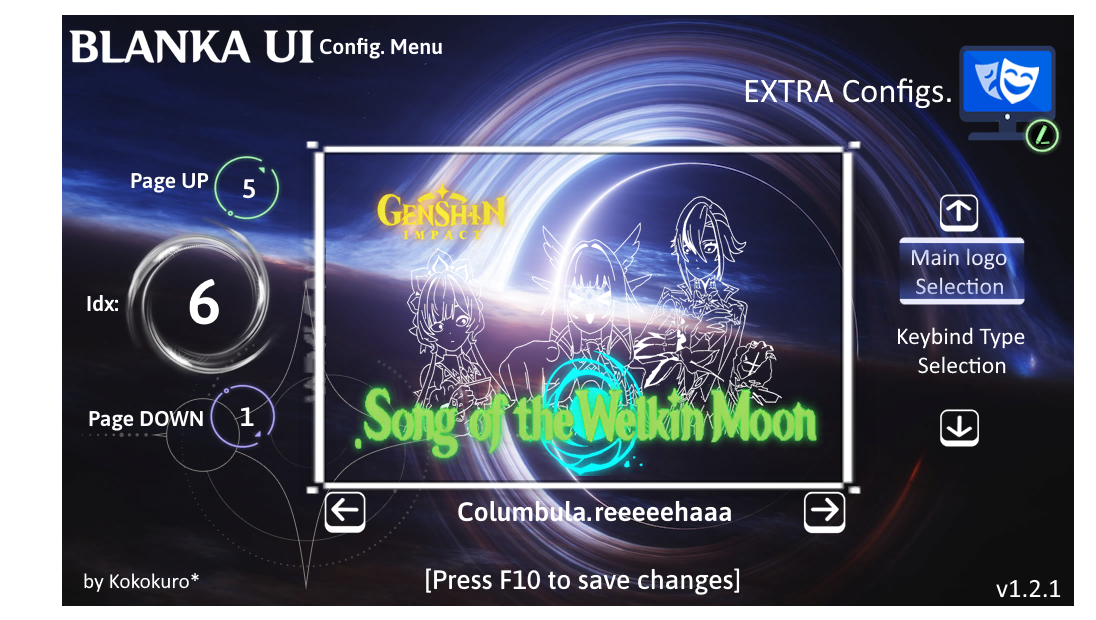
I quote what is described in the GB WIP:
Because some people told me that using the "K" key interferes with the functionality of some mods, I decided to change the function key layout for accessing the mod's settings menu.
The new configuration is the combination of the "Alt" key + "middle mouse button".
I also added a message that appears when entering the pause menu (when paimon appears) indicating this new key combination.
The new key layout is as follows:
I plan to add an additional key layout, based on my keyboard layout. This layout would be as follows:
This layout would be adapted to my keyboard configuration and wouldn't have to be the same as the others.
------------------------------------------------------------------------------------------------------------------------------------------------------------------------------------------------------------------------------------------------------------------------------------
To switch between different key combinations, you can change the variable
$conf_type = 0 in
[Constants] within the
Blanka.Conf.Menu.ini file, located in:
..\BlankaUI\UI_Selector
In addition, 3 new background types were added to the character display menu, as follows:
They're not the best backgrounds (especially the last one), but it's what I could do for the moment, without the "seams" of the texture being too noticeable... Something I won't be able to fix by referring to the first background I made (the one with the mountains).