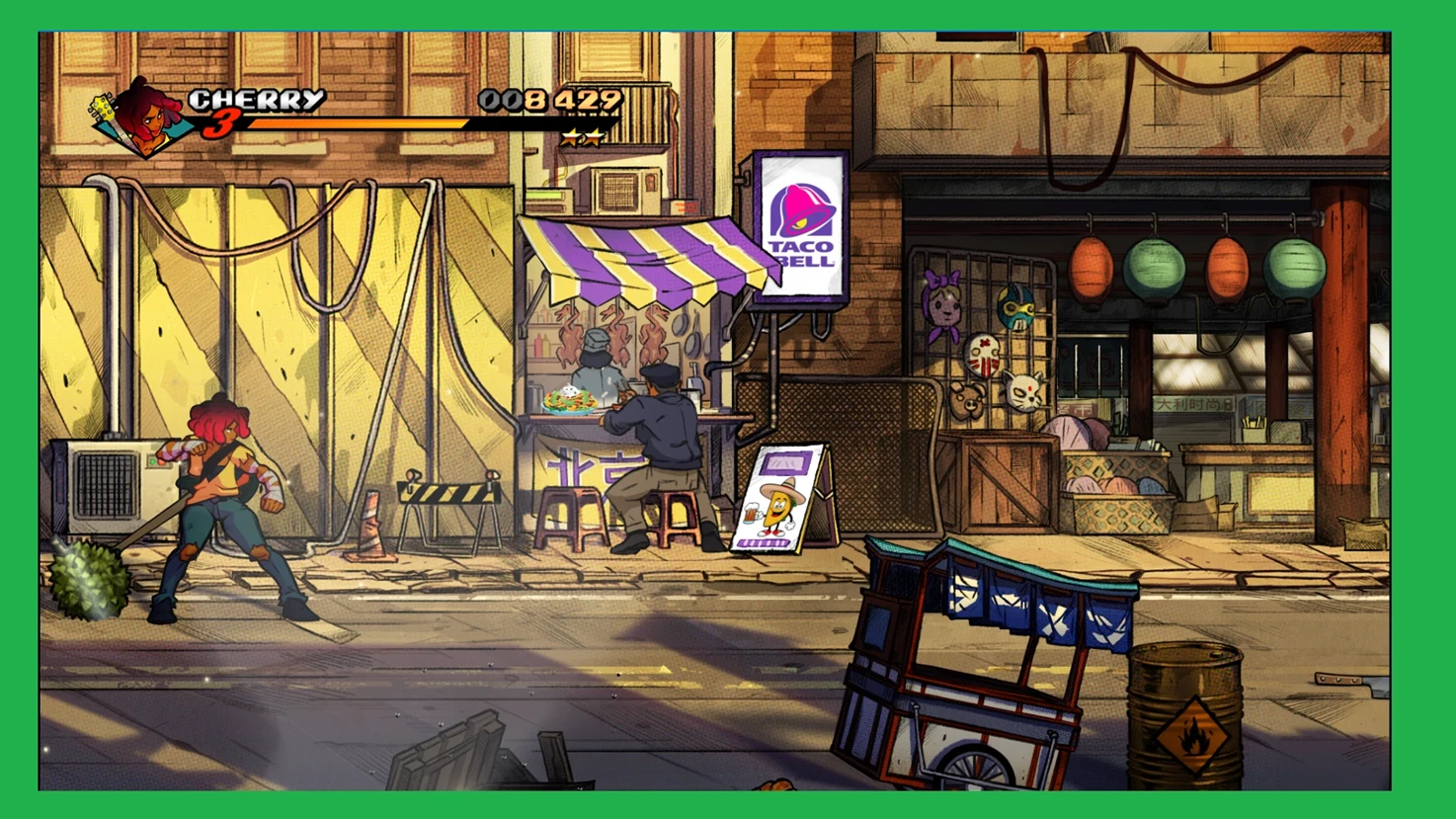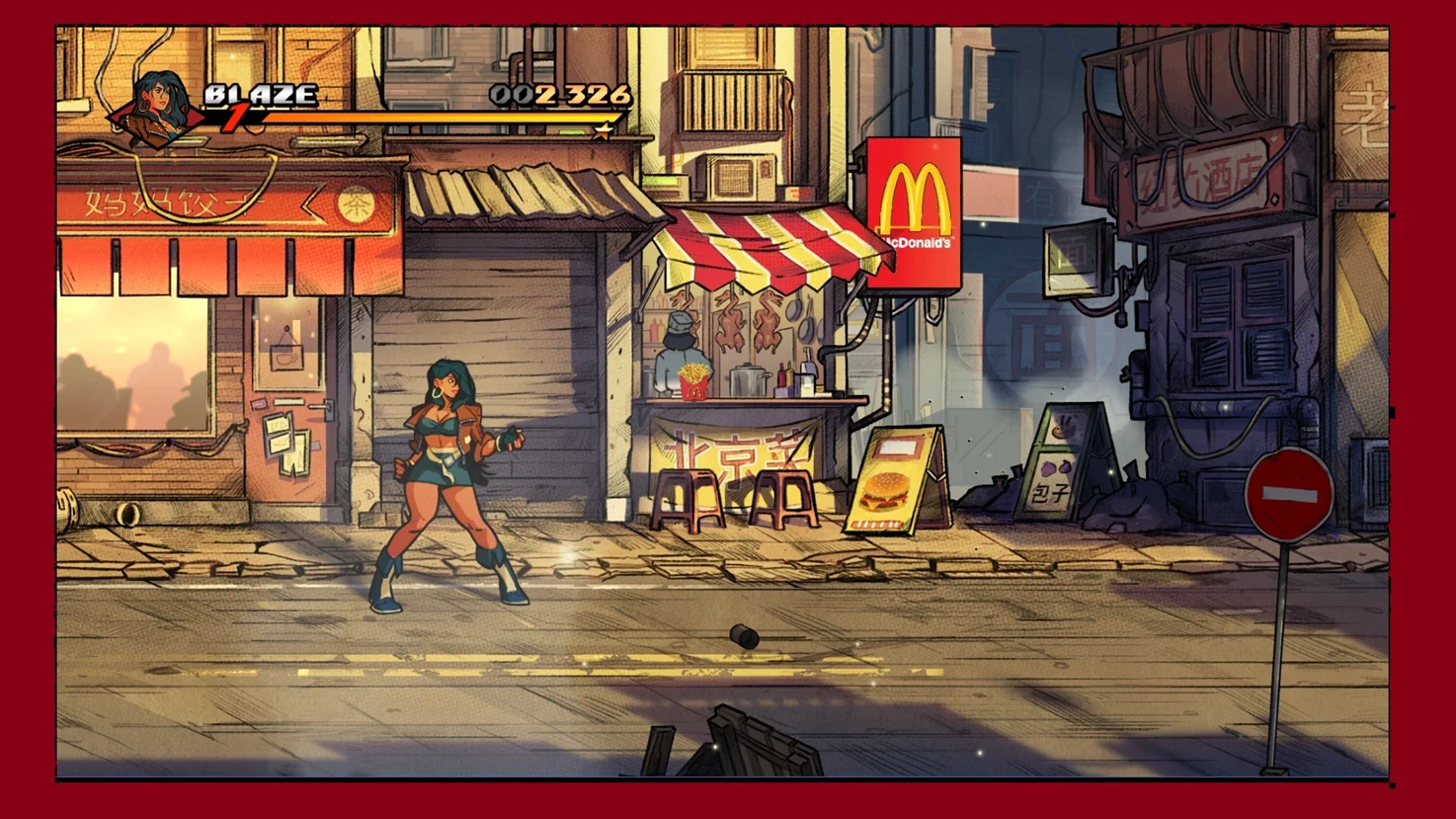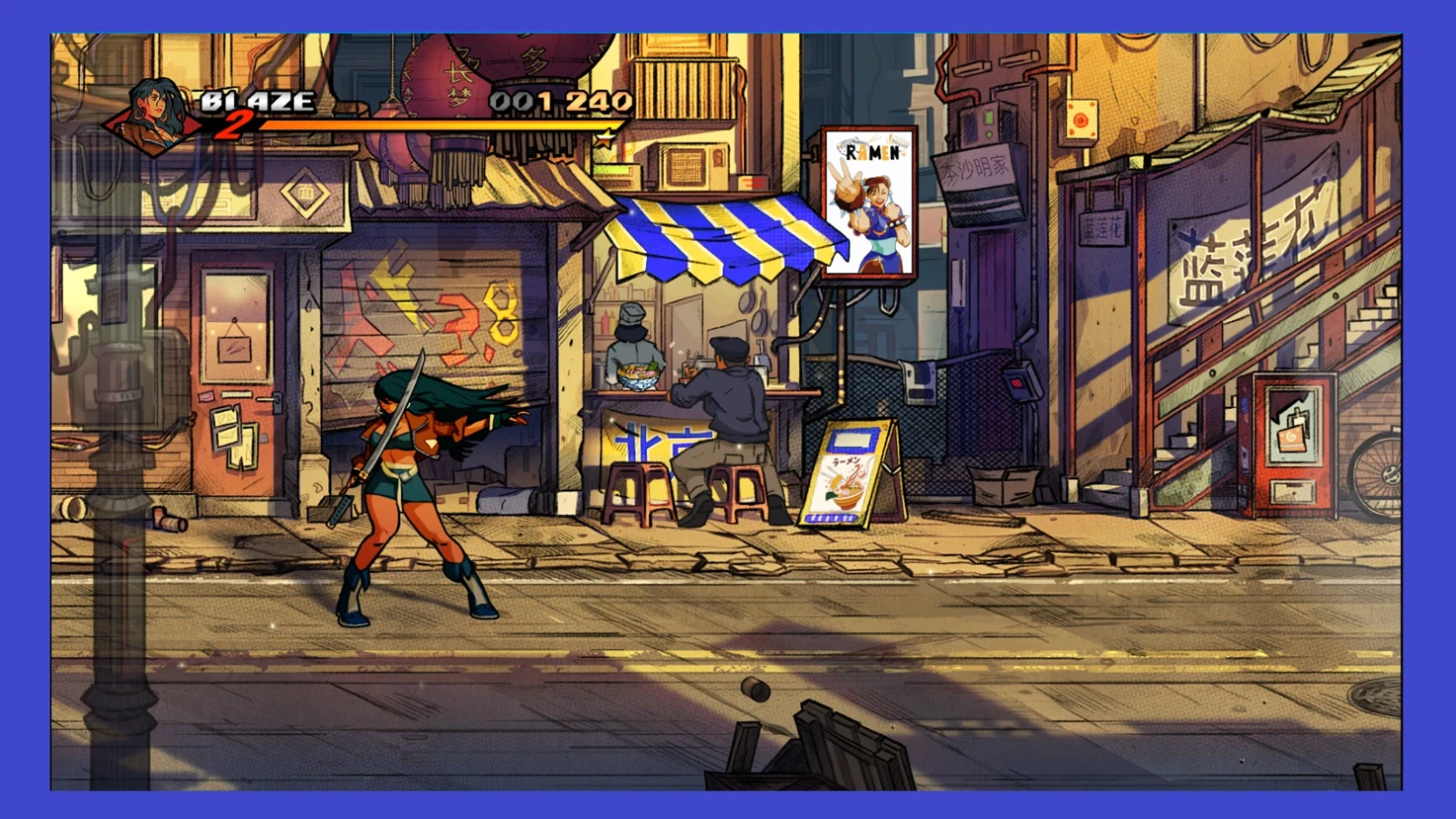
All those duck kiosks are quite boring, so I had to do one with a Chun Li' picture. Come on, it's Chinatown, so it just makes sense.
To install this mod you got to use SOR4 Explorer.
Uncompress the mod files somewhere at your hardrive.
After loading SOR4 Explorer, and reading the game files, navigate in the left panel to: / > decors > main_campaign > stage_6 > lvl_1
Here you will drop the kitchenback2.png file in SOR4 Explorer right panel.
In the top right corner you will see a message saying 1 sprite was replaced. Apply.
Then you go to: / > decors > main_campaign > stage_6 > lvl_1 > ul_temple
Here you will drop the two other files in SOR4 Explorer right panel.
In the top right corner you will see a message saying 2 sprites were replaced. Apply.
Note: I'm adding to the download section the original sprites, just in case you want to revert back, without removing all your mods.
To install this mod you got to use SOR4 Explorer.
Uncompress the mod files somewhere at your hardrive.
After loading SOR4 Explorer, and reading the game files, navigate in the left panel to: / > decors > main_campaign > stage_6 > lvl_1
Here you will drop the kitchenback2.png file in SOR4 Explorer right panel.
In the top right corner you will see a message saying 1 sprite was replaced. Apply.
Then you go to: / > decors > main_campaign > stage_6 > lvl_1 > ul_temple
Here you will drop the two other files in SOR4 Explorer right panel.
In the top right corner you will see a message saying 2 sprites were replaced. Apply.
Note: I'm adding to the download section the original sprites, just in case you want to revert back, without removing all your mods.