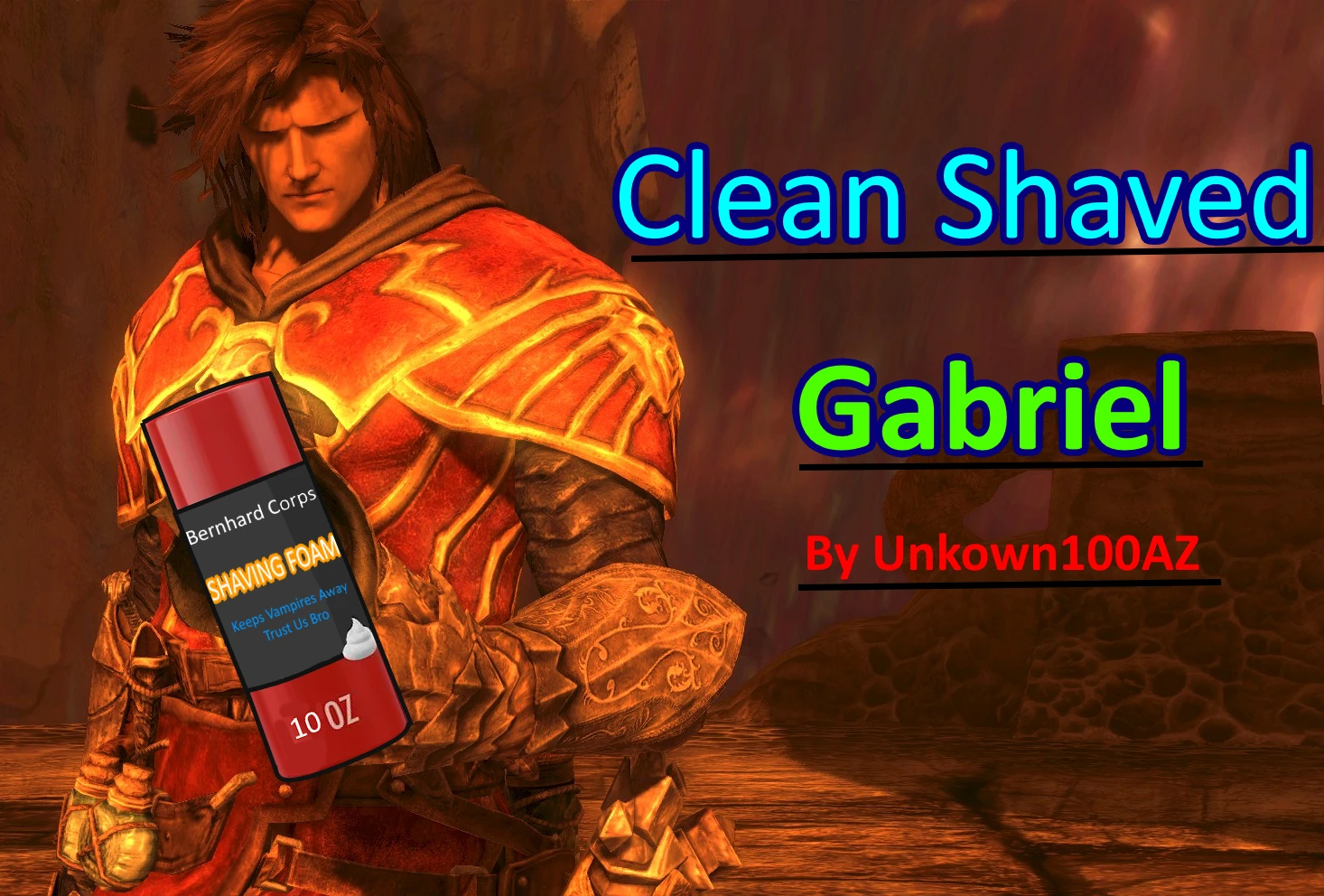
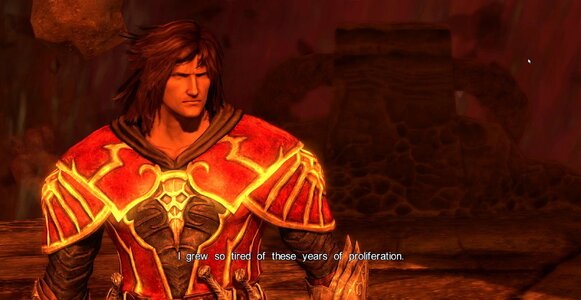
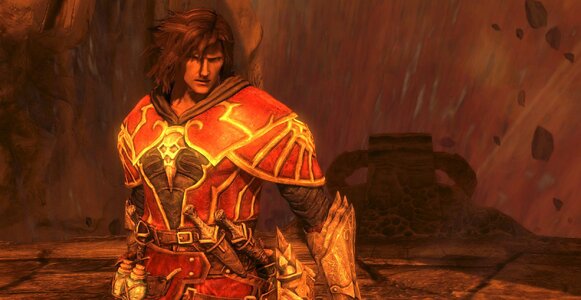
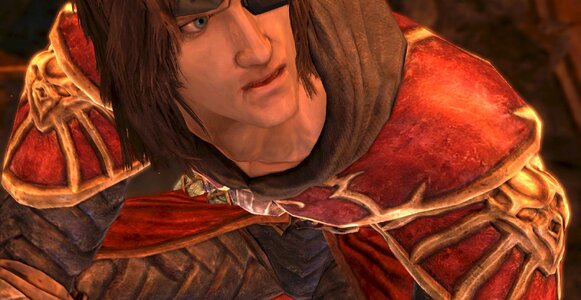
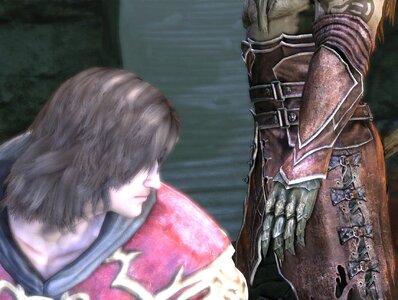
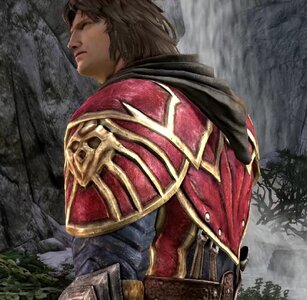
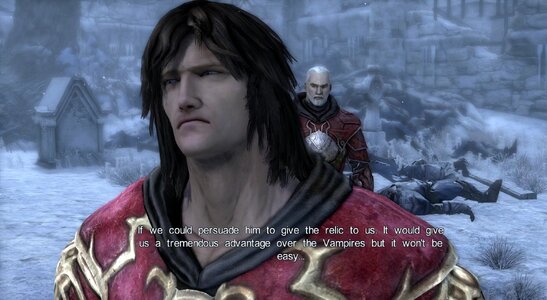
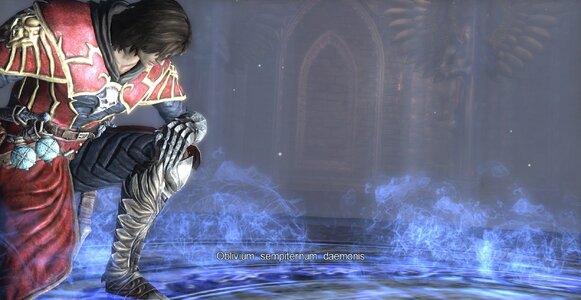
This mod gives you simply... Gabriel without his beard is pretty simple. I wanted for a long time a mod like this.
He is now clean shaved and looks smooth and well kept. This mod changes the textures of DDS files ch_gabriel_arrugas-d and ch_gabriel_cabeza-d from the extracted files: Data00\models\chars\gabriel_render and Data00\models\chars\gabriel_render via QuickBMS with the Castlevania script for the MercurySteam games.
I edited the textures of Gabriel's face in Paint.net, and used Gimp for resize to match the original size.
DISCLAIMER* MercurySteam made some cutscenes pre-rendered this mod cannot change those instances of Gabriel. It works in-game and the cutscenes that are in engine in real time.
The thumbnail is made my me in paint.net.
How I made this mod:
1. I extracted the files using QuickBMS script for the MercurySteam Castlevania games.
2. I found the texture I wanted to modify, I edited it in Paint.net (you can edit in anything that supports DDS).
3. I installed Microsoft DirectXTex (Texconv). Texconv generates missing mipmaps for the modified DDS textures. The game uses these smaller versions when Gabriel appears farther away from the camera.
4. Identify the path of the textures, in my case:
Extracted Files -> models-> chars_> gabriel_render->dds-> ch_gabriel_cabeza-d.dds and ch_gabriel_arrugas-d
5. I used a Powershell script
6. I installed Node.js required for the script.
6. I used the BFPK Generator included in BFPK Repacker, to create a Dat file out of my modified files. I had to put my files in the same path of the folders the originally were (not in the extracted folder a separated folder) The script: Creates an output folder for the converted textures, then Converts the modified DDS textures to DXT1 format. Also generates the complete mipmap chain and most importantly saves the finished textures in the output folder without modifying the original files.
Installation instructions
Lords of Shadow games use .Dat files, it has 17 .Dat files, this mod main file is Data18 _cleanshaved_Gabriel, you have to rename it just Data18 that (from Data18_cleanshaved_Gabriel which is for organizing). Then just paste the file in the the folder you have LoS installed (ex \SteamLibrary\steamapps\common\CastlevaniaLoS) and launch the game.
If you have another mod named Data18 rename this one to Data19 (or the mods you install afterwards)