
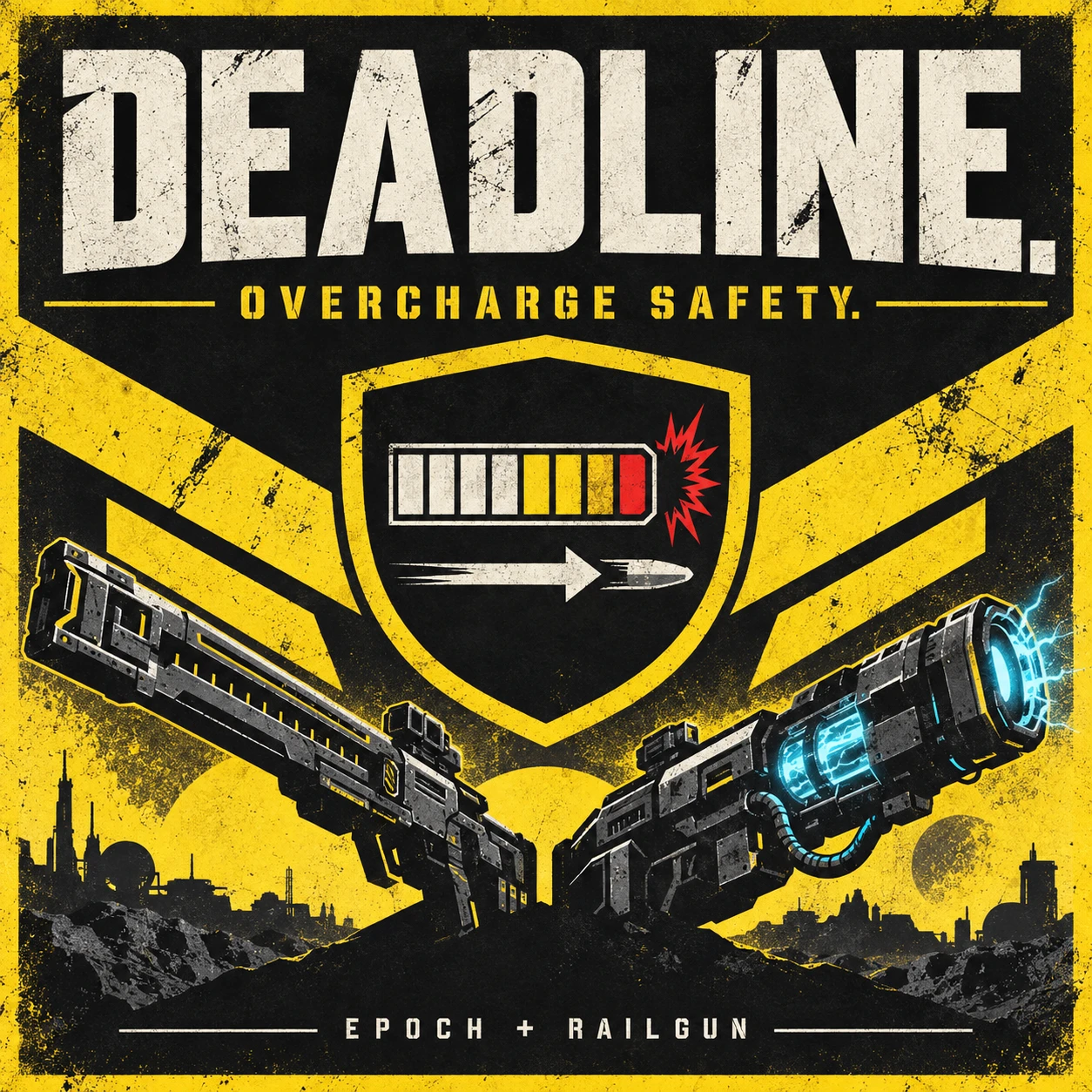
DEADLINE — Overcharge Safety v1.0.2
A little help when you hold the trigger a little too long.DEADLINE watches the PLAS-45 Epoch and the RS-422 Railgun in Unsafe Mode. As your charge approaches the weapon’s self-explosion threshold, it requests a single left-mouse release. Aim and charge normally, or release early yourself whenever you want.
After an automatic release, let go of the physical mouse button before starting your next charge. Railgun Safe Mode keeps its normal behavior.
WHAT’S NEW IN v1.0.2
Updated player, equipped-weapon, and charge-state detection for Steam build 25480438. Automatic release for both the Railgun in Unsafe Mode and the Epoch was confirmed in-game on this build.The executable version check has been relaxed, so DEADLINE may continue to work after future game updates. Compatibility cannot be guaranteed, though: an update may cause unexpected behavior, and changes to the game’s charge-state layout will cause the mod to disable itself. If you notice anything unusual, disable DEADLINE and report the issue.
REQUIREMENTS
- Bingus Shared Loader v16 / API 1, installed separately: (https://ayakamods.com/mods/bingus-shared-loader.3861/\\\[/EMBED)] API 1 is the loader’s interface version, not a separate download.
- Windows x64. The charge-state layout is verified against Steam build 25480438.
- Fire bound to the left mouse button. Controller input and other fire bindings are not supported.
- Arsenal or HD2 Mod Manager to install the ZIP.
INSTALLATION
- Close HELLDIVERS 2 completely.
- Install and enable Bingus Shared Loader v16.
- Import DEADLINE-Overcharge-Safety-v1.0.2-build25480438.zip into your mod manager and enable it.
- Disable any older DEADLINE package, duplicate charge-safety mod, or combined package containing the same feature.
- Follow the Shared Loader’s load-order instructions, making sure its loader resources take priority under your manager’s selected priority setting.
- Purge and Deploy in Arsenal, or redeploy in HD2 Mod Manager, then restart the game.
HOW IT BEHAVES
- Monitors only your equipped target weapon while the game is in the foreground and the left mouse button is held.
- Uses a minimum 150 ms release allowance, increasing it when slower frame cadence is observed.
- Sends one mouse-up request per observed charge. It does not press the trigger or move your aim.
- Reads weapon state without writing game memory or installing native code hooks.
- Stops monitoring if the game.dll version does not match the verified charge-state layout.
PERFORMANCE AND DIAGNOSTICS
After initialization, game-state reads are skipped while fire is not held or the game is in the background. With another weapon equipped, holding fire checks equipment about every 100 ms. A target weapon’s active charge is checked every update.Diagnostics stay in memory during updates and are saved when the loader shuts down normally. Update callbacks do not write logs or print status messages. A crash or forced exit can leave the previous session’s log on disk. Startup verification reads the game module once during initialization.
This describes the implementation, not a promise of higher FPS or stutter-free gameplay.
LIMITS AND SUPPORT
An unexpected long stall can still make the release too late. DEADLINE does not protect against the Epoch’s projectile splash damage. A successful Windows input request alone does not confirm that the game fired a shot.Automatic release was confirmed in-game on build 25480438 before the executable version check was relaxed. The repackaged download passed offline checks but has not been retested in-game. Compatibility with every gameplay scenario, multiplayer setup, future game build, or GameGuard update is not guaranteed.
After a normal exit, check the short status file:
%LOCALAPPDATA%\HD2-DEADLINE-STATUS.txt
Detailed log:
%LOCALAPPDATA%\DEADLINE.log
Check the timestamp and revision before reporting an issue. This package identifies itself as DEADLINE 1.0.2 / 25480438-r2. A forced exit can leave older files.
If something goes wrong, include your game build, loader version, enabled mod list, and the detailed log saved after a normal game exit.
To remove DEADLINE, close the game, disable the addon, and redeploy.
GenAI was used for this project. The cover is AI-generated artwork, not an in-game screenshot. This is an unofficial community mod.


Pinned comment