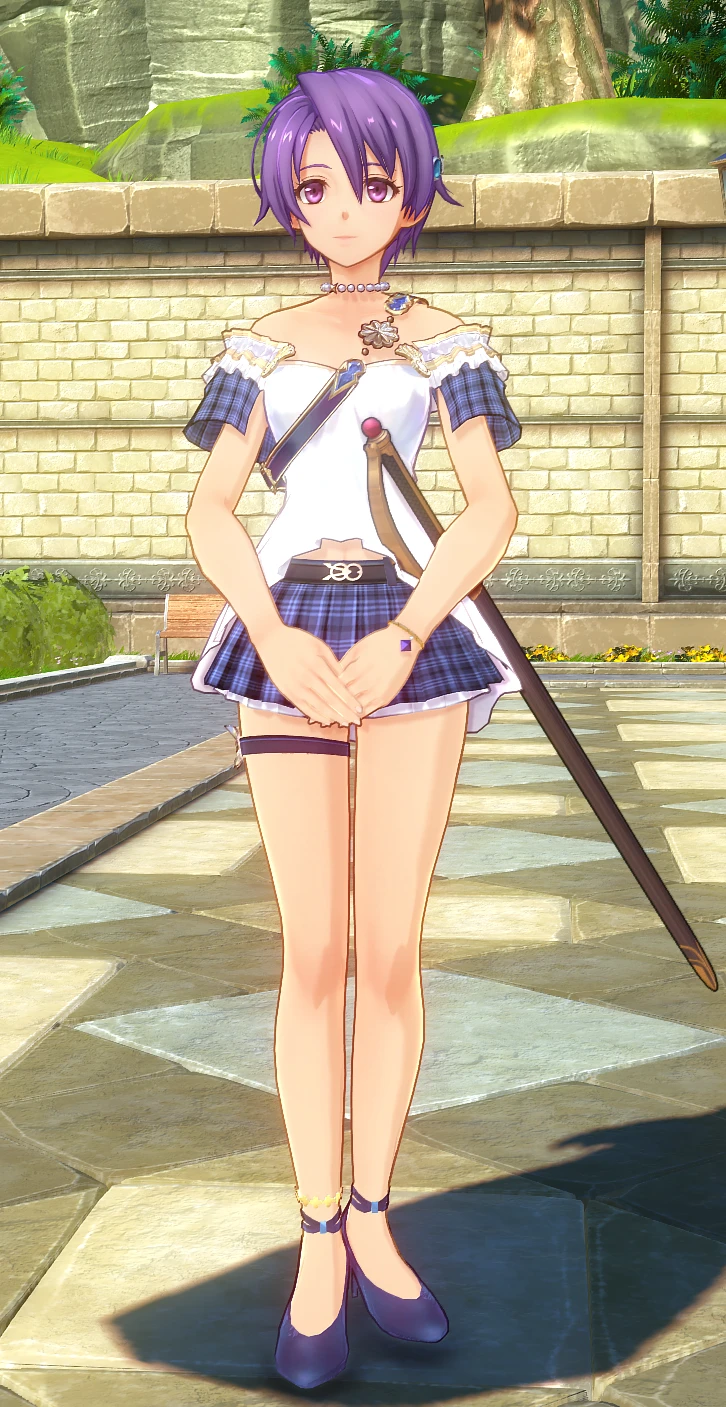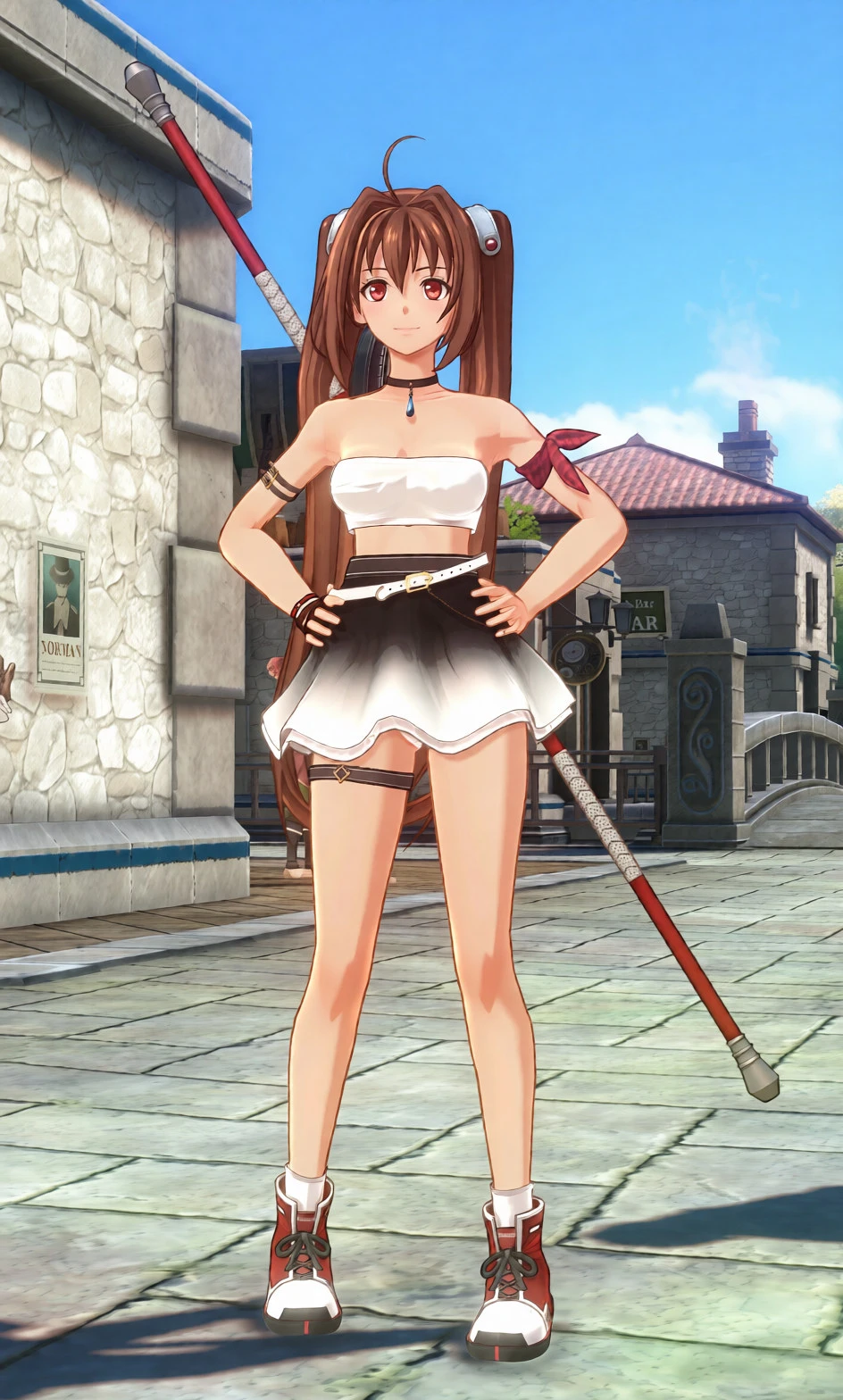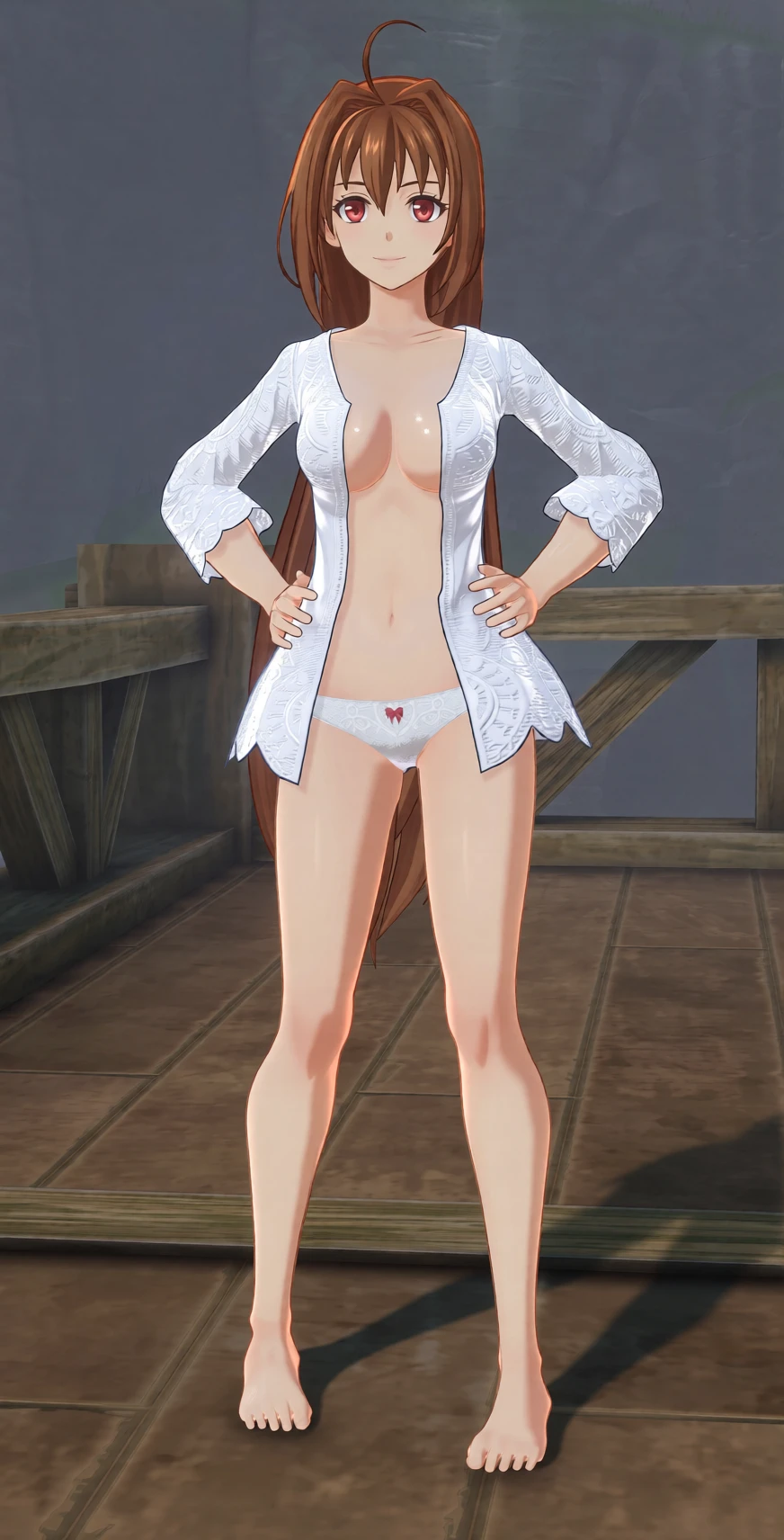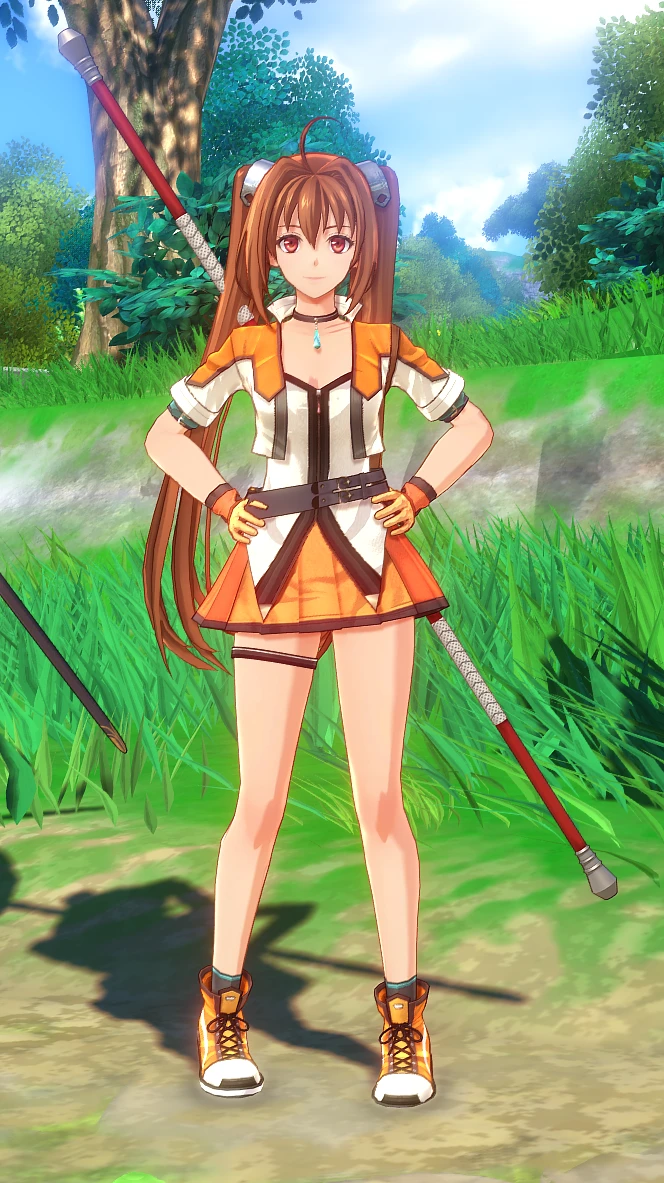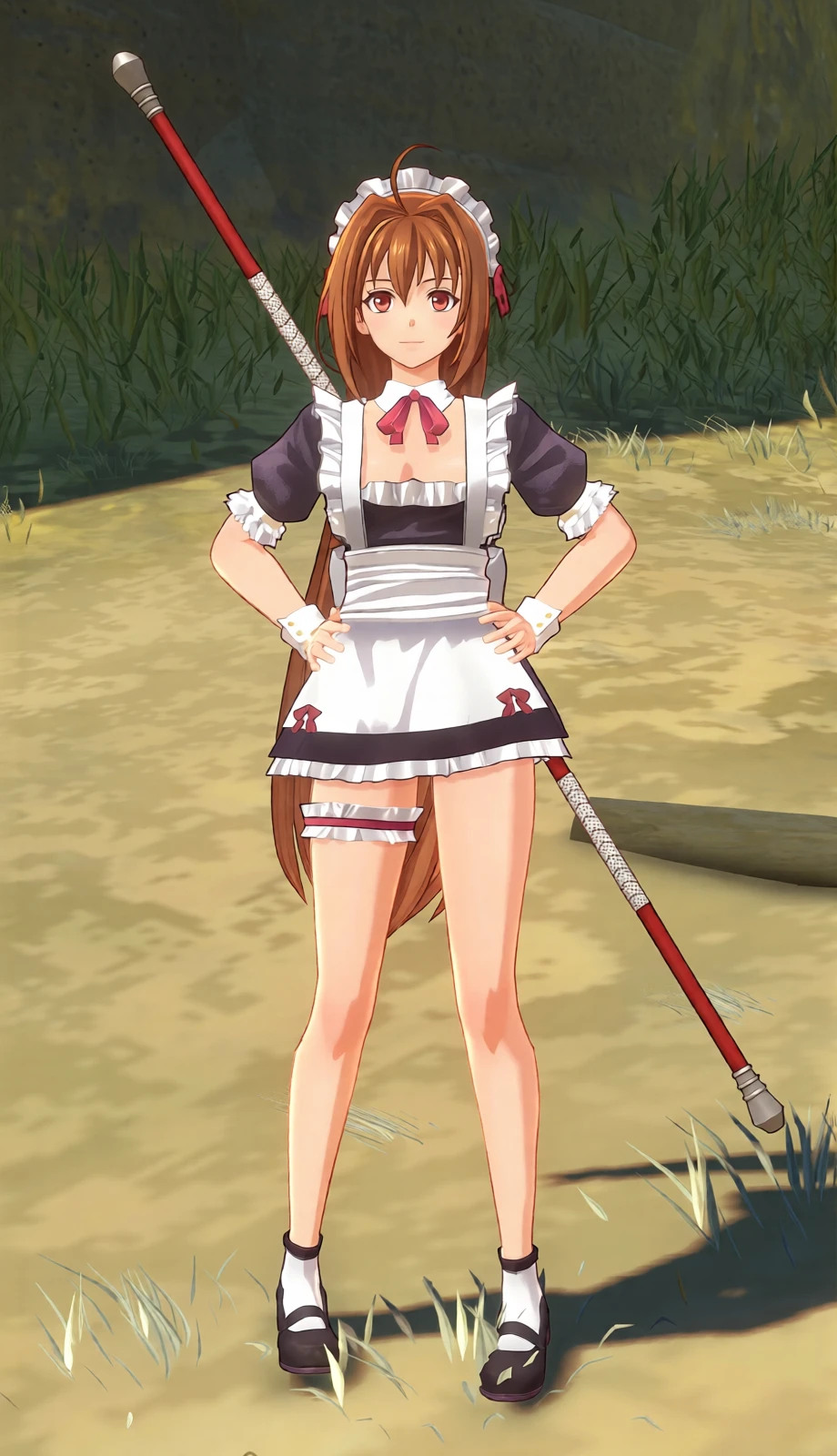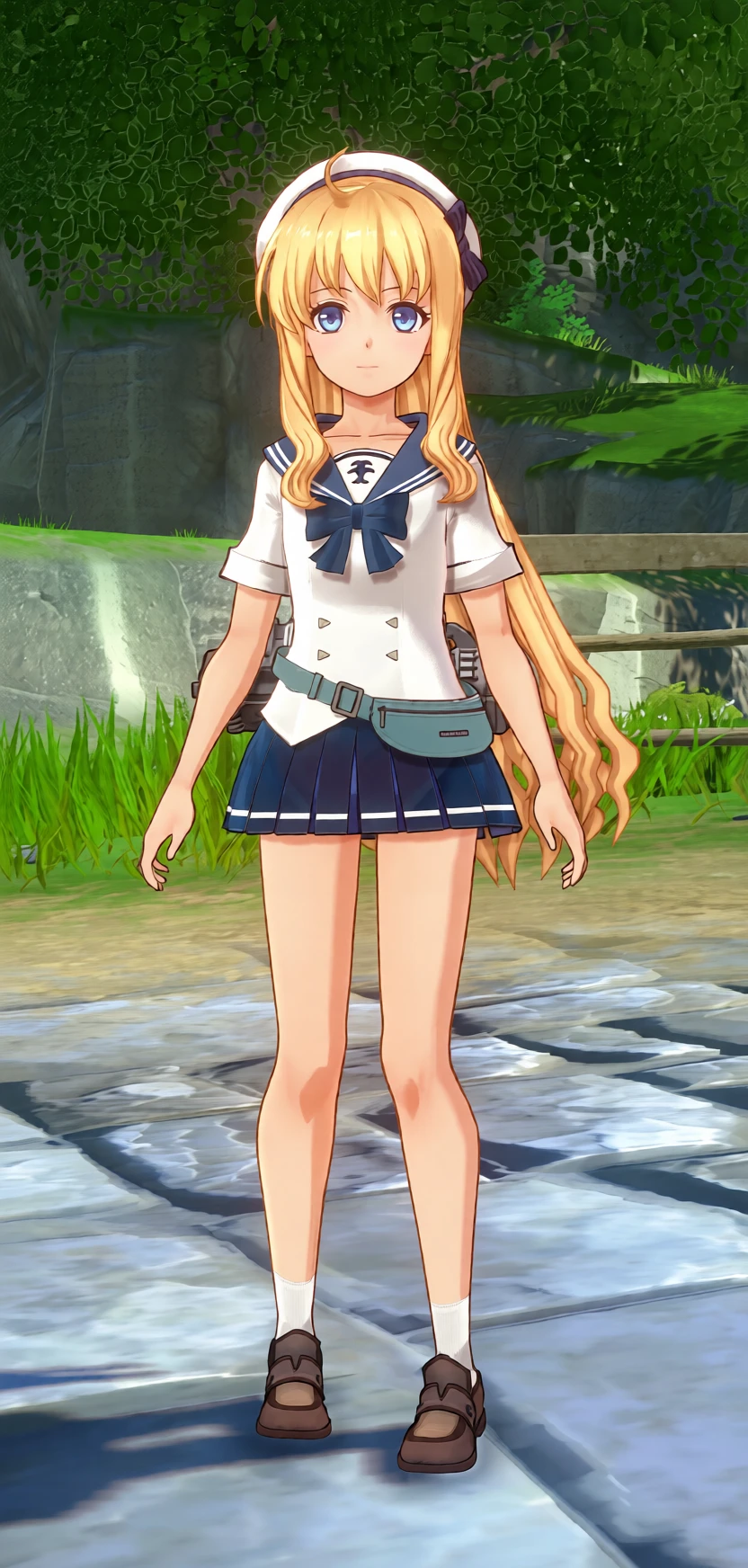
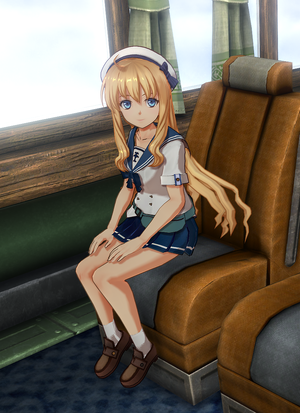
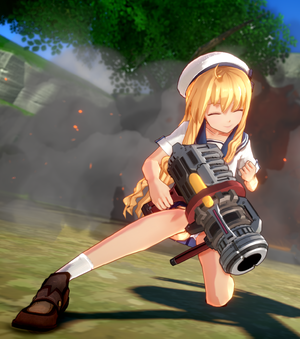
A school-uniform interpretation of Tita, imagining what she might have worn as a 12-year-old student before the events of the Trails of Cold Steel era.
Description & Key Features
Pre-Cold Steel School Concept:
Inspired by Tita's official age and her later appearance in a school uniform, this mod imagines an earlier stage of her school life as a newly enrolled young student.
Eastern-Inspired Sailor Uniform:
Features a sailor-style school uniform with an Eastern-inspired design, giving her a youthful and practical student appearance while remaining consistent with her character.
Engineer Even at School:
Even in uniform, Tita carries a small side pouch for tools, reflecting her identity as a young engineer and keeping the design connected to her usual character traits.
Practical Everyday Design:
The outfit is intended to look like something she could naturally wear for everyday school life, rather than a formal or combat-oriented costume.
Design Note:
This is an original "what-if" interpretation and is not based on an official school uniform design from the game.
A standard underlayer is included beneath the skirt for normal gameplay use.
Update History:
October 10, 2026
- Fixed an issue where the skirt did not respond properly to sitting animations.
- Added a sailor-style hat to complement the outfit.
- Improved the quality of selected textures.
Important Note:
This update includes changes to the following animation files:
- chr5006_m_sit_wait.mdl
- chr5006_m_wait.mdl
Backing up the original game files before installation is recommended.
### Installation Guide & Prerequisites
This mod requires pre-extracted game assets (loose files) to work properly. Installing this mod without extracting the original archive files will cause the game to crash.
#### 1. Prerequisites
* **Python:** Ensure you have Python installed on your PC.
* **Extraction Script:** Download `sky_extract_pac.py` from eArmada8's original guide/tool release page:
https://github.com/eArmada8/kuro_dlc_tool
*(All credits for the extraction script and tool specifications belong to eArmada8.)*
#### 2. Unpacking Game Files (First Time Only)
1. Place `sky_extract_pac.py` into your game's directory:
`{Sky the 2nd}/pac/steam/`
2. Run the script via Python to extract each target `.pac` file individually. For this mod, unpacking the following files is mandatory:
* `asset_common_model.pac`
* `asset_common_model_info.pac`
* `image.pac`
* `table.pac` (select the version corresponding to your game's language)
3. Each extracted archive will generate loose folders (such as `asset` and `table`). Move these extracted folders to your base game root folder (the folder containing `sora_2nd.exe`).
4. **Important:** Rename, move, or delete the original `.pac` files you just unpacked. If the original `.pac` files remain active in the directory, the game will prioritize them, preventing the mod from loading and causing a crash.
#### 3. Installing the Mod
1. Extract this mod archive.
2. Place (overwrite) the mod files into your base game root folder (`sora_2nd.exe` directory), matching the loose file folder structure.
3. Launch the game via `sora_2nd.exe`.
#### 4. Final Directory Structure
Make sure your game root directory looks like this after extraction and mod installation:
```text
{Sky the 2nd Game Directory}/
├── sora_2nd.exe
├── table/ <-- Extracted loose files
├── asset/ <-- Extracted loose files
│ ├── common/
│ └── dx11/
├── pac/ <-- Original .pac files (unpacked ones renamed/moved/deleted)
└── ... (other default game files and folders)
Description & Key Features
Pre-Cold Steel School Concept:
Inspired by Tita's official age and her later appearance in a school uniform, this mod imagines an earlier stage of her school life as a newly enrolled young student.
Eastern-Inspired Sailor Uniform:
Features a sailor-style school uniform with an Eastern-inspired design, giving her a youthful and practical student appearance while remaining consistent with her character.
Engineer Even at School:
Even in uniform, Tita carries a small side pouch for tools, reflecting her identity as a young engineer and keeping the design connected to her usual character traits.
Practical Everyday Design:
The outfit is intended to look like something she could naturally wear for everyday school life, rather than a formal or combat-oriented costume.
Design Note:
This is an original "what-if" interpretation and is not based on an official school uniform design from the game.
A standard underlayer is included beneath the skirt for normal gameplay use.
Update History:
October 10, 2026
- Fixed an issue where the skirt did not respond properly to sitting animations.
- Added a sailor-style hat to complement the outfit.
- Improved the quality of selected textures.
Important Note:
This update includes changes to the following animation files:
- chr5006_m_sit_wait.mdl
- chr5006_m_wait.mdl
Backing up the original game files before installation is recommended.
### Installation Guide & Prerequisites
This mod requires pre-extracted game assets (loose files) to work properly. Installing this mod without extracting the original archive files will cause the game to crash.
#### 1. Prerequisites
* **Python:** Ensure you have Python installed on your PC.
* **Extraction Script:** Download `sky_extract_pac.py` from eArmada8's original guide/tool release page:
https://github.com/eArmada8/kuro_dlc_tool
*(All credits for the extraction script and tool specifications belong to eArmada8.)*
#### 2. Unpacking Game Files (First Time Only)
1. Place `sky_extract_pac.py` into your game's directory:
`{Sky the 2nd}/pac/steam/`
2. Run the script via Python to extract each target `.pac` file individually. For this mod, unpacking the following files is mandatory:
* `asset_common_model.pac`
* `asset_common_model_info.pac`
* `image.pac`
* `table.pac` (select the version corresponding to your game's language)
3. Each extracted archive will generate loose folders (such as `asset` and `table`). Move these extracted folders to your base game root folder (the folder containing `sora_2nd.exe`).
4. **Important:** Rename, move, or delete the original `.pac` files you just unpacked. If the original `.pac` files remain active in the directory, the game will prioritize them, preventing the mod from loading and causing a crash.
#### 3. Installing the Mod
1. Extract this mod archive.
2. Place (overwrite) the mod files into your base game root folder (`sora_2nd.exe` directory), matching the loose file folder structure.
3. Launch the game via `sora_2nd.exe`.
#### 4. Final Directory Structure
Make sure your game root directory looks like this after extraction and mod installation:
```text
{Sky the 2nd Game Directory}/
├── sora_2nd.exe
├── table/ <-- Extracted loose files
├── asset/ <-- Extracted loose files
│ ├── common/
│ └── dx11/
├── pac/ <-- Original .pac files (unpacked ones renamed/moved/deleted)
└── ... (other default game files and folders)