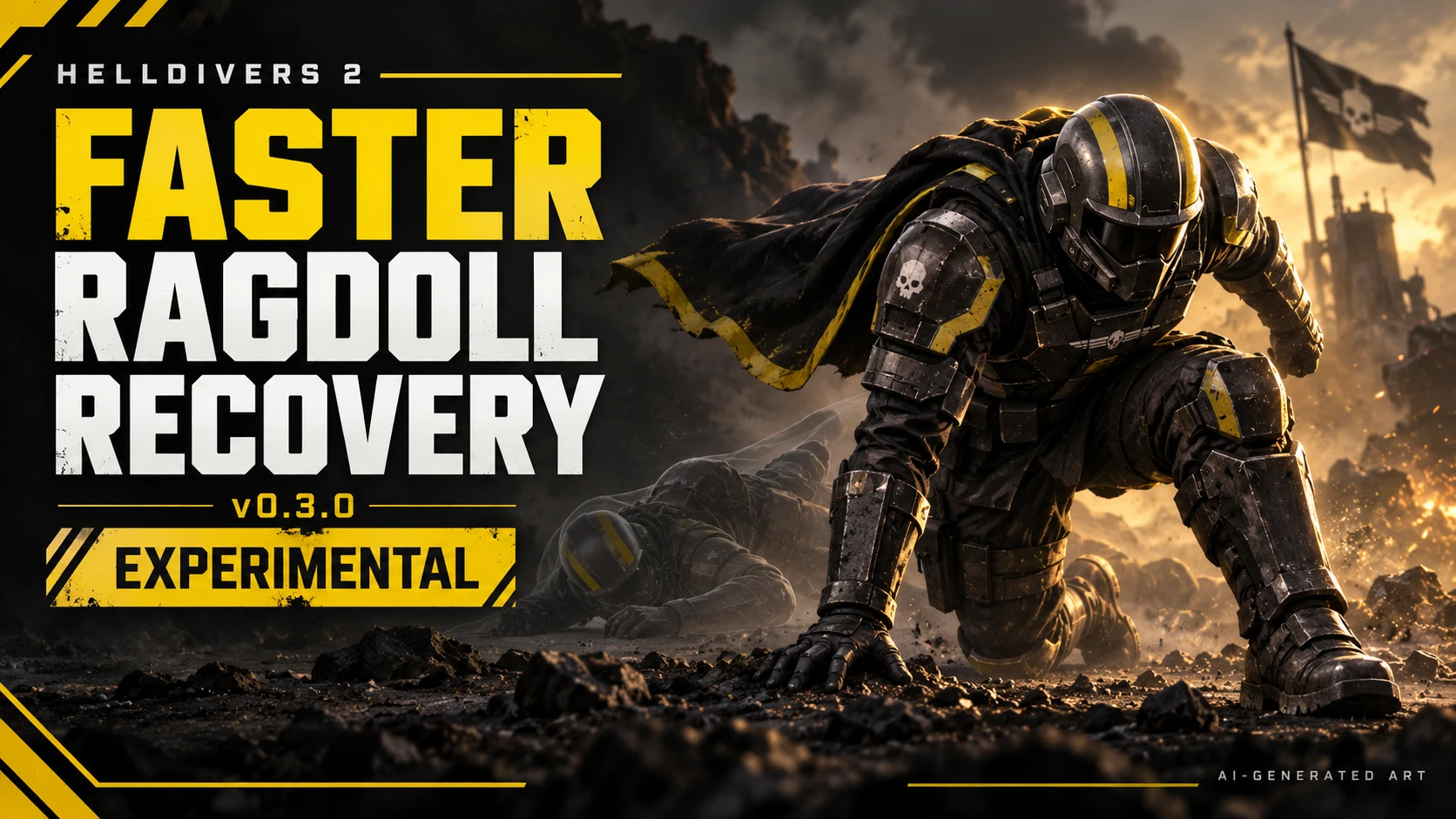
Faster Ragdoll Recovery
Reduce the wait before ragdoll recovery, including when your character is sliding slowly near the ground. It shortens eligible recovery delays while keeping the game's native recovery animation and state transitions in control.
FEATURES
• Fast mode: requests earlier recovery after nearby-ground and movement checks pass.
• Conservative mode: a stricter alternative for slower, more settled ragdolls.
• Off mode: stops further timer corrections.
• Ground, speed and confirmation checks help exclude fast falls, bouncing, steep slopes and fast slides.
• Retained debug history makes unsuccessful recovery checks easier to investigate.
• Changes affect the local player's temporary recovery timers. No new save data is added.
REQUIREMENTS
• Bingus Shared Loader v18
• HD2Arsenal for installation.
INSTALLATION
1. Close Helldivers 2.
2. Import Faster-Ragdoll-Recovery-v0.3.0-Fast-Debug.zip into HD2Arsenal.
3. Keep Bingus Shared Loader below with Arsenal's default priority, or above them when first-mod priority is enabled.
4. Deploy and restart the game.
Reduce the wait before ragdoll recovery, including when your character is sliding slowly near the ground. It shortens eligible recovery delays while keeping the game's native recovery animation and state transitions in control.
FEATURES
• Fast mode: requests earlier recovery after nearby-ground and movement checks pass.
• Conservative mode: a stricter alternative for slower, more settled ragdolls.
• Off mode: stops further timer corrections.
• Ground, speed and confirmation checks help exclude fast falls, bouncing, steep slopes and fast slides.
• Retained debug history makes unsuccessful recovery checks easier to investigate.
• Changes affect the local player's temporary recovery timers. No new save data is added.
REQUIREMENTS
• Bingus Shared Loader v18
• HD2Arsenal for installation.
INSTALLATION
1. Close Helldivers 2.
2. Import Faster-Ragdoll-Recovery-v0.3.0-Fast-Debug.zip into HD2Arsenal.
3. Keep Bingus Shared Loader below with Arsenal's default priority, or above them when first-mod priority is enabled.
4. Deploy and restart the game.