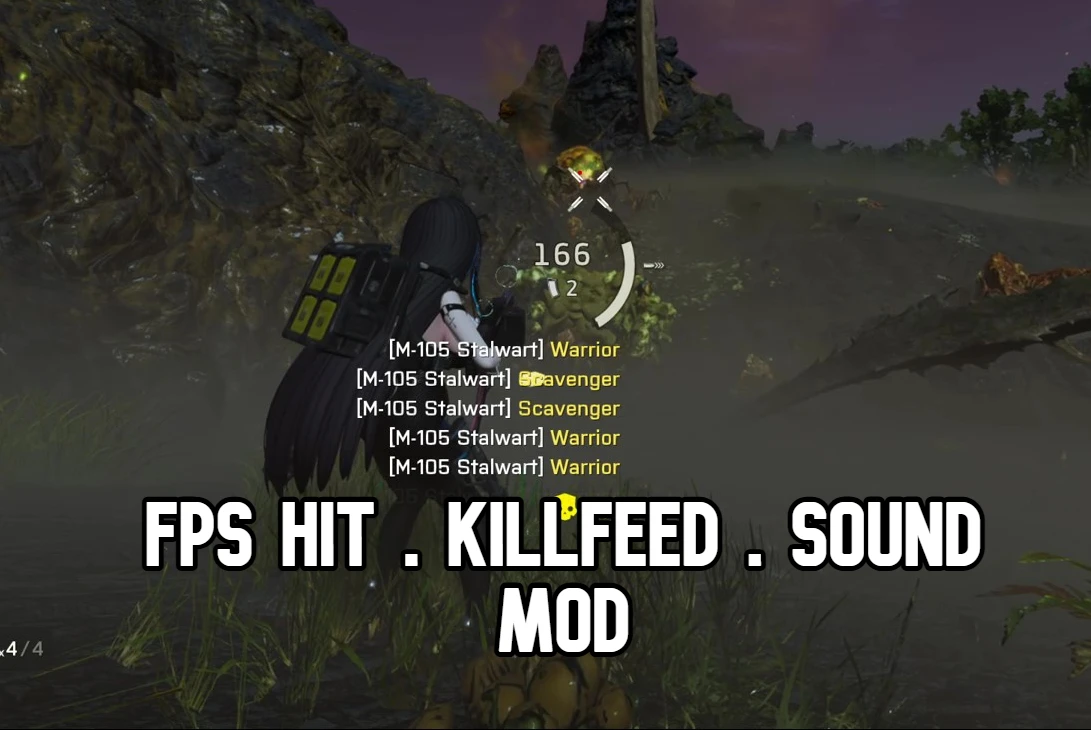
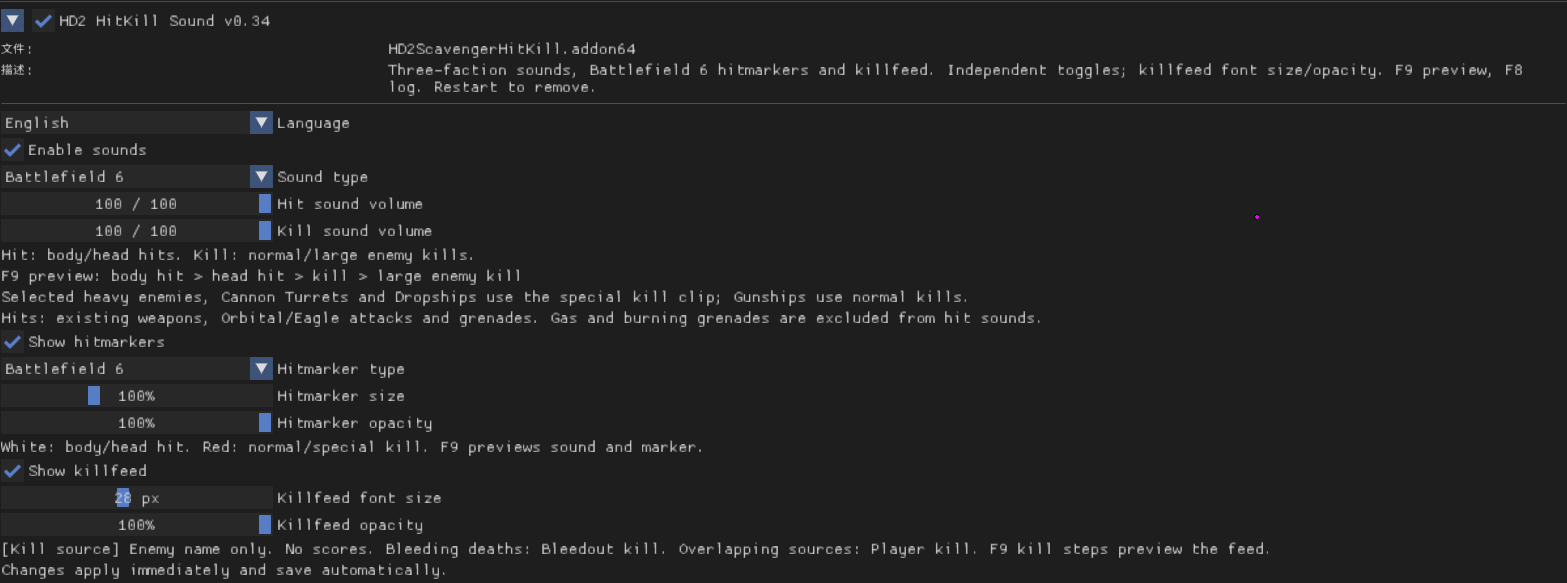
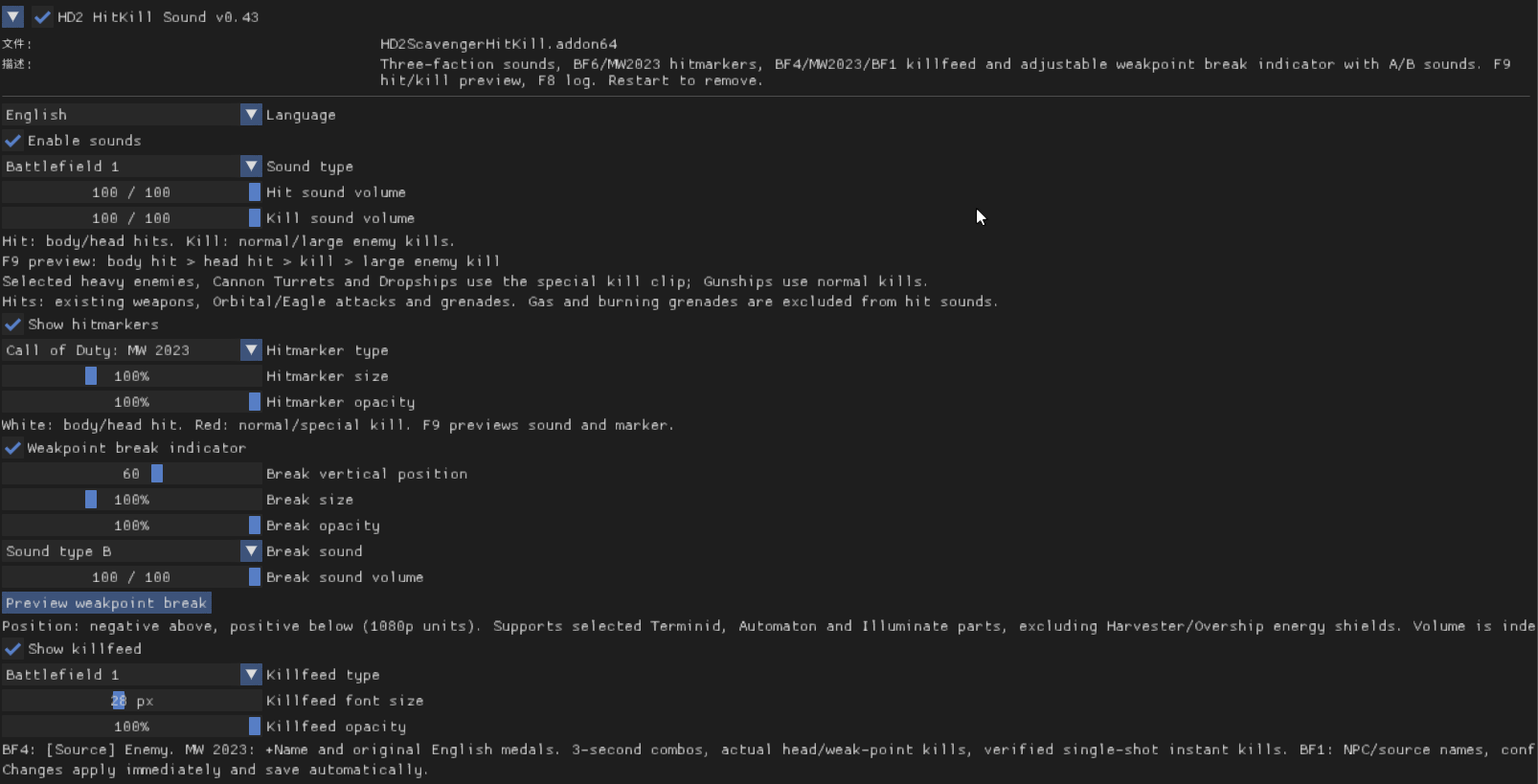
What sets this mod apart from other kill notification mods is that it runs through ReShade, allowing you to change its settings in real time!!
Currently supported features:
1.1 Update Notes:
Showcase
View: https://youtu.be/s3n7eJtNFRI
View: https://youtu.be/LRe7O-s0f60
View: https://youtu.be/AUnys_ySFSo
View: https://youtu.be/8OyP2nk9DPY
View: https://youtu.be/qHe-vJJs4KE
How to install?
ReShade with full add-on support is required!!!

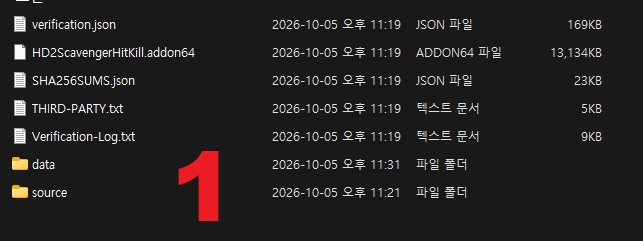
After downloading and extracting the mod, copy all the extracted folders except the `data` folder into the `bin` folder inside your Helldivers 2 installation directory.

Next, open the extracted data folder. It contains a single file. Copy that file into the game’s data folder, or compress it into a ZIP archive and install it using your mod manager.
Currently supported features:
- Sounds: Battlefield 6, Apex Legends, and Call of Duty: Modern Warfare (2019), Modern Warfare II (2022), and Modern Warfare III (2023).
You can toggle sounds on/off and adjust their volumes individually!
- Hit markers: Battlefield 6.
You can toggle hit markers on/off and adjust their size and opacity!
- Kill feed: Inspired by Battlefield 4’s kill feed, with more styles planned for future updates!
You can toggle the kill feed on/off and adjust its size and opacity! - Team kills, which the game no longer displays, now appear in this mod’s kill feed!!
1.1 Update Notes:
- Added Battlefield 1 hit sounds, kill sounds, and kill feed.
- Added Call of Duty: Modern Warfare III (2023) hit markers and kill feed.
- Added an animation and sound for destroying enemy weak points.
- Added an Apex Legends sound option for destroying enemy weak points.
- Optimized mod performance.
Showcase
View: https://youtu.be/s3n7eJtNFRI
View: https://youtu.be/LRe7O-s0f60
View: https://youtu.be/AUnys_ySFSo
View: https://youtu.be/8OyP2nk9DPY
View: https://youtu.be/qHe-vJJs4KE
How to install?
ReShade with full add-on support is required!!!
After downloading and extracting the mod, copy all the extracted folders except the `data` folder into the `bin` folder inside your Helldivers 2 installation directory.
Next, open the extracted data folder. It contains a single file. Copy that file into the game’s data folder, or compress it into a ZIP archive and install it using your mod manager.