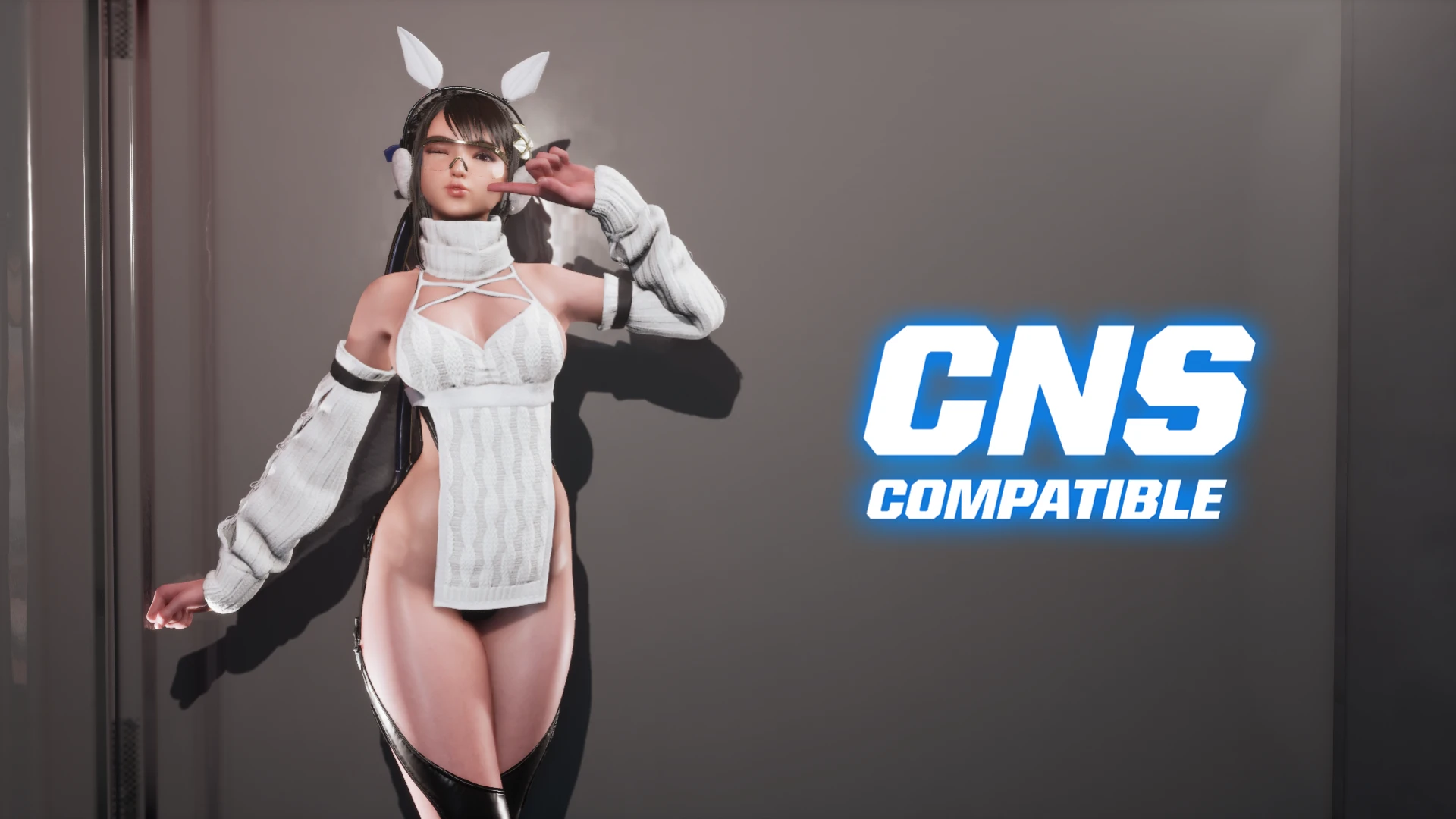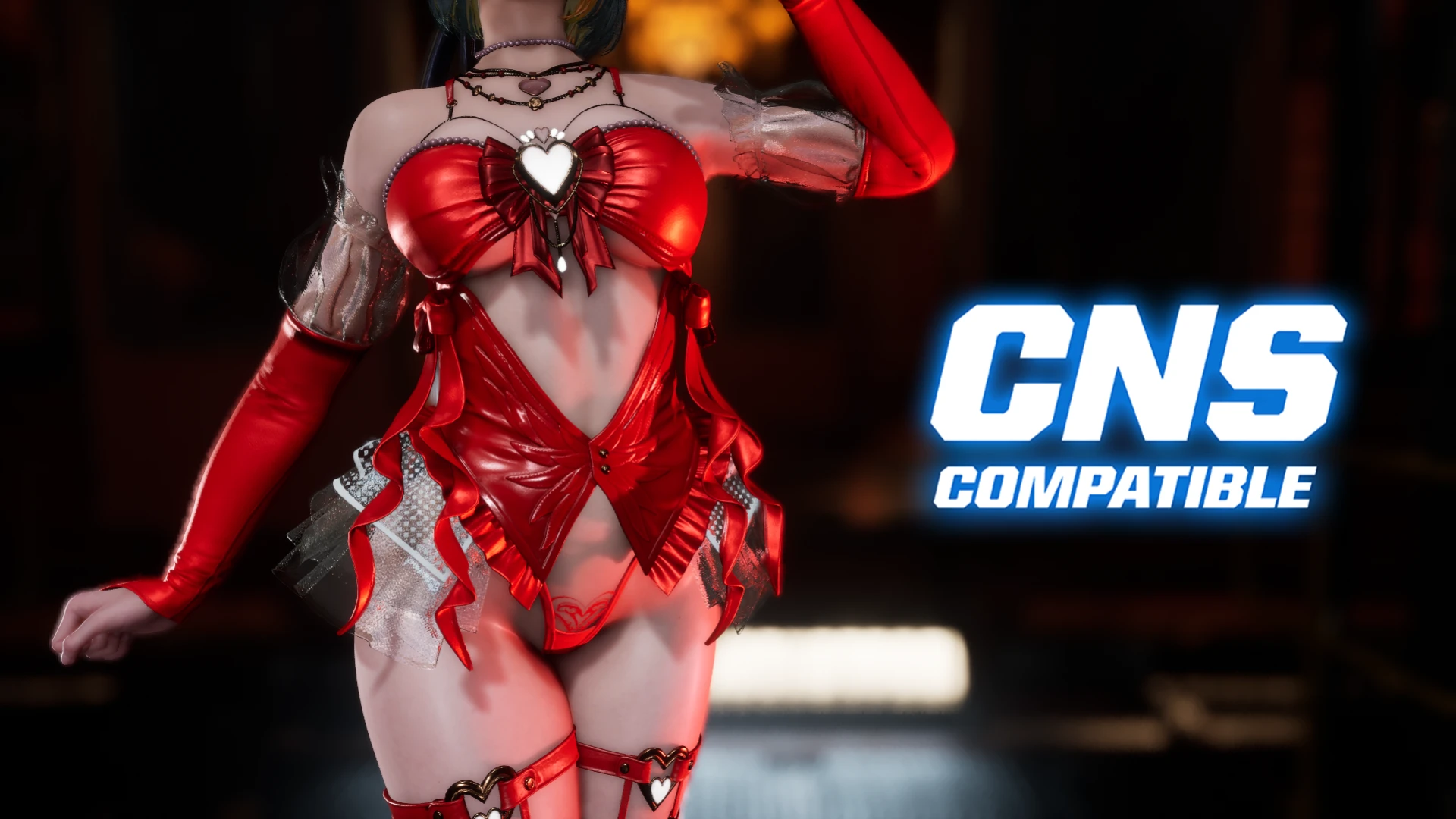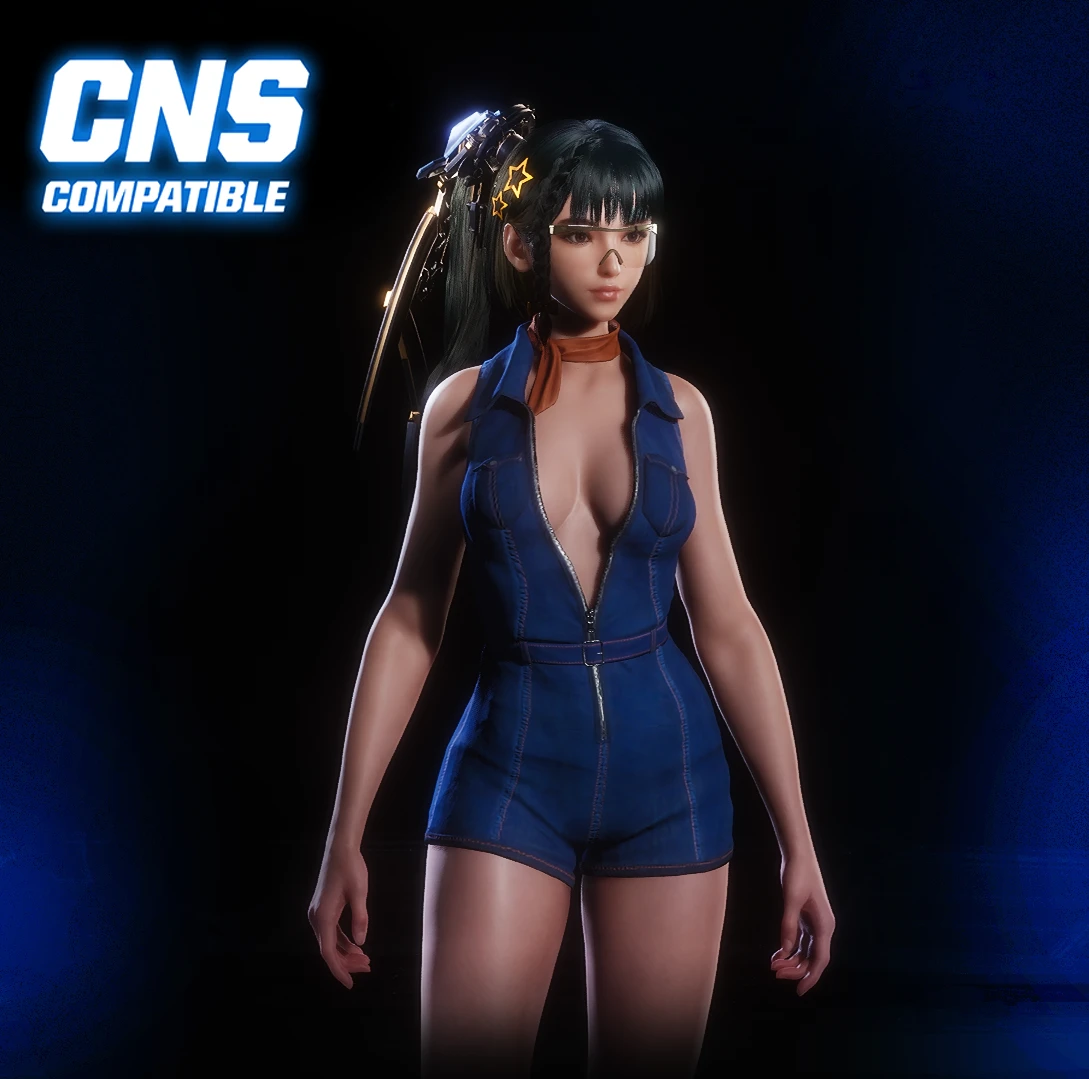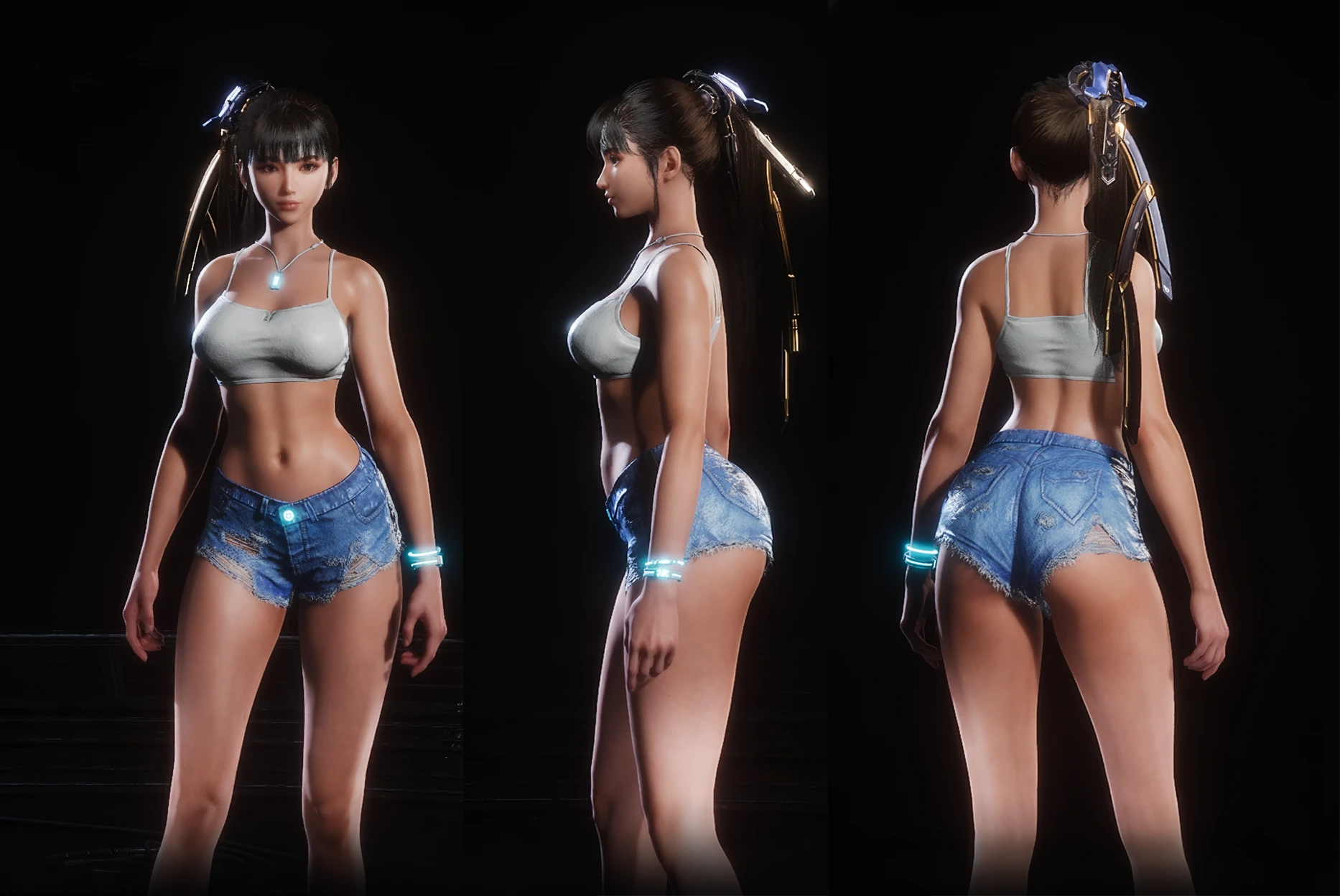
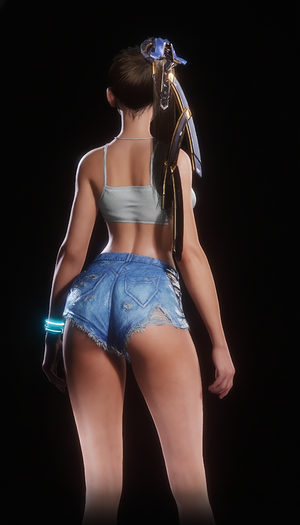
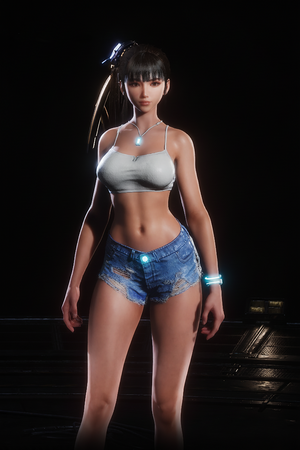
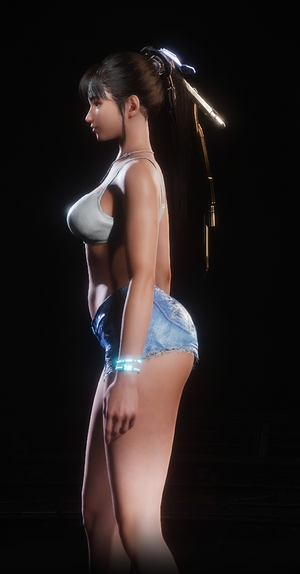
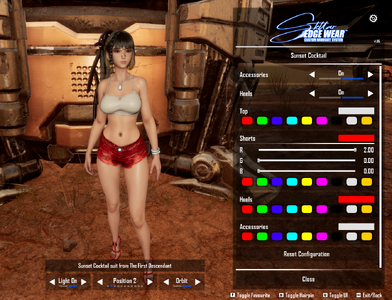
Glossy skin
Fully functional photo mode
CNS Compatible
Replaces Planet Diving Suit (7th)
Not original proportions
Installation
Download the archive
Extract the contents of the archive into the game folder:
E:\SteamLibrary\steamapps\common\StellarBlade\SB\Content\Paks\~Mods
(In your Steam library, right-click the game → Manage → Browse local files)
Launch the game
Enjoy!
Installation Guide for the CNS Version
This mod requires two additional components to work correctly. If you already have them installed, you can skip to Step 2.
Step 1: Install Dependencies
1.1. Download UE4SS for Stellar Blade
1.2. Install Custom Nanosuit System (CNS)
Step 2: Install Mod
Step 3: Launch and Use
Eve Nude Accurate proportions

Fully functional photo mode
CNS Compatible
Replaces Planet Diving Suit (7th)
Not original proportions
Installation
Download the archive
Extract the contents of the archive into the game folder:
E:\SteamLibrary\steamapps\common\StellarBlade\SB\Content\Paks\~Mods
(In your Steam library, right-click the game → Manage → Browse local files)
Launch the game
Enjoy!
Installation Guide for the CNS Version
This mod requires two additional components to work correctly. If you already have them installed, you can skip to Step 2.
Step 1: Install Dependencies
1.1. Download UE4SS for Stellar Blade
[*]Download the latest release from GitHub.
[*]Extract the 'ue4ss' folder and the 'dwmapi.dll' file into your game's directory:
.../StellarBlade/SB/Binaries/Win64
1.2. Install Custom Nanosuit System (CNS)
[*]Download the latest version from Nexus Mods.
[*]Extract the contents of the archive ('Binaries' and 'Content' folders) into the game's root folder:
.../StellarBlade/SB
Step 2: Install Mod
[*]Download the CNS version of my mod.
[*]Navigate to your Stellar Blade installation folder:
.../StellarBlade/SB/Content/Paks
(Tip: In your Steam Library, right-click the game → Manage → Browse local files)
[*]Place the entire '~Mods' folder from my archive inside the 'Paks' directory.
[*]Ensure the file path looks like this:
.../StellarBlade/SB/Content/Paks/~Mods
Step 3: Launch and Use
[*]Launch the game.- Press the N key to open the CNS menu and enjoy the mod!
Eve Nude Accurate proportions