• Credit Cards Now Supported!

    Help keep AyakaMods servers running. You can now purchase Premium securely using credit cards via Patreon.

    🔥 Lifetime Premium is available for a limited time! Offer Expires November 9th, 2026.


    Get Premium & Support Us

DEA(c)DLINE 1.0.1

A Mod for Helldivers 2
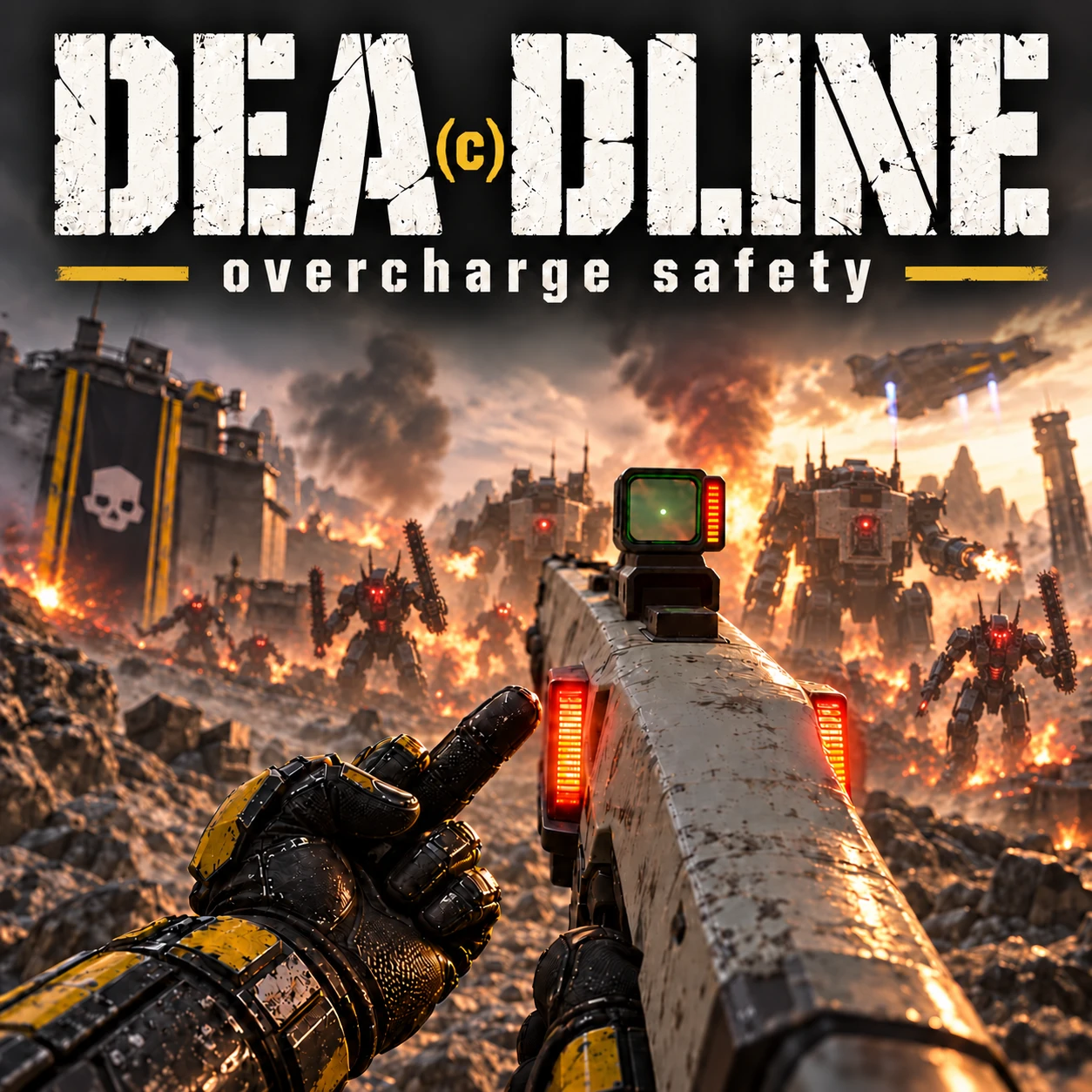
DEA(c)DLINE akl_mod_preview_image
DEA(c)DLINE - overcharge safety

Made in honour of Tokomadobe and the original DEADLINE - Overcharge Safety.

An independent imitation aiming to bring back the original’s overcharge protection for the RS-422 Railgun in Unsafe mode and the PLAS-45 Epoch, with both weapons covered by one mod.

Release your shots manually. This edition does not include the original mod’s automatic mouse-release trigger at maximum charge.

Stock charge-stage timings, projectiles, damage, penetration and ammunition settings are retained.

Installation: Restore any existing mod that replaces generated_entities.dl_bin first. Import the ZIP into HD2 Arsenal, enable DEA(c)DLINE - overcharge safety and Uninstall helper, then deploy. Launch to the main menu and exit normally. Confirm a fresh APPLIED or OK entry in HD2FileMods.log, then relaunch.

Uninstalling or updating: Disable the main option while keeping Uninstall helper enabled. Deploy, launch to the main menu and exit normally. Confirm RESTORED or already-stock confirmation before removing the helper or importing another version.
49.2 MB
Log in or sign up to download
Uploaded by
Rojomojo
Downloads
341
Comments
18
Views
3,085
First release
Last update
Platform
PC 
Version
1.0.1
Total Size
49.2 MB
Rating
0.00 star(s) 0 ratings

Uploaded by

  • 341
  • 3,085

Ratings

0.00 star(s) 0 ratings

Tags

There are no tags available.

More mods from Rojomojo

  • PC First Person View

  • PC Mod Wipe

  • PC Fire & Fall

  • PC Jar 5 Dom - EAC approved

  • PC HELLSLIDERS - Sliding Mod

Latest updates

  1. 1.0.1

    DEA(c)DLINE - overcharge safety — v1.0.1 Updated for HELLDIVERS 2 Steam build 26251122...

BigamusMaximus

Members
Members
Sep 28, 2026
20
2
ok, im an idiot sometimes and im not sure what this mod is supposed to do. Can someone ELI5?
 

JayDee85

Members
Members
Oct 25, 2026
3
3
I'm a little unlearned when it comes to this. I've been using Shodan for tweaks and quality of life things. Does it too use the generated_entities.dl_bin too? I'd love to use this mod just not sure if it'd conflict. (I've made no changes to the railgun or epoch.)
 

eime43

Members
Members
Oct 10, 2026
6
6
I'm a little unlearned when it comes to this. I've been using Shodan for tweaks and quality of life things. Does it too use the generated_entities.dl_bin too? I'd love to use this mod just not sure if it'd conflict. (I've made no changes to the railgun or epoch.)
Hey! So I had been wondering this myself with a lot of different mods combined with Shodan, and it took me a long time to look it all up, so I'm gonna write a wall of text. Hopefully it helps.

Preface, I'm not someone who writes code, and almost all of what I'm about to say is coming from other sources (random internet people), so the best thing you can do is test it out yourself especially since every mod is different and some mods play better with others.

From what people have told me, Shodan does modify all of those generated_*.dl_bin files (including generated_entities.dl_bin). But another person has said that it does it in a smart way that tries to preserve any modifications other mods do to it before you hit Shodan's "Install into the game" button. Easiest thing to do is to just try the mod out with Shodan, and see if it works.

If the mod doesn't work then open Shodan, click the "Restore the game's files" button. Then try to install (purge and deploy) whatever mod you're trying to install.
Start Helldivers 2, see if the mod is working. If it's not, close Helldivers 2 normally through the game menu (as in hitting esc then going to the bottom and saying quit game; don't just hit alt+F4). Some mods require the game to open, then close normally to apply the changes on a clean close. If the mod still doesn't work at this point, it just might not work, and you'll have to wait for an update unless someone else has something to try.
You can reopen the game and see if the mod works now. If the mod works, close the game, open Shodan, make sure you have the Shodan stats you want loaded, click the "Install into the game" button. Finally, open Helldivers 2 and see if both the mod and Shodan is working.

To clarify, I don't use this mod, so I don't know if it actually works with Shodan sorry. I just wanted to post this information since someone asked and it both took me a long time to find the information and has helped me with Helldivers' current state of modding.

Hopefully this helps anyone else that's been struggling with the new after 7.2.0 mods + Shodan. Good news is, I think it's going to get better quickly with the new mod loaders like Chef's (should help new mods come out) and the mod mergers like Luna's (should help people use multiple mods at the same time) that are being built. So if modding's a little frustrating right now, check back in a month or two.
 

JayDee85

Members
Members
Oct 25, 2026
3
3
Hey! So I had been wondering this myself with a lot of different mods combined with Shodan, and it took me a long time to look it all up, so I'm gonna write a wall of text. Hopefully it helps.

Preface, I'm not someone who writes code, and almost all of what I'm about to say is coming from other sources (random internet people), so the best thing you can do is test it out yourself especially since every mod is different and some mods play better with others.

From what people have told me, Shodan does modify all of those generated_*.dl_bin files (including generated_entities.dl_bin). But another person has said that it does it in a smart way that tries to preserve any modifications other mods do to it before you hit Shodan's "Install into the game" button. Easiest thing to do is to just try the mod out with Shodan, and see if it works.

If the mod doesn't work then open Shodan, click the "Restore the game's files" button. Then try to install (purge and deploy) whatever mod you're trying to install.
Start Helldivers 2, see if the mod is working. If it's not, close Helldivers 2 normally through the game menu (as in hitting esc then going to the bottom and saying quit game; don't just hit alt+F4). Some mods require the game to open, then close normally to apply the changes on a clean close. If the mod still doesn't work at this point, it just might not work, and you'll have to wait for an update unless someone else has something to try.
You can reopen the game and see if the mod works now. If the mod works, close the game, open Shodan, make sure you have the Shodan stats you want loaded, click the "Install into the game" button. Finally, open Helldivers 2 and see if both the mod and Shodan is working.

To clarify, I don't use this mod, so I don't know if it actually works with Shodan sorry. I just wanted to post this information since someone asked and it both took me a long time to find the information and has helped me with Helldivers' current state of modding.

Hopefully this helps anyone else that's been struggling with the new after 7.2.0 mods + Shodan. Good news is, I think it's going to get better quickly with the new mod loaders like Chef's (should help new mods come out) and the mod mergers like Luna's (should help people use multiple mods at the same time) that are being built. So if modding's a little frustrating right now, check back in a month or two.
Thank you for the detailed reply. I appreciate it!
 

Rojomojo

ro.jo.ro
Modder
Members
Sep 26, 2026
42
33
ok thats what I thought but i cannot get it to work. Something must be conflicting with it on my end.
I am really stuck on what causes conflict issues i'm afraid, i've done all I can to address this on my end, logs show me nothing further to improve upon, I can only recommend trying to combine it with something like SHODAN for instance to get it working for yourself** if you're running it with other mods.