# Scope Zoom
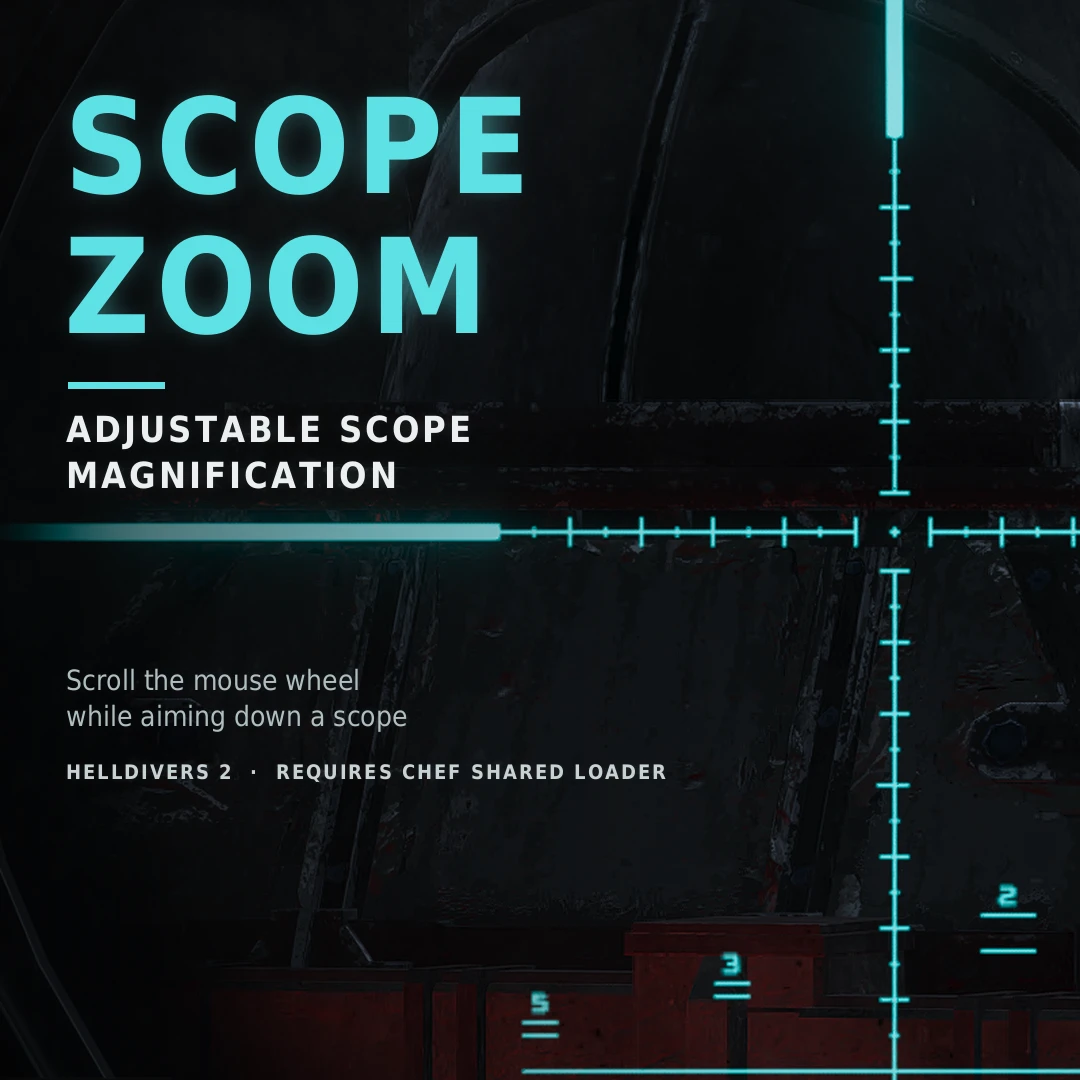
Adjust your magnification with the **mouse wheel** while aiming through a scope in first person.
> **Note:** this mod zooms the **whole view** (the camera's field of view), not just the image inside the scope lens. Everything on screen is magnified together, the same way the game's own scopes work.
## Features
- Mouse wheel zooms in and out while you look through a scope
- Zoom with keys or a controller too: bind "Zoom in" / "Zoom out" (D-pad works) and hold them
- Stacks on top of the scope's own magnification (1x = the game's default zoom)
- By default, only magnifying scopes (above 1x) are zoomed. Optionally, 1x sights and third-person aim too
- Ignores terminals, cutscenes (Pelican take-off) and ragdolls
- Smooth zoom transitions
- Zoom resets when you stop aiming (you can turn on keeping it between aims)
- Nothing extra drawn on screen
## Settings (F9 menu)
**Zoom**
- **Max extra zoom**: how far past the scope's own magnification you can go (default 4x, up to 10x)
- **Zoom per wheel notch**: how much each scroll step zooms (default 15%)
- **Invert wheel**
- **Keep zoom between aims**
- **Smoothing**: 0 for instant zoom
- **Modifier key**: an optional key you have to hold for the wheel to zoom
- **Zoom in / Zoom out**: keys or controller buttons, hold to zoom
**Detection**
- **Also zoom with 1x sights and third-person aim**: off by default. When on, zoom works whenever you hold aim, with any sight and in any view (hold-to-aim only)
- **Only when aiming**: on by default. Keeps terminals, cutscenes and ragdolls from counting as a scope
- **Other aim button**: if you don't aim with right mouse (e.g. controller left trigger)
- **Other "Switch Aim Mode" button**: if you rebound it or play on controller (middle mouse always counts)
## Requirements
Chef Shared Loader - nexus
Chef Shared Loader - ayaka
## Installation
1. Install **Chef Shared Loader** and keep it **last** in your load order
2. Add **Scope-Zoom-0.9.0.zip** to your mod manager and enable it
3. Purge and Deploy
## Tips
- The mod reads the mouse wheel by itself, so you don't need to bind anything in the game. If the wheel also switches weapons ("quick weapon wheel"), unbind it there or set a modifier key in F9
- If you use controller zoom buttons, pick ones you don't need while scoped. The mod can't block the game's own action on them
- Mouse sensitivity doesn't scale with the extra zoom, so lower it in the game settings if you zoom in far
## How it works
The mod spots a magnifying scope when the game narrows the camera's field of view right after you press aim (or Switch Aim Mode), then narrows it further based on your input. Nothing changes outside scoped aiming, and the game's own field of view comes back as soon as you stop aiming.
## Known limitations
- **The whole screen is zoomed, not only the scope lens.** A picture-in-picture scope (zoomed lens, normal view around it) isn't possible with what mods can access in this game
- 1x sights (red dots, holo sights) don't change the field of view, so they're only zoomed with the "Also zoom with 1x sights" option, and only with hold-to-aim
- Lowering a scope's own magnification while scoped turns the wheel zoom off until you aim again
- Sensitivity scaling isn't possible: mods can't change the game's sensitivity through the loader
Adjust your magnification with the **mouse wheel** while aiming through a scope in first person.
> **Note:** this mod zooms the **whole view** (the camera's field of view), not just the image inside the scope lens. Everything on screen is magnified together, the same way the game's own scopes work.
## Features
- Mouse wheel zooms in and out while you look through a scope
- Zoom with keys or a controller too: bind "Zoom in" / "Zoom out" (D-pad works) and hold them
- Stacks on top of the scope's own magnification (1x = the game's default zoom)
- By default, only magnifying scopes (above 1x) are zoomed. Optionally, 1x sights and third-person aim too
- Ignores terminals, cutscenes (Pelican take-off) and ragdolls
- Smooth zoom transitions
- Zoom resets when you stop aiming (you can turn on keeping it between aims)
- Nothing extra drawn on screen
## Settings (F9 menu)
**Zoom**
- **Max extra zoom**: how far past the scope's own magnification you can go (default 4x, up to 10x)
- **Zoom per wheel notch**: how much each scroll step zooms (default 15%)
- **Invert wheel**
- **Keep zoom between aims**
- **Smoothing**: 0 for instant zoom
- **Modifier key**: an optional key you have to hold for the wheel to zoom
- **Zoom in / Zoom out**: keys or controller buttons, hold to zoom
**Detection**
- **Also zoom with 1x sights and third-person aim**: off by default. When on, zoom works whenever you hold aim, with any sight and in any view (hold-to-aim only)
- **Only when aiming**: on by default. Keeps terminals, cutscenes and ragdolls from counting as a scope
- **Other aim button**: if you don't aim with right mouse (e.g. controller left trigger)
- **Other "Switch Aim Mode" button**: if you rebound it or play on controller (middle mouse always counts)
## Requirements
Chef Shared Loader - nexus
Chef Shared Loader - ayaka
## Installation
1. Install **Chef Shared Loader** and keep it **last** in your load order
2. Add **Scope-Zoom-0.9.0.zip** to your mod manager and enable it
3. Purge and Deploy
## Tips
- The mod reads the mouse wheel by itself, so you don't need to bind anything in the game. If the wheel also switches weapons ("quick weapon wheel"), unbind it there or set a modifier key in F9
- If you use controller zoom buttons, pick ones you don't need while scoped. The mod can't block the game's own action on them
- Mouse sensitivity doesn't scale with the extra zoom, so lower it in the game settings if you zoom in far
## How it works
The mod spots a magnifying scope when the game narrows the camera's field of view right after you press aim (or Switch Aim Mode), then narrows it further based on your input. Nothing changes outside scoped aiming, and the game's own field of view comes back as soon as you stop aiming.
## Known limitations
- **The whole screen is zoomed, not only the scope lens.** A picture-in-picture scope (zoomed lens, normal view around it) isn't possible with what mods can access in this game
- 1x sights (red dots, holo sights) don't change the field of view, so they're only zoomed with the "Also zoom with 1x sights" option, and only with hold-to-aim
- Lowering a scope's own magnification while scoped turns the wheel zoom off until you aim again
- Sensitivity scaling isn't possible: mods can't change the game's sensitivity through the loader
