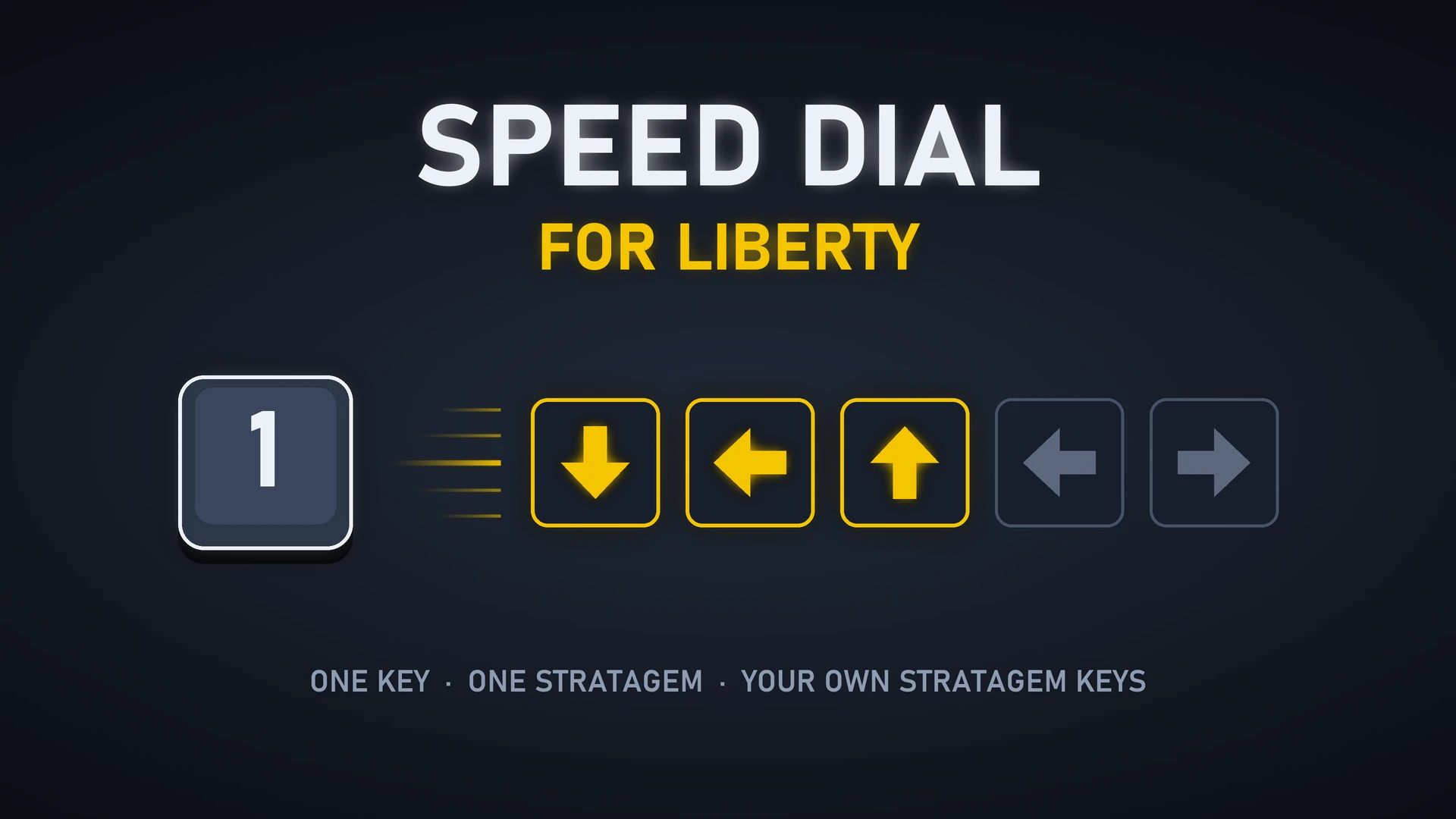
打开战备菜单,按一个键,自动输入战备代码。Open the stratagem menu, press one key, and the stratagem's code is entered for you.
功能
- 一键呼叫:默认 1–4 为你自选的 4 个战备,Q 增援,E 补给,5 飞鹰重装,X 求救信标,R 任务给的战备(地狱炸弹、上传数据等),G 超级地球大炮;另有一个键呼叫游戏偶尔额外给你的战备(见补充说明)。
- 按键时长可调:每个键按住多久、之后停多久,10–100 毫秒,默认 40 毫秒(6 个键的代码约 0.5 秒)。调低输入更快;游戏漏键时调高。
设置(HD2 Mod Setting GUI)
- 分为 4 组:自选战备(战备 1–4)、自带战备(增援、补给、飞鹰重装、求救信标)、额外与任务战备(额外战备、任务战备、超级地球大炮)、输入速度(按键时长)。
- 每个动作的按键都可以改。
- 未使用设置窗口时按默认值运行。
前置要求
- MDL3,并安装其原生组件。
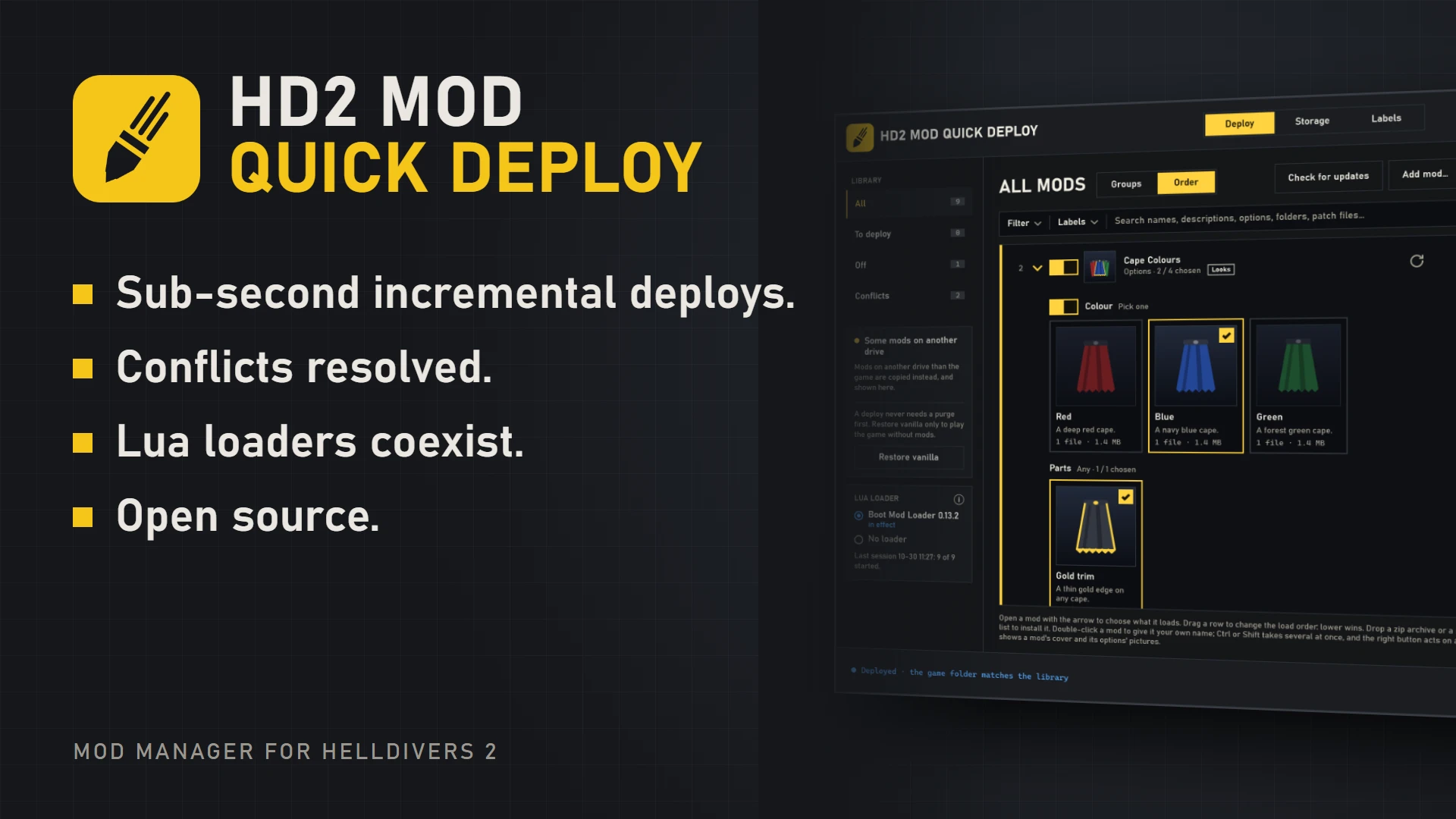
- HD2 Mod Quick Deploy 0.15.0 或更新版本,以及它的插件 Speed Dial for Liberty(建议 1.6.0 或更新版本)。MOD 负责选战备,插件负责按键;游戏时管理器要保持运行。下载:https://github.com/pat-pat-patrick/hd2-mod-cli/releases
- HD2 Mod Setting GUI(可选,用于设置):https://github.com/pat-pat-patrick/hd2-mod-setting-gui/releases
安装
- 安装 MDL3(含原生组件)和 HD2 Data Hub。
- 用 HD2 Mod Quick Deploy 安装本帖附带的 zip,然后部署。
- 在 HD2 Mod Quick Deploy 中打开插件页(齿轮旁的拼图按钮),在 Speed Dial for Liberty 插件卡片上选择「下载并添加」。
- 游戏时保持管理器运行。
补充说明
- 插件只在游戏窗口在前台时按键,只输入 MOD 要求的代码。
- 战备方向键只支持键盘:只绑定在手柄或鼠标键上的方向无法输入,请给每个方向保留一个键盘按键;组合键(如 Ctrl + 某键)也不会被按下。插件卡片会用红字提示。
- R 键输入第一个可用的任务战备;数据中没有「当前位置能呼叫哪一个」的信息。
- 游戏更新后,在干扰器范围内,代码暂时不能正常输入。
- 反馈问题时请附上日志:%APPDATA%\Arrowhead\Helldivers2\stratagem_hotkeys.log 和 %USERPROFILE%\.hd2-mod-cli\speed_dial.log
署名
- 现在战备数据的实时读取来自 HD2 Data Hub。
Features
- One-key calls: by default 1–4 for your four loadout stratagems, Q Reinforce, E Resupply, 5 Eagle Rearm, X SOS Beacon, R the stratagem the mission gave you (Hellbomb, data upload and the like), G SEAF Artillery; one more key calls the extra stratagem the game sometimes hands out (see Good to know).
- Adjustable key time: how long each key is held, and the pause after it, from 10 to 100 ms, 40 ms by default (a six-key code takes about 0.5 s). Lower it for faster input; raise it if the game misses keys.
Settings (HD2 Mod Setting GUI)
- Four groups: Your loadout (Stratagems 1–4), Standard stratagems (Reinforce, Resupply, Eagle Rearm, SOS Beacon), Extra and mission stratagems (extra stratagem, mission stratagem, SEAF Artillery), Input speed (key time).
- The key for every action can be changed.
- Without the settings window the mod runs with its defaults.
Requirements
- MDL3, with its native component installed.
- HD2 Mod Quick Deploy 0.15.0 or later, with its plugin Speed Dial for Liberty (1.6.0 or later recommended). The mod picks the stratagem and the plugin presses the keys, so keep the manager running while you play. Download: https://github.com/pat-pat-patrick/hd2-mod-cli/releases
- HD2 Mod Setting GUI (optional, for the settings): https://github.com/pat-pat-patrick/hd2-mod-setting-gui/releases
Installation
- Install MDL3 (with its native component) and HD2 Data Hub.
- Install the zip attached to this post with HD2 Mod Quick Deploy and deploy.
- In HD2 Mod Quick Deploy, open the Plugins page (the jigsaw button beside the gear) and choose Download and add on the Speed Dial for Liberty plugin's card.
- Keep the manager running while you play.
Notes
- The plugin presses keys only while the game window is in front, and enters only the code the mod asked for.
- Stratagem directions must be keyboard keys: a direction bound only to a gamepad or a mouse button cannot be entered, so keep a keyboard key on each direction. A key combination (such as Ctrl plus a key) is not pressed either. The plugin's card shows a red warning in both cases.
- R enters the first ready mission stratagem; the data does not say which one can be called where you stand.
- After the recent game update, inside a scrambler's range the code won't enter its correct order.
- Bug reports: please attach %APPDATA%\Arrowhead\Helldivers2\stratagem_hotkeys.log and %USERPROFILE%\.hd2-mod-cli\speed_dial.log
Credits
- The stratagem data now comes from HD2 Data Hub.