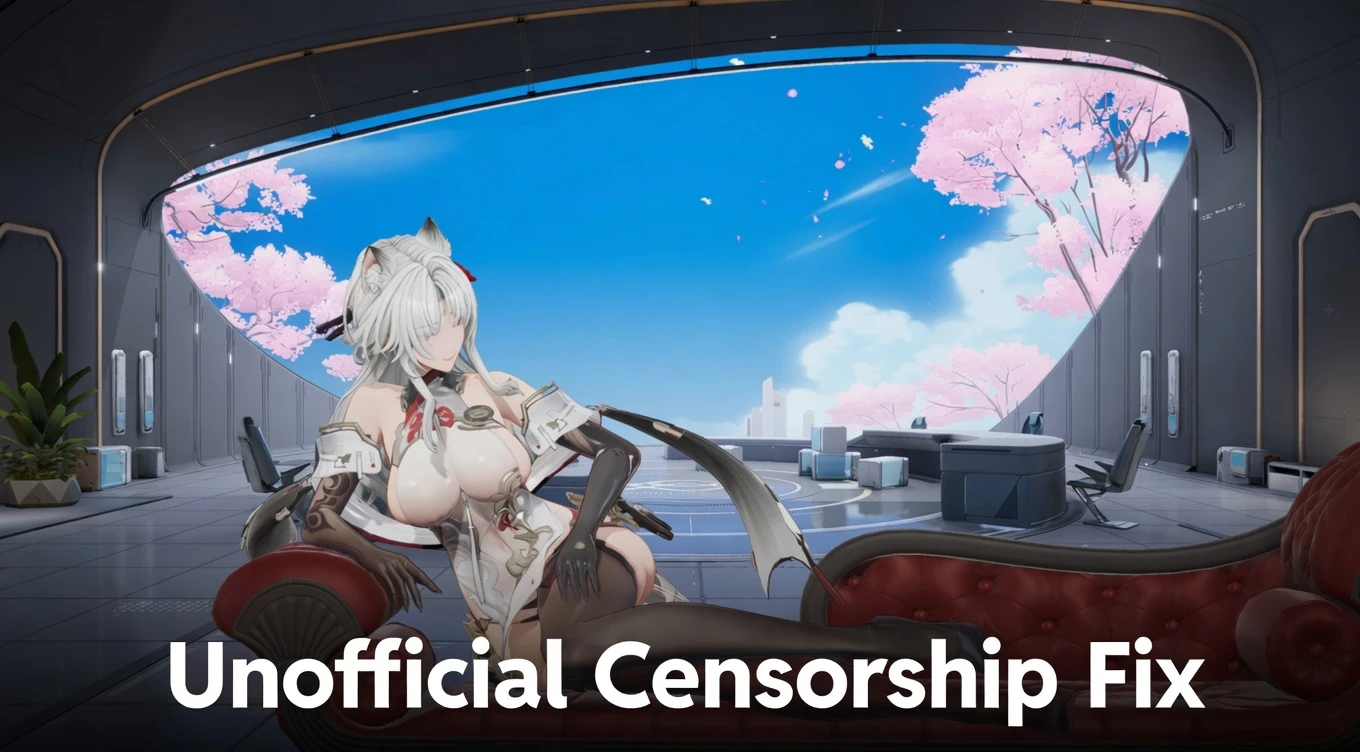
Unofficial Censorship Fix - Full Uncensor (Interactions, Physics, Poses & More) 1.0

A Mod for Snowbreak: Containment Zone
  • dankdc
  • Featured
Unofficial Censorship Fix - Full Uncensor (Interactions, Physics, Poses & More) Mod Preview Image
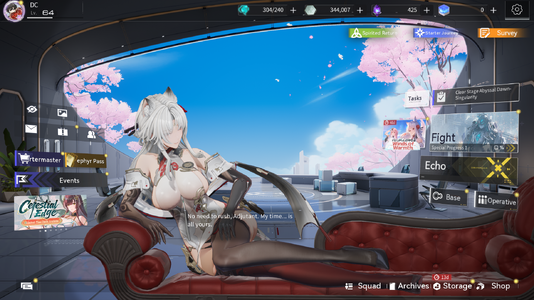
  • Game.exe Screenshot 2026.05.09 - 13.54.24.21.png
    Game.exe Screenshot 2026.05.09 - 13.54.24.21.png
    3.1 MB · Views: 796
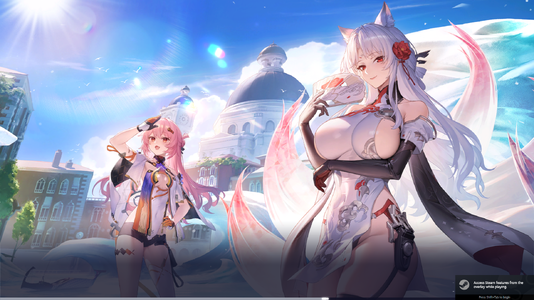
  • Game.exe Screenshot 2026.05.09 - 13.54.32.47.png
    Game.exe Screenshot 2026.05.09 - 13.54.32.47.png
    3.3 MB · Views: 797
> Join Snowbreak Modding Discord Server <
https://discord.gg/VuTUGfwrGs

Description
The ultimate unofficial fix for all the censorship in Snowbreak: Containment Zone.

Restores:
• Character Interactions
• Physics (jiggle & movement)
• Poses
• Illustrations
• And more

Doesn’t change any gameplay mechanics, only removes censorship.
Some of the earliest outfits are still censored because uncensored files aren’t available yet.

Installation Instructions
1. Go to your game directory: SNOWBREAK\Game\Content\Paks
2. Create a new folder called `~mods`
3. Place the downloaded .pak file inside the `~mods` folder

Requirements
• Set your localization value to 1 (in localization.txt)

Shout Outs
Thank you Seasun for not EOSing the game yet.
Big thanks to the CN bros for keeping the game alive.

3.8 MB
Log in or sign up to download
Uploaded by
dankdc
Downloads
497
Views
6,288
First release
Last update
Platform
PC 
Version
1.0
Rating
4.20 star(s) 5 ratings

Uploaded by

  • 497
  • 6,288

Ratings

4.20 star(s) 5 ratings

GentleLight8758

AppealingBasedGames
Members
Jun 2, 2025
0
0
Hello. Wanted to report an issue. See images:

h3TgpNi.jpeg


AHlTdaB.jpeg


BXoaYrr.jpeg


I'm not sure if it has anything to do with what was sent in the mail today or if its unrelated:

sqpbpJa.jpeg


Last thing, as you repeatetly switch between opperatives, sometimes a different opperative may show up in the skin tab. So when you select Yao Quiet Quitter, and then you move off her, then back on her and repeat, you will notice that the image changes to a different operative.

Update: I found out that this only happens if I remove the following which was suggested on a different site:

Patch_UFS-WindowsNoEditor_1_P
Patch_UFS-WindowsNoEditor_2_P
Patch_UFS-WindowsNoEditor_3_P
Patch_UFS-WindowsNoEditor_4_P

Would it be better to leave these files inside the pak folder or to remove them?
 
Last edited:

VlazeSkylax

Members
Members
May 11, 2026
0
0
What's the folder directory to change the localization value?

EDIT: Nvm I found it, it's on the common folder
 

zecknor

Members
Members
Jun 13, 2025
0
0
Am i doing something wrong?

Made ~mods in SNOWBREAK\Game\Content\Paks\~mods

Put the zzz_Fixgamecensor_100_P inside the ~mods

Localization file under common set to 1
localization = 1

Nothing happens. Game still censored.
 

Baaaawlz

Members
Members
May 12, 2026
0
0
Am i doing something wrong?

Made ~mods in SNOWBREAK\Game\Content\Paks\~mods

Put the zzz_Fixgamecensor_100_P inside the ~mods

Localization file under common set to 1
localization = 1

Nothing happens. Game still censored.
You have to paste it exactly as is. `~mods` with the ` included
 

zecknor

Members
Members
Jun 13, 2025
0
0
Thanks that worked,

Is this outfit still censored? It looks censored with the white pants and white sports tank top.
191TvL5.jpeg
 

Baaaawlz

Members
Members
May 12, 2026
0
0
Thanks that worked,

Is this outfit still censored? It looks censored with the white pants and white sports tank top.
191TvL5.jpeg
AFAIK, there's a handful of outfits that arent decensored (yet?). There's a list floating somewhere if I remember right.