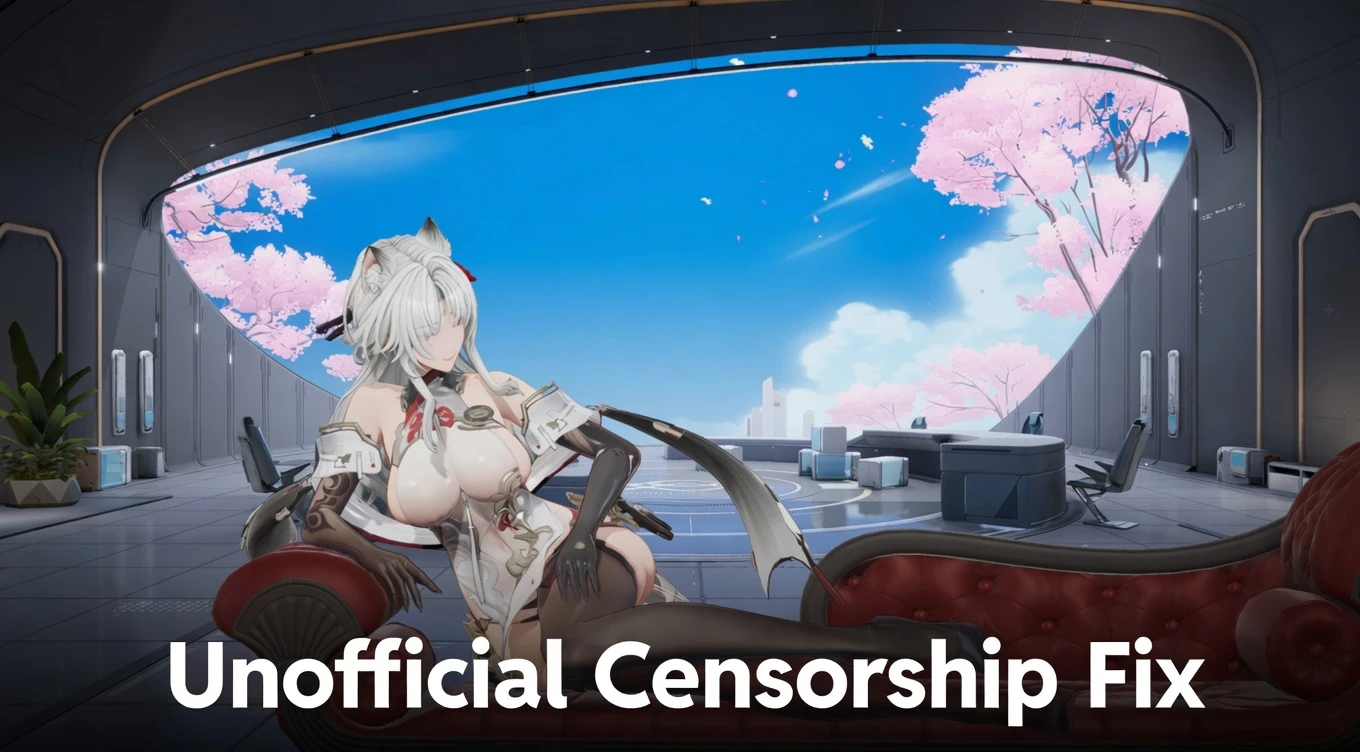
Unofficial Censorship Fix - Full Uncensor (Interactions, Physics, Poses & More) 2.0

A Mod for Snowbreak: Containment Zone
  • dankdc
  • Featured
Unofficial Censorship Fix - Full Uncensor (Interactions, Physics, Poses & More) Mod Preview Image
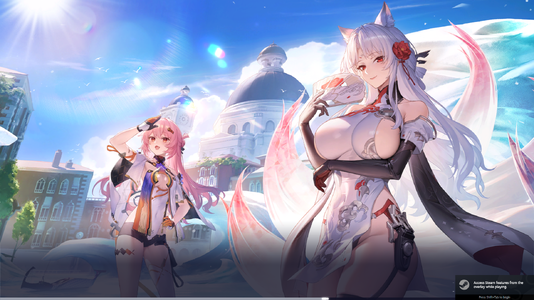
  • Game.exe Screenshot 2026.05.09 - 13.54.24.21.png
    Game.exe Screenshot 2026.05.09 - 13.54.24.21.png
    3.1 MB · Views: 2,005
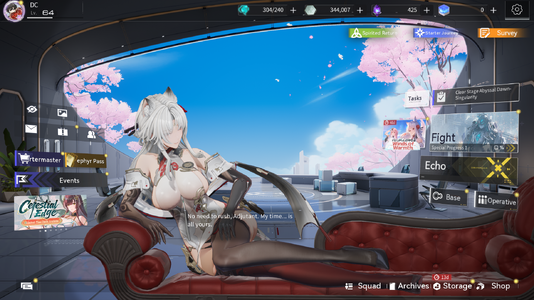
  • Game.exe Screenshot 2026.05.09 - 13.54.32.47.png
    Game.exe Screenshot 2026.05.09 - 13.54.32.47.png
    3.3 MB · Views: 2,010
> Join Snowbreak Modding Discord Server <
https://discord.gg/VuTUGfwrGs

Description
The ultimate unofficial fix for all the censorship in Snowbreak: Containment Zone.

Restores:
• Character Interactions
• Physics (jiggle & movement)
• Poses
• Illustrations
• And more


Doesn’t change any gameplay mechanics, only removes censorship.


Installation Instructions
1. Go to your game directory: SNOWBREAK\Game\Content\Paks
2. Create a new folder called `mods
3. Place the downloaded .pak file inside the `mods`folder

Requirements
• Set your localization value to 1 (in localization.txt)

Shout Outs
Thank you, Seasun, for not EOSing the game yet.
Big thanks to the CN bros for keeping the game alive.

Support me and my work here.

244.6 MB
Log in or sign up to download
Uploaded by
dankdc
Downloads
1,441
Views
16,455
First release
Last update
Platform
PC 
Version
2.0
Total Size
244.6 MB
Rating
4.75 star(s) 12 ratings

Uploaded by

  • 1,441
  • 16,455

Ratings

4.75 star(s) 12 ratings

Latest updates

  1. Unofficial Censorship Fix 2.0

    Fixes every outfit and 100% feature complete.

Elaina014

Members
Members
May 12, 2026
0
1
Di mana tepatnya kamu memasang mod itu? Di sistem Android.

Saya mencoba mengikuti instruksi pada postingan utama.
- buat folder "mods"
- Letakkan file .pak mod di dalam folder
- Letakkan folder "mods" di dalam folder tempat file .pak lainnya berada. -> Ini tidak bisa dilakukan menggunakan pengelola file Android maupun pengelola file Windows.

membantu

View: https://youtube.com/shorts/bHATFsEE53c
 

dankdc

Moderator
Staff member
Moderator
Modder
Members
Aug 10, 2025
0
18
Hello. Wanted to report an issue. See images:

h3TgpNi.jpeg


AHlTdaB.jpeg


BXoaYrr.jpeg


I'm not sure if it has anything to do with what was sent in the mail today or if its unrelated:

sqpbpJa.jpeg


Last thing, as you repeatetly switch between opperatives, sometimes a different opperative may show up in the skin tab. So when you select Yao Quiet Quitter, and then you move off her, then back on her and repeat, you will notice that the image changes to a different operative.

Update: I found out that this only happens if I remove the following which was suggested on a different site:

Patch_UFS-WindowsNoEditor_1_P
Patch_UFS-WindowsNoEditor_2_P
Patch_UFS-WindowsNoEditor_3_P
Patch_UFS-WindowsNoEditor_4_P

Would it be better to leave these files inside the pak folder or to remove them?
New version fixes this issue now
 

Senku Aoki

Admin
Staff member
Admin
Uploaders
Modder
Members
Mar 10, 2018
6,600
30,051
Where do you put te mod exactly? In android system

I tried follow instruction on main post
- make folder "mods"
- put the mod .pak files in the folder
- put "mods" folder inside folder where the other .pak file reside. -> cant do this using android file manager neither using windows file manager

help
Rename from "mods" to "`mods" folder
 

GentleLight8758

AppealingBasedGames
Members
Jun 2, 2025
0
0
the sound and the lip movement doesnt sync, is that normal or not ?
Its normal. If you want the mouth sync to be better, set your language to Chinese which is the original language. Not worth it though, the English VA's are amazing. Keep in mind if you don't here any voice over, it may not be available in the selected language you use.
 

cross1993

Members
Members
Nov 2, 2025
0
0
Restores:
• Character Interactions
• Physics (jiggle & movement)
• Poses
• Illustrations
• And more

why were all these censored in the first places, some feel extreme to censor like "Poses" or "interactions", especially when games with games with similar content are available in global release uncensored
 

Silverflare

Members
Members
May 14, 2026
0
0
Am i doing something wrong?

Made ~mods in SNOWBREAK\Game\Content\Paks\~mods

Put the zzz_Fixgamecensor_100_P inside the ~mods

Localization file under common set to 1
localization = 1

Nothing happens. Game still censored.
I figured the Problem out (I think): After downloading the Mod, you have to right click on the downloaded Data and use "Extract All" to get the right Data File or whatever it`s called. Then use the extracted Version and put it in the Mods Folder.
 

Silverflare

Members
Members
May 14, 2026
0
0
You have to paste it exactly as is. `~mods` with the ` included
I figured the Problem out (I think): After downloading the Mod, you have to right click on the downloaded Data and use "Extract All" to get the right Data File or whatever it`s called. Then use the extracted Version and put it in the Mods Folder.
 

GentleLight8758

AppealingBasedGames
Members
Jun 2, 2025
0
0
Restores:
• Character Interactions
• Physics (jiggle & movement)
• Poses
• Illustrations
• And more

why were all these censored in the first places, some feel extreme to censor like "Poses" or "interactions", especially when games with games with similar content are available in global release uncensored
Amazing Seasun games, the developers behind Snowbreak Containment Zone, decided to keep their game assets in China and not move it to their subsidies in Singapore and California.

Why?

I have no idea. Azur lane moved their game assets globally, so does Nikke, etc. So why did Snowbreak make production focus in China? I'm not sure... Cost efficiency? Did they choose to gamble with China despite their strict sexual content laws? Did they bend the knee to bullying and online harassment? There is really no way of knowing.


Proof? How can I claim they never moved their game assets outside China?

Answer: I don't know ayaka mod rules, so not sure if I'm allowed to link 3rd party sites so I won't. While they didn't specifically say this, everything they have said leads to this conclusion. They used words like "Rooted in China" on their about page. The number of staff members between their locations are insanely unbalanced. In an official producer statement (widely discussed after earlier censorship waves), the team explained they operate a single multi-language client shared across CN, global, SEA, etc. Changes made for Chinese compliance are pushed everywhere.

Bottom line, they wouldn’t need to tell players they’re stuck with one client if their assets were already elsewhere.

Snowbreak has 2 choices:

1 - Lose out on much more profit in the future by maintaining censorship, removing interactive scenes, and just focus on simplicity and China appliance.
2 - Sacrifice some income to move their assets globally to create separate clients for China and global (this would take at least half a year to do) for possible greater profit.

Final Conclusion, if after 6-12 months they don't provide a way to uncensored, they choose step 1. If in future patches, the outfits are conservative with no uncensored files inside the folder, they choose step 1 and possible EOS.