-
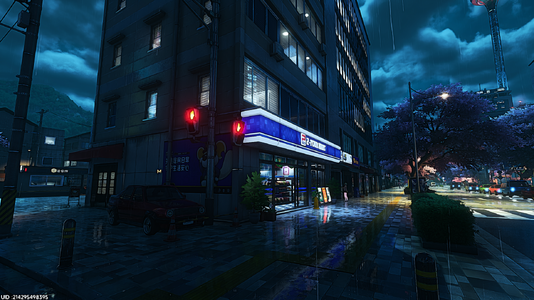 00Clean-Before.png
 -
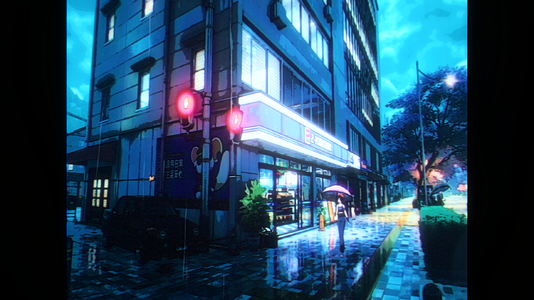 01Clean-After.png
 -
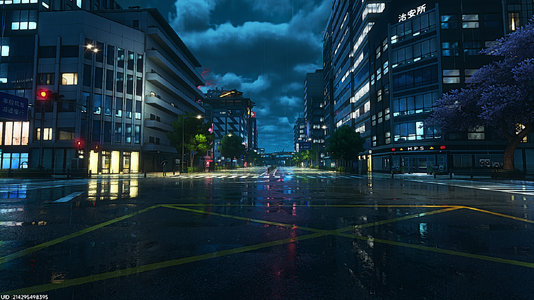 02Clean-Before.png
 -
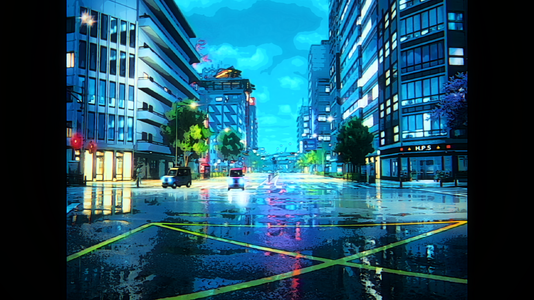 03Clean-After.png
 -
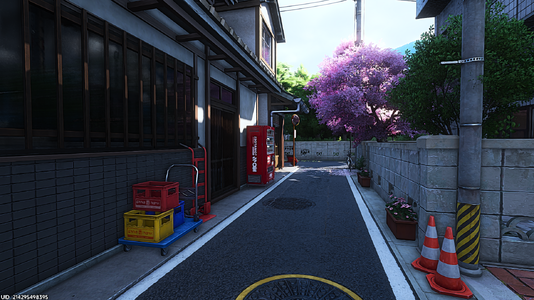 04Clean-Before.png
 -
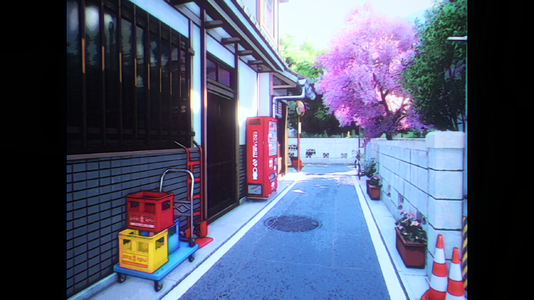 05Clean-After.png
 -
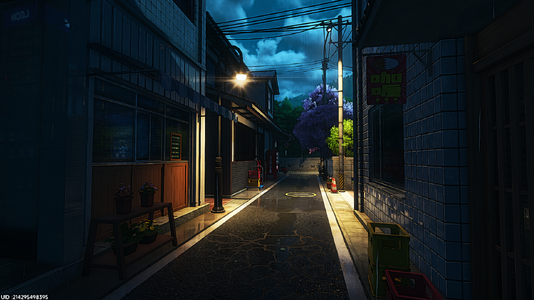 06VHS-Before.png
 -
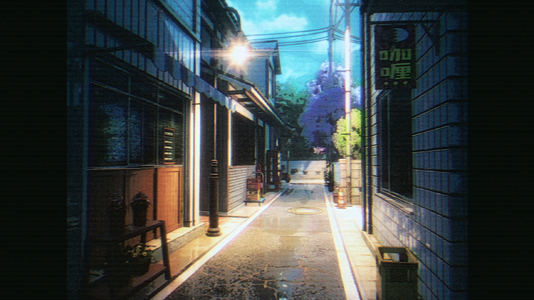 07VHS-After.png
 -
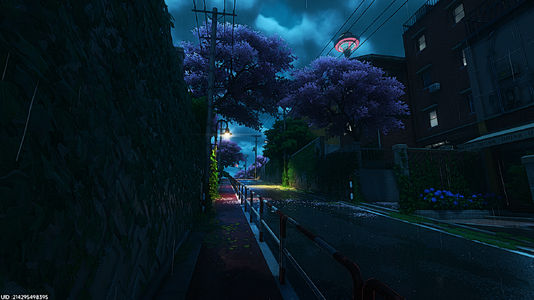 08VHS-Before.png
 -
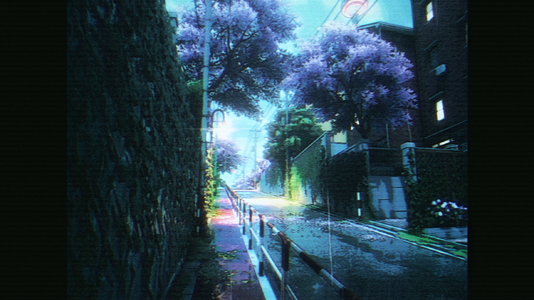 09VHS-After.png
 -
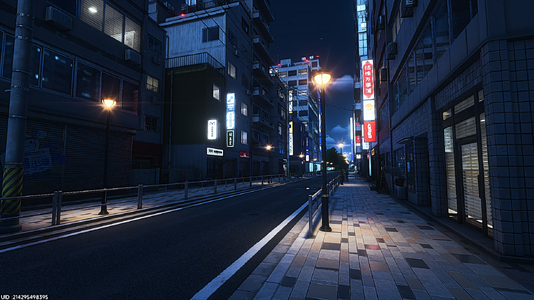 10VHS-Before.png
 -
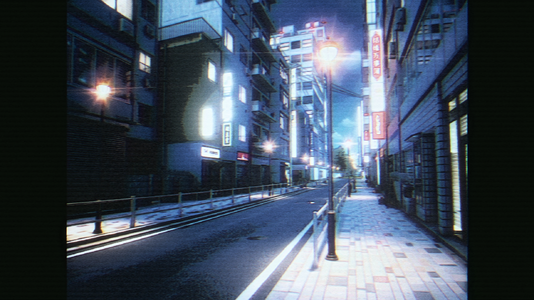 11VHS-After.png
 -
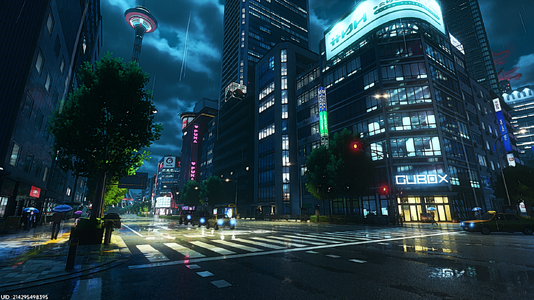 12VHS-Before.png
 -
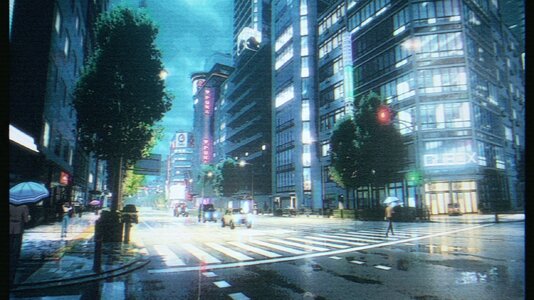 13VHS-After.jpg
 -
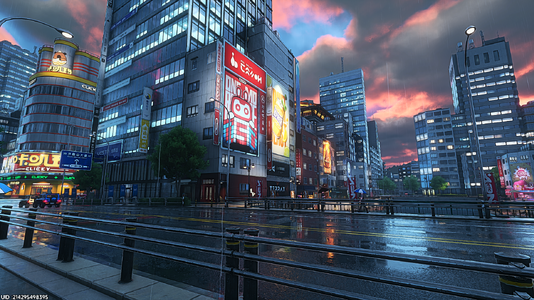 14VHS-Before.png
 -
 15VHS-After.png
 -
 16Random.jpg
 -
 17Random.png
 -
 18Random.png
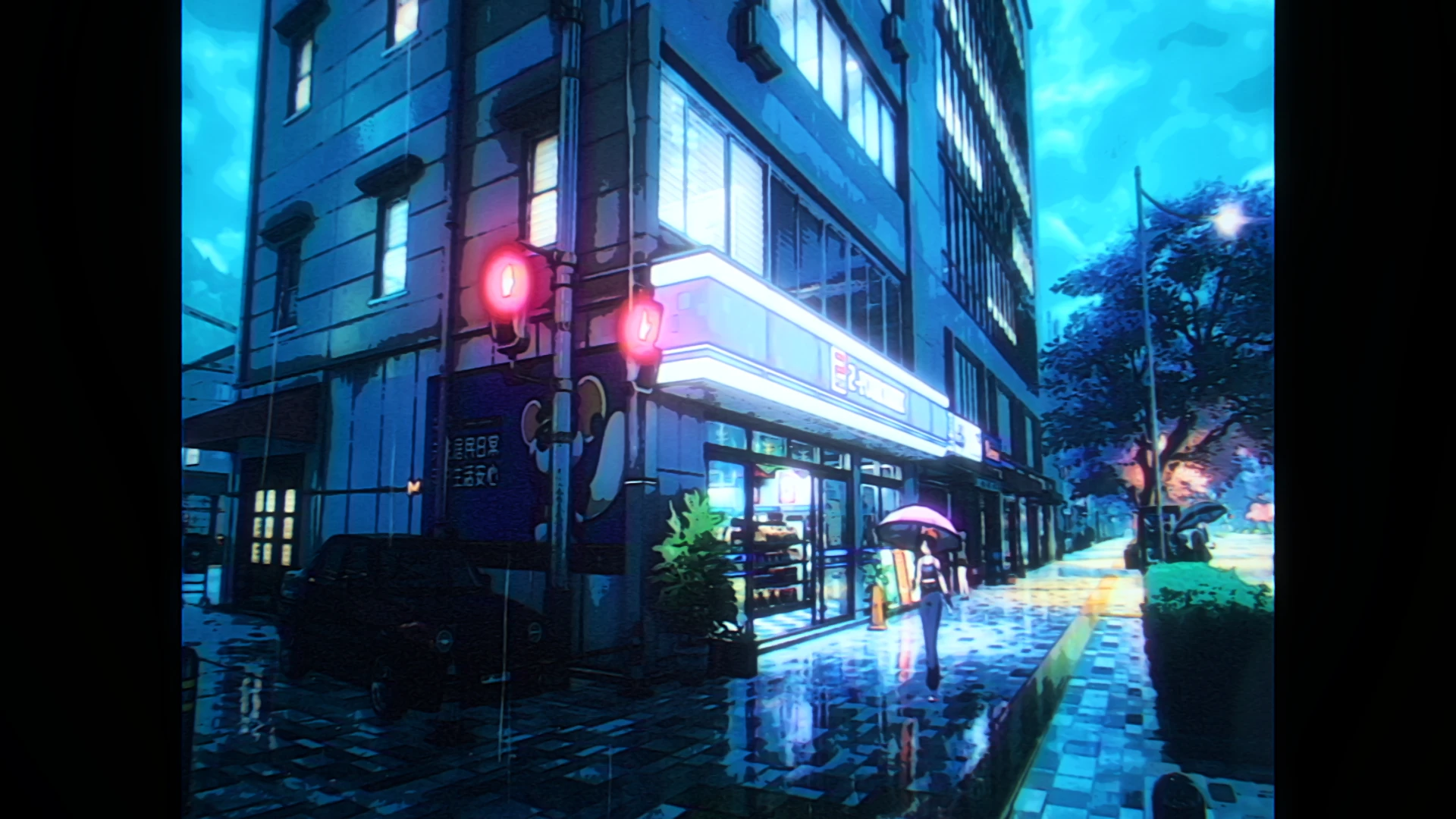
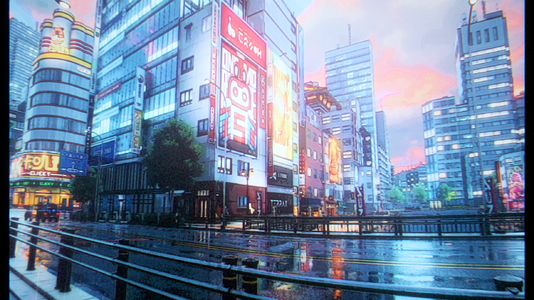
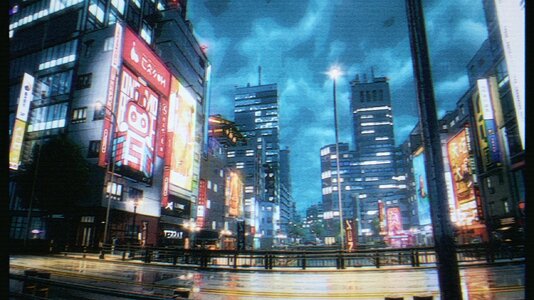
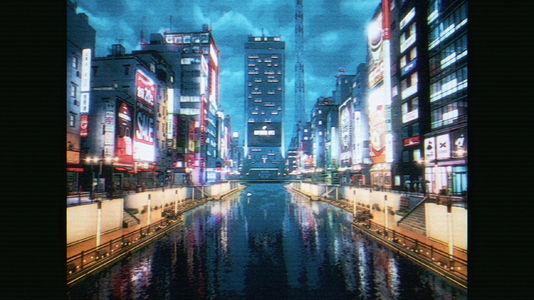
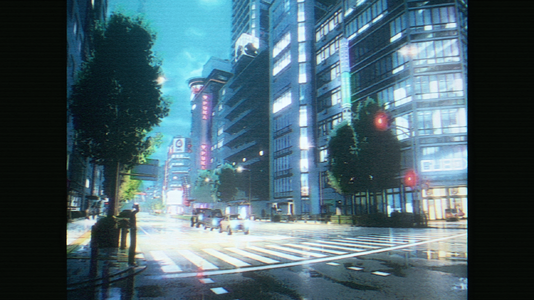
Here my first experiment with Reshade for NTE, tried to reproduce that charming oldschool 90s anime vibe which i love so much through this collection of presets which are divided in 3 different approach :
The "Clean" pictures ones which have the cleanest image,
The more "VHS" alike pictures with more artefact,
Then the "Playable" one which is a more gameplay friendly with a less agressive effects.
Try to play with the effects by disabling them or changing their value to match your taste,
For exemple if you don't like the 4:3 effect just disable both AspectRatio.fx and AspectRatioSuite.fx effects to get back normal ratio and full screen.
( Important : If you want exact same render as my screens, you have to copy my Nvidia Filter settings showed in the "Nvidia Filter" folder included (also make sure filters have the same loading order as the screenshot),
If you don't have Nvidia Card sorry but you will need to compensate or try to reproduce same results with Reshade by yourserlf :/ )
Do not hesitate to share your feedback/edit in the comments to improve it, i also encouraging editing or sharing my presets, i would just appreciate that you credit me, thanks.
Disclaimer : I'm aware that my presets are not optimized for intensive gameplay, it is designed essentially as visual experiences for vibing and photography, thanks for your understanding.
INSTRUCTIONS STEP BY STEP TO INSTALL RESHADE AND MY PRESETS :
Download Reshade https://reshade.me/#download (First one not "with full addon")
Execute Reshade setup, choose HTGame.exe located to Neverness To Everness\Client\WindowsNoEditor\HT\Binaries\Win64\HTGame.exe then install all Effects when asked to be sure my presets working as intented.
After Reshade successfully installed, go to the folder where HTGame.exe is located, then rename dxgi.dll to d3d12.dll
Download my presets and load them in the game
Enjoy
The "Clean" pictures ones which have the cleanest image,
The more "VHS" alike pictures with more artefact,
Then the "Playable" one which is a more gameplay friendly with a less agressive effects.
Try to play with the effects by disabling them or changing their value to match your taste,
For exemple if you don't like the 4:3 effect just disable both AspectRatio.fx and AspectRatioSuite.fx effects to get back normal ratio and full screen.
( Important : If you want exact same render as my screens, you have to copy my Nvidia Filter settings showed in the "Nvidia Filter" folder included (also make sure filters have the same loading order as the screenshot),
If you don't have Nvidia Card sorry but you will need to compensate or try to reproduce same results with Reshade by yourserlf :/ )
Do not hesitate to share your feedback/edit in the comments to improve it, i also encouraging editing or sharing my presets, i would just appreciate that you credit me, thanks.
Disclaimer : I'm aware that my presets are not optimized for intensive gameplay, it is designed essentially as visual experiences for vibing and photography, thanks for your understanding.
INSTRUCTIONS STEP BY STEP TO INSTALL RESHADE AND MY PRESETS :
Download Reshade https://reshade.me/#download (First one not "with full addon")
Execute Reshade setup, choose HTGame.exe located to Neverness To Everness\Client\WindowsNoEditor\HT\Binaries\Win64\HTGame.exe then install all Effects when asked to be sure my presets working as intented.
After Reshade successfully installed, go to the folder where HTGame.exe is located, then rename dxgi.dll to d3d12.dll
Download my presets and load them in the game
Enjoy