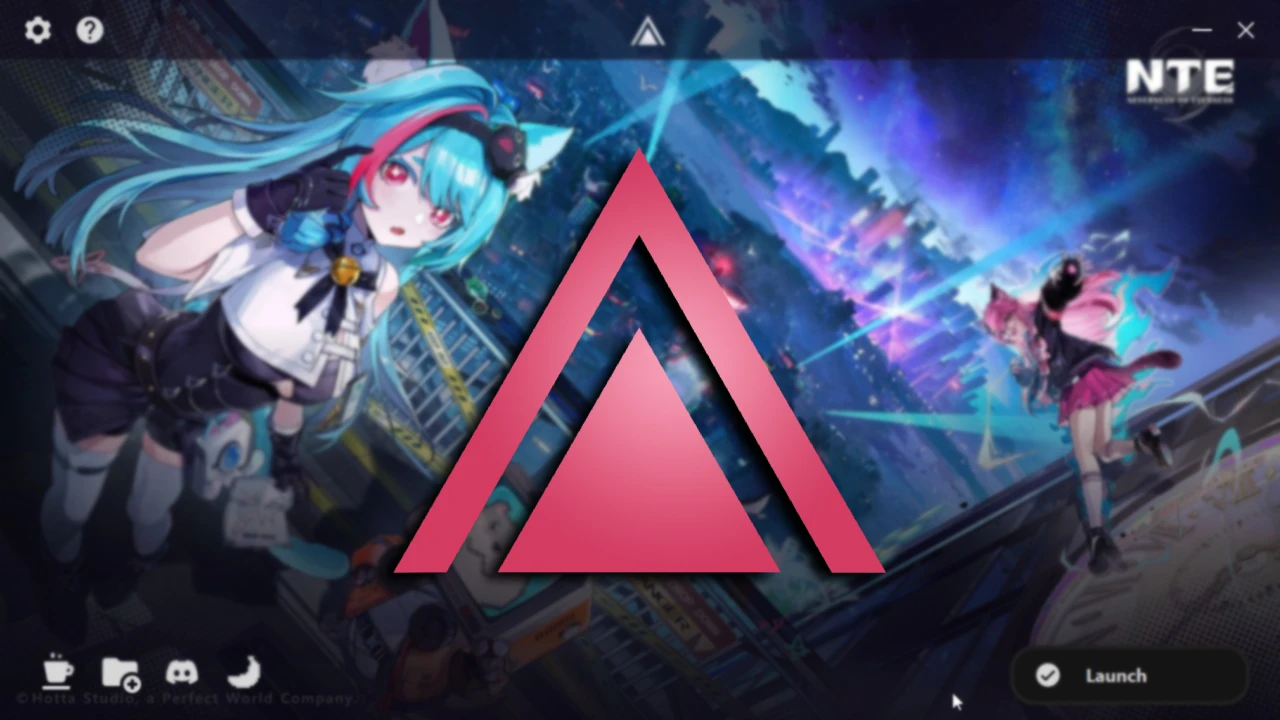
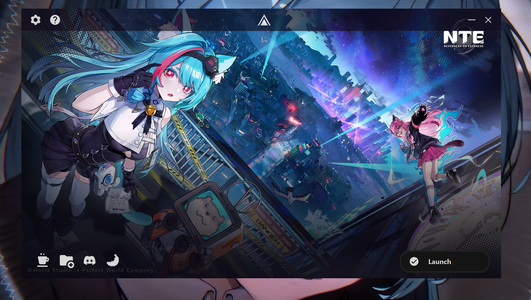
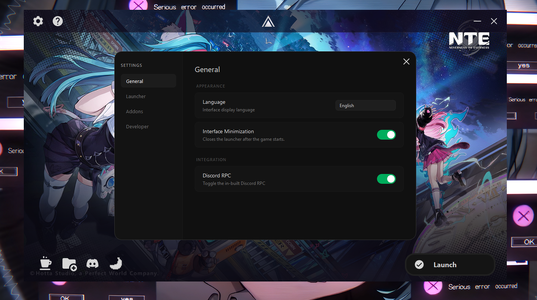
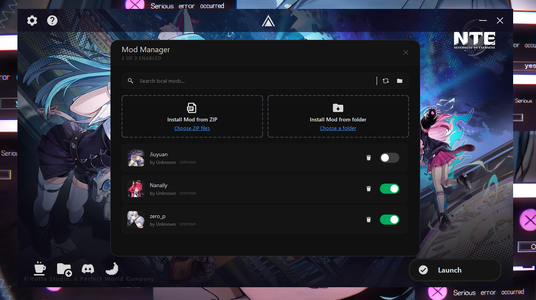
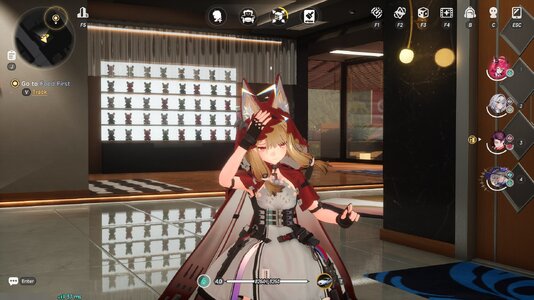
Aurora Mod Launcher
Aurora is a lightweight modding platform for Neverness To Everness.Unlike 3DMigoto, this tool uses UE5 PAKs allowing you to play with mods on DX12 and not suffer performance issues.
Note: Aurora does not support .INI (3DM) files! Only .PAK files can be used with Aurora
Features
- Mod Manager: Support for managing mods directly in the launcher; with features like searching, toggling, applying custom icons, renaming mods, etc.
- Integrated Installer: With an integrated API based installer, you can search, filter, download and install mods directly from Game Banana without having to manually install.
- Localization: Aurora has translations for 13+ languages all around the world.
- Ease-of-Use: Automatic game path detection, Adaptive engine to different game versions to make sure our users never get falsely detected for using third party tools.
- Troubleshooting: In case of any incompatible mods, corrupted / missing files, errors and other related issues: Aurora will automatically warn the user and attempt an automatic fix.
- Multiple Engine Methods: Aurora offers multiple mod loading methods to choose from, so if one method doesn't work you can always use an alternative one.
Supported Servers
Aurora supports the following servers:- Global Servers (NA, SA, EU, SEA, ASIA)
- Mainland China (CN)
- Taiwan (TW)
Built-in Addons with Aurora
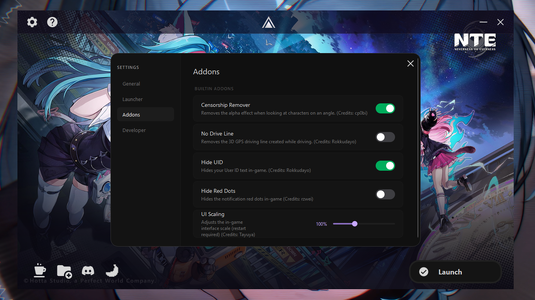
Aurora has multiple built-in addons that improve the experience of users:- Censorship Patching: Removes the camera censorship applied to camera angles
(Source) - No Drive Line: Removes the 3D waypoint driving line on the map
(Source) - Hide UID: Removes the UID text on the screen for better privacy
(Source) - UI Scaling: Change the in-game UI elements scale if they are too big to your liking.
(Source)
Installation
Aurora is open-source and the GitHub repository can be found hereAurora Installer [BETA]
- Download the latest release of AuroraInstaller.exe
- Run AuroraInstaller.exe and configure installation settings
Portable Installation
- Download the latest release of Aurora_vX.X.X.zip
2. Extract the ZIP file to your desired location
3. Run Aurora.exe and wait for the UI to load
Mod Implementation to Aurora
If you are a mod creator and would like to properly display your mod inside Aurora, you can add a mod.json file to the root of your mod folder.Example JSON:
Code:
{
    "Name": "Example Mod Name",
    "Version": "1.0.0",
    "Author": "Example Author Name",
    "Icon": "CharacterName (e.g: Mint)",
    "Optionals": {
        "Support Link": "https://patreon.com/example",
        "Custom Image URL": "https://image.com/example/example.png"
    }
}NOTE: If no "Custom Image URL" field is present, Aurora will default to using the "Icon" field. If that also isn't present then it will randomly select a character's icon from the list.
Mod Manager & Game Banana Installer
Below is an extended feature list of both the Mod Manager and GameBanana Installer.Mod Manager:
- Mod Searching: Mods dropped into the mod manager can be searched to allow for easy management.
- Toggling: Mods can be toggled on or off depending on if you want to use them.
- Renaming and Deleting: Mods can be renamed and deleted via the launcher instead of opening up the File Explorer
- Mod Groups: You can create mod groups and rename them freely, drag and drop mods into groups for better management.
- Mod Icons: Aurora automatically puts the correct character icon when it detects the name in the mod (e.g: "Kirou's Nanally Mod"). Other than this, you can either set a character icon from the built-in icons list or add your own custom icons for mods.
GameBanana Installer:
- General: Aurora will use the Game Banana API to pull mods from the website and show them in the UI for easy installment.
- Searching: You can freely search for keywords to find specific mods in the launcher.
- Filtering: Aurora allows for character filtering to only display mods related to the specific selected character.
- One-click Install: Installing is as easy as clicking the download button on the mod, afterwards the mod will be downloaded and installed directly into Aurora. If a mod has more than one file, Aurora will display all the files and wait for you to choose a file you want to download.
Suggestions and Bug Reports
Suggestions and bug reports can be sent to our Discord server.or, the comments of this AyakaMods page.

