NTE_Outfit_System 鉴定师自定义系统 0.4

A Mod for Neverness to Everness
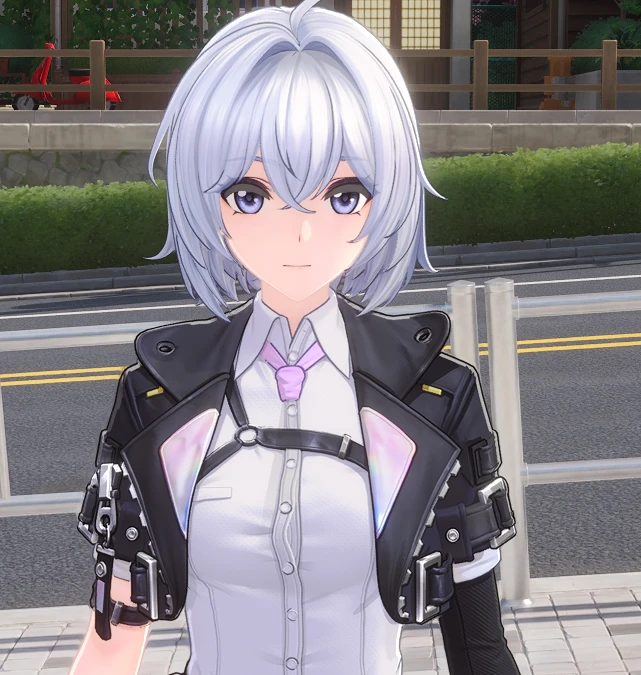
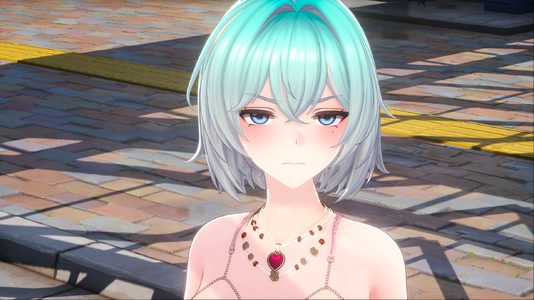
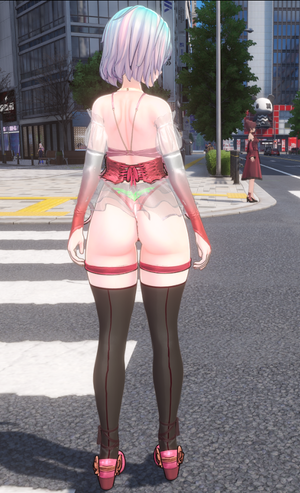
NTE_Outfit_System 鉴定师自定义系统 akl_mod_preview_image
  • 4caa1c3572427da4f5ea55cb936dca4b.png
    4caa1c3572427da4f5ea55cb936dca4b.png
    3 MB · Views: 4,137
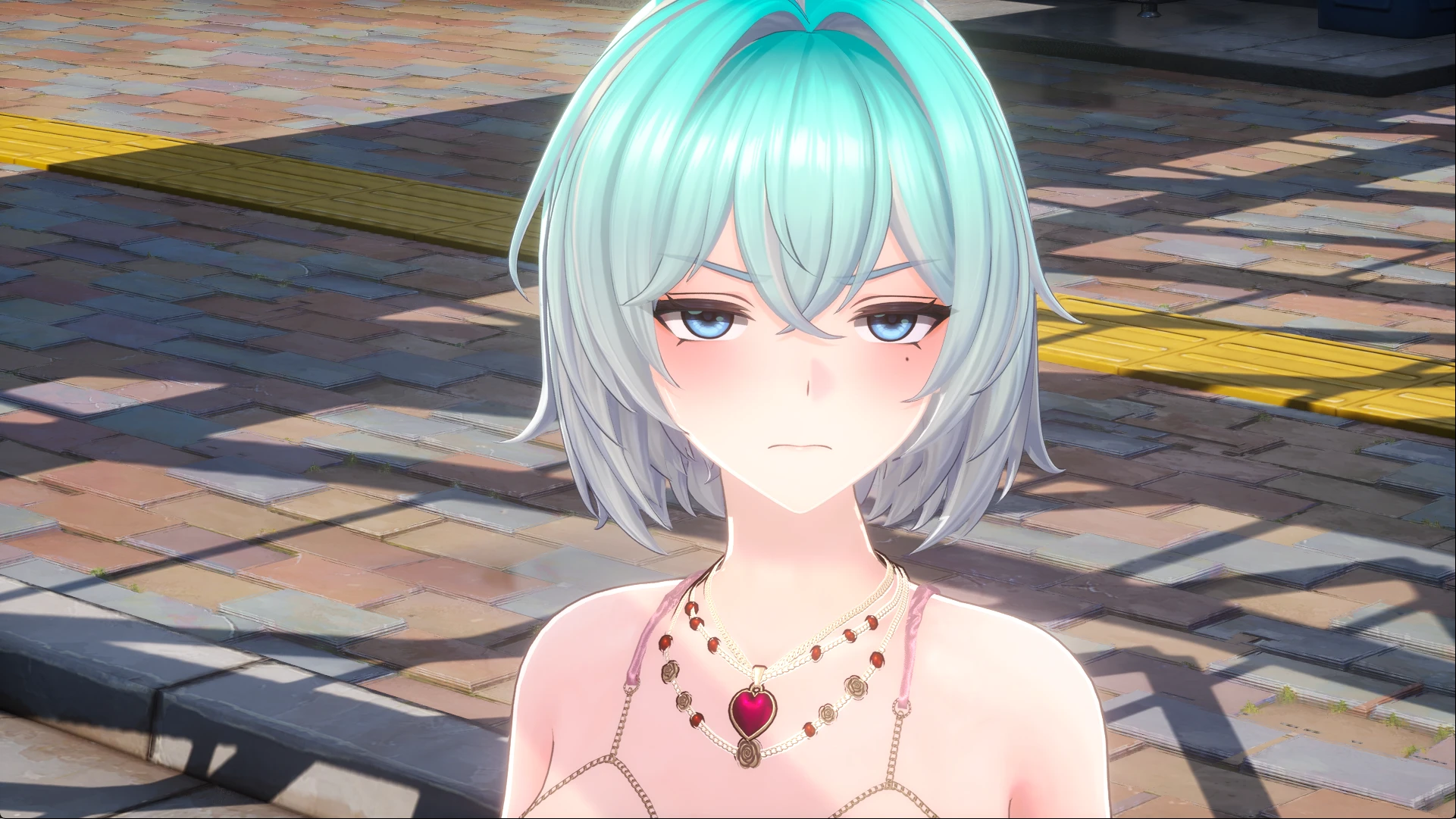
  • 78b0a582-d36b-464c-b2f6-5345746dc89d.png
    78b0a582-d36b-464c-b2f6-5345746dc89d.png
    845.8 KB · Views: 4,288
  • 4caa1c3572427da4f5ea55cb936dca4b.png
    4caa1c3572427da4f5ea55cb936dca4b.png
    3 MB · Views: 4,094
  • 78b0a582-d36b-464c-b2f6-5345746dc89d.png
    78b0a582-d36b-464c-b2f6-5345746dc89d.png
    845.8 KB · Views: 3,755

View: https://www.youtube.com/watch?v=ieS1XUYNGfw

View: https://www.youtube.com/watch?v=fXt4sjIm1rM&t=3s
重要! 需要任意mod加载手段 如果没有MOD加载 你的一切行为都没有意义

解压到 异环目录\Client\WindowsNoEditor\HT\Content\Paks 内
要保证Paks内能看到NTE_Outfit_System文件夹 文件位置一定要放对否则会导致某些功能无法使用

用初始皮鉴定师按X激活界面 然后点一下MOD左边的X设置快捷键 然后点SAVEKYE保存你设置的快捷 然后按下你设置的快捷键就可以进行UI的隐藏和激活
其他功能都在UI里

异环目录\Client\WindowsNoEditor\HT\Content\Paks\NTE_Outfit_System\ter 内有两张图片 分别是面部和身体的贴图
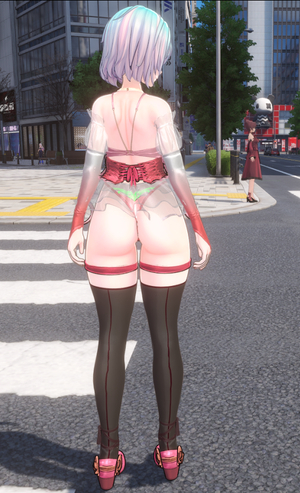
对两张图片进行修改会在下一次进入游戏时对人物贴图进行修改 比如你在眼角上画个泪痣 然后传送一下 泪痣就会出现在眼角 或者点开MOD的二级菜单 点下更新贴图 然后点更换实装里的对应位置 如你改了面部贴图就点 头 的图标


NTE服装系统存档
存档在 C:\Users\你的ID\AppData\Local\HT\Saved\SaveGames
KEY.sav 存档快捷键设置的存档
贴图.sav 保存的是当前你的贴图设置 比如丝袜贴图
体型1-2-3.sav 你设置的体型
脸型1.sav 为未来捏脸功能做的预设 暂时未实装
材质.sav 你对各个部件的材质设置,如身体颜色 头发颜色 眼镜颜色 服装颜色 都保存在这里
装备.sav 保存你当前角色穿的装备 重要(更新后如遇到装备无法脱掉的问题请删除 装备.sav)

不要通过任何MOD管理器来安装它NTE_Outfit_System比较特殊 需要放在指定位置
14.4 MB
Log in or sign up to download
Uploaded by
天才执行者
Downloads
1,410
Comments
49
First release
Last update
Platform
PC 
Version
0.4
Total Size
14.4 MB
Rating
5.00 star(s) 8 ratings

Uploaded by

  • 1,410
  • 22,973

Ratings

5.00 star(s) 8 ratings

More mods from 天才执行者

  • PC Neverness to Everness Mod Loader

Latest updates

  1. NTE_Outfit_System0.5

    请去P站下载最新版 模组大小已经超出上传限制 https://www.patreon.com/c/u90174554
  2. NTE_Outfit_System0.4

    https://www.youtube.com/watch?v=J9N5FkfLHGE 新增捏脸功能下载最新的NTE_Outfit_System...
  3. NTE_Outfit_System0.3

    https://www.youtube.com/watch?v=mTIAMnfkxDE 0.3 优化系统逻辑 重做所有模型资产 新增两套服装 新增丝袜功能 新增4套发型...

ZazaS

Members
Members
Aug 1, 2025
0
26
I hate the Baidu download place it allways wants me to install their software and I dont trust such shady buisness. It shouldnt be required for just downloading a file to install some programs. Cpould you upload it to a different place? A simpler filehoster like mediafire or gofile or pixeldrain, if you dont want to use this site here?
 

kaine

Members
Members
May 8, 2026
0
2
bro can you please add easier download option so us non chinese can get your 0.3 outfit update? baidu is not available for our region :(
 

kaine

Members
Members
May 8, 2026
0
2
thx you are the best modder i have ever seen in any gacha, both with the ammount of available options and the
good taste!
 

Auric

Members
Members
May 9, 2026
0
2
Can anyone provide the step by step to how to install it? both this mod and the fashion switching support files?
 

Shaece0812

Members
Members
May 27, 2026
0
1
Can anyone provide the step by step to how to install it? both this mod and the fashion switching support files?
Install the signature bypass : https://ayakamods.com/mods/ayakantebypasser-nte-signature-bypass.2325/

In-case you haven't already or don't know how a YT tutorial for installing the bypass (just follow the first part)

View: https://www.youtube.com/watch?v=hg26pW-vMhI

Extract the Archive you downloaded in the following folder of the game files.
Neverness To Everness\Client\WindowsNoEditor\HT\Content\Paks

for example the folder should look like (Filenames might vary depending on region, im on global):
~mods (if you have the folder and installed pak mods before)
NTE_Outfit_System (the folder you just extracted with all the files in it)
global.ucas
global.utoc
pakchunk0-windows.pak
pakchunk0-windows.sig
pakchunk0-windows.ucas
pakchunk0-windows.utoc
etc...

then if you did it all right you boot into the game and pressing X should open the mod menu in game by default, if you use controller like me you will have to press X twice because the first time you press it the game will switch back to keyboard / mouse input and the 2nd press will open the Menu.

It's easier to edit the character in photo mode because the mouse is always visible while also allowing you to change views of the character, otherwise you'll need to hold Alt to show mouse and mess with settings.
 

Auric

Members
Members
May 9, 2026
0
2
Install the signature bypass : https://ayakamods.com/mods/ayakantebypasser-nte-signature-bypass.2325/

In-case you haven't already or don't know how a YT tutorial for installing the bypass (just follow the first part)

View: https://www.youtube.com/watch?v=hg26pW-vMhI

Extract the Archive you downloaded in the following folder of the game files.
Neverness To Everness\Client\WindowsNoEditor\HT\Content\Paks

for example the folder should look like (Filenames might vary depending on region, im on global):
~mods (if you have the folder and installed pak mods before)
NTE_Outfit_System (the folder you just extracted with all the files in it)
global.ucas
global.utoc
pakchunk0-windows.pak
pakchunk0-windows.sig
pakchunk0-windows.ucas
pakchunk0-windows.utoc
etc...

then if you did it all right you boot into the game and pressing X should open the mod menu in game by default, if you use controller like me you will have to press X twice because the first time you press it the game will switch back to keyboard / mouse input and the 2nd press will open the Menu.

It's easier to edit the character in photo mode because the mouse is always visible while also allowing you to change views of the character, otherwise you'll need to hold Alt to show mouse and mess with settings.

Yeah like i am set up with mods alr on since i use aurora launcher, i was asking bc this modder offered 3 types of files on the patreon and i got completly confused haha
 

Shaece0812

Members
Members
May 27, 2026
0
1
Yeah like i am set up with mods alr on since i use aurora launcher, i was asking bc this modder offered 3 types of files on the patreon and i got completly confused haha
Just a habit of mine, if someone doesn't specify where they're at in the process, i just try and explain it as if they don't use mods so that i don't find out the person I'm explaining it to hasn't even done the prerequisites, not sure what the Fashion switching support is or if it's even required because there's not much info explained about it, but using the mod without it i haven't had any issues... If i had to guess though they might go in the same folder as the "NTE_Outfit_System_P" pak files if they are required for anything. then any extra outfits into the DLC subfolder of the main folder.
 

天才执行者

Moderator
Staff member
Moderator
Premium
Modder
Members
May 3, 2026
0
29
Just a habit of mine, if someone doesn't specify where they're at in the process, i just try and explain it as if they don't use mods so that i don't find out the person I'm explaining it to hasn't even done the prerequisites, not sure what the Fashion switching support is or if it's even required because there's not much info explained about it, but using the mod without it i haven't had any issues... If i had to guess though they might go in the same folder as the "NTE_Outfit_System_P" pak files if they are required for anything. then any extra outfits into the DLC subfolder of the main folder.
need to download the NTE_Outfit_System related content. The switching support is for another game.