RECOMMENDATIONS
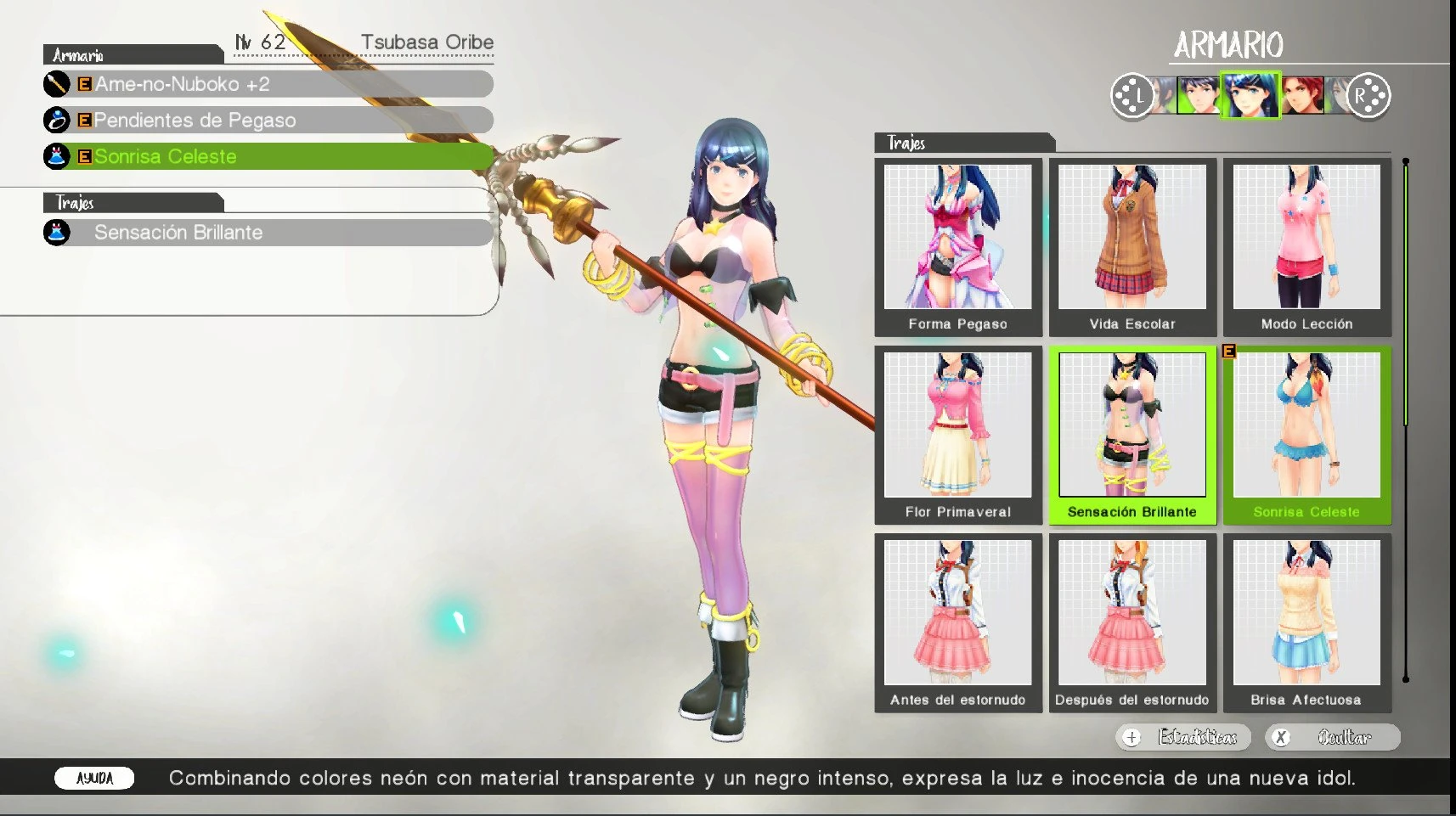
My laptop has an Intel CPU. In Yuzu forks I had issues when increasing the resolution: shadows would break, and in some open sunny areas, strange lines would appear, although it loaded faster. Ryujinx is a much better option overall, more stable and without noticeable issues unless you have a very sharp eye, because it still has tiny errors, though nowhere near as bad as the Yuzu forks. On Yuzu forks, NVIDIA and maybe AMD GPUs apparently don’t have shadow issues, but they still have problems in sunny open areas where strange artifacts appear.
Very important: on Ryujinx, the latest stable version 1.3.3 and the latest Canary builds break the game’s interface. You’ll see black blocks all over the HUD. Use version 1.3.2 to avoid these issues.
Something to keep in mind with Ryujinx: it has minimal errors, honestly I didn’t notice anything important compared to the latest Yuzu forks. HOWEVER, in my case, increasing the resolution — which is key, at least 1.5x resolution if you want the game and UI to look good and not blurry — caused the game to crash while playing. In my case, the error was “devicelost,” meaning the game needed more RAM and I only have 8 GB. The mod itself shouldn’t cause this crash, but remember to save often. You don’t want to lose 3 hours of progress and then not feel like playing anymore XD.
And lastly, feel free to try Eden. My CPU is Intel, so maybe that’s why I get shadow issues, but aside from that it never crashed for me. Maybe on NVIDIA or AMD this won’t happen, although there is one section that seems to be a global issue. I don’t know, just try whichever option works best for you.
INSTRUCTIONS
Before installing the Xdelta patch, you must follow these steps:
1.- In the emulator, either Ryujinx or yuzu, dump your ROM to obtain the files.
2.- Select:
pack_000_map.cpk
pack_031_message
pack_040_sound
pack_050_movie
pack_080_interface
pack_999_lua
3.- Apply the patches using DeltaPatcher to the files that have the same name as the patcher. For example, if it is pack_000_map_patch, it is for pack_000_map.
4.- Once applied, inside the emulator open the mods section. Create and paste into this folder path:
\0100A9400C9C2000\*Folder Name*\romfs\Pack
DELTAPACTHER
https://github.com/marco-calautti/DeltaPatcher/releases/tag/v3.1.6
My laptop has an Intel CPU. In Yuzu forks I had issues when increasing the resolution: shadows would break, and in some open sunny areas, strange lines would appear, although it loaded faster. Ryujinx is a much better option overall, more stable and without noticeable issues unless you have a very sharp eye, because it still has tiny errors, though nowhere near as bad as the Yuzu forks. On Yuzu forks, NVIDIA and maybe AMD GPUs apparently don’t have shadow issues, but they still have problems in sunny open areas where strange artifacts appear.
Very important: on Ryujinx, the latest stable version 1.3.3 and the latest Canary builds break the game’s interface. You’ll see black blocks all over the HUD. Use version 1.3.2 to avoid these issues.
Something to keep in mind with Ryujinx: it has minimal errors, honestly I didn’t notice anything important compared to the latest Yuzu forks. HOWEVER, in my case, increasing the resolution — which is key, at least 1.5x resolution if you want the game and UI to look good and not blurry — caused the game to crash while playing. In my case, the error was “devicelost,” meaning the game needed more RAM and I only have 8 GB. The mod itself shouldn’t cause this crash, but remember to save often. You don’t want to lose 3 hours of progress and then not feel like playing anymore XD.
And lastly, feel free to try Eden. My CPU is Intel, so maybe that’s why I get shadow issues, but aside from that it never crashed for me. Maybe on NVIDIA or AMD this won’t happen, although there is one section that seems to be a global issue. I don’t know, just try whichever option works best for you.
INSTRUCTIONS
Before installing the Xdelta patch, you must follow these steps:
1.- In the emulator, either Ryujinx or yuzu, dump your ROM to obtain the files.
2.- Select:
pack_000_map.cpk
pack_031_message
pack_040_sound
pack_050_movie
pack_080_interface
pack_999_lua
3.- Apply the patches using DeltaPatcher to the files that have the same name as the patcher. For example, if it is pack_000_map_patch, it is for pack_000_map.
4.- Once applied, inside the emulator open the mods section. Create and paste into this folder path:
\0100A9400C9C2000\*Folder Name*\romfs\Pack
DELTAPACTHER
https://github.com/marco-calautti/DeltaPatcher/releases/tag/v3.1.6
