Do YOU prefer Daggerfall's combat style?
Do you prefer MORDHAU'S combat style?
Do you prefer when lists come in THREES?
Then you might like:
DAGGERFALL COMBAT
Directional melee for Skyrim
Do you prefer MORDHAU'S combat style?
Do you prefer when lists come in THREES?
Then you might like:
DAGGERFALL COMBAT
Directional melee for Skyrim
What it does
Daggerfall Combat turns Skyrim's melee into a directional system inspired by Daggerfall and Mordhau. You choose the direction of every swing- overhand, diagonals, horizontals, rising cuts, underhand, or a straight thrust- and the game plays a matching attack animation. The weight of your weapon, the direction you swing and how well you chain your attacks all change how hard and how fast you hit.
- 8 swing directions + a thrust — each direction has its own animation for one-handed weapons, greatswords and battleaxes/warhammers, in third and first person, standing, moving and power attacks.
- Remappable controls
- Combos — the follow-up from the opposite side is full speed; repeating a direction is slow; everything in between is prorated. Thrusts count as orthogonal to every swing.
- Weapon weight matters — a percentage per weight unit: heavy weapons hit harder on overhand swings and lighter on rising ones, and are punished harder for bad combos. A dagger barely changes.
- Combo stamina — clean combos are free; a bad combo costs stamina
- Sweet spot — hits near the tip deal up to x1.25, hits near the hilt down to x0.5. Applies to everyone, NPCs included.
- Wind-up timing — combo slowdowns stretch the wind-up, not the swing itself, so the strike still lands crisply.
- NPCs fight directionally too — enemies use the same animations and favour good follow-ups (the optimal combo or one step off it).
- Off hand & dual wield — mirrored direction animations for a one-hander in the left hand.
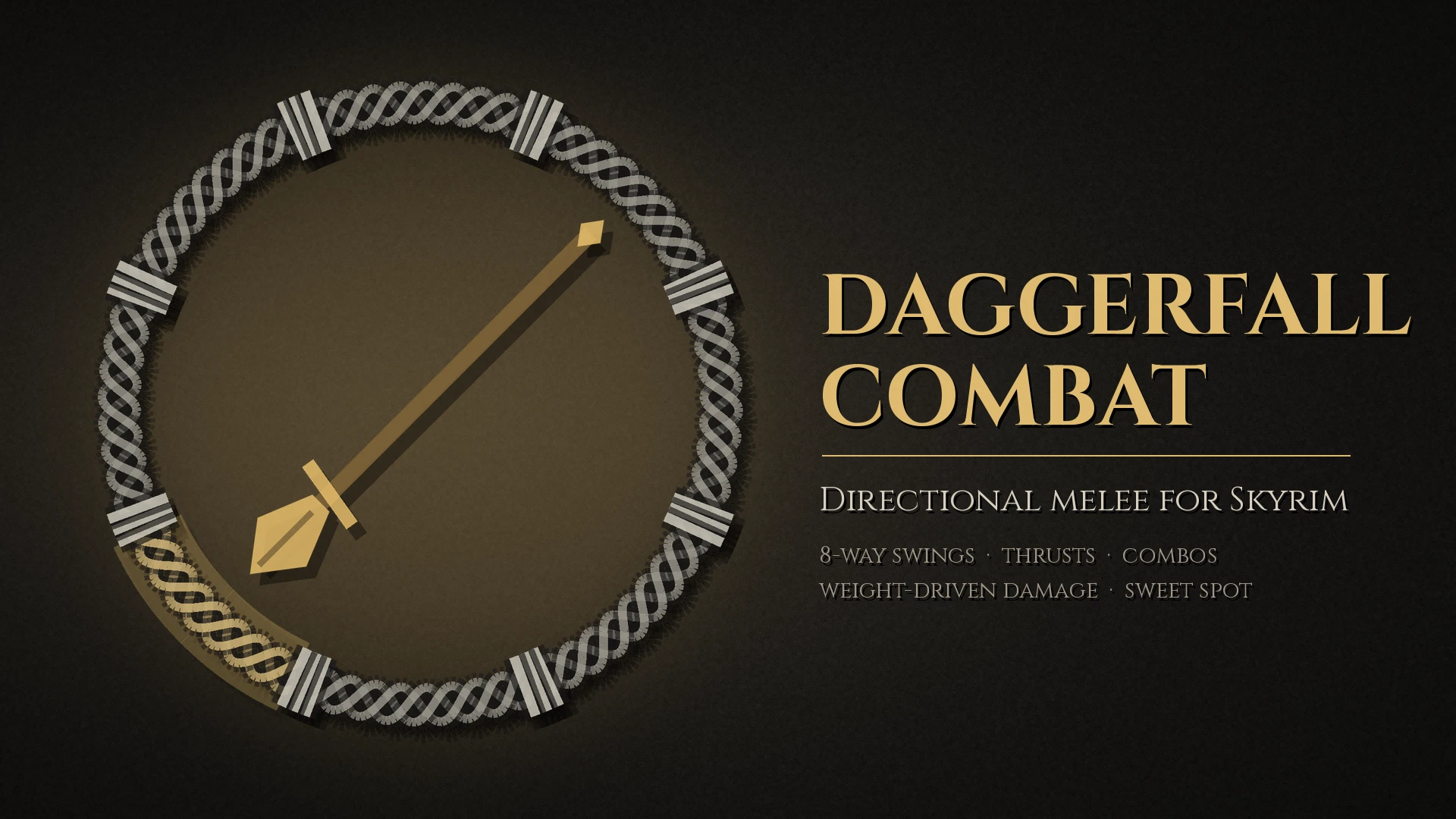
- On-screen indicator — a ring around the crosshair shows your pick, each attack's speed and damage, and the best follow-up.
Controls (all remappable in the MCM)
- Left mouse — attack in the current direction (hold for a power attack)
- Move the mouse while attacking — picks the direction (Aim with mouse motion)
- Hold X + move the mouse — aim precisely; the camera stays still
- Mouse wheel forward — thrust
- Home — toggle the indicator
- End — cycle 8 directions / 4 cardinal / 4 diagonal
Requirements
- SKSE64
- Address Library for SKSE Plugins
- Open Animation Replacer (3.2 or later) — plays the direction animations
- SkyUI and MCM Helper — for the settings menu (without them, edit the .ini)
- Precision — needed for the directional damage bonus and the sweet spot
Supports Skyrim SE and AE (tested on 1.6/1.7 runtimes).
Installation
- Install the requirements.
- Install the main file (Daggerfall Combat) with your mod manager.
- Install the Animations file (direction animations for Open Animation Replacer).
- Ensure Animations is later in your load order.
- Enable DaggerfallCombat.esp (ESL-flagged, takes no load order slot).
- Settings: Mod Configuration → Daggerfall Combat.
Uninstalling: safe to remove between saves; the plugin keeps its speed changes out of your saves.
Compatibility
- Other attack animation mods — the direction animations sit at a high OAR priority, so they replace other attack animations for the player and NPCs while this mod is active. Movement, idle, sneak and non-melee animations are untouched.
- Combat overhauls that change attack speed — should stack, but untested; report what you find.
- Precision — fully supported (damage hooks go through its API).
- Daggers, unarmed and staves keep vanilla animations.
Known limitations
- Some moving attacks use standing swings (the legs don't step).
- Sprint power attacks lose their lunge; most power attacks share the normal swing for their direction.
- Dual-wield double power attacks (both blades) stay vanilla.
Credits
- Bethesda Game Studios — Skyrim, and the original attack animations the direction set is built from; The Elder Scrolls II: Daggerfall for the idea
- Triternion — Mordhau, the other half of the inspiration
- KG — KG Animations - Two-Handers and KG Animations - One-Handers and Dual Wield, used as source animations for several directions
- Ershin — Open Animation Replacer and Precision
- ianpatt, behippo and the SKSE team — SKSE64
- meh321 — Address Library for SKSE Plugins
- Ryan McKenzie, powerofthree, alandtse and contributors — CommonLibSSE / CommonLibSSE-NG
- Exit-9B — MCM Helper
- schlangster and the SkyUI team — SkyUI
- Omar Cornut — Dear ImGui (the on-screen indicator)
- The Mutagen team — plugin generation
- ClaudeAI - Writeup for most of this page, research and implementation.