DSMS ModLoader v0.7.0
In-game mod selector for DragonSword: Awakening. Load costumes, custom characters, and weapons from JSON presets without permanently replacing game assets.This could trigger the "Abnormal Gameplay detection"; avoid using presets for characters you don't own in your save file and missing DLCs. Or use DSTools-Patcher
Installation
- Install a compatible version of UE4SS.
- Extract the Mod archive and Presets into the game’s main directory while preserving the folder structure.
- Verify the presence of:
Code:
DS\Binaries\Win64\ue4ss\Mods\HMVDSMeshSelector
DS\Content\Paks\LogicMods\HMV_DS_MeshSelector_UI.pak
DS\Content\Paks\~mods\HMV_DS_SELECTOR
Quick Usage
- Load your save and wait until the world is fully loaded.
- Select the character you want to targuet.
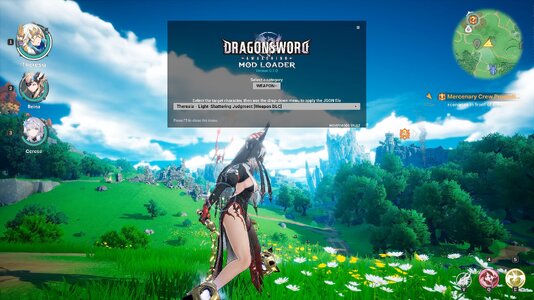
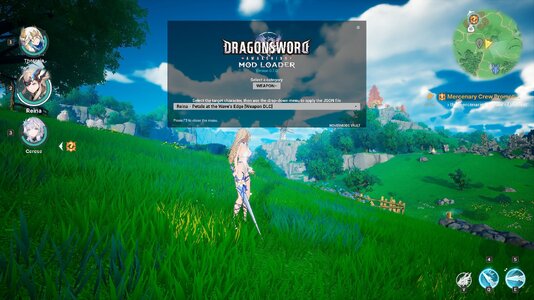
- Press F5 to open or close the Mod Loader.
- Choose a category, then a preset.
- The preset is applied automatically.
- Press F6 to manually reload JSON files after making changes.
Installing JSON Presets
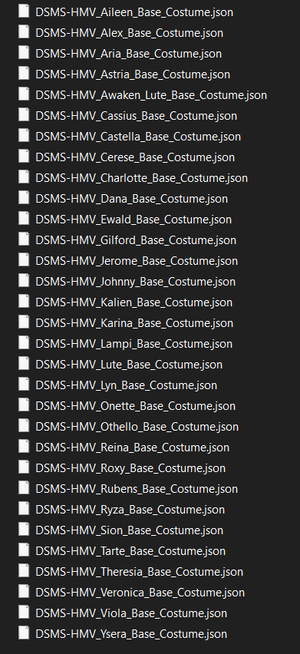
- Place JSON files starting with DSMS- in:
DS\Content\Paks\~mods\HMV_DS_SELECTORAll subfolders are automatically scanned!
Installing any custom .Pak legacy made for DSMS ModLoader
If it come with presets you must instal them!
Place Pak files starting with DSMS_ in:DS\Content\Paks\~mods\
It the will load “pak” files in the “~mods” folder to add assets into the game.
Features
- Custom costumes and characters
- Weapons and weapon skins
- Separate body and face support
- Custom materials
- Morph targets
- Physics Assets and physical Animation Blueprints
- Auxiliary meshes and outlines
- Filters: Custom, Costume, Weapon, DLC, and Base Game
The UI Widget is still in works in progress!
Please only play in solo mode using the Mesh Selector, as I have never tested the DSMS-ModLoader in multiplayer!
You can find more documentation at the DSMS-ModLoader Github page.