Evershade 2026-05-31

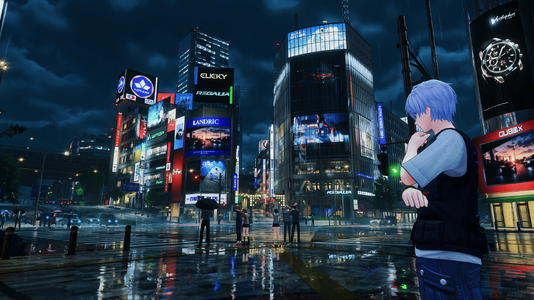
A Mod for Neverness to Everness
  • Merpy
  • Featured
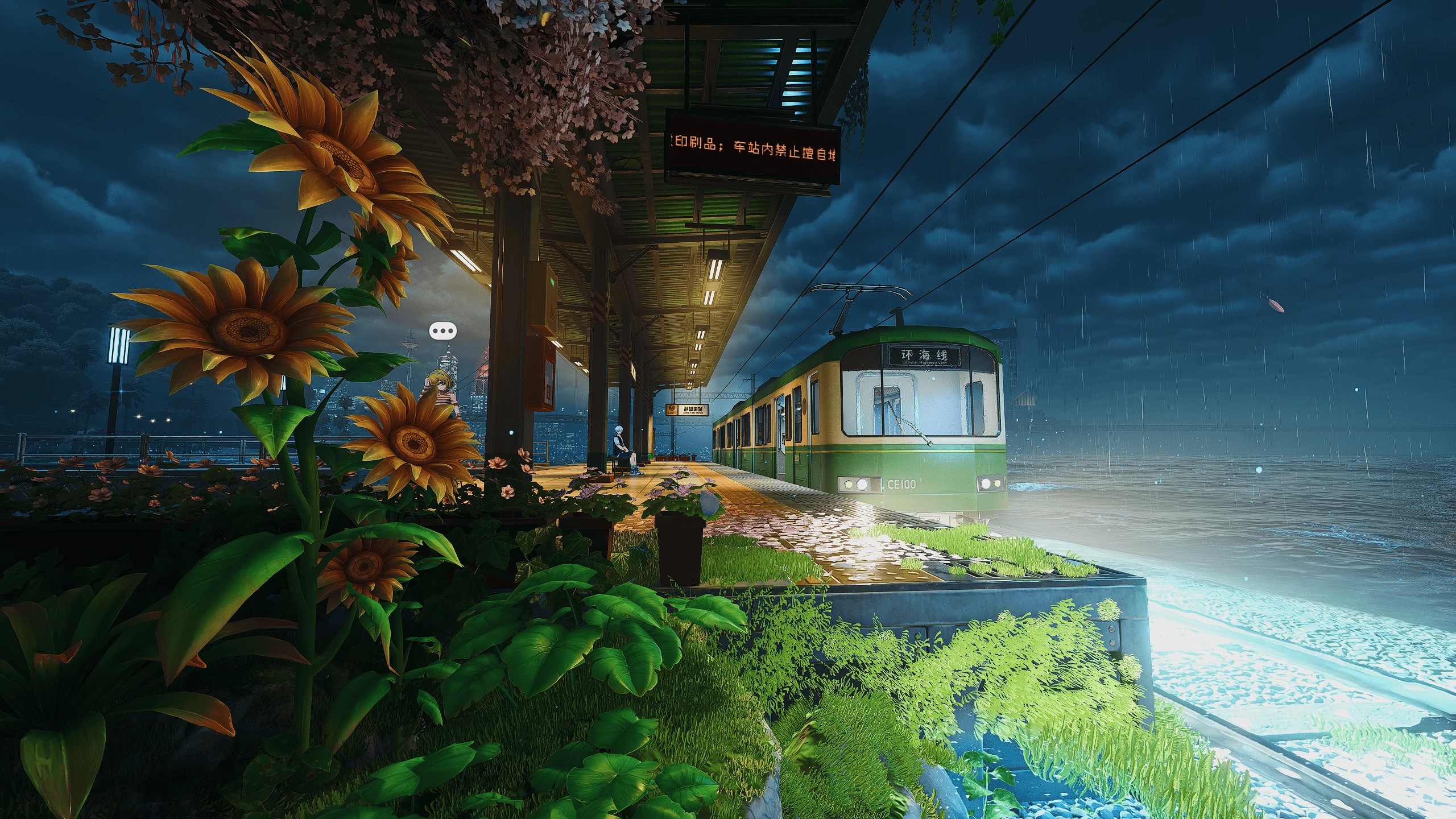
Evershade Mod Preview Image
  • NTE (Neverness To Everness) Screenshot 2026.05.29 - 18.44.29.69.png
    NTE (Neverness To Everness) Screenshot 2026.05.29 - 18.44.29.69.png
    2.7 MB · Views: 359
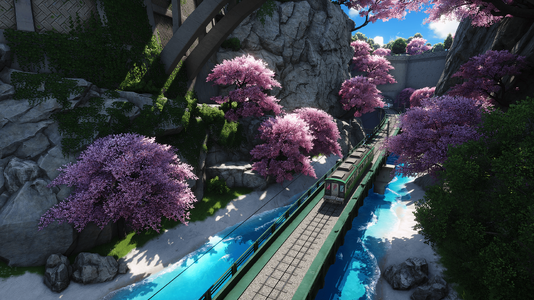
  • NTE (Neverness To Everness) Screenshot 2026.05.31 - 14.44.26.44.png
    NTE (Neverness To Everness) Screenshot 2026.05.31 - 14.44.26.44.png
    2.4 MB · Views: 301
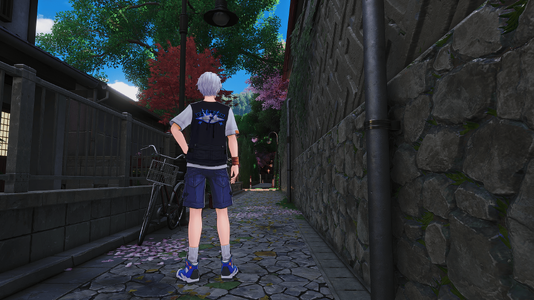
  • NTE (Neverness To Everness) Screenshot 2026.05.30 - 15.26.42.45.png
    NTE (Neverness To Everness) Screenshot 2026.05.30 - 15.26.42.45.png
    1.5 MB · Views: 296
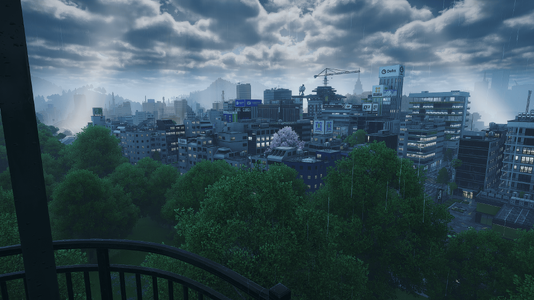
  • NTE (Neverness To Everness) Screenshot 2026.05.29 - 17.55.06.18.png
    NTE (Neverness To Everness) Screenshot 2026.05.29 - 17.55.06.18.png
    2 MB · Views: 284
To install reshade on Neverness to Everness, you have to install Reshade normally to HTGame.exe (Neverness To Everness\Client\WindowsNoEditor\HT\Binaries\Win64\HTGame.exe) and then rename the dxgi.dll created by Reshade (in the same folder of HTGame.exe)

Step by step:
  1. Download ReShade from the official website: https://reshade.me/#download Choose the normal version, not the one with full add-on support.
  2. Run the ReShade installer and select HTGame.exe from this folder: NevernessToEverness\Client\WindowsNoEditor\HT\Binaries\Win64\HTGame.exe
  3. Select DirectX 12 when ReShade asks for the rendering API.
  4. Install all the effects.
  5. After ReShade finishes installing, open the folder where HTGame.exe is located.
  6. Rename: dxgi.dll to d3d12.dll
  7. Launch the game.
  8. Once you are inside the game, press Home on your keyboard to open the ReShade menu.
  9. At the top of the ReShade menu, select the preset file.
  10. Make sure the effects are enabled. You can toggle ReShade on/off with the default hotkey, usually Home for the menu and sometimes Insert or the key you set during installation.
10.5 KB
Log in or sign up to download
Uploaded by
Merpy
Downloads
53
Views
597
First release
Last update
Platform
PC 
Version
2026-05-31
Total Size
10.5 KB
Rating
5.00 star(s) 1 ratings

Uploaded by

  • 53
  • 597

Ratings

5.00 star(s) 1 ratings

Tags

There are no tags available.

ralkey

Members
Members
May 4, 2026
0
4
What if my keyboard doesn't have a home key, how do I open the menu then?

Edit: You can update ReShade.ini and set KeyOverlay under [INPUT] to 113,0,1,0 which will set the keybind to Shift+F2
 
Last edited: