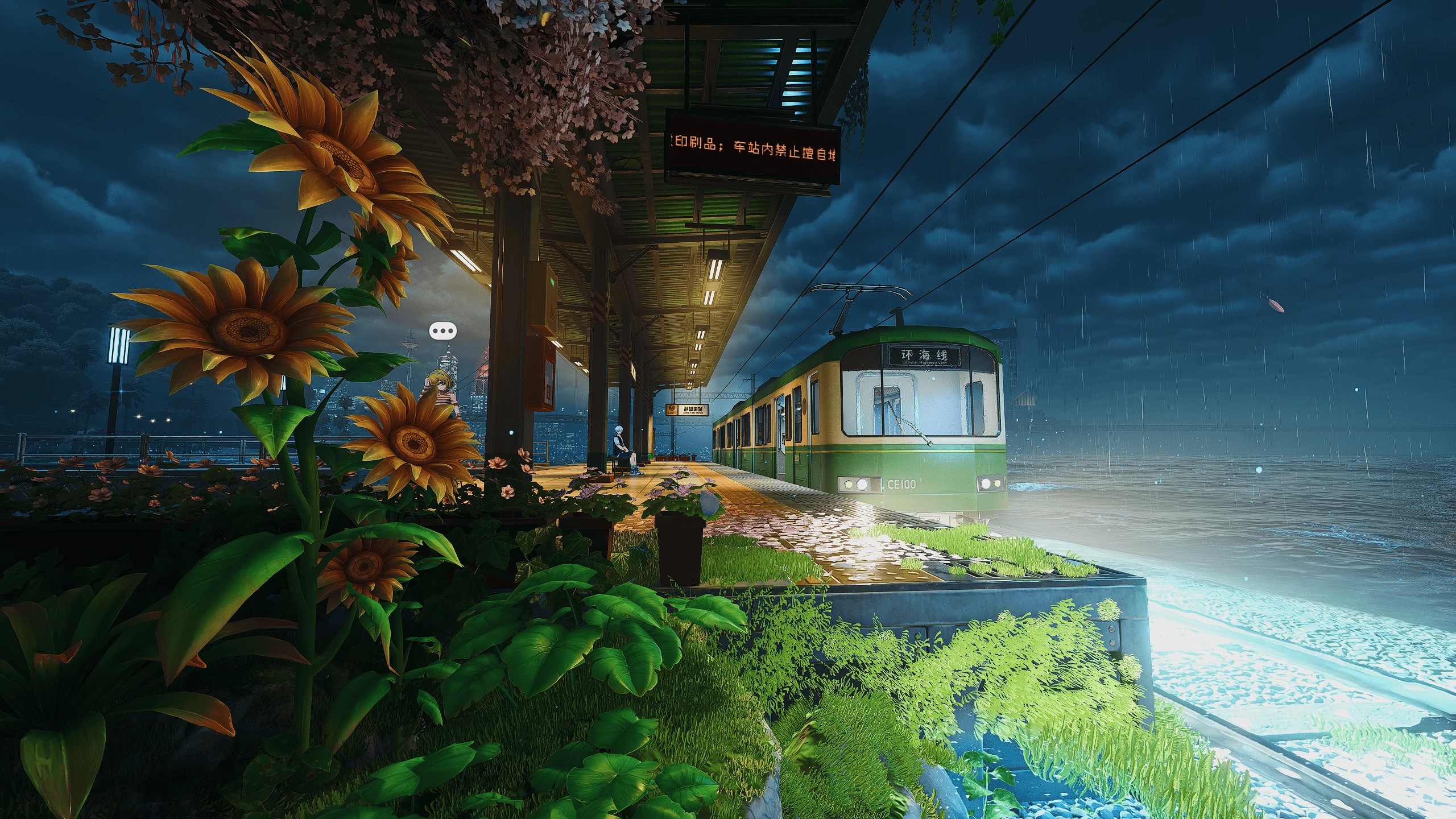
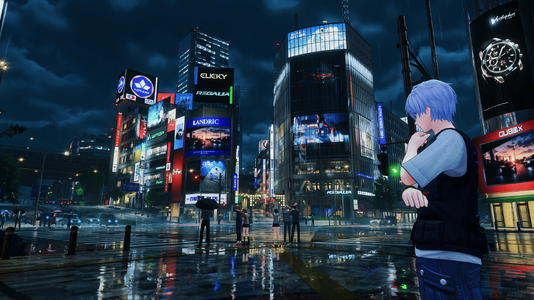
To install reshade on Neverness to Everness, you have to install Reshade normally to HTGame.exe (Neverness To Everness\Client\WindowsNoEditor\HT\Binaries\Win64\HTGame.exe) and then rename the dxgi.dll created by Reshade (in the same folder of HTGame.exe)
Step by step:
Step by step:
- Download ReShade from the official website: https://reshade.me/#download Choose the normal version, not the one with full add-on support.
- Run the ReShade installer and select HTGame.exe from this folder: NevernessToEverness\Client\WindowsNoEditor\HT\Binaries\Win64\HTGame.exe
- Select DirectX 12 when ReShade asks for the rendering API.
- Install all the effects.
- After ReShade finishes installing, open the folder where HTGame.exe is located.
- Rename: dxgi.dll to d3d12.dll
- Launch the game.
- Once you are inside the game, press Home on your keyboard to open the ReShade menu.
- At the top of the ReShade menu, select the preset file.
- Make sure the effects are enabled. You can toggle ReShade on/off with the default hotkey, usually Home for the menu and sometimes Insert or the key you set during installation.
