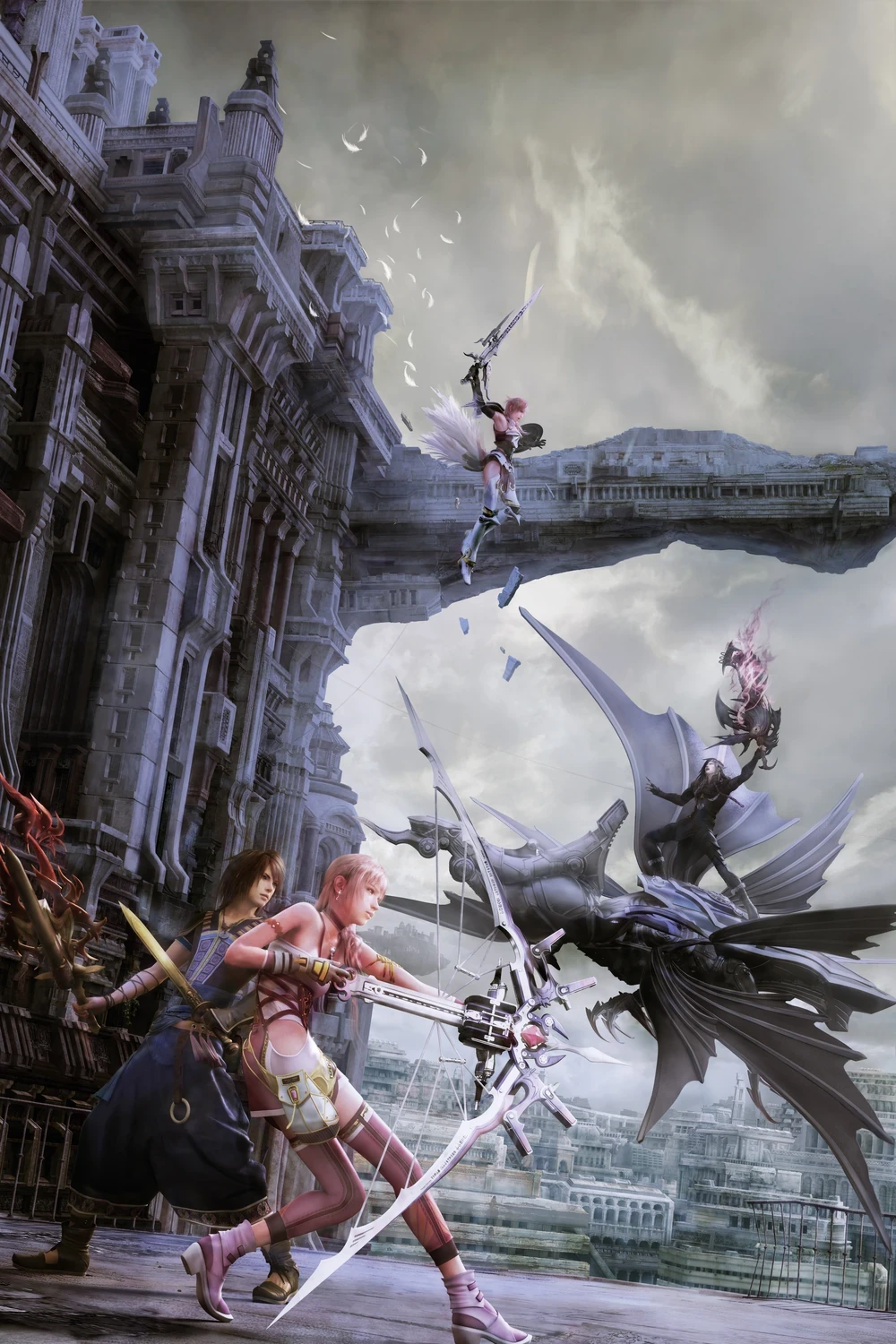
First public tool that lets you inject custom models, textures, and physics into Final Fantasy XIII-2.
GUI and CLI. Same Rust core. Pick one.
This is a working injector and editor, not a costume pack. No game assets ship with it. No models, textures, saves, or movies.
What you can do
What is in the download
CLI, desktop GUI, 24-section offline HTML manual, Markdown docs, all 25 command references, troubleshooting, recovery notes, platform requirements, license notices, and SHA-256 checksums.
No Rust, Python, or .NET required to run it. Blender is optional. No add-on. The toolkit just exchanges files with Blender.
Windows and Linux
Windows build is native x64. Needs normal Windows and Visual C++ runtime pieces, plus working graphics drivers for the GUI.
Linux build is native x64 Linux binaries, not renamed Windows files. Built on Ubuntu 22.04. Needs a glibc-based system. GUI needs glibc 2.35 and a working desktop plus GPU stack. ARM64, musl distros, and Steam Deck are untested.
Linux is experimental. The running-game check is Windows only. Linux and Proton archive install and restore have not been validated in-game. Start with extracted files. Read PLATFORMS.md. Do not edit live archives first.
Limits
94 automated tests passed on each platform. That does not prove every model, material, animation, or physics setup will work in-game. This packaging pass did not include a full interactive GUI walkthrough or in-game validation.
Nearest-vertex weight transfer can wreck deformation around nearby limbs. Blender previews do not match the game shaders. Physics construction checks do not prove solver stability. Test in-game before you call a change finished.
Backups
Close the game and any other archive editor before you write. Keep your own backups. Keep the toolkit recovery folder.
Restore means the recorded state before that toolkit install. It is not always vanilla. It is not a load-order manager. Recovery only works if the saved indexes and original archive prefixes are still intact. Do not bypass a failed integrity check. Do not force an old backup over newer changes.
License
Compiled software, not open source. Use it. Keep local copies so you can run it and back it up. Do not redistribute, mirror, repackage, or bundle the tool. Link the download.
Your mods stay yours. Included third-party licenses still apply. You still need the rights to ship any game assets you put in a mod. Read LICENSE and LICENSING.md for the terms.
Start here
Extract the whole download. Read START-HERE.md. Full manual is MANUAL.html. Work on copies. Preview the final mod folder. Change one thing at a time.
If you report a bug, include toolkit version, OS, the action or command that failed, and sanitized error text. Strip private paths first. Do not attach full archives, saves, or credentials.
GUI and CLI. Same Rust core. Pick one.
This is a working injector and editor, not a costume pack. No game assets ship with it. No models, textures, saves, or movies.
What you can do
- Browse and extract supported game archives
- Preview matching mod paths before you install
- Install replacements with appended archive data and recorded recovery
- Verify an install and restore the recorded pre-install baseline if checks pass
- Export textures to DDS with PNG previews, then import compatible edited DDS
- Export models and individual draws for Blender OBJ work
- Import position-only edits or rebuild supported draws with new topology
- Edit named skin weights and supported UV sets through JSON
- Inspect, export, and import native PHB physics
- Edit supported physics properties
- Create supported collision-group and simulation-rig copies from native templates
What is in the download
CLI, desktop GUI, 24-section offline HTML manual, Markdown docs, all 25 command references, troubleshooting, recovery notes, platform requirements, license notices, and SHA-256 checksums.
No Rust, Python, or .NET required to run it. Blender is optional. No add-on. The toolkit just exchanges files with Blender.
Windows and Linux
Windows build is native x64. Needs normal Windows and Visual C++ runtime pieces, plus working graphics drivers for the GUI.
Linux build is native x64 Linux binaries, not renamed Windows files. Built on Ubuntu 22.04. Needs a glibc-based system. GUI needs glibc 2.35 and a working desktop plus GPU stack. ARM64, musl distros, and Steam Deck are untested.
Linux is experimental. The running-game check is Windows only. Linux and Proton archive install and restore have not been validated in-game. Start with extracted files. Read PLATFORMS.md. Do not edit live archives first.
Limits
94 automated tests passed on each platform. That does not prove every model, material, animation, or physics setup will work in-game. This packaging pass did not include a full interactive GUI walkthrough or in-game validation.
Nearest-vertex weight transfer can wreck deformation around nearby limbs. Blender previews do not match the game shaders. Physics construction checks do not prove solver stability. Test in-game before you call a change finished.
Backups
Close the game and any other archive editor before you write. Keep your own backups. Keep the toolkit recovery folder.
Restore means the recorded state before that toolkit install. It is not always vanilla. It is not a load-order manager. Recovery only works if the saved indexes and original archive prefixes are still intact. Do not bypass a failed integrity check. Do not force an old backup over newer changes.
License
Compiled software, not open source. Use it. Keep local copies so you can run it and back it up. Do not redistribute, mirror, repackage, or bundle the tool. Link the download.
Your mods stay yours. Included third-party licenses still apply. You still need the rights to ship any game assets you put in a mod. Read LICENSE and LICENSING.md for the terms.
Start here
Extract the whole download. Read START-HERE.md. Full manual is MANUAL.html. Work on copies. Preview the final mod folder. Change one thing at a time.
If you report a bug, include toolkit version, OS, the action or command that failed, and sanitized error text. Strip private paths first. Do not attach full archives, saves, or credentials.
