Overview
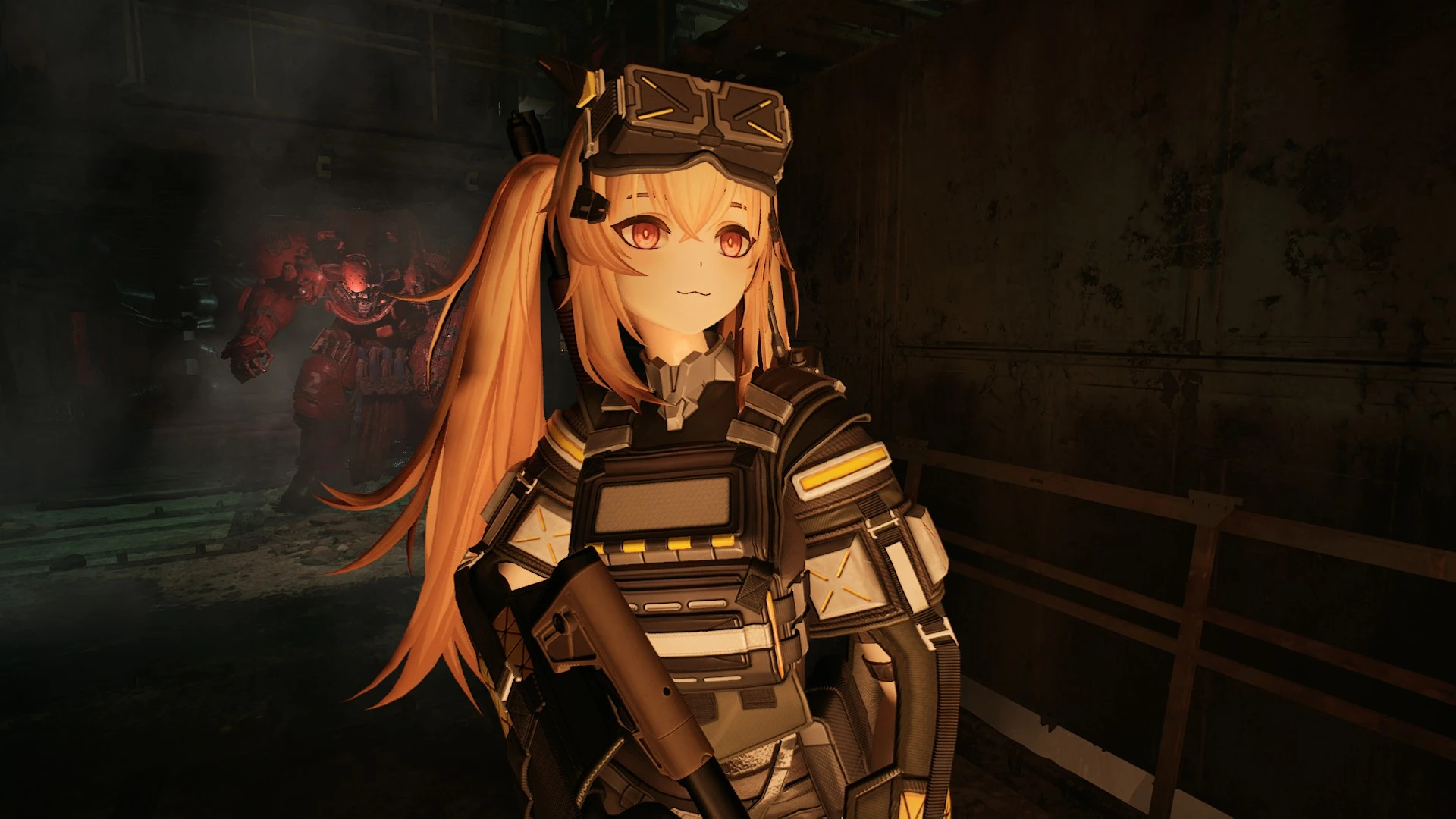
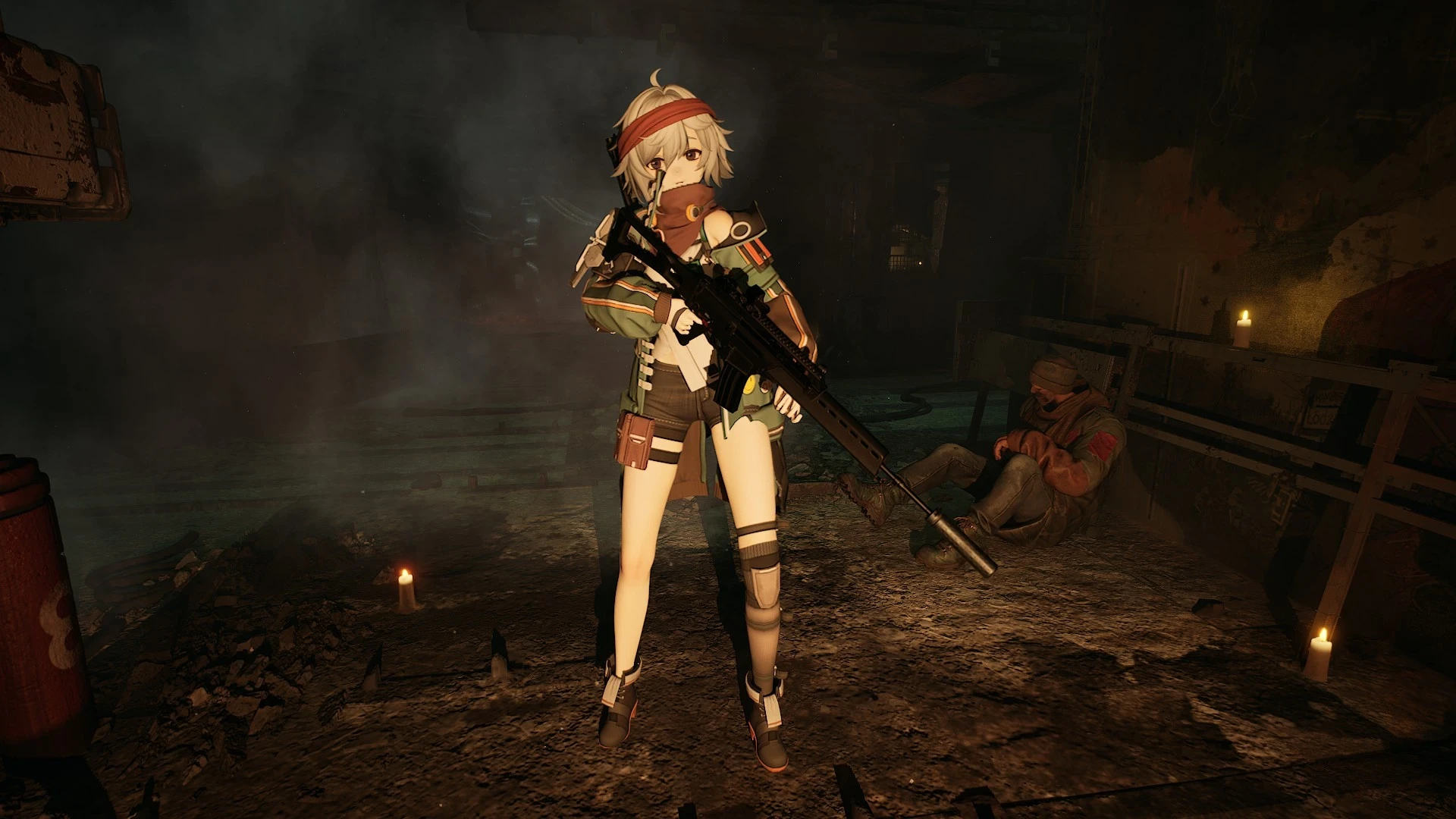
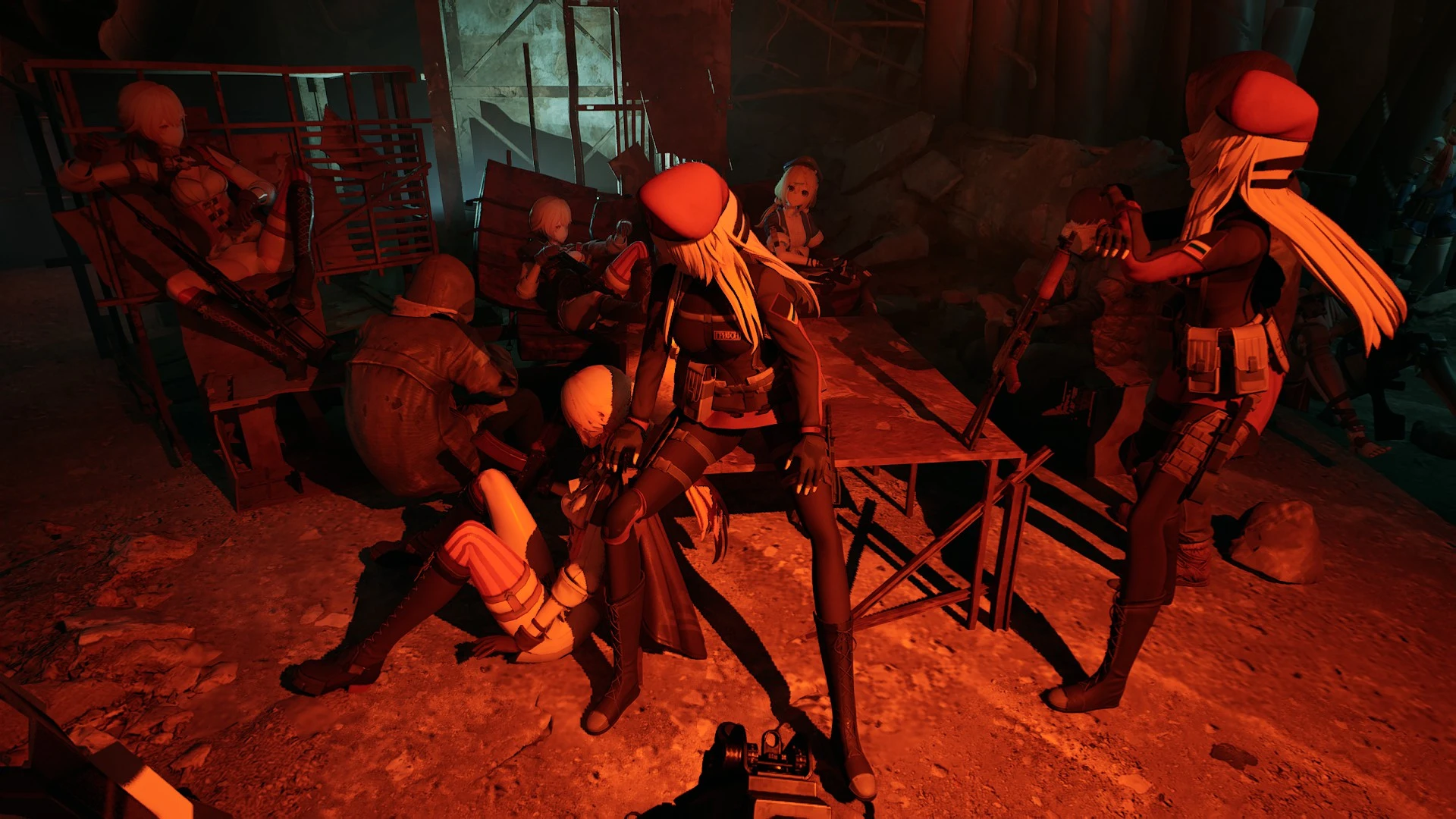
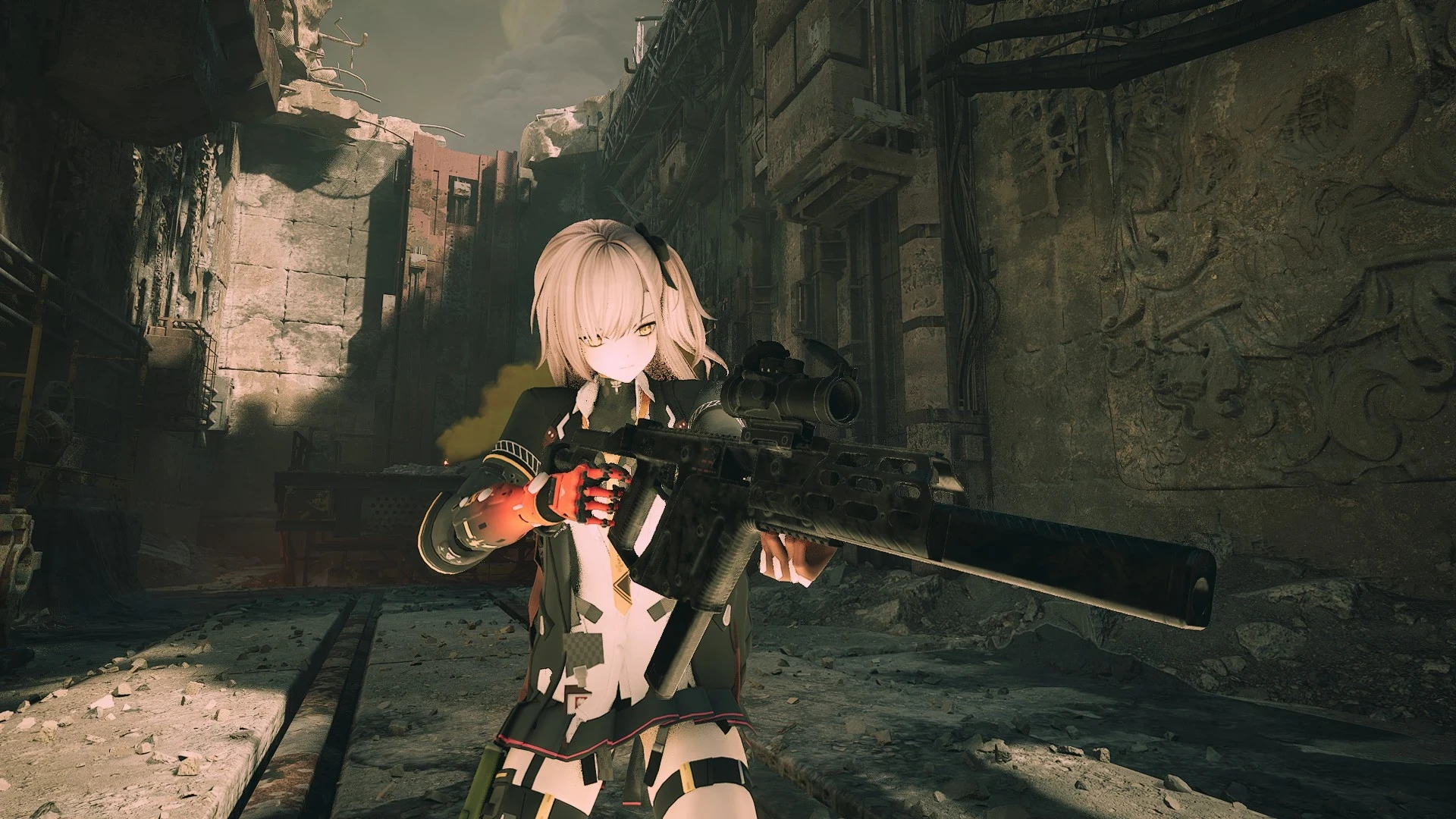
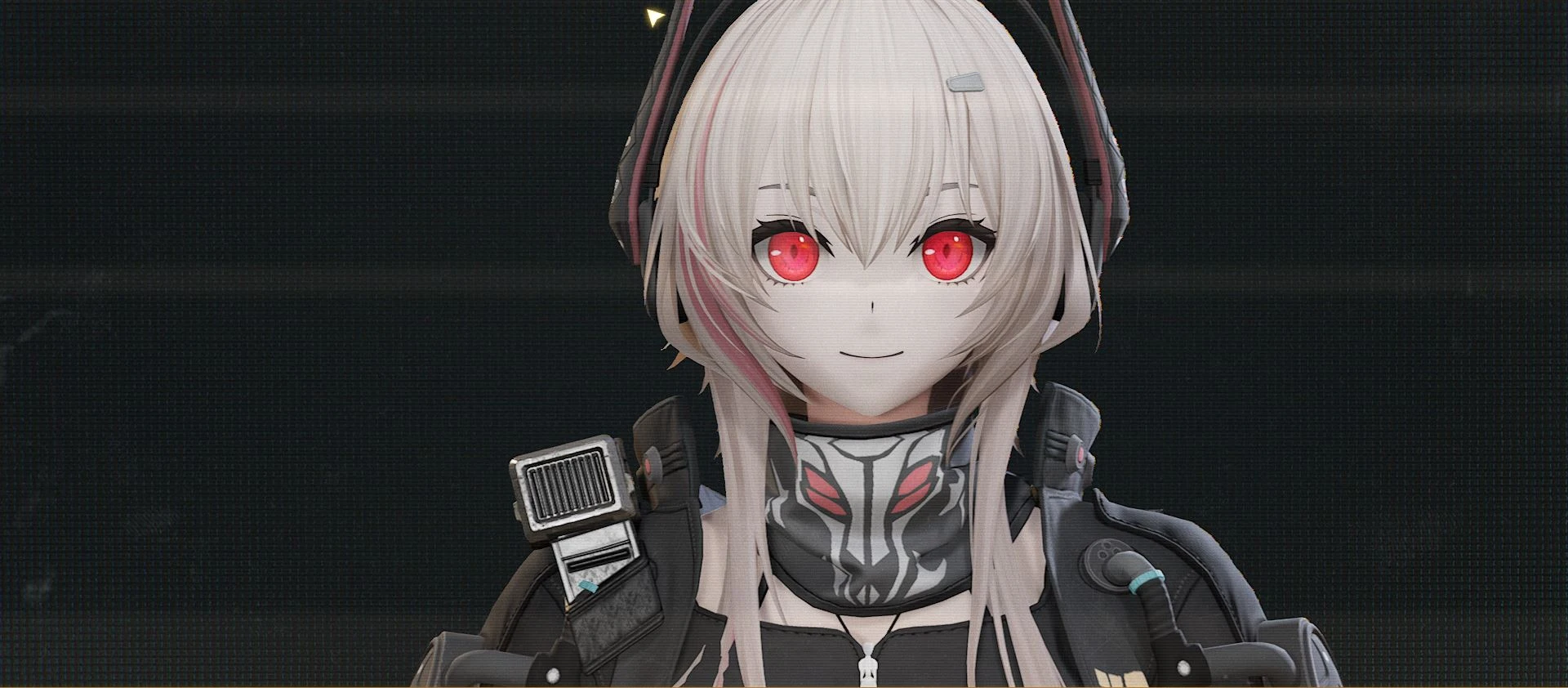
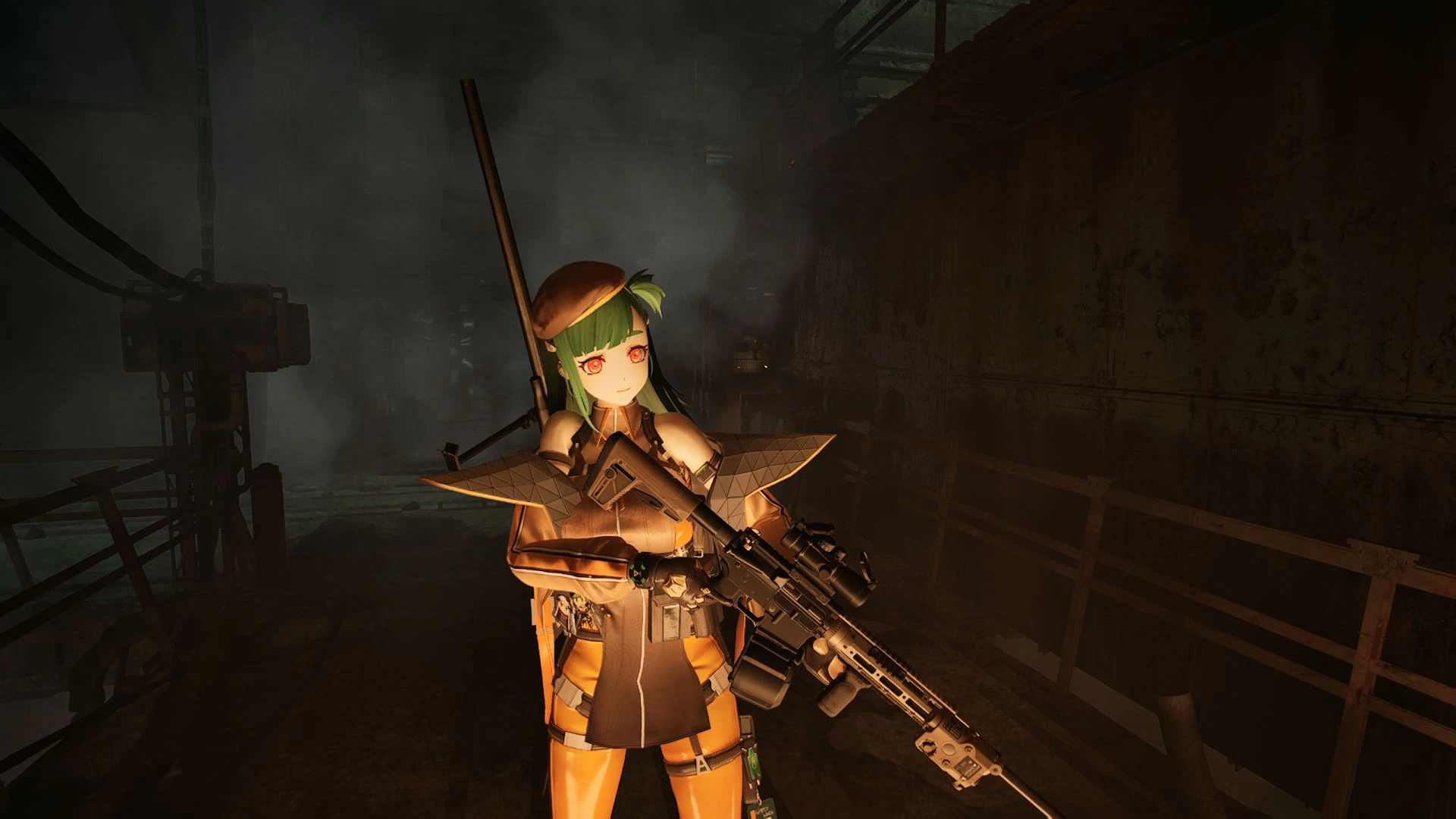
Replaces the Old Man skin with Belka from Girls' Frontline 2.
You can install my backpack mod to make the character looked exactly like in the gameplay, and it is highly recommended to use it.
Warning!
Modded Oldman skin had ADS clipping issues with sniper scopes! Use console commands either provided by Unreal Engine 5 Unlocker (this one isn't free) or UE4SS Version 3.0.1-894 (this one is free click the link for download).
Use the console commands: "r.setNearClipPlane 20" to fix the clipping issue.
Installation
Make sure you installed lagglemchammer's Signature Bypass mod or it wouldn't work! Then navigate to your game's installed location, then proceed towards "steam\steamapps\common\The Forever Winter\Windows\ForeverWinter\Content\Paks" and then create a folder called "~mods" before placing the mod files in it.
If you want to install UE4SS, download the file and place it onto "Steam\steamapps\common\The Forever Winter\Windows\ForeverWinter\Binaries\Win64" and place it there.
Requirement
UE4SS Version 3.0.1-894 For console commands to fix Oldman's ADS clipping bug.
Support
If you like what I do, going to my Kofi page would help me keep producing these mods or if you wish to commission a skin mod for The Forever Winter:
https://ko-fi.com/merumods
Replaces the Old Man skin with Belka from Girls' Frontline 2.
You can install my backpack mod to make the character looked exactly like in the gameplay, and it is highly recommended to use it.
Warning!
Modded Oldman skin had ADS clipping issues with sniper scopes! Use console commands either provided by Unreal Engine 5 Unlocker (this one isn't free) or UE4SS Version 3.0.1-894 (this one is free click the link for download).
Use the console commands: "r.setNearClipPlane 20" to fix the clipping issue.
Installation
Make sure you installed lagglemchammer's Signature Bypass mod or it wouldn't work! Then navigate to your game's installed location, then proceed towards "steam\steamapps\common\The Forever Winter\Windows\ForeverWinter\Content\Paks" and then create a folder called "~mods" before placing the mod files in it.
If you want to install UE4SS, download the file and place it onto "Steam\steamapps\common\The Forever Winter\Windows\ForeverWinter\Binaries\Win64" and place it there.
Requirement
UE4SS Version 3.0.1-894 For console commands to fix Oldman's ADS clipping bug.
Support
If you like what I do, going to my Kofi page would help me keep producing these mods or if you wish to commission a skin mod for The Forever Winter:
https://ko-fi.com/merumods