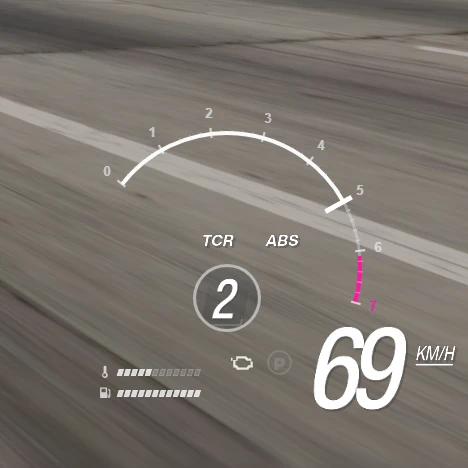
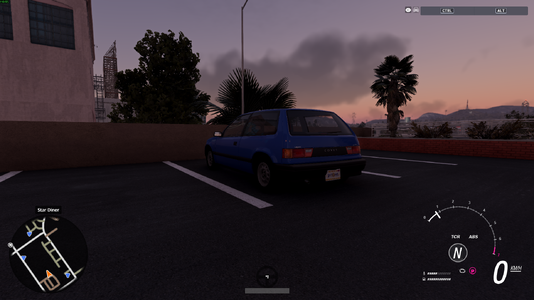
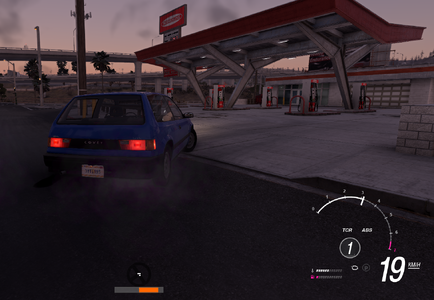
Horizon Style Tachometer is a compact and dynamic UI application for BeamNG.drive, inspired by modern open-world racing game HUDs.
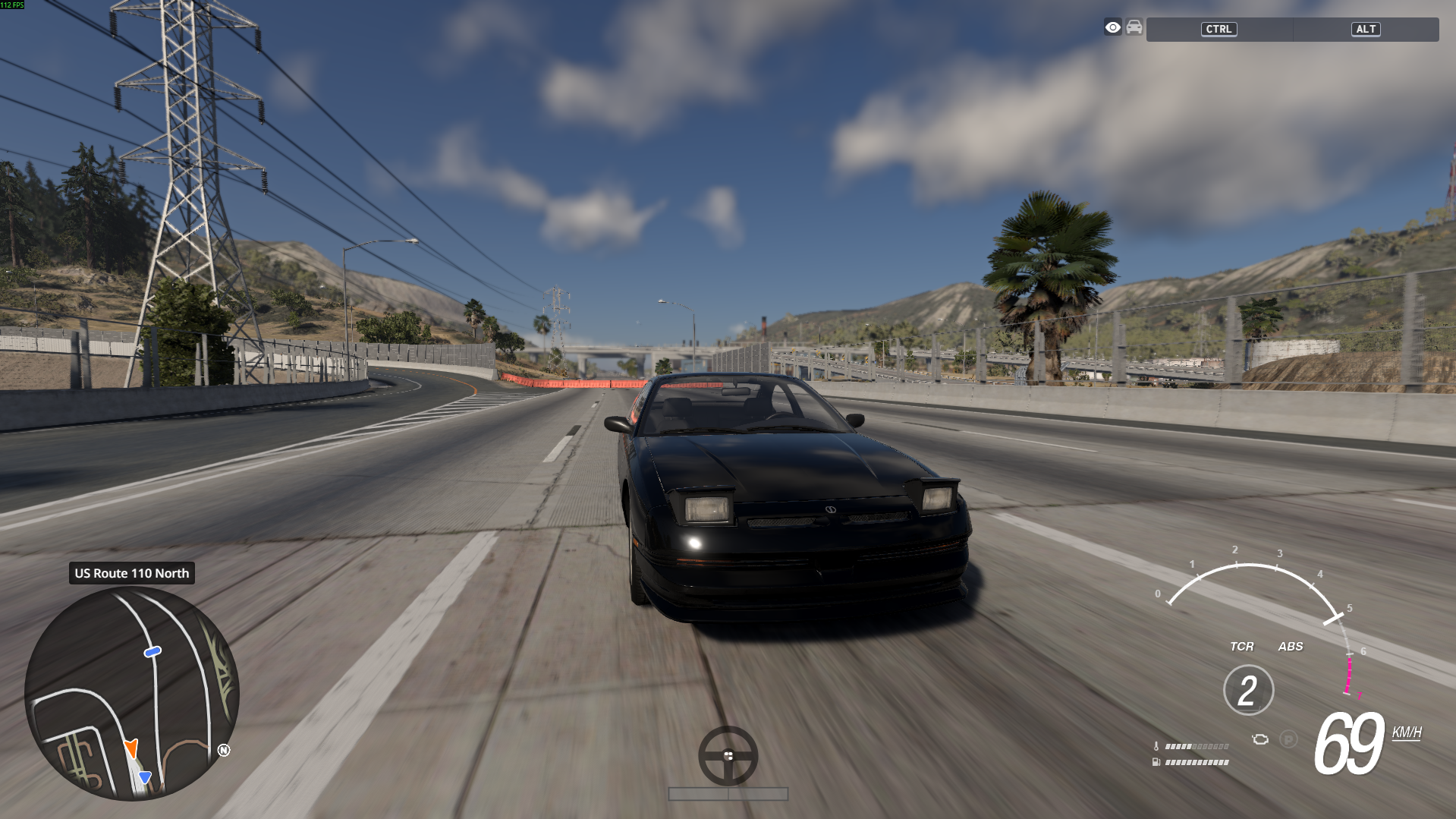
The tachometer automatically adapts its RPM scale to the currently selected vehicle and displays the most important driving information in one transparent interface.
FEATURES
• Dynamic RPM scale adapted to the current vehicle
• Active RPM arc and high-RPM warning zone
• Digital speed display
• KM/H and MPH support
• Current gear indicator
• Traction control indicator
• ABS indicator
• Launch Control / Two-Step indicator for supported vehicles
• Engine temperature bar
• Fuel level bar
• Parking brake indicator
• Check-engine status indicator
• Engine damage and critical engine failure states
• Automatic scaling when resizing the UI app
• Transparent design suitable for different maps and lighting conditions
LAUNCH CONTROL SUPPORT
The LC indicator appears when the vehicle exposes information suggesting that Launch Control or Two-Step is available.
The LC indicator lights up when the procedure becomes active.
Some third-party vehicles use custom electrics fields and may not expose their Launch Control state to UI applications. Support may therefore vary between modded vehicles.
INSTALLATION
1. Download the ZIP file.
2. Place it in the BeamNG.drive mods folder without extracting it.
3. Start BeamNG.drive.
4. Enter Freeroam.
5. Open UI Apps.
6. Select Edit Apps.
7. Add “Horizon Style Tachometer”.
8. Move and resize the app as needed.
UPDATING FROM AN OLDER VERSION
Remove or disable the previous manually installed version to avoid duplicate UI applications.
If the previous version remains visible, clear the BeamNG.drive cache and restart the game.
Created by ProGraMajster.
The tachometer automatically adapts its RPM scale to the currently selected vehicle and displays the most important driving information in one transparent interface.
FEATURES
• Dynamic RPM scale adapted to the current vehicle
• Active RPM arc and high-RPM warning zone
• Digital speed display
• KM/H and MPH support
• Current gear indicator
• Traction control indicator
• ABS indicator
• Launch Control / Two-Step indicator for supported vehicles
• Engine temperature bar
• Fuel level bar
• Parking brake indicator
• Check-engine status indicator
• Engine damage and critical engine failure states
• Automatic scaling when resizing the UI app
• Transparent design suitable for different maps and lighting conditions
LAUNCH CONTROL SUPPORT
The LC indicator appears when the vehicle exposes information suggesting that Launch Control or Two-Step is available.
The LC indicator lights up when the procedure becomes active.
Some third-party vehicles use custom electrics fields and may not expose their Launch Control state to UI applications. Support may therefore vary between modded vehicles.
INSTALLATION
1. Download the ZIP file.
2. Place it in the BeamNG.drive mods folder without extracting it.
3. Start BeamNG.drive.
4. Enter Freeroam.
5. Open UI Apps.
6. Select Edit Apps.
7. Add “Horizon Style Tachometer”.
8. Move and resize the app as needed.
UPDATING FROM AN OLDER VERSION
Remove or disable the previous manually installed version to avoid duplicate UI applications.
If the previous version remains visible, clear the BeamNG.drive cache and restart the game.
Created by ProGraMajster.
