Greetings to /ddg/ and /v/, this is for you.
Description
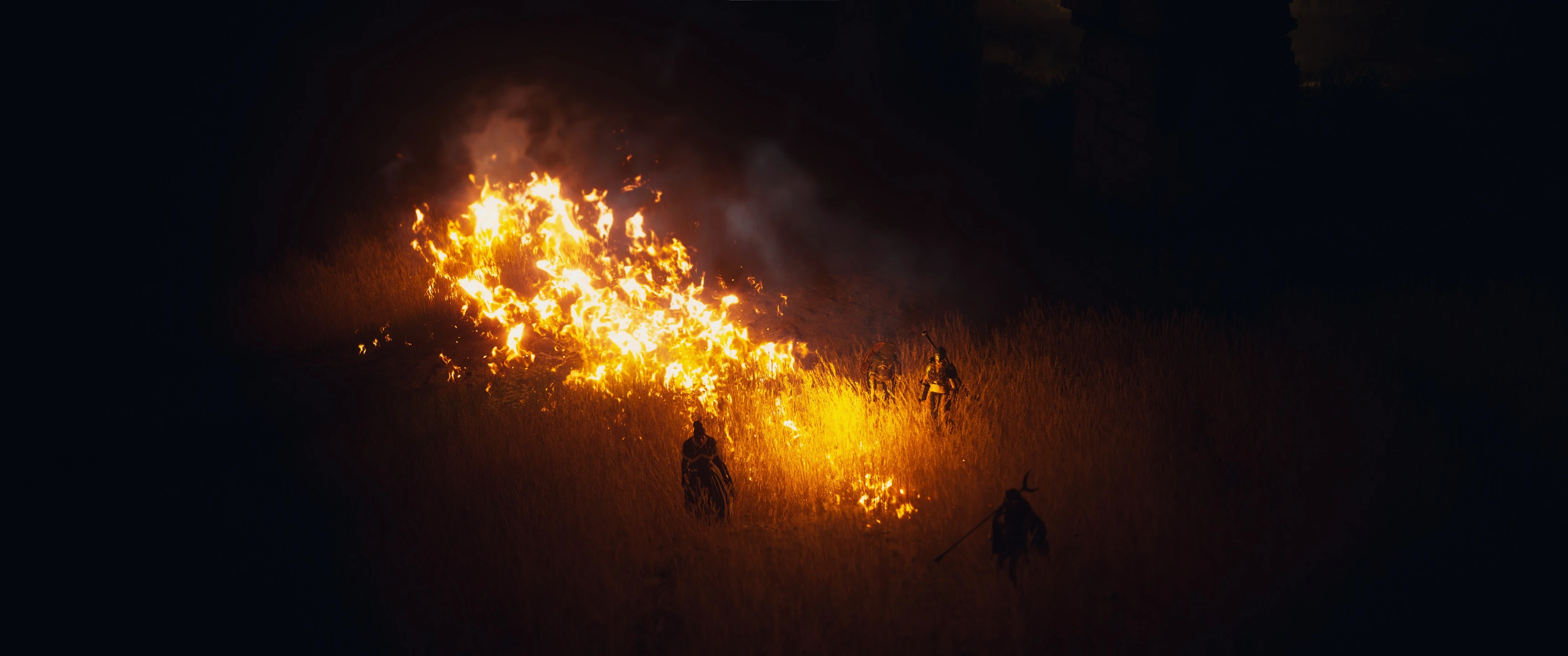
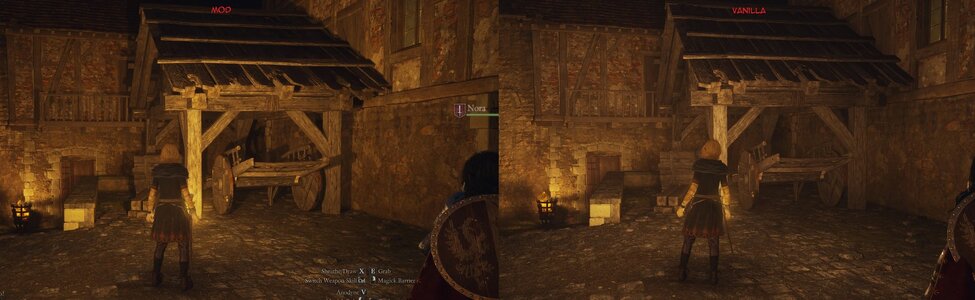
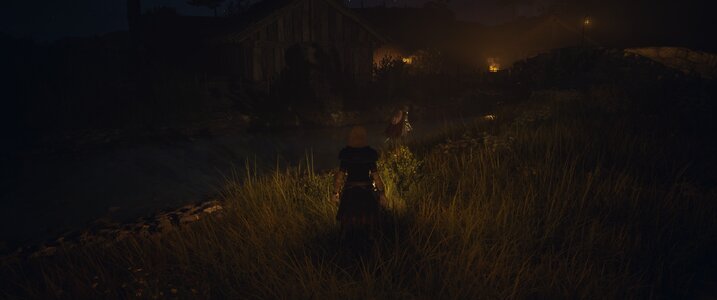
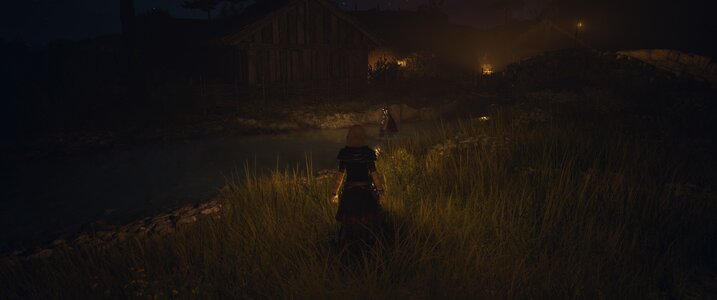
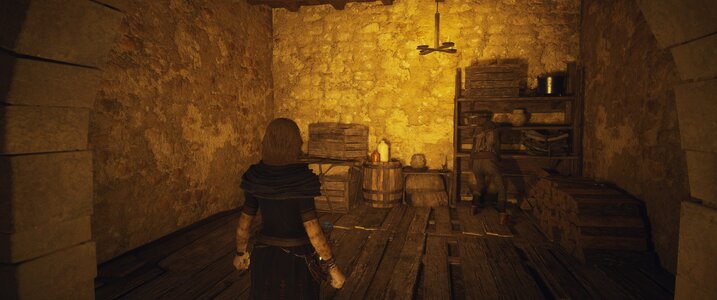
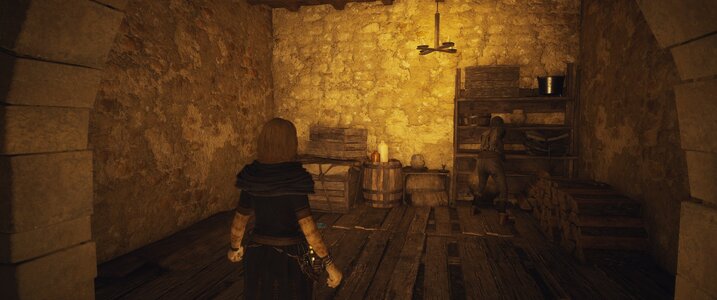
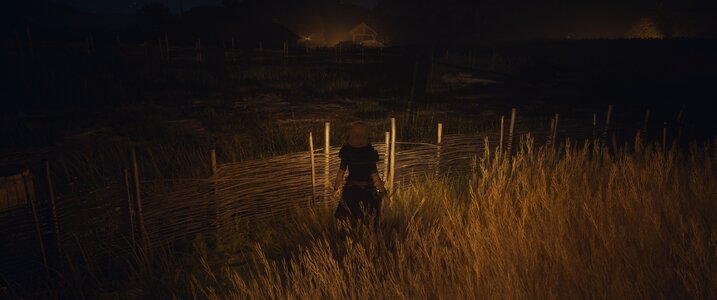
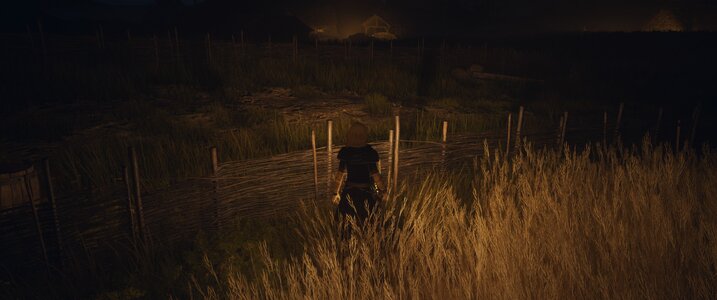
The game's default lantern is casting very weak soft shadows - by carefully adjusting the offsets and properties of the lantern light we can achieve much better, harder and longer shadows which create a lot of subtle atmosphere on walls and your surrounding. Truly dark hiding spots, walls blocking your light and fences and foliage creating intricate and detailed symbols on the wall.
Immersive Lanterns gives you greater control over the lantern lighting in Dragon's Dogma 2. You can adjust nearly every property of your light to your liking. Customize the game's two original lantern light sources independently to suit your preferences, from subtle, atmospheric illumination to brighter lighting with a wider reach!
Installation instructions
Updating: Replace the existing files with the new version. To use updated default settings, select Reset all to defaults in the mod menu.
Main features
Requirements
Description
The game's default lantern is casting very weak soft shadows - by carefully adjusting the offsets and properties of the lantern light we can achieve much better, harder and longer shadows which create a lot of subtle atmosphere on walls and your surrounding. Truly dark hiding spots, walls blocking your light and fences and foliage creating intricate and detailed symbols on the wall.
Immersive Lanterns gives you greater control over the lantern lighting in Dragon's Dogma 2. You can adjust nearly every property of your light to your liking. Customize the game's two original lantern light sources independently to suit your preferences, from subtle, atmospheric illumination to brighter lighting with a wider reach!
Installation instructions
- Install REFramework for Dragon's Dogma 2.
- Download Immersive Lanterns and extract the archive into your Dragon's Dogma 2 installation directory.
- Launch the game and press Insert to open the REFramework interface.
- Navigate to Script Generated UI → Immersive Lanterns to customize your settings.
Updating: Replace the existing files with the new version. To use updated default settings, select Reset all to defaults in the mod menu.
Main features
- Independent Light Controls: Customize or disable either of the lantern's two original light sources independently.
- Brightness and Range: Adjust each light's intensity and effective distance.
- Customizable Colours: Choose between the original game colours, adjustable colour temperature, or custom RGB values.
- Dynamic Shadows: Enable or disable shadow casting individually and adjust shadow hardness.
- Local Light Positioning: Fine-tune both light sources using independent X, Y and Z offsets
- Spotlight Customization: Adjust the spotlight's cone angle and falloff.
- Volumetric Lighting: Individually adjust how each light interacts with atmospheric effects.
Requirements
- REFramework installed and working