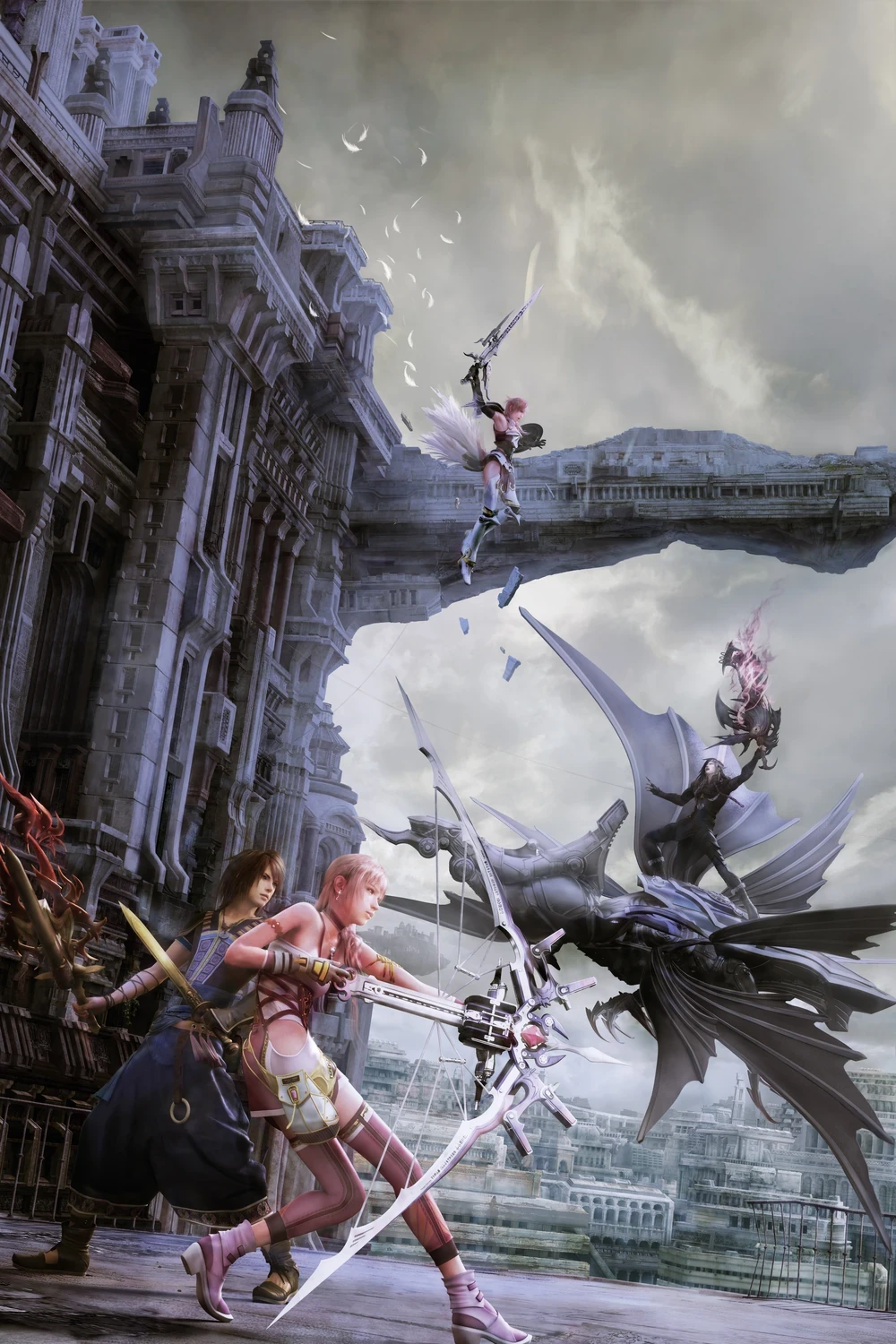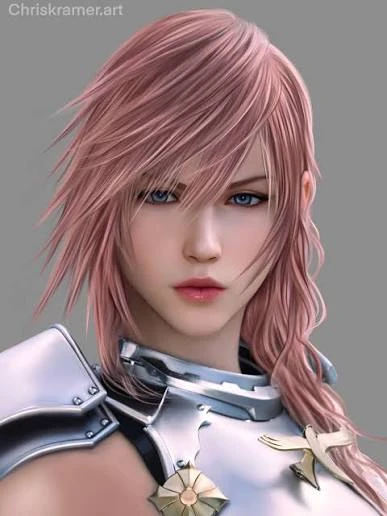
This replaces Cloud's speaking voice with Lightning's for all of his
base game dialogue. The lines are the same and the timing matches the
original, so cutscenes and battle chatter still line up.
I made it by training a voice model on Lightning from FF13-2 and running
Cloud's own game lines through it, then re-encoding everything at 32kHz to
match what the game already uses. No crashes and no sped up "chipmunk"
audio.
Install
1. Go to your game folder:
...\FINAL FANTASY VII REBIRTH\End\Content\Paks\~mods\
Make the ~mods folder if it isn't there.
2. Drop the "Lightning Voice for Cloud" folder from the zip into ~mods.
3. Start the game.
Uninstall
Delete the "Lightning Voice for Cloud" folder from ~mods.
Only touches Cloud's voice files. Nothing else is changed. If you run
another mod that also swaps Cloud's voice, keep just one.
base game dialogue. The lines are the same and the timing matches the
original, so cutscenes and battle chatter still line up.
I made it by training a voice model on Lightning from FF13-2 and running
Cloud's own game lines through it, then re-encoding everything at 32kHz to
match what the game already uses. No crashes and no sped up "chipmunk"
audio.
Install
1. Go to your game folder:
...\FINAL FANTASY VII REBIRTH\End\Content\Paks\~mods\
Make the ~mods folder if it isn't there.
2. Drop the "Lightning Voice for Cloud" folder from the zip into ~mods.
3. Start the game.
Uninstall
Delete the "Lightning Voice for Cloud" folder from ~mods.
Only touches Cloud's voice files. Nothing else is changed. If you run
another mod that also swaps Cloud's voice, keep just one.