This script successfully imports geometry, UVs, and vertex weights for the majority of NTE mods.
Credit: Made with help from Grok (xAI)
Features:
- Automatically detects and imports all mesh parts from the mod
- Imports UV maps (correctly flipped)
- Imports vertex weights (bone groups) for rigging/posing
Limitations:
- Doesnt import any Skeleton/Armature.
- Smaller parts (hairband, shoes, accessories, etc.) are often merged into the main body mesh instead of being separate objects. You may need to manually separate them in Edit Mode if needed.
- No materials/textures are automatically assigned (you'll need to set them up manually).
How to Use:
- Open Blender
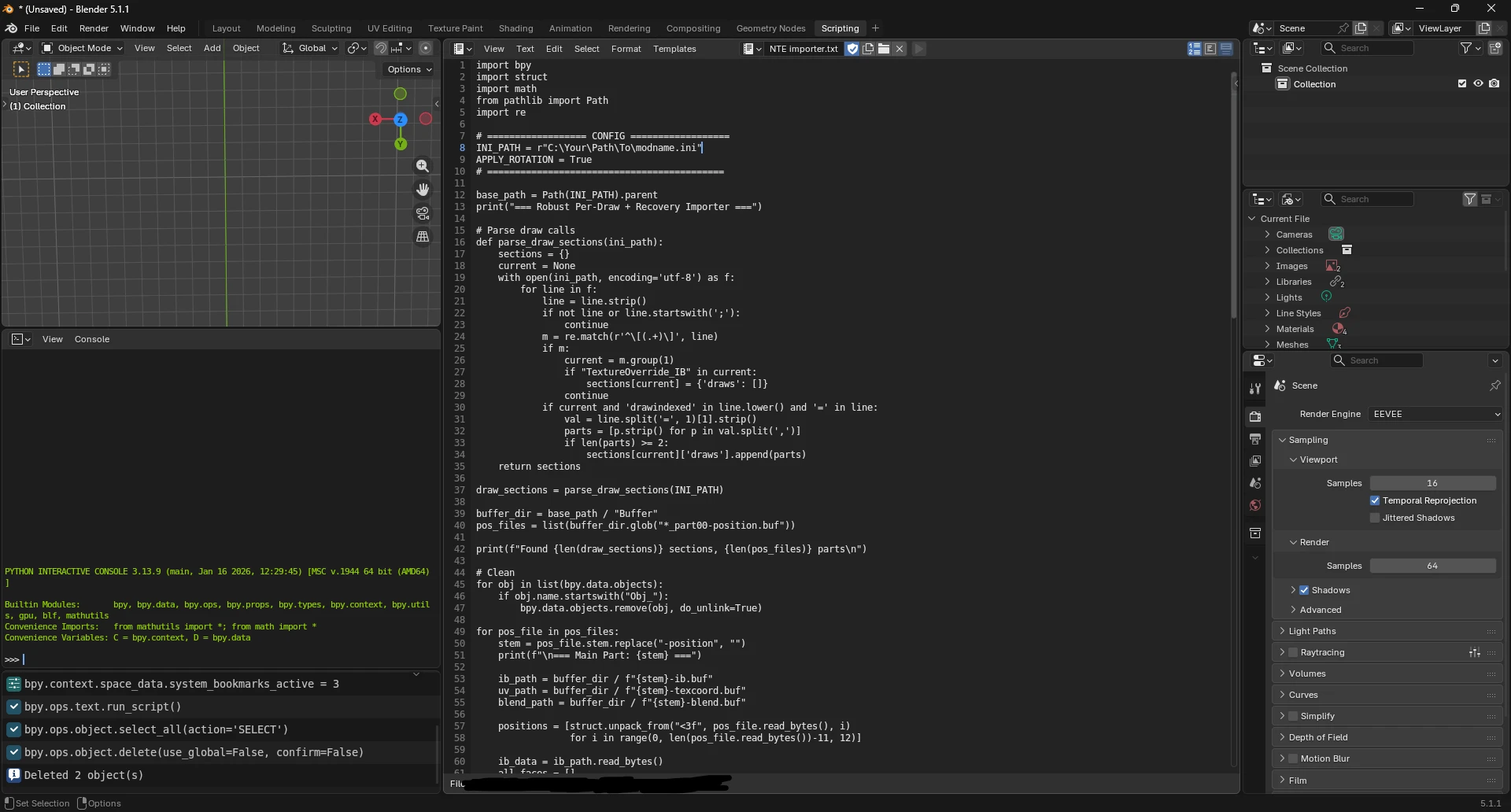
- Go to the Scripting tab
- Click "Open" and select the downloaded .py or .txt file
- Edit the INI_PATH line at the top of the script to point to your mod's .ini fileExample:INI_PATH = r"C:\Your\Path\To\modname.ini"
- Click "Run Script"
Credit: Made with help from Grok (xAI)